AppLock- Fingerprint, privacy 電腦版
Familia Apps Developers
用GameLoop模拟器在電腦上玩AppLock- Fingerprint, privacy
AppLock- Fingerprint, privacy 電腦版
來自發行商 Familia Apps Developers 的 AppLock- Fingerprint, privacy 能夠在安卓系統上運行。
現在,您可以在電腦上使用 GameLoop 模擬器流暢地玩 AppLock- Fingerprint, privacy。
在 GameLoop 遊戲庫或搜索結果中下載。 不需要再暢玩遊戲時盯著電池電量或被令人懊惱的來電打斷。
只需在電腦大屏幕上免費下載暢玩AppLock- Fingerprint, privacy 電腦版!
AppLock- Fingerprint, privacy 簡介
We know what you're thinking; "yet another app lock!" But AppLock- Invisible, Intruder Selfie & Camouflage is far from it. AppLock isn’t your typical lock app, but it provides you with all the necessary privacy you want or need. With simple yet popular features like app relock after use, AppLock- Invisible, Intruder Selfie & Camouflage also provides the ideal solution and is the only app you'll need to keep the contents of your device private, safe and secure.
AppLock doesn’t just provide you with privacy, security and hidden features for all your apps, but will give you peace of mind knowing that the contents of your device and apps are away from peeping and prying eyes. Complete protection and privacy with security.
AppLock- Invisible, Intruder Selfie & Camouflage provides locks for all apps, including WhatsApp, Snapchat, Instagram, Tiktok, Gmail, Browser, SMS, Contacts, Messenger, and prevents any unauthorized access. So you needn’t worry about anyone invading your privacy again.
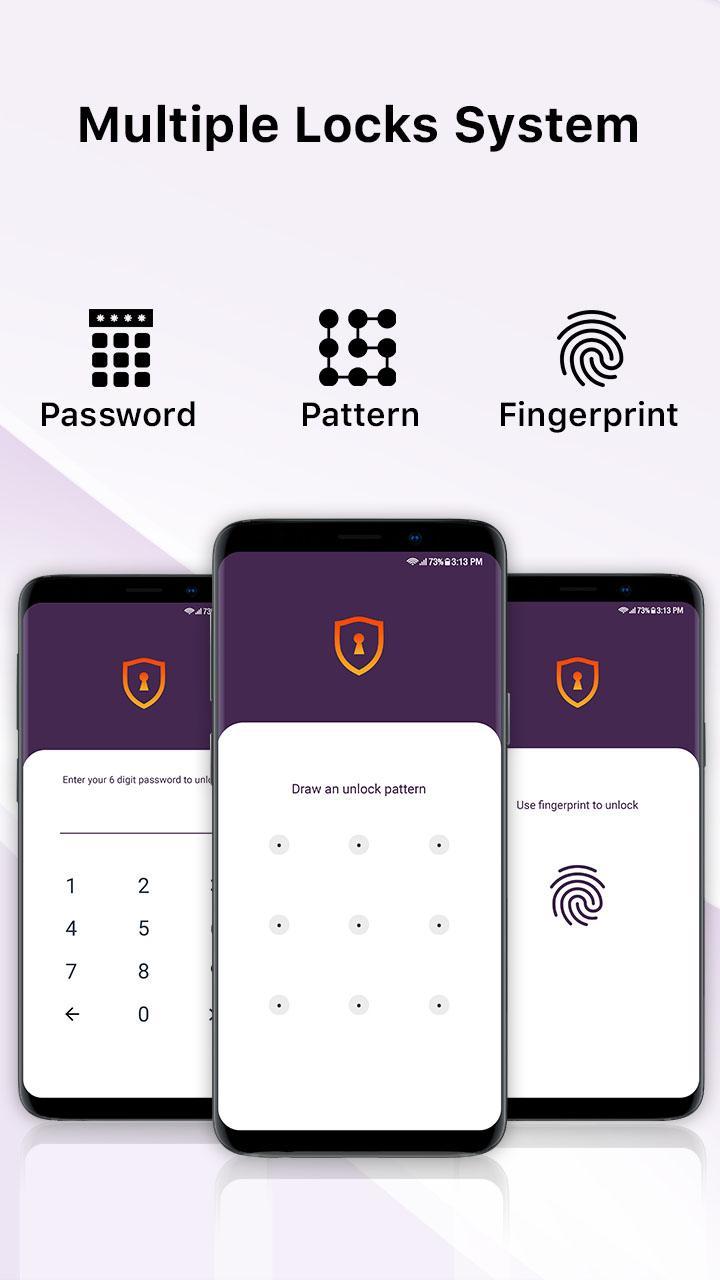
With AppLock- Invisible, Intruder Selfie & Camouflage you can create a specific PIN, password, pattern or fingerprint that can then be used to lock down whatever apps you wish to protect and secure. Whether you want to lock each different individual app, or just want to keep the contents of it secure and private from anyone else, AppLock's easy to use and matchless features will help you feel secure and protected and will guarantee to provide you with all the you security you need.
Applock's amazing fake cover feature ensures that it is guaranteed to be FOOL PROOF security of your app! This way you don’t have to worry about anyone accessing your data from certain apps. AppLock- Invisible, Intruder Selfie & Camouflage comes with customized options and can prevent other users from misusing it.
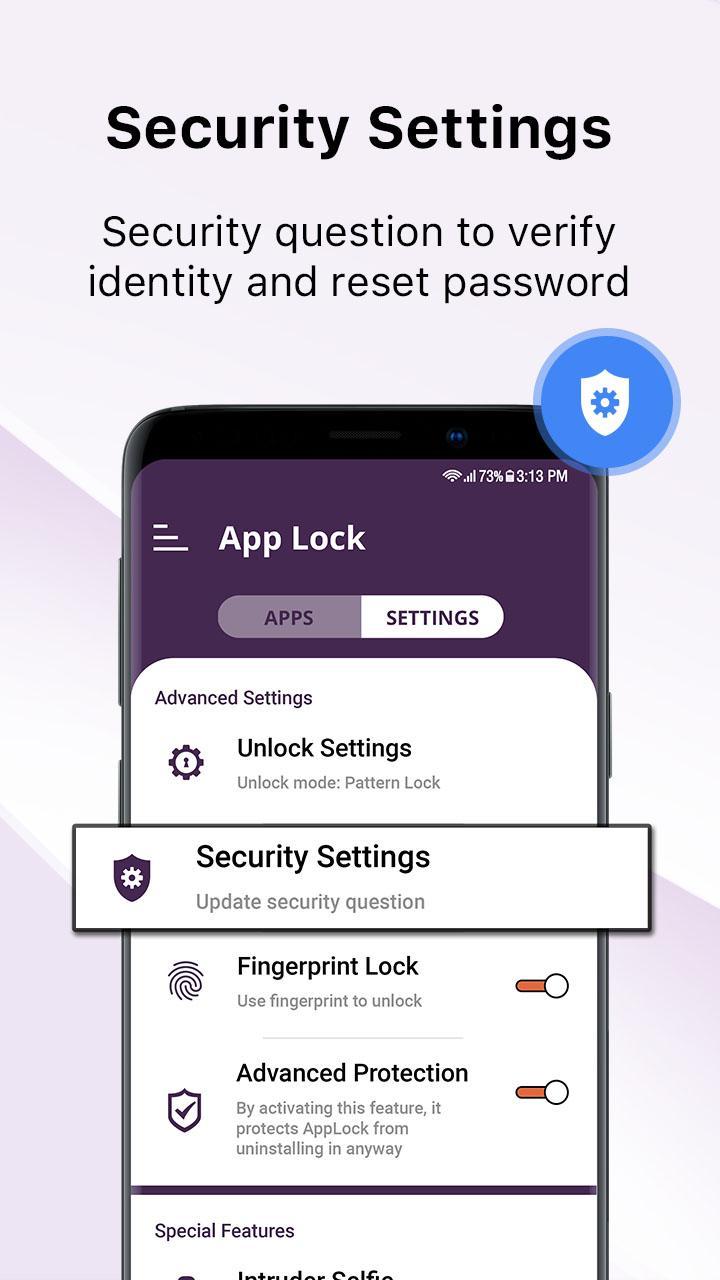
Wouldn’t it be nice to know who went behind your back and tried to have a snoop on your phone? AppLock’s intruder selfie lets you do just that! With AppLock’s intruder selfie feature that takes a picture of anyone who attempts the password incorrectly, you’ll be sure to find out who did, and can see who tried, but failed!
With AppLock- Invisible, Intruder Selfie & Camouflage, you won’t have to worry about your privacy ever being compromised again. Not only does AppLock give you the necessary privacy that you want, but exceptional features like allowing a brief exit from the lock, which means you can briefly set a time to leave the app and come back to it without having to worry about constantly locking it or entering the password again. Convenience and simplicity rolled into one.
AppLock’s ultra-unique camouflage feature means you can hide the AppLock icon under the disguise of another, so it's not visible to others; no one needs to know that you have hidden or locked contents within your device. AppLock- Invisible, Intruder Selfie & Camouflage provides the ability of an AppLock function with a password protect layer for extra security for all your apps.
With AppLock- Invisible, Intruder Selfie & Camouflage together other features and options like a secure pattern lock or an option of a six digit password lock for each app, you’ll surely be guaranteed the best possible security for all data on your device.
AppLock- Invisible, Intruder Selfie & Camouflage features;
• Lock app privacy
• Total security protection
• Intruder selfie
• Unlock pattern, password, PIN or even fingerprint
• Safe and secure content
• Lock up sensitive apps
• Allows brief exit from app without re-locking for your convenience
• Auto relock your desired app after screen lock
• Change AppLock icon- Unique camouflage/disguise icon to hide AppLock under another icon
• Invisible mode (Hide AppLock from screen)
• Set page cover to hide (fake crash)
預覽
標籤
工具訊息
開發商
Familia Apps Developers
最新版本
2.9.5
更新時間
2022-07-15
類別
工具
同時可用
Google Play
更多
如何在電腦上用 GameLoop 玩 AppLock- Fingerprint, privacy
1. 從官網下載GameLoop,然後運行exe文件安裝GameLoop
2. 打開GameLoop,搜索“AppLock- Fingerprint, privacy”,在搜索結果中找到AppLock- Fingerprint, privacy,點擊“安裝”
3. 享受在 GameLoop 上玩 AppLock- Fingerprint, privacy 的樂趣
Minimum requirements
OS
Windows 8.1 64-bit or Windows 10 64-bit
GPU
GTX 1050
CPU
i3-8300
Memory
8GB RAM
Storage
1GB available space
Recommended requirements
OS
Windows 8.1 64-bit or Windows 10 64-bit
GPU
GTX 1050
CPU
i3-9320
Memory
16GB RAM
Storage
1GB available space