Pdf Cam - Scan & Generate Pdf 電腦版
Alfa Time L.L.C
用GameLoop模拟器在電腦上玩Pdf Cam - Scan & Generate Pdf
Pdf Cam - Scan & Generate Pdf 電腦版
來自發行商 Alfa Time L.L.C 的 Pdf Cam - Scan & Generate Pdf 能夠在安卓系統上運行。
現在,您可以在電腦上使用 GameLoop 模擬器流暢地玩 Pdf Cam - Scan & Generate Pdf。
在 GameLoop 遊戲庫或搜索結果中下載。 不需要再暢玩遊戲時盯著電池電量或被令人懊惱的來電打斷。
只需在電腦大屏幕上免費下載暢玩Pdf Cam - Scan & Generate Pdf 電腦版!
Pdf Cam - Scan & Generate Pdf 簡介
Welcome to PDF Cam Scan & Generate PDF, the all-in-one app that revolutionizes how you handle documents! Whether you’re a student, professional, or simply someone who deals with paperwork, our app streamlines your workflow. Let’s dive into the features that make PDF Cam a must-have:
Features:
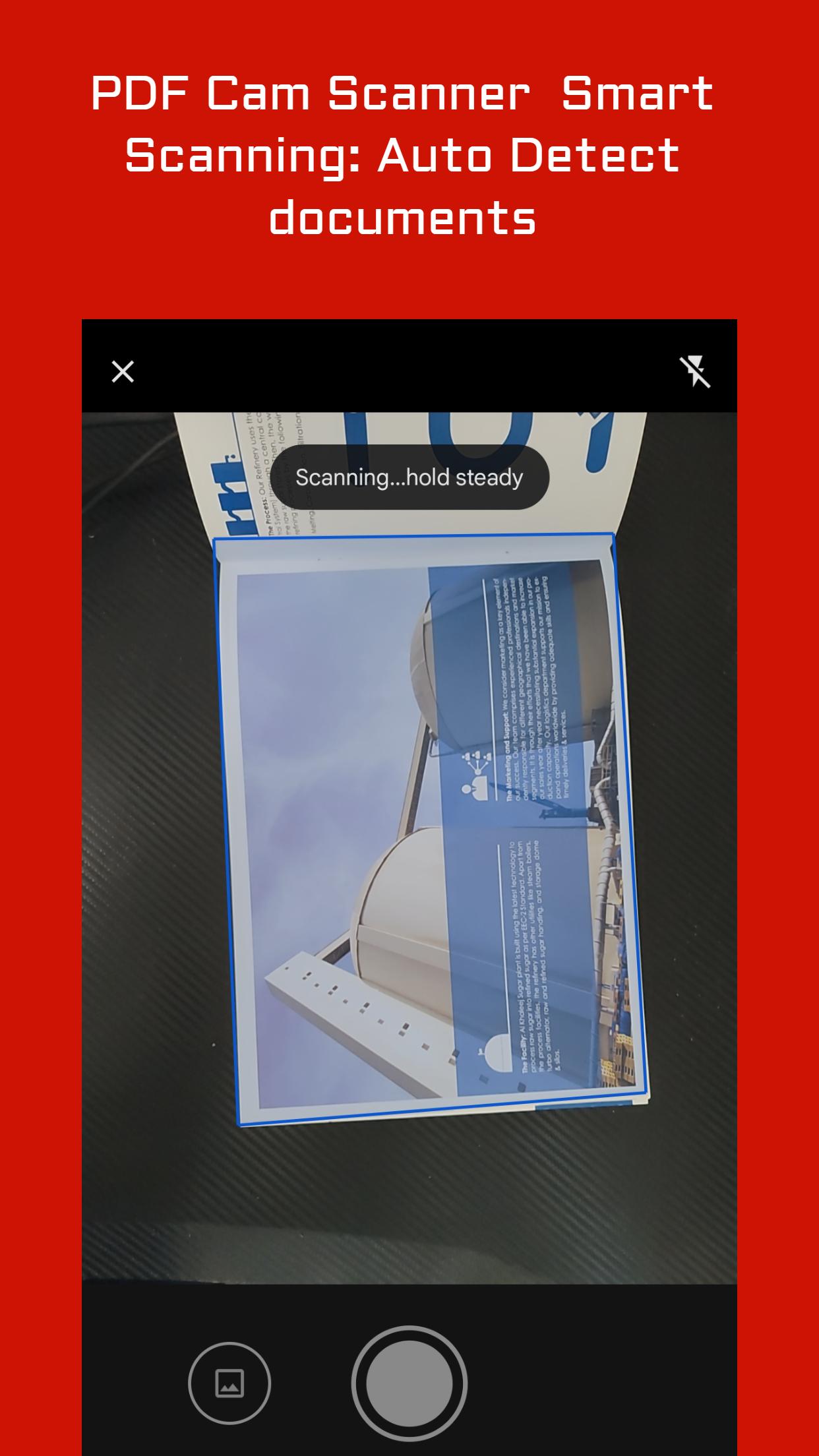
Smart Scanning: Turn your mobile device into a powerful portable scanner. Capture documents, receipts, notes, whiteboard discussions, business cards, and more. PDF Cam Scan ensures crystal-clear scans with smart cropping and auto-enhancement.
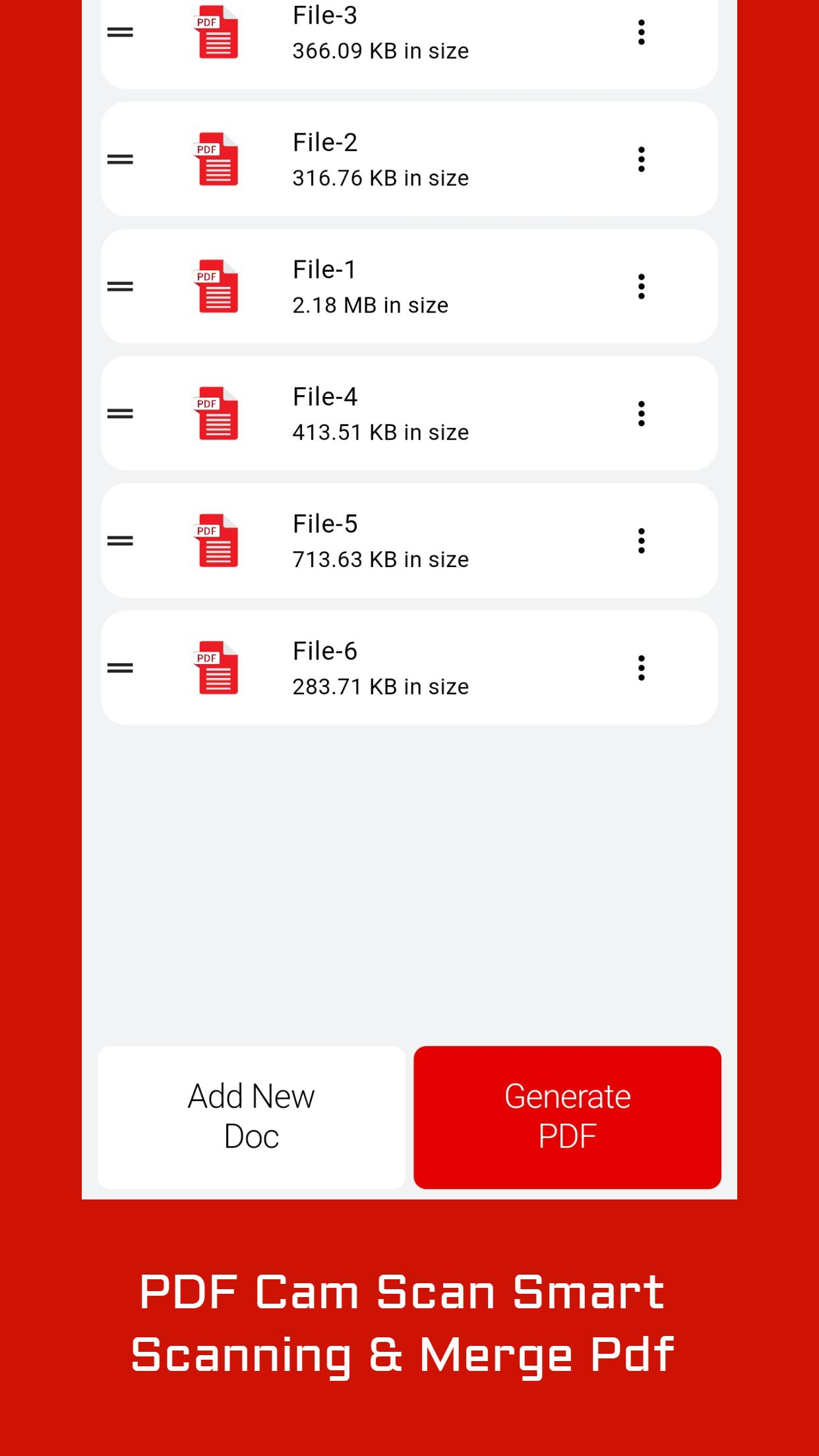
Accept Multiple Formats: Add your scans in various formats—PDF, JPG, png, or TXT. And Save it as —PDF formats, Whether you’re archiving important documents or sharing them with colleagues, PDF Cam has you covered.
AI-Enhanced Photos: Convert black-and-white photos to color, apply filters, and restore blurred images. Share your restored photos on social media platforms like Instagram.
Why Choose PDF Cam?
Ultra-Fast & Portable: Say goodbye to bulky copy machines. Carry your office in your pocket with PDF Cam Scan & Generate PDF.
預覽
標籤
工具訊息
開發商
Alfa Time L.L.C
最新版本
0.2.9
更新時間
2024-04-05
類別
工具
同時可用
Google Play
更多
如何在電腦上用 GameLoop 玩 Pdf Cam - Scan & Generate Pdf
1. 從官網下載GameLoop,然後運行exe文件安裝GameLoop
2. 打開GameLoop,搜索“Pdf Cam - Scan & Generate Pdf”,在搜索結果中找到Pdf Cam - Scan & Generate Pdf,點擊“安裝”
3. 享受在 GameLoop 上玩 Pdf Cam - Scan & Generate Pdf 的樂趣
Minimum requirements
OS
Windows 8.1 64-bit or Windows 10 64-bit
GPU
GTX 1050
CPU
i3-8300
Memory
8GB RAM
Storage
1GB available space
Recommended requirements
OS
Windows 8.1 64-bit or Windows 10 64-bit
GPU
GTX 1050
CPU
i3-9320
Memory
16GB RAM
Storage
1GB available space