Cam Scanner 電腦版
App Attitude
用GameLoop模拟器在電腦上玩Cam Scanner
Cam Scanner 電腦版
來自發行商 App Attitude 的 Cam Scanner 能夠在安卓系統上運行。
現在,您可以在電腦上使用 GameLoop 模擬器流暢地玩 Cam Scanner。
在 GameLoop 遊戲庫或搜索結果中下載。 不需要再暢玩遊戲時盯著電池電量或被令人懊惱的來電打斷。
只需在電腦大屏幕上免費下載暢玩Cam Scanner 電腦版!
Cam Scanner 簡介
Cam Scanner is a mobile scanner app that will turn your Smartphone into a powerful mobile scanner. Cam Scanner- This photo scanner application is a PDF creator from documents and photo clips. easy to use, accurate scans and easy editing and sharing.
You can scan anything you need for ie:-
Pictures, books, to-do lists, paper notes, fax papers, receipts, ID cards and store your scans as high-quality PDF or JPEG files.
Convert image to pdf, scan to pdf, PDF to text, photo to text in a simple tap.
All scanned documents are stored locally on your device and are inaccessible to us and to any third party.
Let's take a tour of Cam Scanner attractive features::
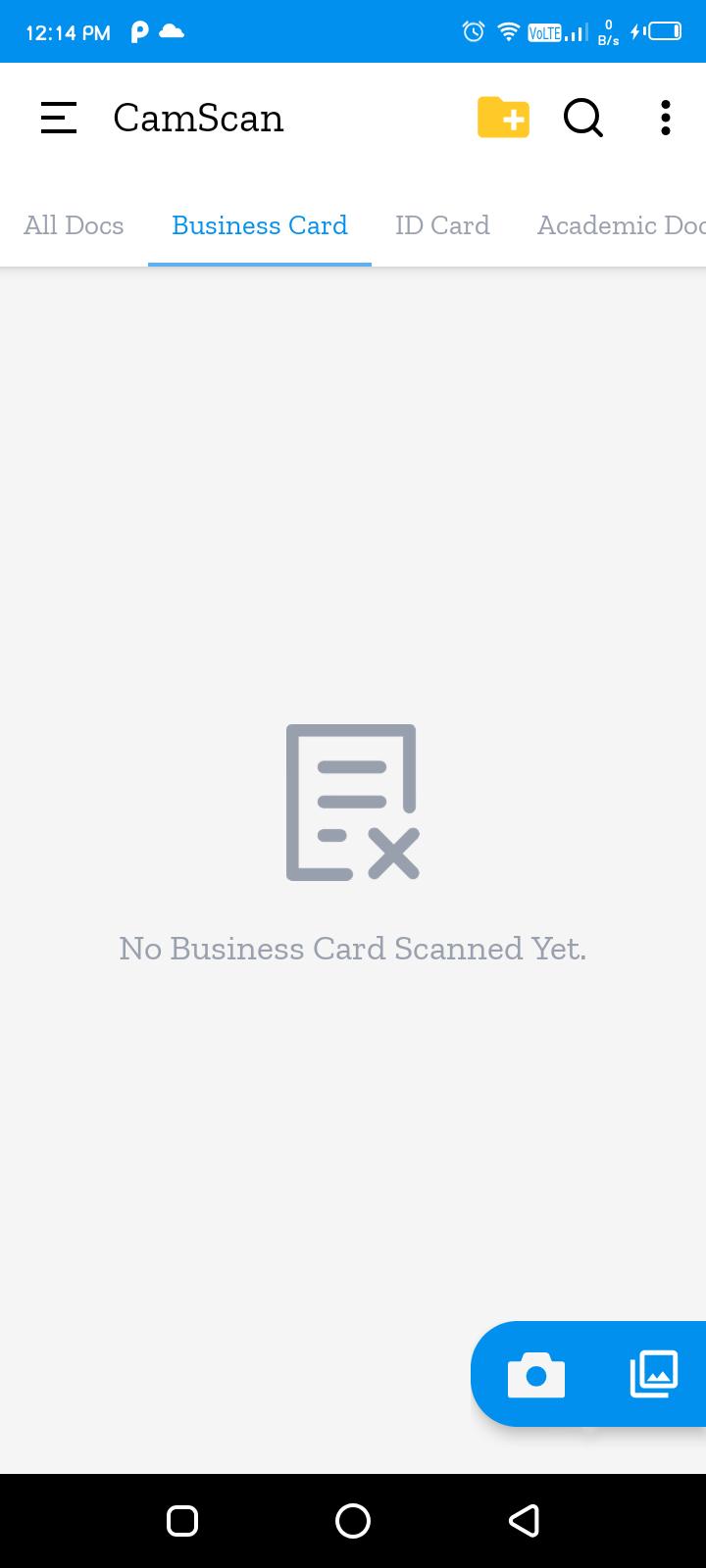
* Scan your document.
* Enhance the scan quality automatically/Manually.
* Enhancement includes smart cropping and many more.
* Arrange your doc in folder and sub folders.
* Share PDF/JPEG files.
* Print and fax the scanned doc directly from the app.
* Upload doc’s to the cloud like Google Drive, Dropbox etc.
* Scan QR Code/Bar-code.
* Create QR Code.
* Share scanned QR Code.
* Turns your old documents into a clear and sharp one by removing the noise.
* Can create PDF in different sizes from A1 to A-6 and like Postcard, letter ,Note etc.
DOCUMENT EDITOR.
* Scan in color, grayscale, or black & white
* Page edges are detected automatically
* Multiple levels of contrast for crisp monochrome texts
* Thumbnail or list view, sort scans by date or title
* Scanner is optimized to run very fast.
* Convert multiple images to PDF
- Import multiple images or scan paper files with your camera and convert them to PDFs
- Resize, crop, color, and rotate the images as you like. Optimize images for better PDF output.
We aim to deliver the best experience on our Cam Scanner and always looking to improve the experience for our users,
really appreciate the feedback. If there is anything specific we can look into,
please contact us at appattitude911@gmail.com.
Thanks for your support!!
Team App Attitude
預覽
標籤
工具訊息
開發商
App Attitude
最新版本
1.0
更新時間
2022-05-01
類別
工具
同時可用
Google Play
更多
如何在電腦上用 GameLoop 玩 Cam Scanner
1. 從官網下載GameLoop,然後運行exe文件安裝GameLoop
2. 打開GameLoop,搜索“Cam Scanner”,在搜索結果中找到Cam Scanner,點擊“安裝”
3. 享受在 GameLoop 上玩 Cam Scanner 的樂趣
Minimum requirements
OS
Windows 8.1 64-bit or Windows 10 64-bit
GPU
GTX 1050
CPU
i3-8300
Memory
8GB RAM
Storage
1GB available space
Recommended requirements
OS
Windows 8.1 64-bit or Windows 10 64-bit
GPU
GTX 1050
CPU
i3-9320
Memory
16GB RAM
Storage
1GB available space