
Call Blocker Block Spam Calls 電腦版
RevolutionX Apps
用GameLoop模拟器在電腦上玩Call Blocker Block Spam Calls
Call Blocker Block Spam Calls 電腦版
來自發行商 RevolutionX Apps 的 Call Blocker Block Spam Calls 能夠在安卓系統上運行。
現在,您可以在電腦上使用 GameLoop 模擬器流暢地玩 Call Blocker Block Spam Calls。
在 GameLoop 遊戲庫或搜索結果中下載。 不需要再暢玩遊戲時盯著電池電量或被令人懊惱的來電打斷。
只需在電腦大屏幕上免費下載暢玩Call Blocker Block Spam Calls 電腦版!
Call Blocker Block Spam Calls 簡介
Call Blocker can be used to deny both aggravating calls and sms. Sms and Call Blocker make it simple to restrict calls and messages from unregistered or unknown numbers
Phishing and provocative calls and messages are jammed in real time by Call Blocker and Spam Blocker. Now it is simple to stop friends and relatives from spoofing calls and messages. The Call blocker will automatically reject phone numbers from spam-bots, salespeople and robocalls. Using a call blocker stops telemarketer and scam calls with a single tap.
Blacklist numbers can be blocked faintly and without ringing. This robocall blocker can reject calls and sms from any unknown number and keep you from being bothered. When you want to change a contact on your blacklist, you can easily pull it out or add it to your whitelist.
Call Blocker Key Features
call blocker dismissed private and masked numbers.
Unwanted calls and messages are automatically rejected.
Unknown contacts who do not appear in your contact list should be blocked.
In the call log, look for the names of unknown callers.
All calls and messages with no caller ID or hidden numbers are blocked.
Interface that is simple and convenient
How to Use:
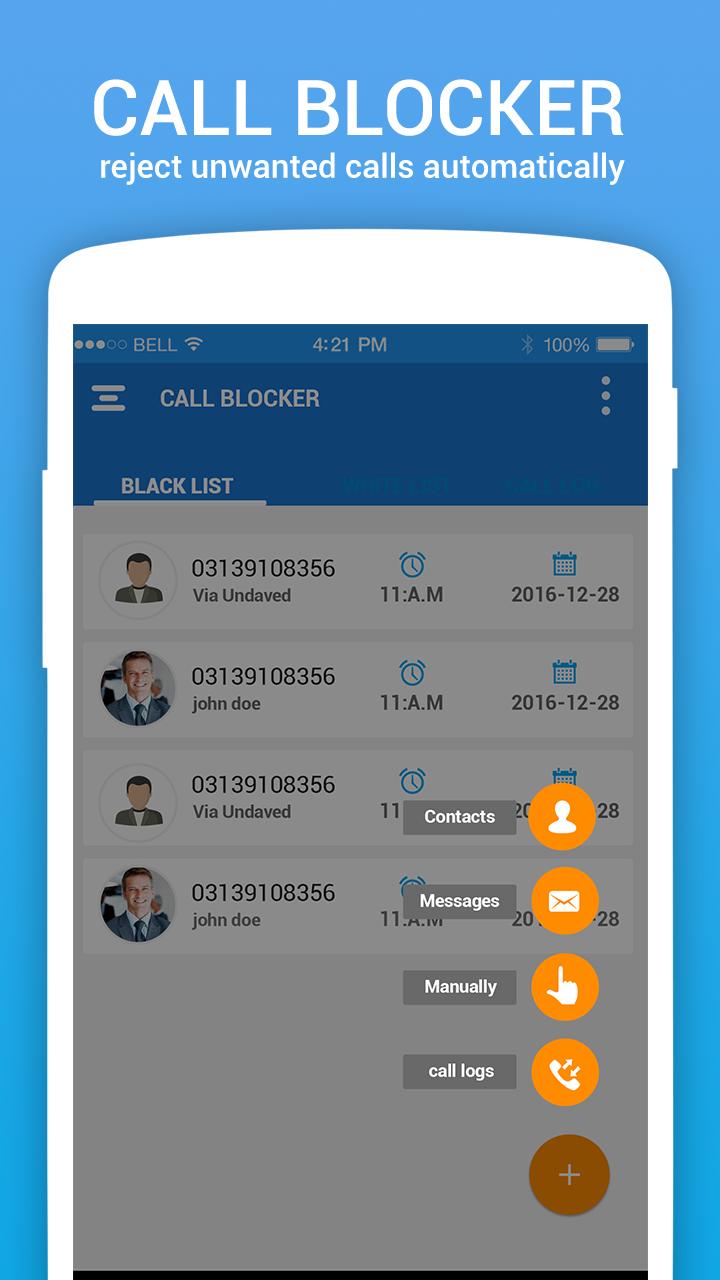
★ Blacklist: Open the app, tap Plus Button and add phone number from:
■ Time Interval: Block all calls and SMS for the mentioned date and time.
■ Contacts: add any number from loaded contacts.
■ Messages: Add any unwanted number from your SMS inbox.
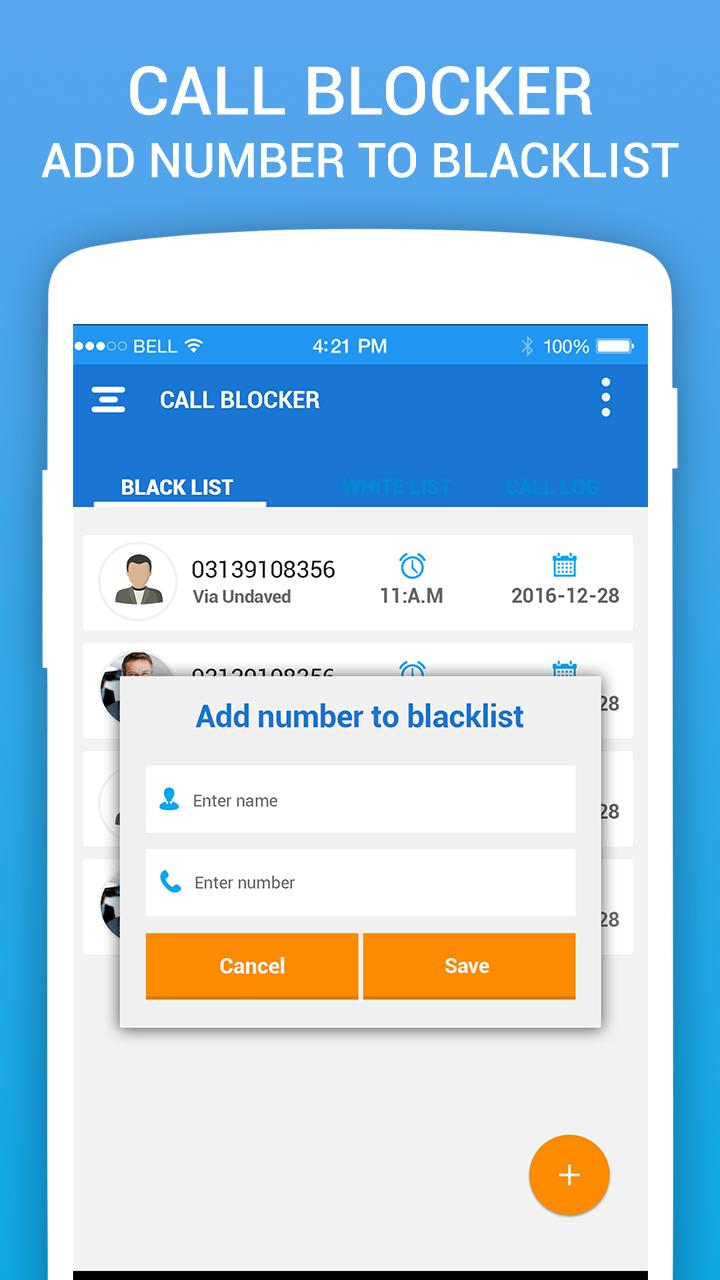
■ Manually: Add phone number in the black list manually by entering name and number.
■ Messages: Add any unwanted number from your SMS inbox.
★ White List: Tap the WhiteList and you can add numbers as above.
★ Call Log: Tap the Call log to see the blocked calls and SMS.
★ Settings: Tap the right top to configure call blocker
■ Block Mode: Set the block mode from here. Below are the options to select:
■ Block All contacts
■ Only unsaved contacts
■ Only blacklist contacts
■ Accept from whitelist
■ No blocking.
■ Notification: Turn ON/OFF notification of blocked calls and SMS.
Enjoy Free and lightweight Calls and SMS blocker with BlackList. Don’t forget to rate our app and if you like then share it with your friends and family and protect them from unwanted calls and SMS. Feel free to contact us on below social media links .
Contact & Social Media Links:
Facebook: https://goo.gl/VxnPH5
Twitter: https://goo.gl/27nkVV
Google plus: https://goo.gl/CDFa3C
Website: https://goo.gl/YzJUn2
預覽
標籤
工具通訊訊息
開發商
RevolutionX Apps
最新版本
1.0.7
更新時間
2022-05-10
類別
工具
同時可用
Google Play
更多
如何在電腦上用 GameLoop 玩 Call Blocker Block Spam Calls
1. 從官網下載GameLoop,然後運行exe文件安裝GameLoop
2. 打開GameLoop,搜索“Call Blocker Block Spam Calls”,在搜索結果中找到Call Blocker Block Spam Calls,點擊“安裝”
3. 享受在 GameLoop 上玩 Call Blocker Block Spam Calls 的樂趣
Minimum requirements
OS
Windows 8.1 64-bit or Windows 10 64-bit
GPU
GTX 1050
CPU
i3-8300
Memory
8GB RAM
Storage
1GB available space
Recommended requirements
OS
Windows 8.1 64-bit or Windows 10 64-bit
GPU
GTX 1050
CPU
i3-9320
Memory
16GB RAM
Storage
1GB available space