
Schedule Planner & Calendar 電腦版
Protector & Security for Mobile Ltd
用GameLoop模拟器在電腦上玩Schedule Planner & Calendar
Schedule Planner & Calendar 電腦版
來自發行商 Protector & Security for Mobile Ltd 的 Schedule Planner & Calendar 能夠在安卓系統上運行。
現在,您可以在電腦上使用 GameLoop 模擬器流暢地玩 Schedule Planner & Calendar。
在 GameLoop 遊戲庫或搜索結果中下載。 不需要再暢玩遊戲時盯著電池電量或被令人懊惱的來電打斷。
只需在電腦大屏幕上免費下載暢玩Schedule Planner & Calendar 電腦版!
Schedule Planner & Calendar 簡介
:
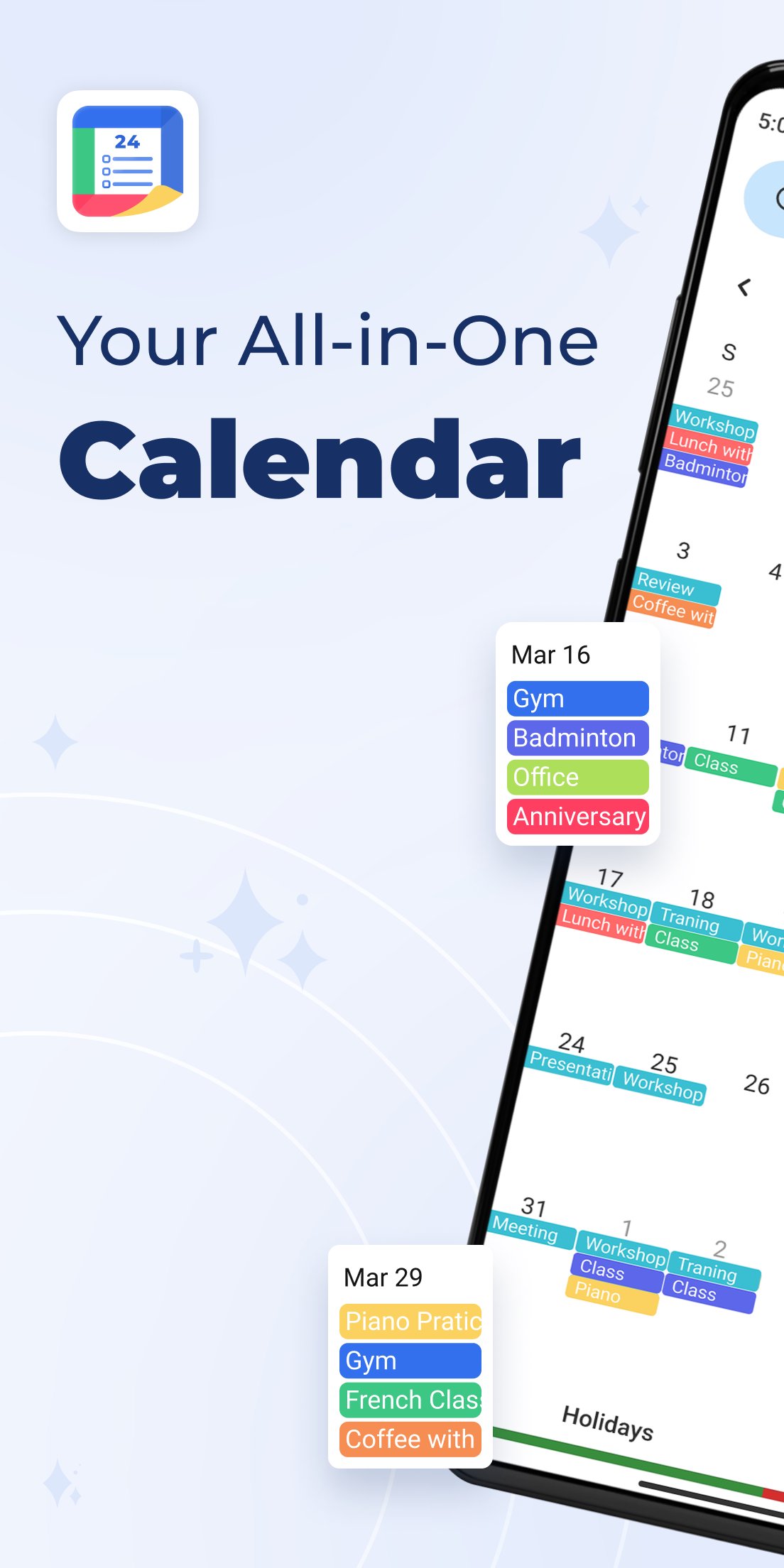
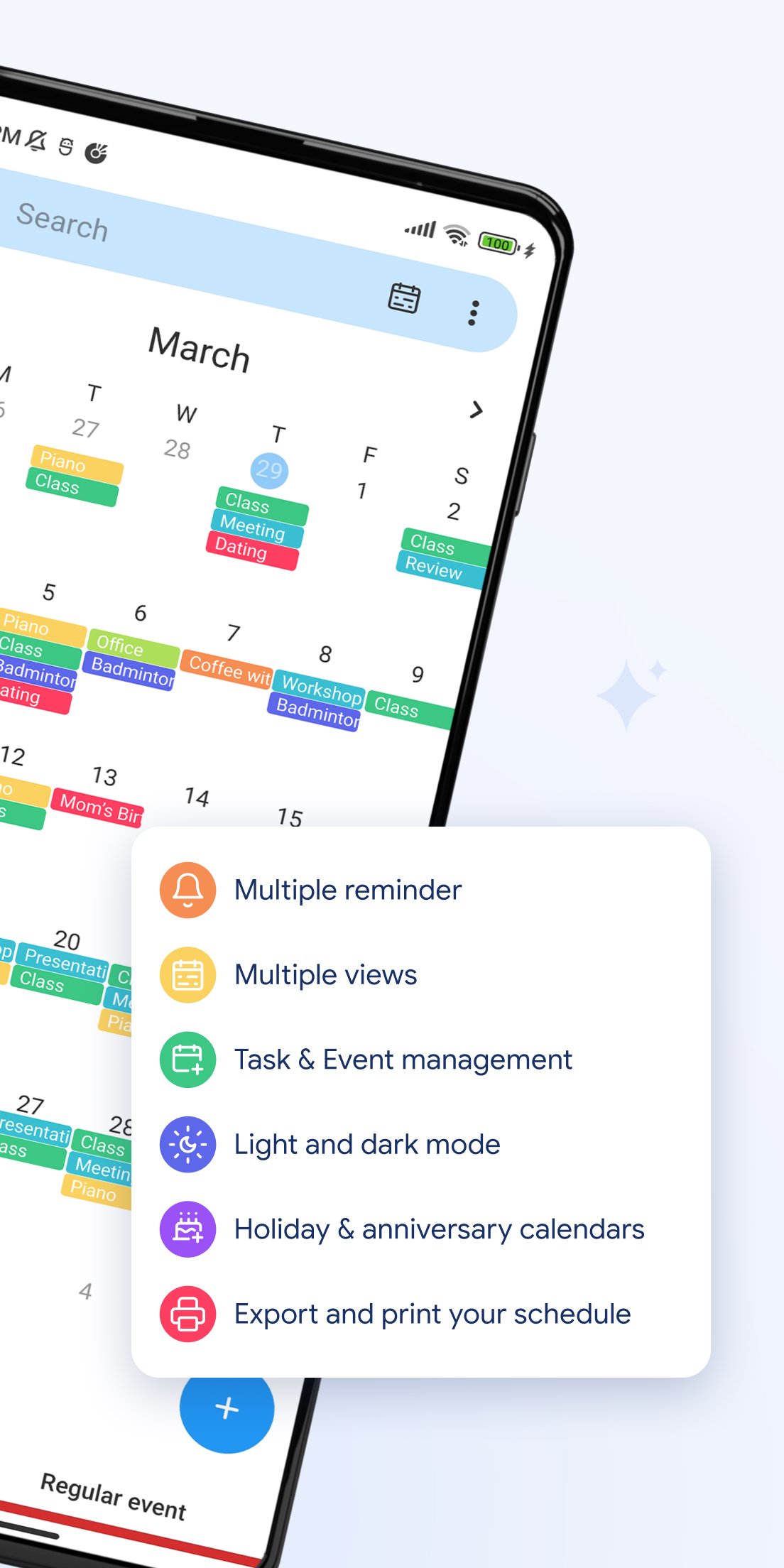
🗓️ All-in-One Calendar View
Switch easily between day, week, month, year, and agenda views. Manage your time the way you like.
🎉 Holidays & Festivals
Get access to holiday and festival calendars to mark special days.
🎂 Birthday Reminders
Import birthdays from your contacts or add them manually to get notified on time.
🧳 Work-Life Balance
Schedule tasks and appointments across time zones. Ideal for work, travel, and personal life.
📱 Home Screen Widgets
View your upcoming events and daily schedule at a glance, right from your Android home screen.
⏰ Smart Reminders
Set time- or location-based alerts to make sure you stay on top of your plans.
🔔 Push Notifications
Get timely reminders for newly added or scheduled events.
💼 Perfect for personal, business, school, or family planning — this calendar app helps you take control of your life with powerful tools and a clean, user-friendly interface.
📲 Download Schedule Planner & Calendar now and start organizing your life more efficiently!
預覽
標籤
工具訊息
開發商
Protector & Security for Mobile Ltd
最新版本
30
更新時間
2025-12-22
類別
工具
同時可用
Google Play
更多
如何在電腦上用 GameLoop 玩 Schedule Planner & Calendar
1. 從官網下載GameLoop,然後運行exe文件安裝GameLoop
2. 打開GameLoop,搜索“Schedule Planner & Calendar”,在搜索結果中找到Schedule Planner & Calendar,點擊“安裝”
3. 享受在 GameLoop 上玩 Schedule Planner & Calendar 的樂趣
Minimum requirements
OS
Windows 8.1 64-bit or Windows 10 64-bit
GPU
GTX 1050
CPU
i3-8300
Memory
8GB RAM
Storage
1GB available space
Recommended requirements
OS
Windows 8.1 64-bit or Windows 10 64-bit
GPU
GTX 1050
CPU
i3-9320
Memory
16GB RAM
Storage
1GB available space