Calculator Launcher 電腦版
andybenard
用GameLoop模拟器在電腦上玩Calculator Launcher
Calculator Launcher 電腦版
來自發行商 andybenard 的 Calculator Launcher 能夠在安卓系統上運行。
現在,您可以在電腦上使用 GameLoop 模擬器流暢地玩 Calculator Launcher。
在 GameLoop 遊戲庫或搜索結果中下載。 不需要再暢玩遊戲時盯著電池電量或被令人懊惱的來電打斷。
只需在電腦大屏幕上免費下載暢玩Calculator Launcher 電腦版!
Calculator Launcher 簡介
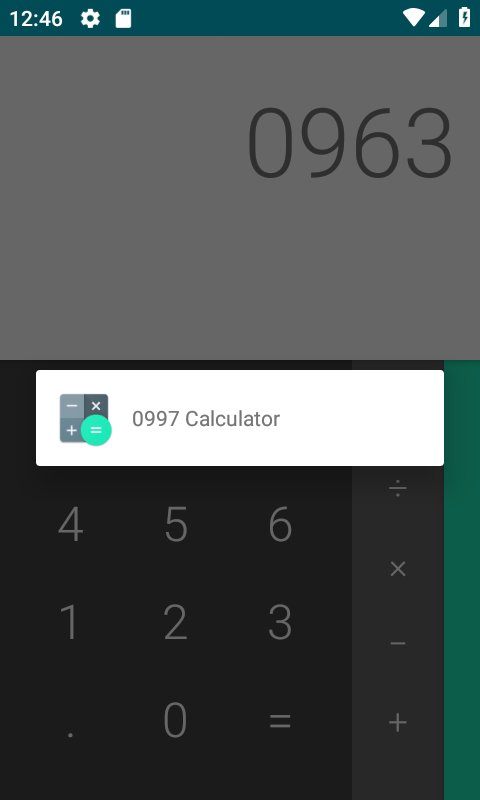
Based on the Android (AOSP) calculator, this application has some secret key combinations to launch applications.
**Use in combination with a launcher that allows you to hide applications from your application drawer.**
Feel free to email me with any feature requests, Ideas, support requests, or issues. I am rushed with this, and I will publish the code under a copyleft license as soon as someone requests.
Important notes and features:
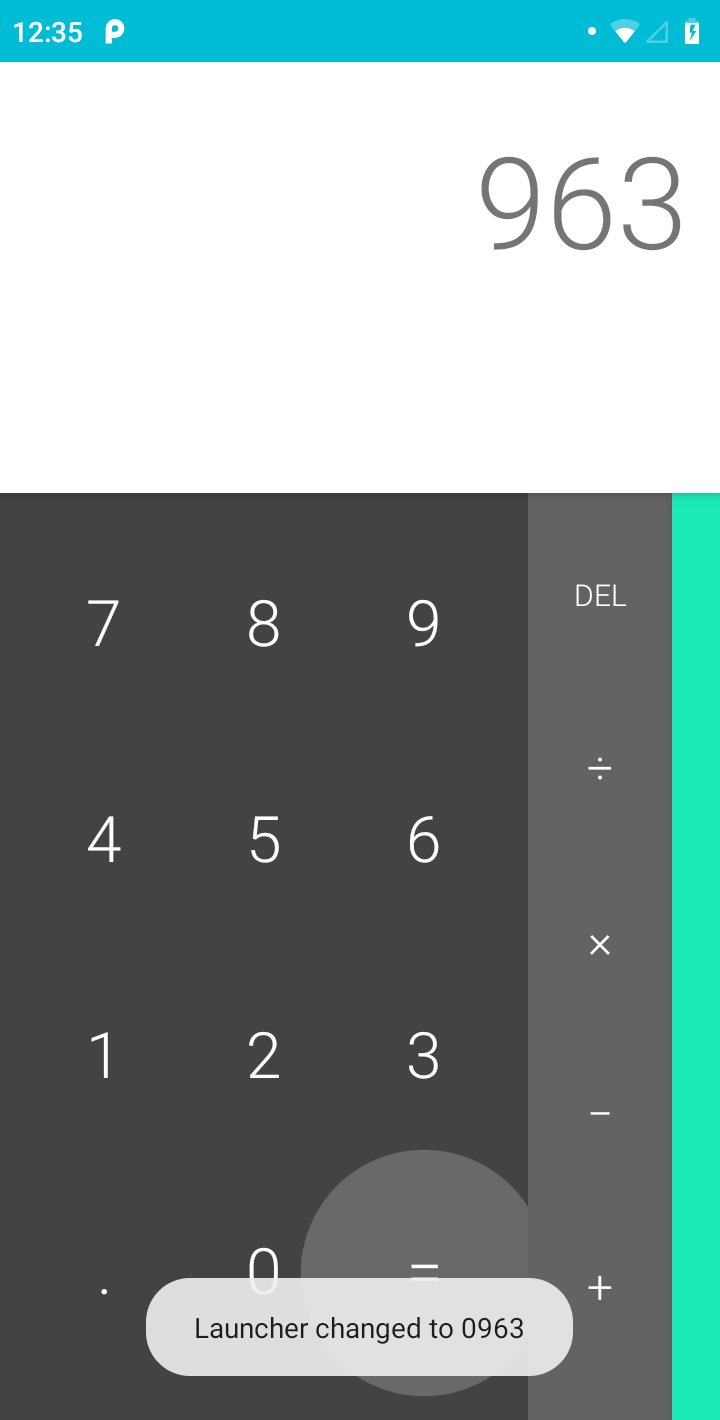
- All codes begin with 0 and have three more numbers.
- Default launcher code is 0000.
- Type three digits and press the '=' sign ten times to change the launcher code. The code will then be 0xxx.
- When an application is launched, the calculator will finish so nobody thinks you are a calculator obsessive.
- When you minimize or switch away from the launched application, it will not appear in your recent applications.
- Requires no permissions and collects no data.
- Will never have adverts or in app purchases. It will always be free.
預覽
標籤
工具訊息
開發商
andybenard
最新版本
1.0
更新時間
2019-01-04
類別
工具
同時可用
Google Play
更多
如何在電腦上用 GameLoop 玩 Calculator Launcher
1. 從官網下載GameLoop,然後運行exe文件安裝GameLoop
2. 打開GameLoop,搜索“Calculator Launcher”,在搜索結果中找到Calculator Launcher,點擊“安裝”
3. 享受在 GameLoop 上玩 Calculator Launcher 的樂趣
Minimum requirements
OS
Windows 8.1 64-bit or Windows 10 64-bit
GPU
GTX 1050
CPU
i3-8300
Memory
8GB RAM
Storage
1GB available space
Recommended requirements
OS
Windows 8.1 64-bit or Windows 10 64-bit
GPU
GTX 1050
CPU
i3-9320
Memory
16GB RAM
Storage
1GB available space