
Cache & Junk Cleaner: Optimize 電腦版
Cleaner & Booster & Storage
用GameLoop模拟器在電腦上玩Cache & Junk Cleaner: Optimize
Cache & Junk Cleaner: Optimize 電腦版
來自發行商 Cleaner & Booster & Storage 的 Cache & Junk Cleaner: Optimize 能夠在安卓系統上運行。
現在,您可以在電腦上使用 GameLoop 模擬器流暢地玩 Cache & Junk Cleaner: Optimize。
在 GameLoop 遊戲庫或搜索結果中下載。 不需要再暢玩遊戲時盯著電池電量或被令人懊惱的來電打斷。
只需在電腦大屏幕上免費下載暢玩Cache & Junk Cleaner: Optimize 電腦版!
Cache & Junk Cleaner: Optimize 簡介
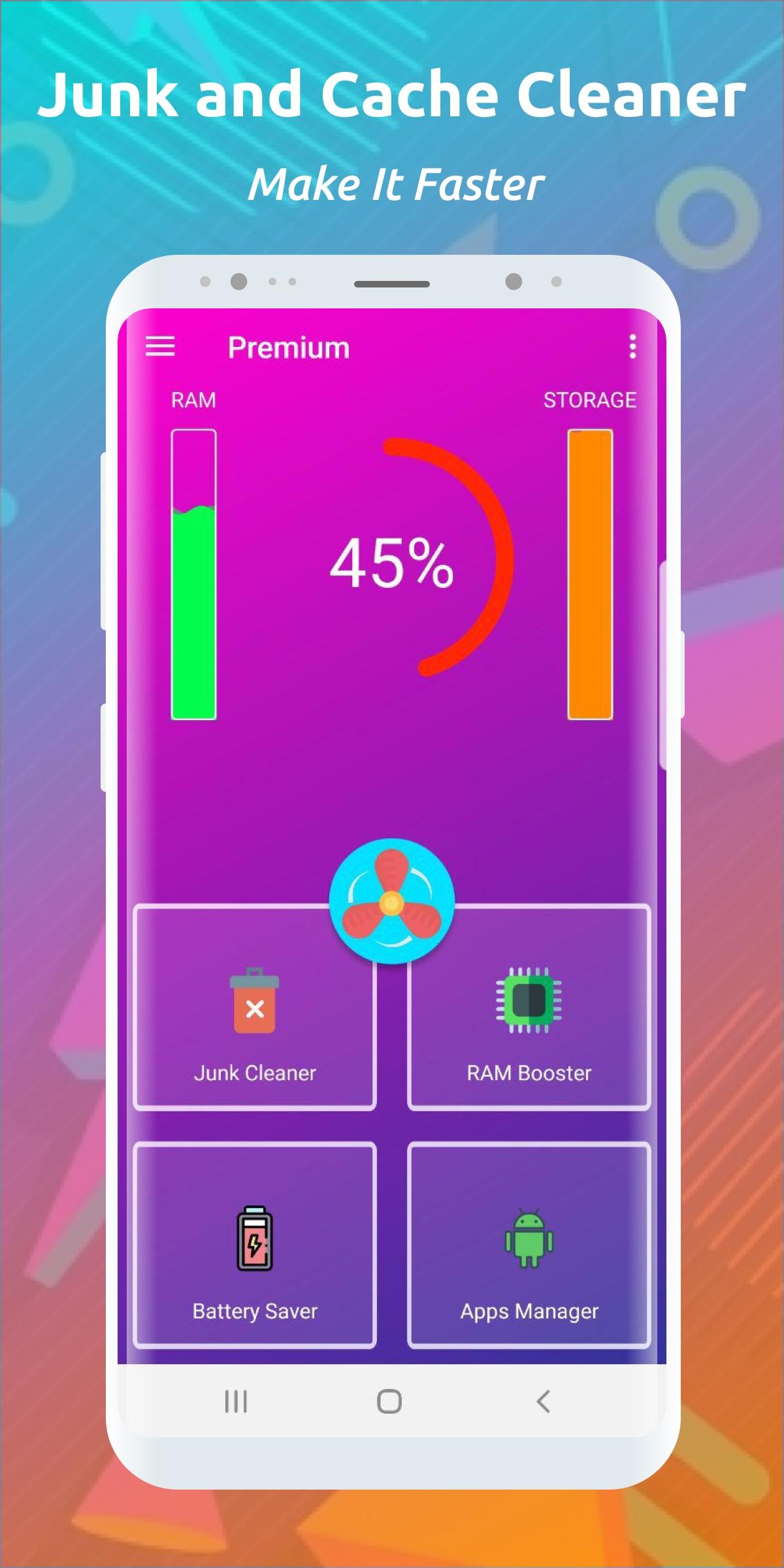
Clean cache, remove junk, free space, reclaim RAM, make your work faster and easier, find out all the secrets of your android phone with this cleaner and get more productive.
🔥🔥🔥🔥🔥 CACHE CLEANER FEATURES 🔥🔥🔥🔥🔥
☄️ SPEED UP AND OPTIMIZE YOUR PHONE
A large number of applications leave behind residual files and cache, thus taking up the RAM and storage of the phone device. Cleaning your phone will speed up and optimize the load on your phone and make it work faster
☄️ COOLING AND CLEANING YOUR SMARTPHONE
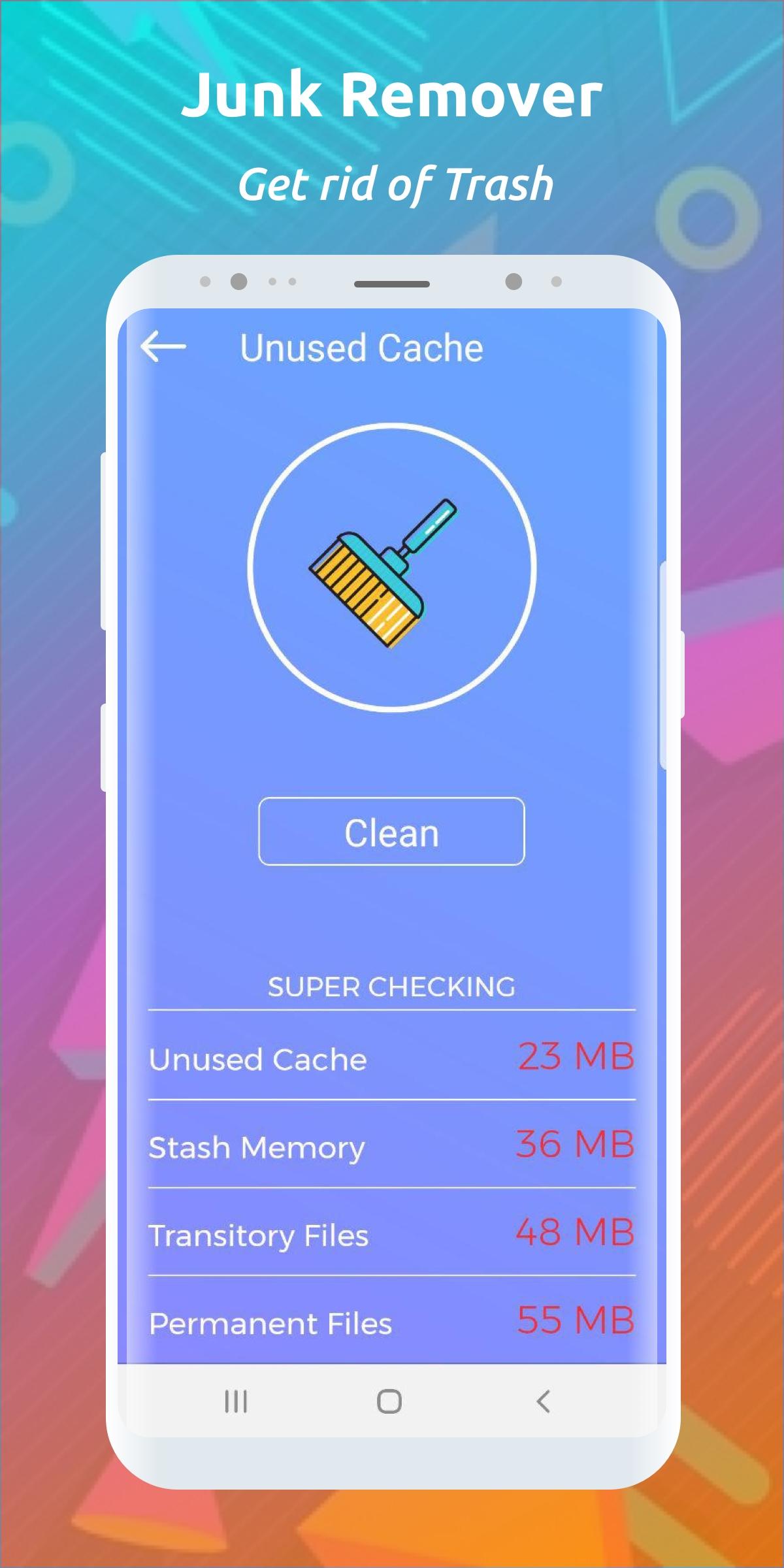
All running applications generate cache and residual files that fill your smartphone's memory and make it run slower. This is a normal practice and a regular procedure called clearing the phone from cache and junk will solve memory and cache problems for a long time. It also speeds up the smartphone and optimizes its performance.
☄️ QUICK CLEANING TELEPHONE MEMORY FROM CACHE AND DEBRIS
The cache cleaner will help you get rid of unnecessary and unused applications, as well as damaged documents and files. You can easily not only clean the RAM and main memory of your phone, but also speed up its performance.
☄️ EASY CLEANING OF TELEPHONE GARBAGE AND OPTIMIZATION
Unleash the new potential of your phone: free up memory for storing photos and movies on your device. To do this, simply delete junk and cache on your Android phone in a couple of clicks.
☄️ CLEANING RAM AND GRAIN CACHE ON YOUR PHONE
Residual and temporary files on your phone no longer matter! Just run a quick cleanup to get rid of residual and temporary files and free up the space you need. All this can be done even on a schedule.
🔥🔥🔥🔥🔥 ATTENTION 🔥🔥🔥🔥🔥
⚡ Over time, the cache turns into residual files and garbage
⚡ Cache generation occurs every time you launch applications
⚡ Trash can often cause you to run out of memory
⚡ Regular cleaning of unnecessary residual files and junk will keep your phone running faster
⚡ Background processes limit memory space by their presence
🔥🔥🔥🔥🔥 FOR BIGGEST EFFECT 🔥🔥🔥🔥🔥
⚡ Clean the cache at least 2 times a day
⚡ Clean your phone from cache and junk more often
⚡ Run junk and cache cleaners regularly
⚡ Uninstall infrequently used apps on your phone once a week to further free up memory
This application can delete some files of games and other apps (for example: saves and unused data), which can be detected as cache or other residual files.
預覽
標籤
工具訊息
開發商
Cleaner & Booster & Storage
最新版本
1.3.0
更新時間
2022-07-25
類別
工具
同時可用
Google Play
更多
如何在電腦上用 GameLoop 玩 Cache & Junk Cleaner: Optimize
1. 從官網下載GameLoop,然後運行exe文件安裝GameLoop
2. 打開GameLoop,搜索“Cache & Junk Cleaner: Optimize”,在搜索結果中找到Cache & Junk Cleaner: Optimize,點擊“安裝”
3. 享受在 GameLoop 上玩 Cache & Junk Cleaner: Optimize 的樂趣
Minimum requirements
OS
Windows 8.1 64-bit or Windows 10 64-bit
GPU
GTX 1050
CPU
i3-8300
Memory
8GB RAM
Storage
1GB available space
Recommended requirements
OS
Windows 8.1 64-bit or Windows 10 64-bit
GPU
GTX 1050
CPU
i3-9320
Memory
16GB RAM
Storage
1GB available space