
Proxy Browser + Downloader 電腦版
Next Innovations ID
用GameLoop模拟器在電腦上玩Proxy Browser + Downloader
Proxy Browser + Downloader 電腦版
來自發行商 Next Innovations ID 的 Proxy Browser + Downloader 能夠在安卓系統上運行。
現在,您可以在電腦上使用 GameLoop 模擬器流暢地玩 Proxy Browser + Downloader。
在 GameLoop 遊戲庫或搜索結果中下載。 不需要再暢玩遊戲時盯著電池電量或被令人懊惱的來電打斷。
只需在電腦大屏幕上免費下載暢玩Proxy Browser + Downloader 電腦版!
Proxy Browser + Downloader 簡介
Enjoy a fast and secure browsing experience with Proxy Browser & Video Downloader. This app combines the benefits of a proxy browser and video downloader in one easy-to-use tool. Access blocked websites in your country, protect your privacy with high-level encryption, and download your favorite videos from various platforms in the best quality!
FEATURES:
------------------
- Built-in Proxy.
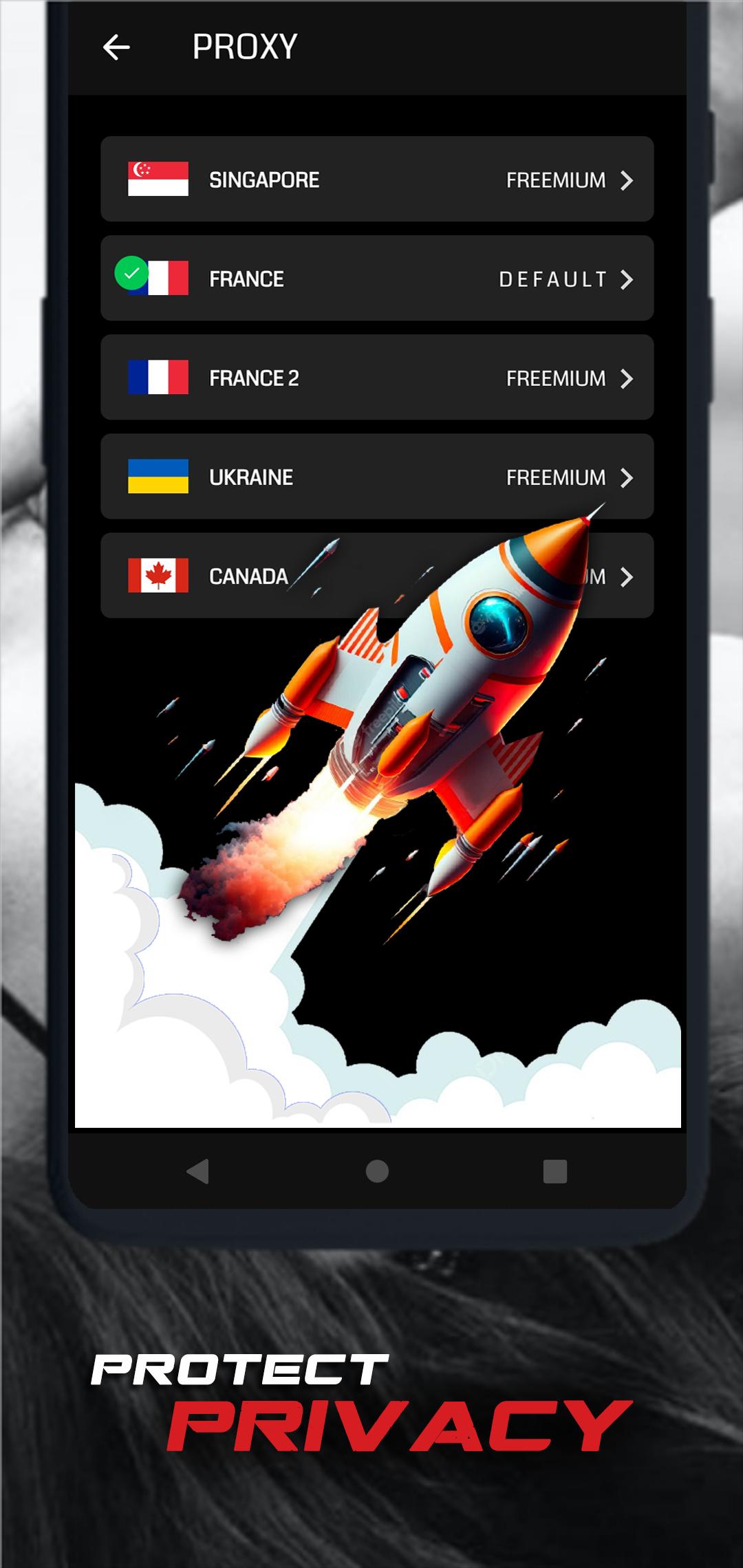
Access blocked websites and enjoy an unrestricted internet experience. Our proxy browser allows you to browse safely and anonymously, protecting your personal data from prying eyes.
- Easy Video Downloading
Download videos from various sites such as Facebook, Instagram, X and more! Simply find the video you like, click download, and save it to your device in the highest quality.
- Security & Privacy
Protect your identity that keeps your data safe while browsing the web. With our proxy browser, you can browse without fear of being tracked.
- User-Friendly Interface
Enjoy a clean and intuitive design that makes browsing and downloading videos faster and easier.
- Download in Multiple Formats
This app allows you to download videos in various formats and qualities, including HD and Full HD, according to your preferences.
Benefits:
- Unlock websites and geo-restricted content.
- Save data with a fast and lightweight browser.
- Built-in video downloader for one-click video downloads.
- Save time with uninterrupted video downloads.
- Privacy and security without compromise.
How to Use:
- Open the Proxy Browser & Video Downloader app.
- Use the browser to access the site you want to open.
- Find the video you want to download and click the available download icon.
- Choose the quality and format of the video, then start the download.
- Enjoy offline videos anytime!
Note:
- Some platforms may have copyright policies that limit the ability to download videos. Please use this app in accordance with the laws applicable in your region.
- Download speeds may vary depending on your internet connection and the video source.
Download now and enjoy fast, secure browsing with the ability to download your favorite videos to your device!
預覽

標籤
工具訊息
開發商
Next Innovations ID
最新版本
14.0.0
更新時間
2025-09-20
類別
工具
同時可用
Google Play
更多
如何在電腦上用 GameLoop 玩 Proxy Browser + Downloader
1. 從官網下載GameLoop,然後運行exe文件安裝GameLoop
2. 打開GameLoop,搜索“Proxy Browser + Downloader”,在搜索結果中找到Proxy Browser + Downloader,點擊“安裝”
3. 享受在 GameLoop 上玩 Proxy Browser + Downloader 的樂趣
Minimum requirements
OS
Windows 8.1 64-bit or Windows 10 64-bit
GPU
GTX 1050
CPU
i3-8300
Memory
8GB RAM
Storage
1GB available space
Recommended requirements
OS
Windows 8.1 64-bit or Windows 10 64-bit
GPU
GTX 1050
CPU
i3-9320
Memory
16GB RAM
Storage
1GB available space