Bluetooth Finder - BLE Scanner 電腦版
AppEdge
用GameLoop模拟器在電腦上玩Bluetooth Finder - BLE Scanner
Bluetooth Finder - BLE Scanner 電腦版
來自發行商 AppEdge 的 Bluetooth Finder - BLE Scanner 能夠在安卓系統上運行。
現在,您可以在電腦上使用 GameLoop 模擬器流暢地玩 Bluetooth Finder - BLE Scanner。
在 GameLoop 遊戲庫或搜索結果中下載。 不需要再暢玩遊戲時盯著電池電量或被令人懊惱的來電打斷。
只需在電腦大屏幕上免費下載暢玩Bluetooth Finder - BLE Scanner 電腦版!
Bluetooth Finder - BLE Scanner 簡介
Bluetooth Tools is a simple toolkit for pairing, auto-connecting, scanning and finding your Bluetooth devices.
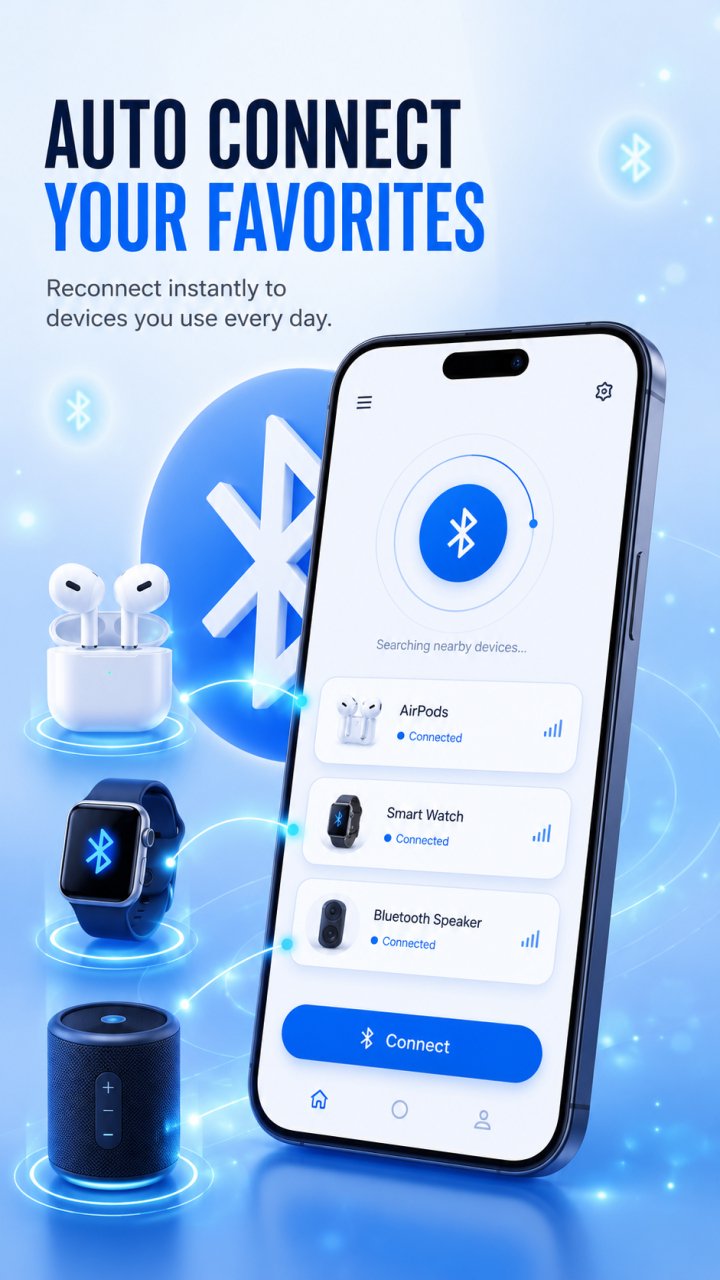
Set your favorite headphones, speaker, or car audio once, and Bluetooth Tools reconnects to them automatically whenever they are in range — including on boot or when Bluetooth turns back on.
What you can do:
Bluetooth auto connect: choose the devices you use most and reconnect to them automatically, with no manual pairing each time.
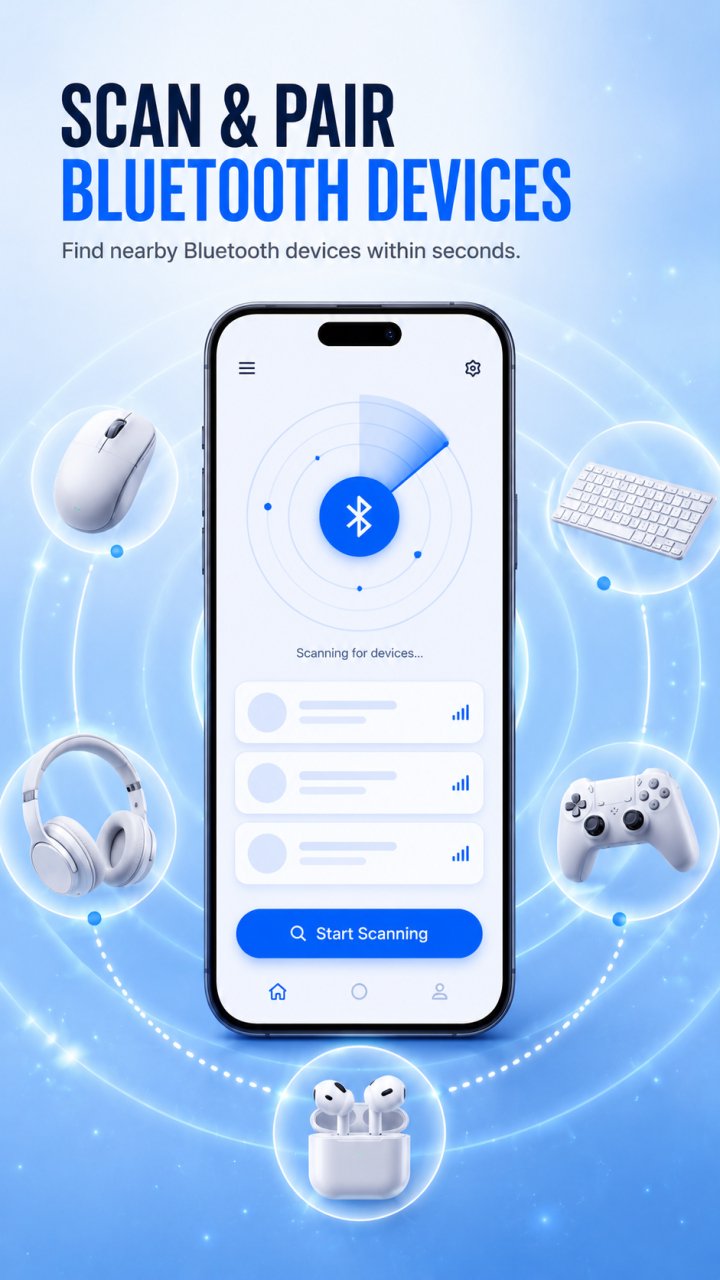
Pair and connect: pair and connect to nearby devices in a single tap.
Bluetooth scanner: discover nearby classic Bluetooth devices and connect quickly.
BLE scanner: find Bluetooth Low Energy devices and view their signal details.
Find my Bluetooth device: locate misplaced earbuds, headphones, speakers and other devices using real-time signal strength — the closer you get, the stronger the signal.
Paired devices and favorites: see what is paired and manage your favorites in one place.
Scan history: keep track of the devices you have discovered.
WiFi tools: check your internet speed, measure WiFi signal strength, and scan nearby networks.
Clean dark interface designed to be easy on the eyes.
Whether you are reconnecting your earbuds, pairing a speaker, scanning for nearby devices, or tracking down a lost headphone, Bluetooth Tools keeps your wireless devices in one place.
Note: connecting to and locating Bluetooth devices depends on your device and the accessories you use. A device with no usable Bluetooth signal or a dead battery cannot be located. Some features require Bluetooth and location permissions to discover and connect to devices.
Bluetooth Tools is not affiliated with, endorsed by, or associated with any device manufacturer. All product and brand names belong to their respective owners and are used for identification only.
預覽
標籤
工具訊息
開發商
AppEdge
最新版本
1.1.5
更新時間
2026-06-26
類別
工具
同時可用
Google Play
更多
如何在電腦上用 GameLoop 玩 Bluetooth Finder - BLE Scanner
1. 從官網下載GameLoop,然後運行exe文件安裝GameLoop
2. 打開GameLoop,搜索“Bluetooth Finder - BLE Scanner”,在搜索結果中找到Bluetooth Finder - BLE Scanner,點擊“安裝”
3. 享受在 GameLoop 上玩 Bluetooth Finder - BLE Scanner 的樂趣
Minimum requirements
OS
Windows 8.1 64-bit or Windows 10 64-bit
GPU
GTX 1050
CPU
i3-8300
Memory
8GB RAM
Storage
1GB available space
Recommended requirements
OS
Windows 8.1 64-bit or Windows 10 64-bit
GPU
GTX 1050
CPU
i3-9320
Memory
16GB RAM
Storage
1GB available space