
Big font - Enlarge font size 電腦版
FAVAS Group
用GameLoop模拟器在電腦上玩Big font - Enlarge font size
Big font - Enlarge font size 電腦版
來自發行商 FAVAS Group 的 Big font - Enlarge font size 能夠在安卓系統上運行。
現在,您可以在電腦上使用 GameLoop 模擬器流暢地玩 Big font - Enlarge font size。
在 GameLoop 遊戲庫或搜索結果中下載。 不需要再暢玩遊戲時盯著電池電量或被令人懊惱的來電打斷。
只需在電腦大屏幕上免費下載暢玩Big font - Enlarge font size 電腦版!
Big font - Enlarge font size 簡介
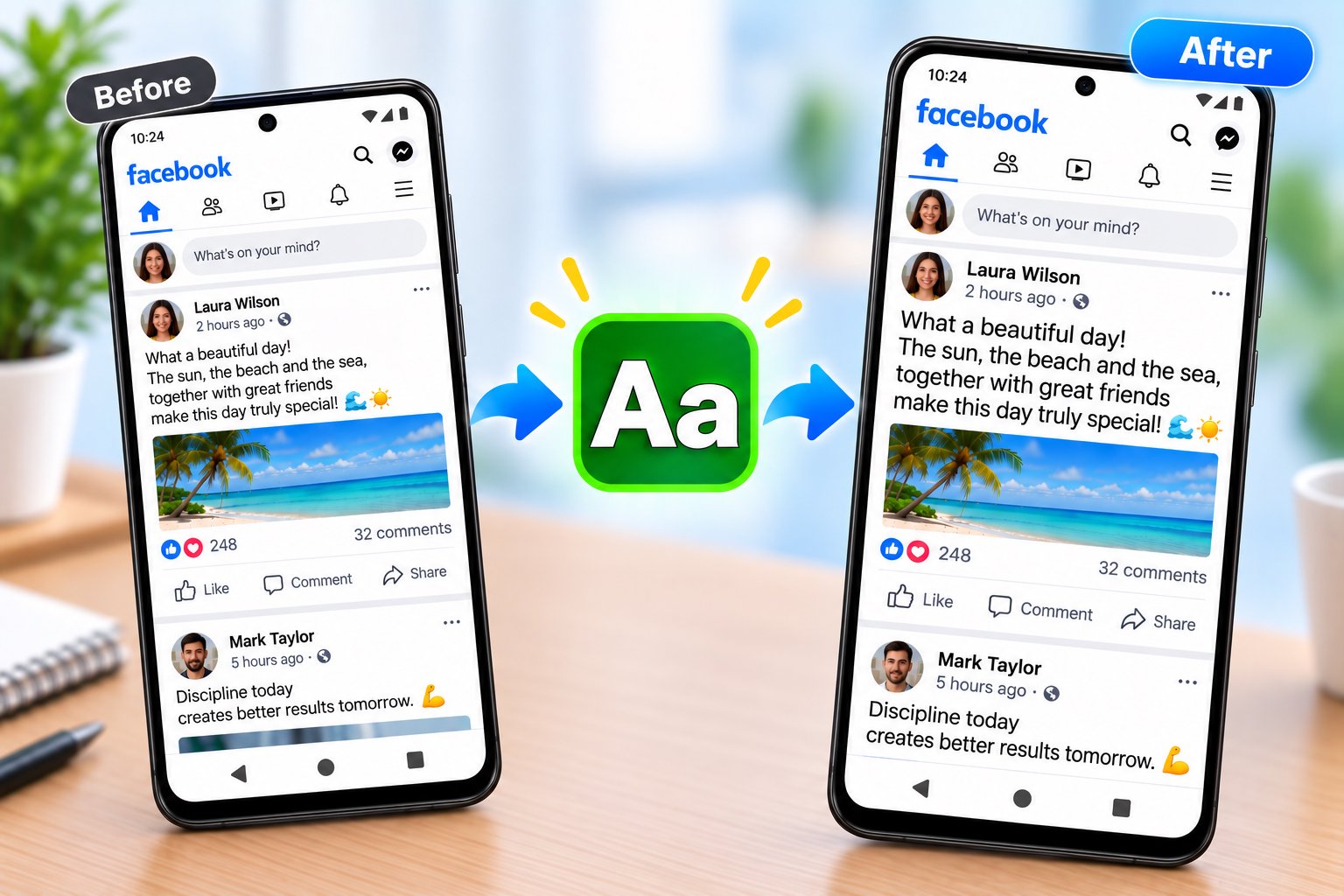
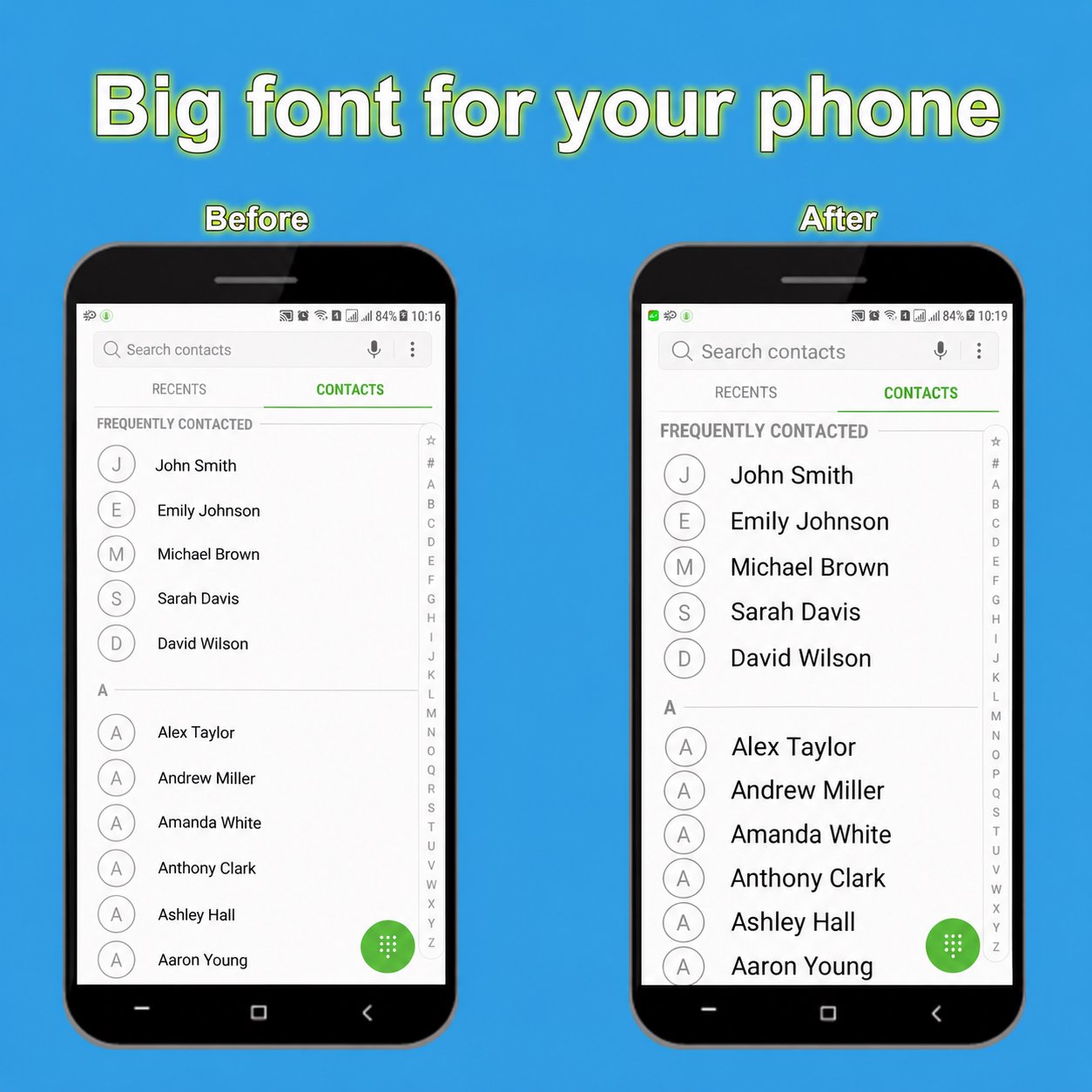
Big Font – Enlarge Font Size makes text bigger and easier to read on your Android phone. Increase the font size up to 1000%, set a different text size for each app, find the size that suits your eyes, and turn your camera into a magnifier for small print. Perfect for seniors, people with low vision or myopia, and anyone who wants large, clear text.
★ MAIN FEATURES
• Enlarge font size everywhere: Set it once and bigger text appears in all apps – Contacts, Messages, Email, WhatsApp, Facebook, Messenger and more.
• Extra large text up to 1000%: Go far beyond Android's default limit. Choose 100%, 110%, 120%, 140%, 160%, 180%, 200%, 300%, 500%… up to 1000%.
• Custom size with live preview: Adjust the text size by percentage and see the result before you apply it.
• Saved sizes: Keep your favorite font sizes and apply them again with one tap.
• Notification shortcut: Change or reset the text size from the notification bar without opening the app.
• Simple and easy to use: Clear interface, setup in seconds – easy for family members to set up for parents and grandparents.
★ NEW FEATURES
• Eye check – find your best font size: Read lines of text that grow step by step and tap the smallest one you can read comfortably. Big Font suggests the right text size in about 30 seconds.
• Per-app text size: Use a different font size for each app, e.g. WhatsApp or Messages at 160% while other apps stay at your normal size. Big Font switches the size automatically when you open that app and restores it when you leave. (Optional – uses the Accessibility Service, see below.)
• Magnifier: Use your phone camera as a magnifying glass to read medicine labels, menus, bills and documents. Zoom up to 8x, turn on the flashlight, freeze the image and use high-contrast mode for clearer text.
★ WHY USE BIG FONT?
• Read messages, emails, news and web pages more easily with bigger text.
• Reduce eye strain during long phone use.
• Helps seniors and people with vision difficulties use their phone with confidence.
• Read small printed text in daily life, not only on the screen.
★ ACCESSIBILITY SERVICE DISCLOSURE
Big Font uses Android's AccessibilityService API only for the optional "Per-app text size" feature.
• Why it is needed: The service detects which app is currently in the foreground (its package name) so Big Font can apply the text size you chose for that app and restore your default size when you leave it.
• What it does NOT do: It does not read, collect, store or share the content on your screen, what you type, passwords or any personal data. Nothing is sent off your device.
• Your control: The service is off by default. Big Font explains how it is used and asks for your consent before opening Android Settings, where you turn it on yourself. You can turn it off anytime in Settings > Accessibility > Big Font. All other features work without it.
Download Big Font – Enlarge Font Size now to make text bigger, change font size easily and enjoy comfortable reading on your phone!
預覽
標籤
工具訊息
開發商
FAVAS Group
最新版本
5.33
更新時間
2026-11-14
類別
工具
同時可用
Google Play
更多
如何在電腦上用 GameLoop 玩 Big font - Enlarge font size
1. 從官網下載GameLoop,然後運行exe文件安裝GameLoop
2. 打開GameLoop,搜索“Big font - Enlarge font size”,在搜索結果中找到Big font - Enlarge font size,點擊“安裝”
3. 享受在 GameLoop 上玩 Big font - Enlarge font size 的樂趣
Minimum requirements
OS
Windows 8.1 64-bit or Windows 10 64-bit
GPU
GTX 1050
CPU
i3-8300
Memory
8GB RAM
Storage
1GB available space
Recommended requirements
OS
Windows 8.1 64-bit or Windows 10 64-bit
GPU
GTX 1050
CPU
i3-9320
Memory
16GB RAM
Storage
1GB available space