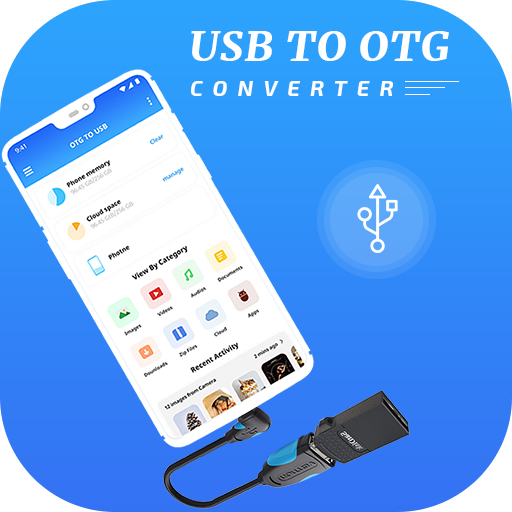
OTG USB Driver for Android 電腦版
VPN Fastest
用GameLoop模拟器在電腦上玩OTG USB Driver for Android
OTG USB Driver for Android 電腦版
來自發行商 VPN Fastest 的 OTG USB Driver for Android 能夠在安卓系統上運行。
現在,您可以在電腦上使用 GameLoop 模擬器流暢地玩 OTG USB Driver for Android。
在 GameLoop 遊戲庫或搜索結果中下載。 不需要再暢玩遊戲時盯著電池電量或被令人懊惱的來電打斷。
只需在電腦大屏幕上免費下載暢玩OTG USB Driver for Android 電腦版!
OTG USB Driver for Android 簡介
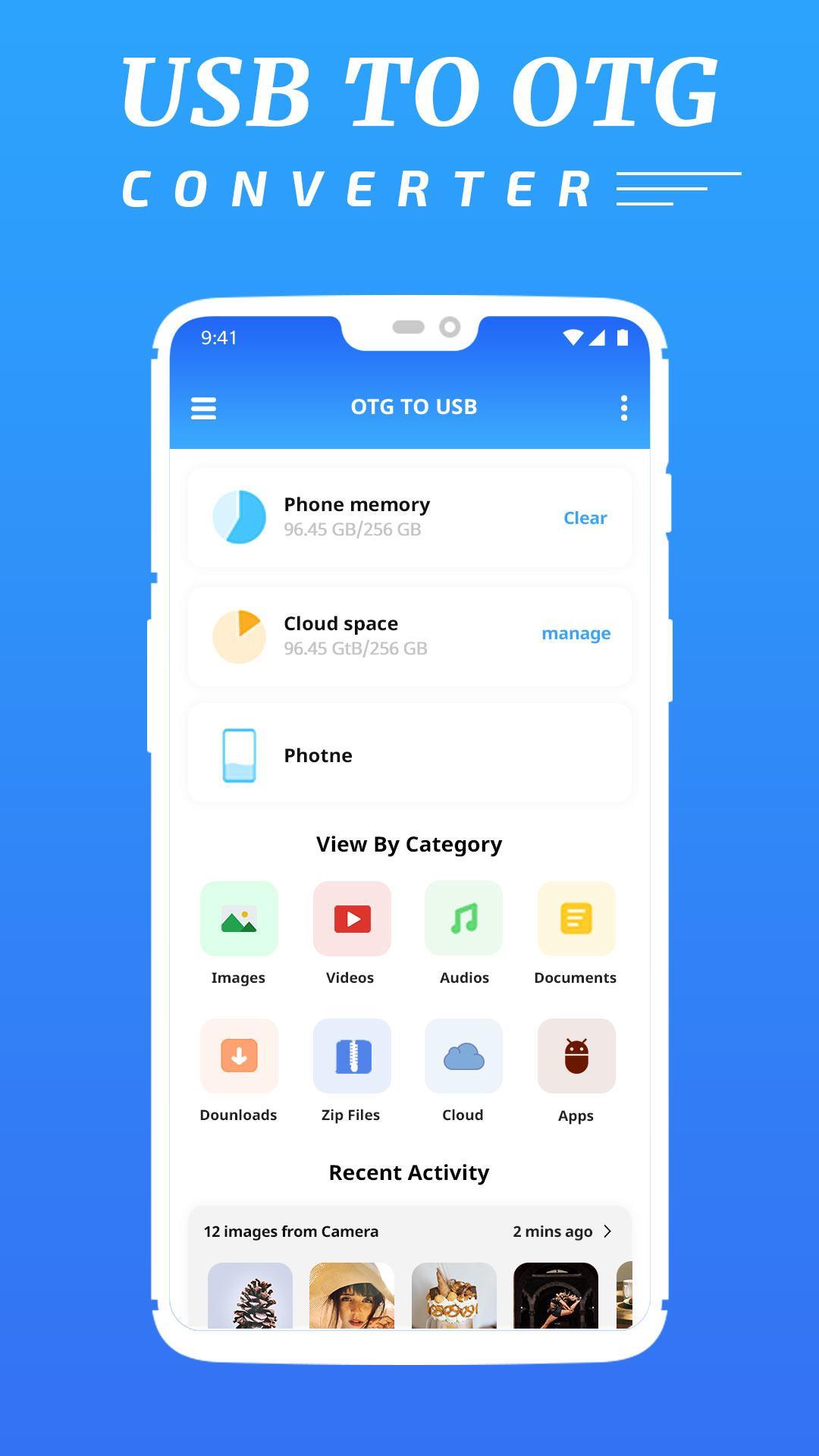
OTG USB Driver for Android is the best application which is help you to access OTG devices through USB OTG File Explorer Manager. OTG Explorer or OTG Connector Software For Android lets you to read USB flash drives as well as card readers.
Extract adbdriver.zip to your internal storage. You can find it on your computer with USB cable via MTP.
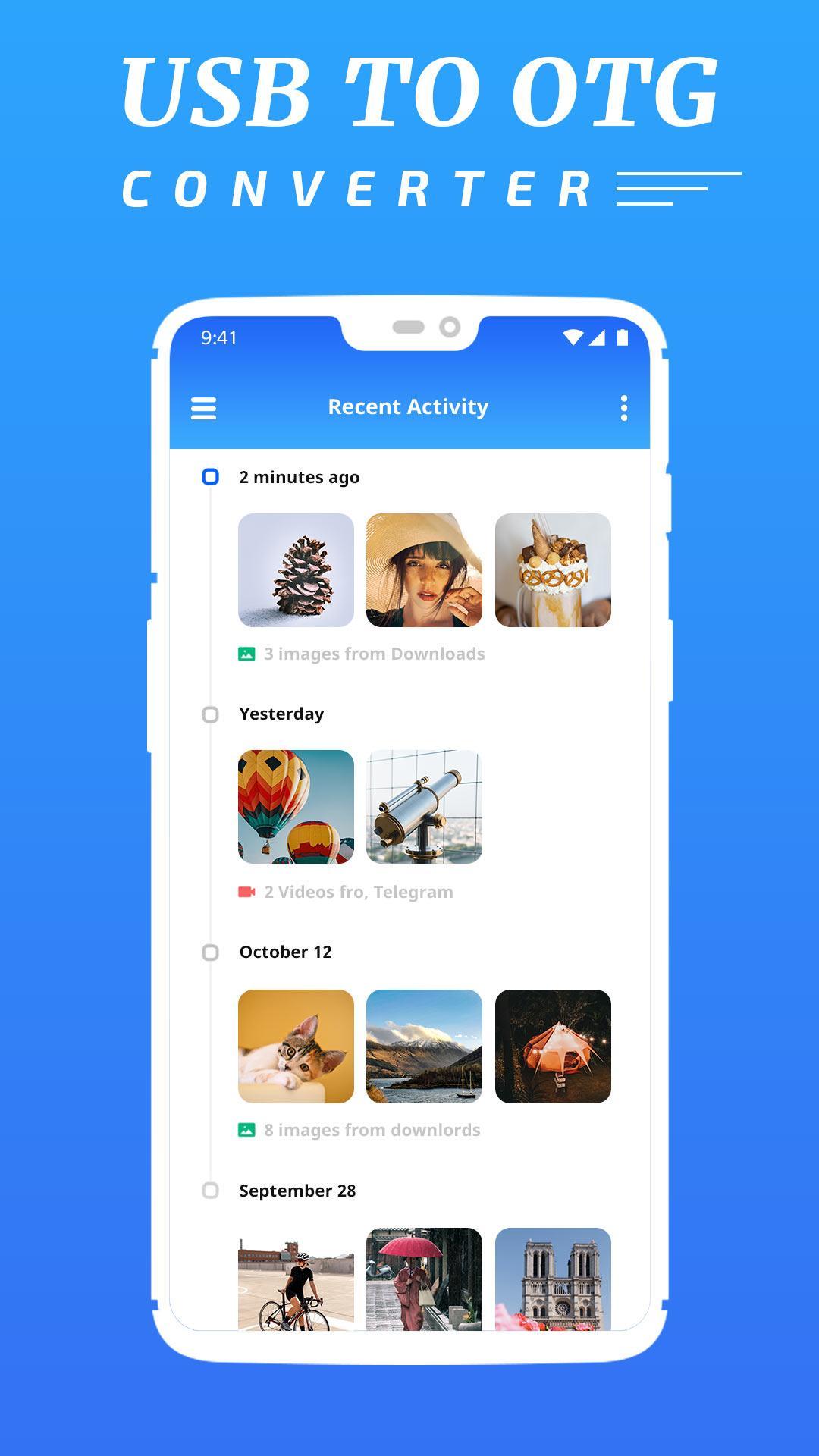
OTG File Explorer support application management like Uninstall applications, delete application and manage application like system app and user install app.
It is possible to connect an external disk or the USB stick further it wasn't made yet, and to press the mount button then on the screen the attached devices will appear. For an output of more detailed information, it is possible to use the Mounted button.
FEATURES
- Copy Data To Pen drive from your Android Device.
- Automatically start app on device connect.
- Automatically open the mounted drive 10 Media scanner triggered on mount...
- Other Functionality of File manager application like delete, Share, Copy, Cut & many more.
- Full NTFS support USB OTG.
- This app simply opens the hidden settings.
預覽
標籤
工具訊息
開發商
VPN Fastest
最新版本
1.0
更新時間
2019-12-16
類別
工具
同時可用
Google Play
更多
如何在電腦上用 GameLoop 玩 OTG USB Driver for Android
1. 從官網下載GameLoop,然後運行exe文件安裝GameLoop
2. 打開GameLoop,搜索“OTG USB Driver for Android”,在搜索結果中找到OTG USB Driver for Android,點擊“安裝”
3. 享受在 GameLoop 上玩 OTG USB Driver for Android 的樂趣
Minimum requirements
OS
Windows 8.1 64-bit or Windows 10 64-bit
GPU
GTX 1050
CPU
i3-8300
Memory
8GB RAM
Storage
1GB available space
Recommended requirements
OS
Windows 8.1 64-bit or Windows 10 64-bit
GPU
GTX 1050
CPU
i3-9320
Memory
16GB RAM
Storage
1GB available space