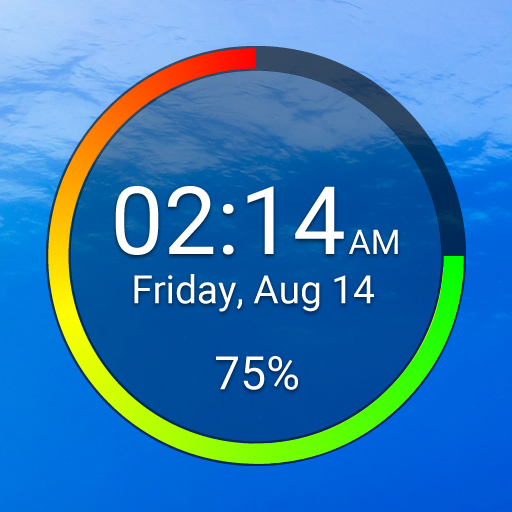
Battery Clock 電腦版
BrainCrash Soft
用GameLoop模拟器在電腦上玩Battery Clock
Battery Clock 電腦版
來自發行商 BrainCrash Soft 的 Battery Clock 能夠在安卓系統上運行。
現在,您可以在電腦上使用 GameLoop 模擬器流暢地玩 Battery Clock。
在 GameLoop 遊戲庫或搜索結果中下載。 不需要再暢玩遊戲時盯著電池電量或被令人懊惱的來電打斷。
只需在電腦大屏幕上免費下載暢玩Battery Clock 電腦版!
Battery Clock 簡介
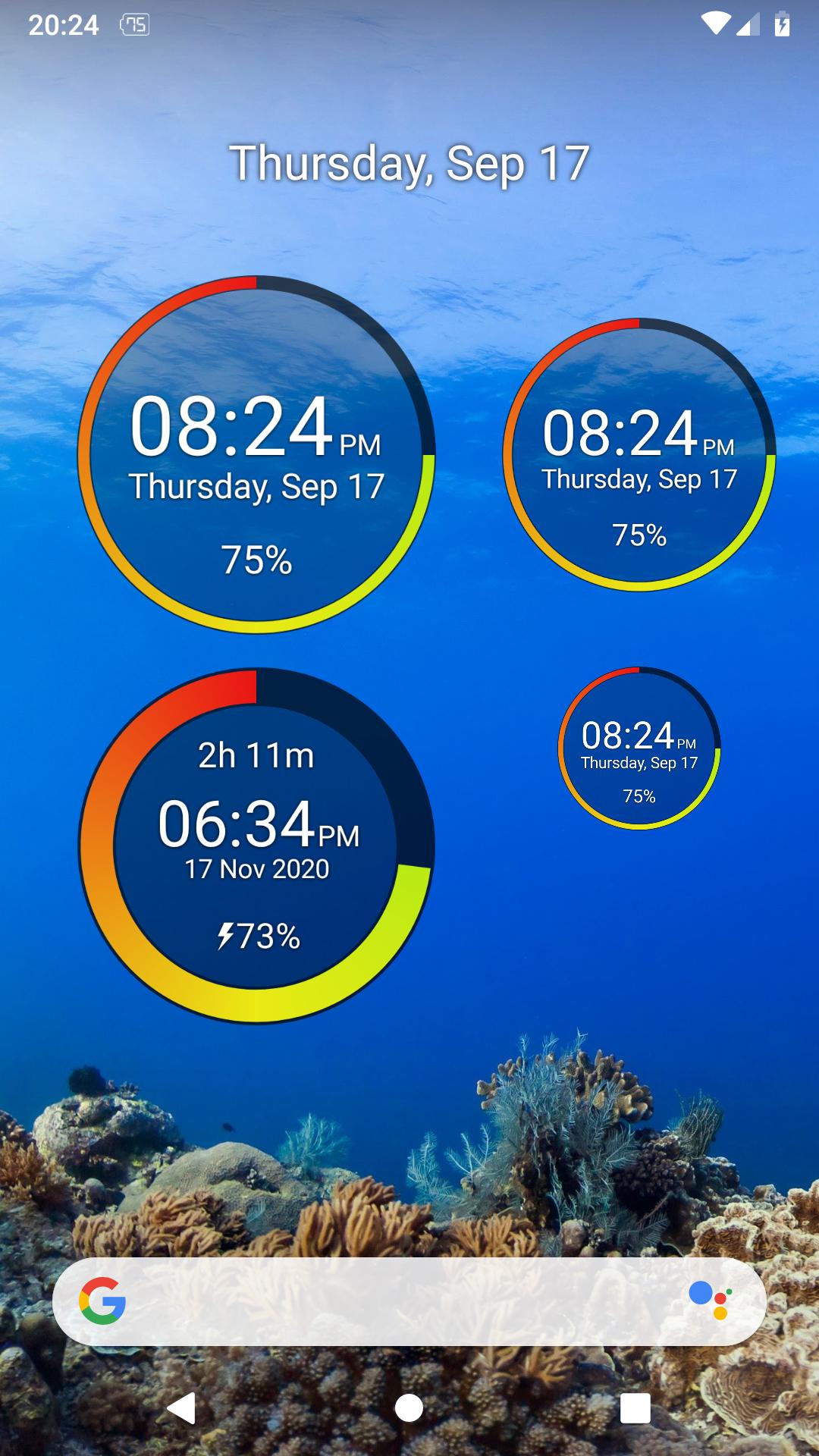
A beautiful designed battery widget that also functions as a clock.
Widget Features:
- re-sizable widget with high quality graphics
- radial representation of battery percentage
- numerical battery percent in widget
- customize all the widget colors and transparency from the app
- shows time and date
- tap the upper part of the widget to open your alarms
- option to show charge / discharge time left (estimated)
App Features:
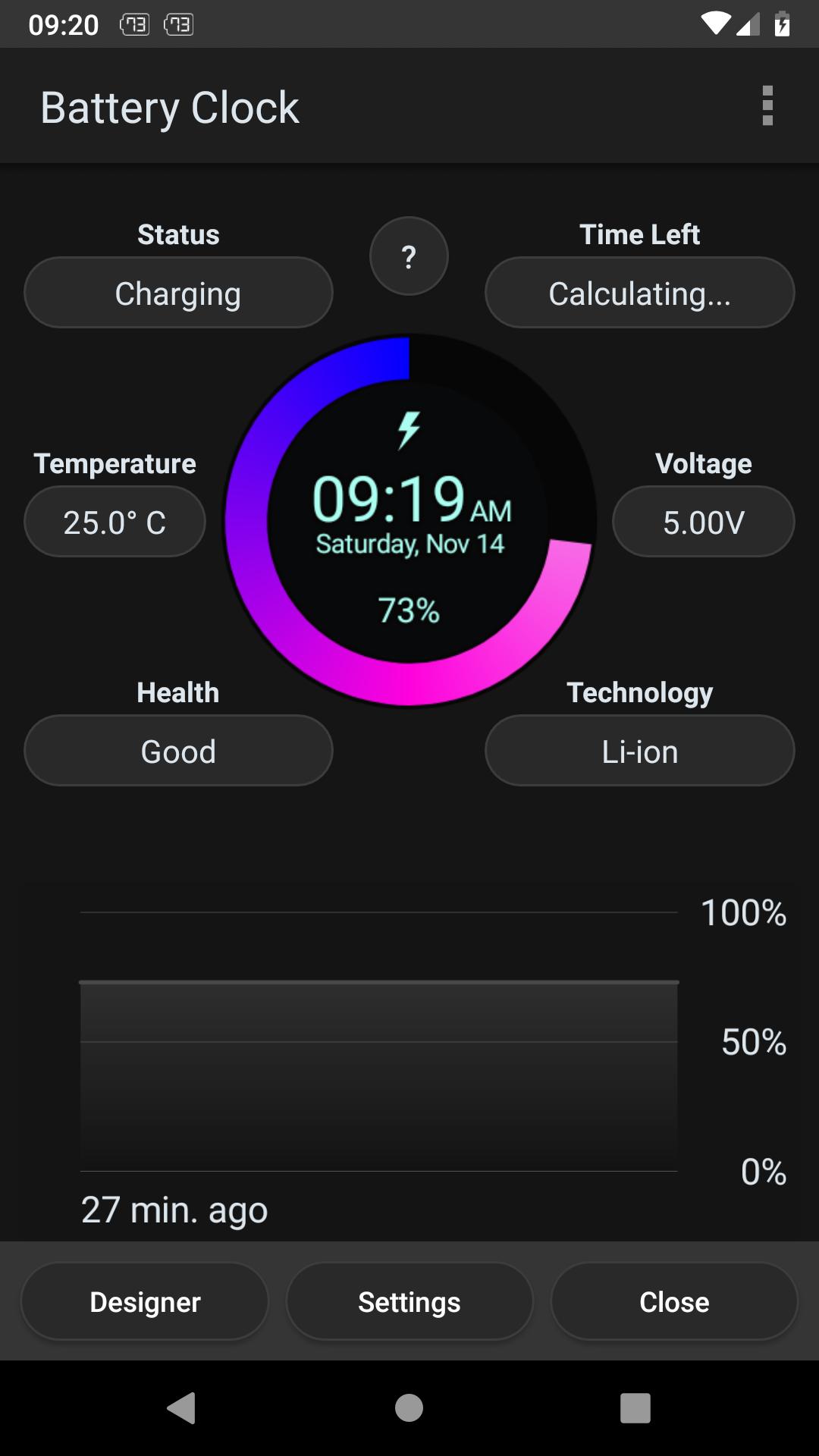
- discharge prediction (estimates how long the battery lasts)
- charge prediction (estimates how long until full charge)
- graphical history of battery usage
- battery details (Temperature, Voltage, Health, Status, etc.)
- widget designer to configure every detail of the widget
Notes:
- Task Manager, Task Killer or other power saving features (often built in the system) may affect this app. Please don’t use them or try to create an exception for this app if it does not work as expected.
- The App is very light and optimized and should NOT drain you battery
- Due to the limitation of the Android platform, home screen widgets will NOT work if the app is moved to the SD card.
預覽
標籤
工具訊息
開發商
BrainCrash Soft
最新版本
1.3.2 free
更新時間
2023-09-01
類別
工具
同時可用
Google Play
更多
如何在電腦上用 GameLoop 玩 Battery Clock
1. 從官網下載GameLoop,然後運行exe文件安裝GameLoop
2. 打開GameLoop,搜索“Battery Clock”,在搜索結果中找到Battery Clock,點擊“安裝”
3. 享受在 GameLoop 上玩 Battery Clock 的樂趣
Minimum requirements
OS
Windows 8.1 64-bit or Windows 10 64-bit
GPU
GTX 1050
CPU
i3-8300
Memory
8GB RAM
Storage
1GB available space
Recommended requirements
OS
Windows 8.1 64-bit or Windows 10 64-bit
GPU
GTX 1050
CPU
i3-9320
Memory
16GB RAM
Storage
1GB available space