
QR & Barcode Scanner 電腦版
SukronMoh
用GameLoop模拟器在電腦上玩QR & Barcode Scanner
QR & Barcode Scanner 電腦版
來自發行商 SukronMoh 的 QR & Barcode Scanner 能夠在安卓系統上運行。
現在,您可以在電腦上使用 GameLoop 模擬器流暢地玩 QR & Barcode Scanner。
在 GameLoop 遊戲庫或搜索結果中下載。 不需要再暢玩遊戲時盯著電池電量或被令人懊惱的來電打斷。
只需在電腦大屏幕上免費下載暢玩QR & Barcode Scanner 電腦版!
QR & Barcode Scanner 簡介
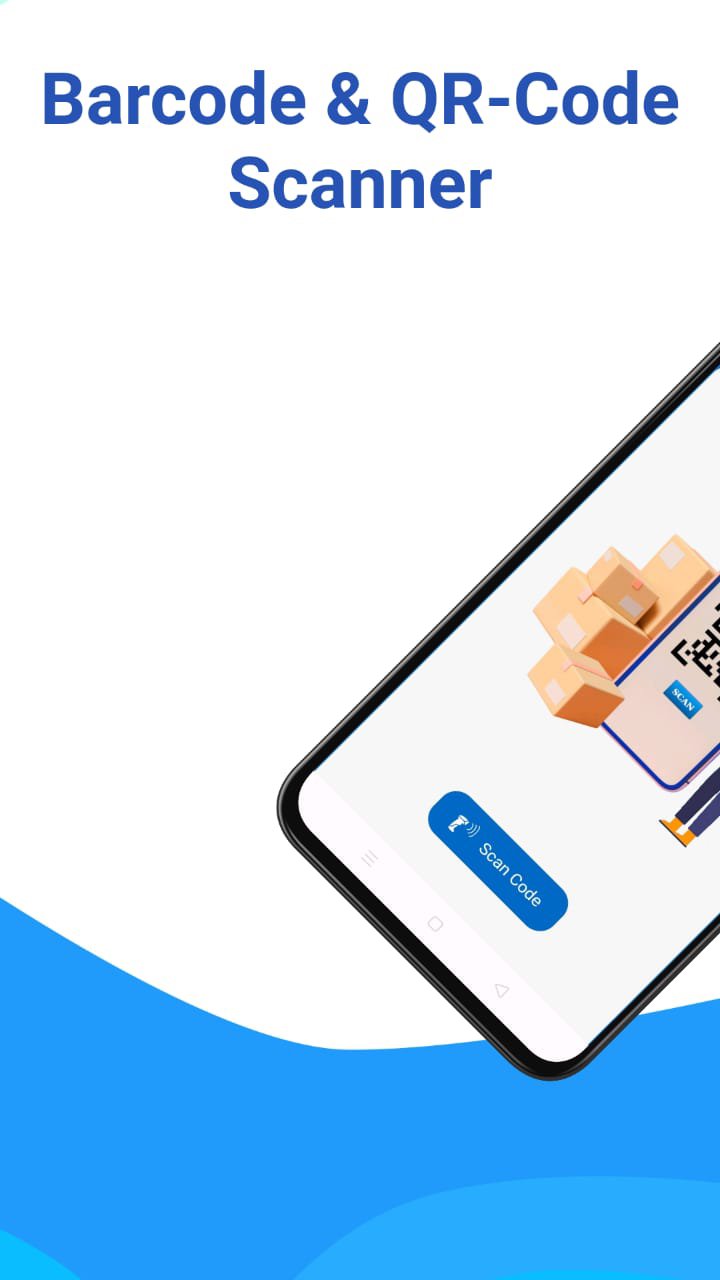
QR & Barcode Scanner - Your Ultimate AI-Powered Productivity Tool!
Upgrade your scanning experience! This is more than just a standard barcode reader. Now equipped with cutting-edge AI Live Translate, our app allows you to translate text instantly through your camera in real-time.
NEW: AI Live Camera Translate (OCR)
✅ Instant Translation: Point your camera at menus, signs, or documents, and see the translation appear right on top of the image.
✅ Auto-Language Detection: Powered by advanced AI, the app automatically detects the source language—no manual switching required!
✅ Freeze-Frame Feature: Click "Pause" to freeze the camera view. Read translations comfortably without needing to keep your hands steady.
✅ Smart Device Sync: Automatically translates to your phone's default language for a seamless experience.
Versatile Scanning & Management:
🚀 All-in-One Scanner: Supports all QR & Barcode formats (Data Matrix, Aztec, UPC, EAN, Code 39, and more).
📄 Scan to PDF: High-quality document scanning. Convert your scans into digital PDF files instantly.
📊 Google Sheets Integration: Perfect for business! Save your scan data directly to Google Sheets for inventory, attendance, or tracking.
🎨 QR Code Generator: Create custom QR codes for WiFi, Contacts, URLs, Business Cards, or Events.
🌙 Night Mode & Flashlight: Fast scanning even in low-light environments.
🔒 Privacy First: We respect your data. Camera permissions are used strictly for scanning and translation.
Why Choose Us?
Our app is lightweight, battery-efficient, and designed for speed. Whether you are a traveler navigating foreign signs, a student reading documents, or a business owner managing inventory via Google Sheets, this app is built for you.
How to use Live Translate:
1. Open the "Live Translate" menu.
2. Point the camera at the text you want to translate.
3. Tap the "Pause" button to "freeze" the frame and read the results easily.
4. Tap "Resume" to continue scanning other texts.
Download/Update now and experience the future of smart scanning with AI!
預覽

標籤
工具訊息
開發商
SukronMoh
最新版本
9.4.1
更新時間
2026-06-08
類別
工具
同時可用
Google Play
更多
如何在電腦上用 GameLoop 玩 QR & Barcode Scanner
1. 從官網下載GameLoop,然後運行exe文件安裝GameLoop
2. 打開GameLoop,搜索“QR & Barcode Scanner”,在搜索結果中找到QR & Barcode Scanner,點擊“安裝”
3. 享受在 GameLoop 上玩 QR & Barcode Scanner 的樂趣
Minimum requirements
OS
Windows 8.1 64-bit or Windows 10 64-bit
GPU
GTX 1050
CPU
i3-8300
Memory
8GB RAM
Storage
1GB available space
Recommended requirements
OS
Windows 8.1 64-bit or Windows 10 64-bit
GPU
GTX 1050
CPU
i3-9320
Memory
16GB RAM
Storage
1GB available space