Bangla Keyboard Bengali Typing 電腦版
AcmeSoft
用GameLoop模拟器在電腦上玩Bangla Keyboard Bengali Typing
Bangla Keyboard Bengali Typing 電腦版
來自發行商 AcmeSoft 的 Bangla Keyboard Bengali Typing 能夠在安卓系統上運行。
現在,您可以在電腦上使用 GameLoop 模擬器流暢地玩 Bangla Keyboard Bengali Typing。
在 GameLoop 遊戲庫或搜索結果中下載。 不需要再暢玩遊戲時盯著電池電量或被令人懊惱的來電打斷。
只需在電腦大屏幕上免費下載暢玩Bangla Keyboard Bengali Typing 電腦版!
Bangla Keyboard Bengali Typing 簡介
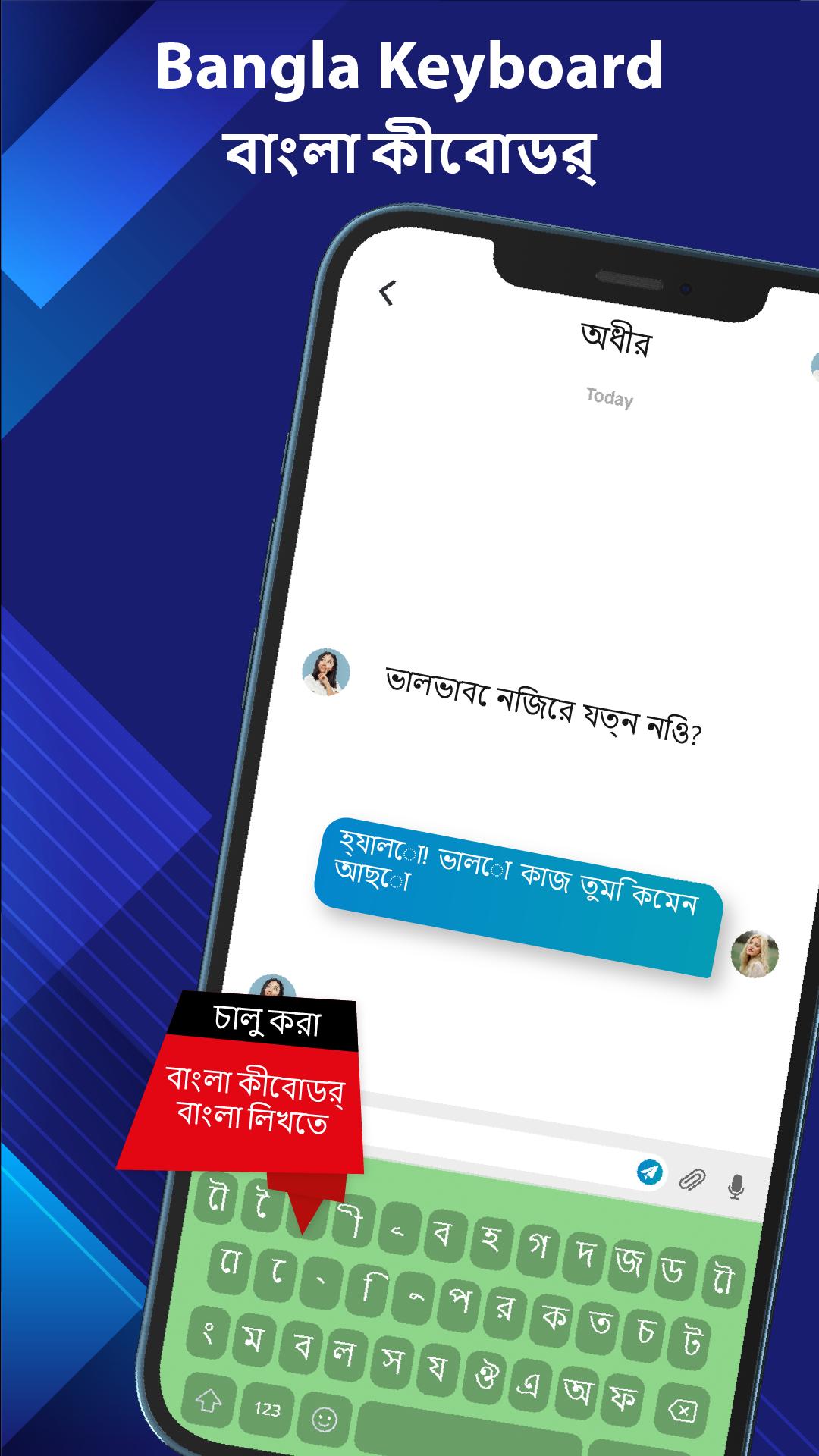
Bangla Keyboard is a smart and smooth Bengali typing app for Android designed to make your Bangla communication effortless and enjoyable. It lets you write in Bangla easily and customize your keyboard with themes, stylish fonts, emoji, and even your own photos. With Bangla and English typing support, phonetic layout, and voice typing, you can type faster and more accurately anywhere. Enjoy auto-correct, stickers, and personalization features that make your typing experience simple, creative, and uniquely yours.
Designed for both native Bengali speakers and learners, this Bangla Keyboard app makes Bengali typing fast, flexible, and fun. Whether you're messaging, writing emails, or using social media, this keyboard gives you a comfortable and complete Bengali typing experience.
Key Features of Bangla Keyboard:
Fast Bengali Typing
• Type in full Bengali script with a user-friendly layout and Unicode support.
• Use phonetic Bengali typing by writing Bangla using English letters - the keyboard converts it instantly.
• Switch from Bangla to English keyboards anytime.
Keyboard Themes and Backgrounds:
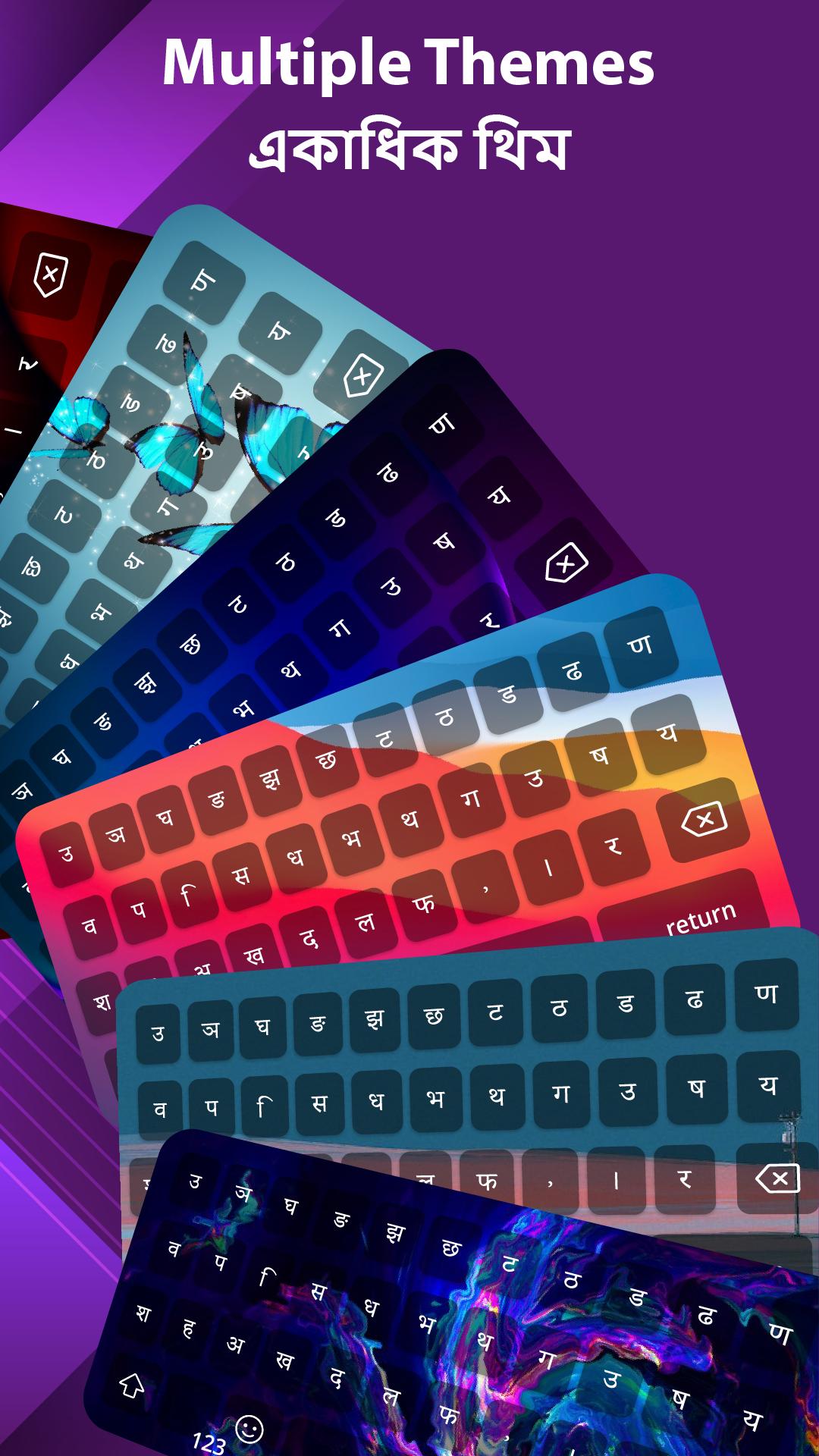
• Apply beautifully designed themes to change the look of your keyboard.
• Choose from a wide category of keyboard themes like nature, abstract, minimal, and traditional
• Set your own photo or wallpaper as the keyboard background for a personal touch.
• Explore a regularly updated gallery with new stylish themes and colors.
• Customize key styles, font colors, and button shapes to match your mood and style.
Bengali art:
• Bangla keyboard blends Bengali art with modern keyboard apps.
• Set your own photo as the background and create a personal look.
• Enjoy an intuitive theme gallery updated regularly with new styles in a keyboard app.
Stylish Bangla and English Fonts:
• Change the font of your keyboard for a more stylish typing experience.
• Pick from modern, classic, bold, and artistic fonts in both Bangla and English scripts.
• Personalize your chats with unique font styles that make your messages stand out.
• Preview and apply fonts instantly for a seamless typing experience.
• Enjoy clear, elegant text that enhances readability while keeping your keyboard attractive.
Voice Typing and Auto Suggest:
• Use voice input to type hands-free in both Bengali and English.
• Get smart suggestions and auto-correct with a Bengali keyboard.
• Voice typing makes Bangla and English input effortless.
• Change voice typing from Bangla to English anytime.
Emoji, Symbols and Stickers
• Access a wide range of emojis and symbols for expressive and fun conversations.
• Add personality to your chats with built-in sticker support.
Safe and Secure
We respect your privacy — this keyboard app does not collect or store your personal information. Your typing, passwords, and messages stay private on your device.
Enjoy a secure Bangla typing experience with no extra permissions or tracking.
How to Use:
• Install and open Bangla Keyboard.
• Enable it in your device’s input settings.
• Set it as your default typing keyboard.
• Customize themes, fonts, and layout from the app’s settings.
• Start typing in Bengali or English with keyboard apps across your favorite apps.
Why Choose This Bangla Keyboard App?
This keyboard is more than just a typing tool - it’s a fully customizable experience built for users who want to type in Bengali easily and express themselves with creativity. From smart phonetic typing to rich personalization options, this Bangla Keyboard app gives you everything you need in one place.
Whether you're chatting in Messenger, writing posts on Facebook, or creating captions on Instagram, this keyboard ensures a smooth and stylish Bangla typing experience with themes, fonts, and personal photo backgrounds.
Download Bangla Keyboard today and explore a better way to type in Bengali and English - with full customization, easy layout, and creative control at your fingertips.
預覽
標籤
工具訊息
開發商
AcmeSoft
最新版本
56.0
更新時間
2025-10-20
類別
工具
同時可用
Google Play
更多
如何在電腦上用 GameLoop 玩 Bangla Keyboard Bengali Typing
1. 從官網下載GameLoop,然後運行exe文件安裝GameLoop
2. 打開GameLoop,搜索“Bangla Keyboard Bengali Typing”,在搜索結果中找到Bangla Keyboard Bengali Typing,點擊“安裝”
3. 享受在 GameLoop 上玩 Bangla Keyboard Bengali Typing 的樂趣
Minimum requirements
OS
Windows 8.1 64-bit or Windows 10 64-bit
GPU
GTX 1050
CPU
i3-8300
Memory
8GB RAM
Storage
1GB available space
Recommended requirements
OS
Windows 8.1 64-bit or Windows 10 64-bit
GPU
GTX 1050
CPU
i3-9320
Memory
16GB RAM
Storage
1GB available space