
AZ SATFINDER 電腦版
bigmetamobile
用GameLoop模拟器在電腦上玩AZ SATFINDER
AZ SATFINDER 電腦版
來自發行商 bigmetamobile 的 AZ SATFINDER 能夠在安卓系統上運行。
現在,您可以在電腦上使用 GameLoop 模擬器流暢地玩 AZ SATFINDER。
在 GameLoop 遊戲庫或搜索結果中下載。 不需要再暢玩遊戲時盯著電池電量或被令人懊惱的來電打斷。
只需在電腦大屏幕上免費下載暢玩AZ SATFINDER 電腦版!
AZ SATFINDER 簡介
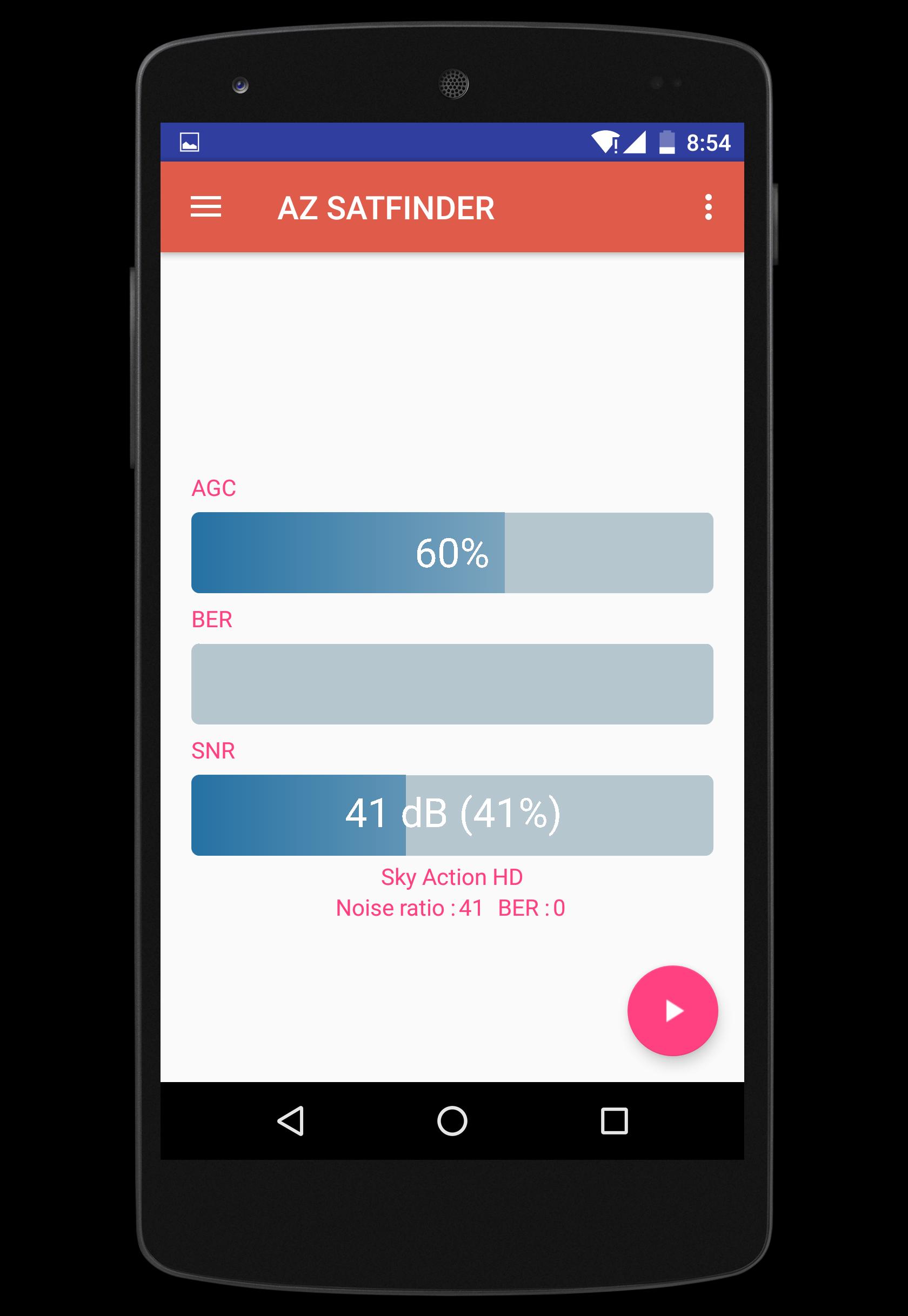
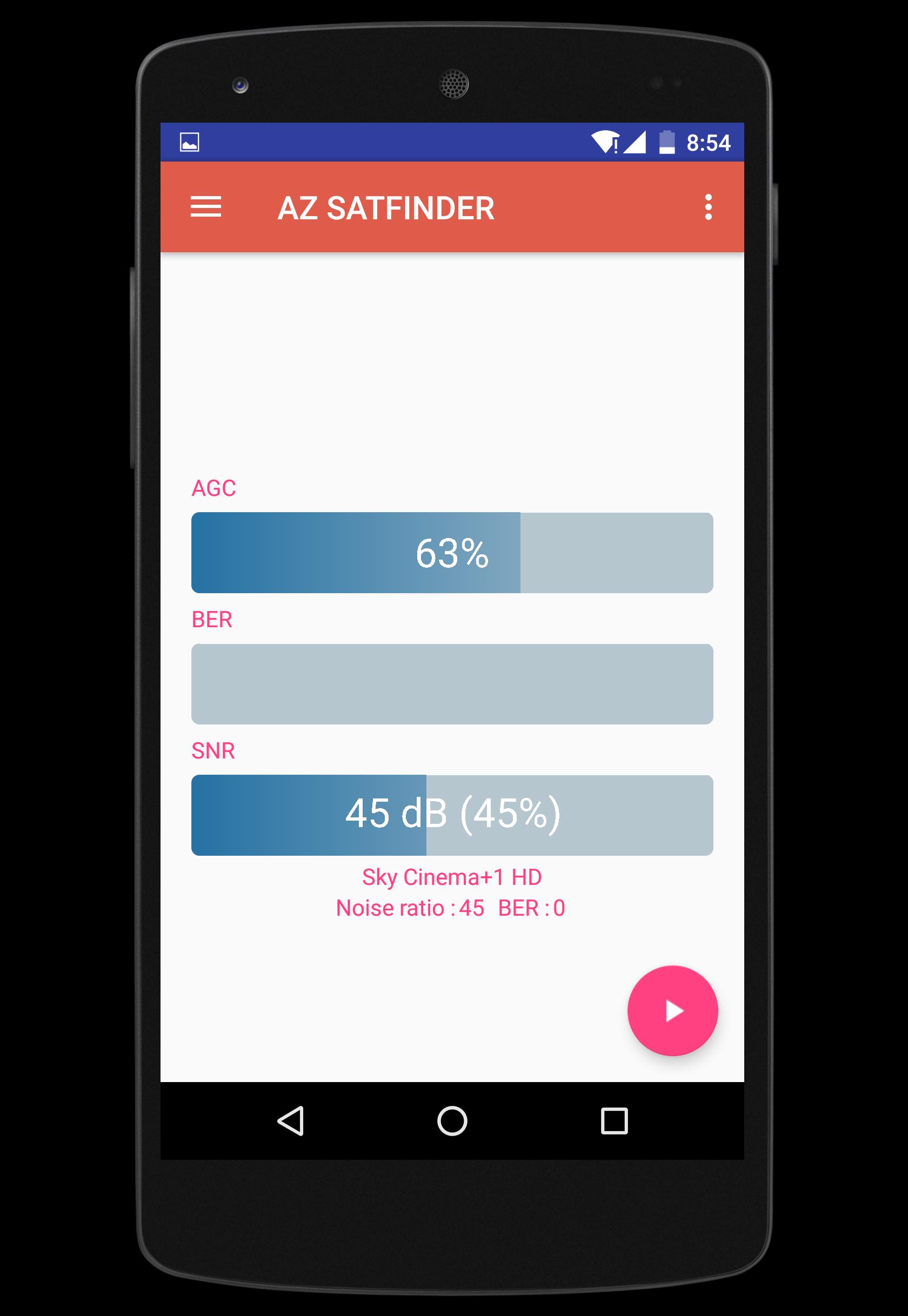
If you've ever had satellite service suddenly cut out on you, you know how aggravating and time consuming it can be to remedy the problem. But thanks to this easy-to-use AZ SATFINDER correct the problem yourself in seconds! az satfinder is perfect for installing new dishes, adjusting the dish on your RV, or simply making adjustments to residential dishes after windstorms, hurricanes, heavy rains or earthquakes.
Simply wire this tool between your dish and your azbox receiver, turn on your equipment and adjust your satellite dish until the meter indicates optimum signal strength.Use this tool in your smartphone today and you'll never have to wait on hold forever so your provider's service rep can schedule a repair appointment next week. And you'll never have to recruit a second person to help you with a lengthy trial and error process.
FEATURES
★ Show signal strength.
★ Show channel name
★ Show satellite name and position
★ Power ON / OFF Control, standby, reboot
★ Sound Mute / Un-mute.
★ Volume Up Control.
★ Volume Down Control.
★ Channel Up Control.
★ Channel Down Control.
List of supported AZBOX receivers :
►AZBOX ME
►AZBOX Me - AzTrino edition
►AZBOX miniME
►AZBOX Premium HD
►AZBOX Premium HD plus
►AZBOX Ultra
►AZBOX Elite HD
►AZBOX Home Media Center
To get started, connect your Android phone or tablet to the same network as your AZBOX receiver.
PS: the default password of "root" user is "azbox"
FACEBOOK : https://www.facebook.com/bigmetamobile
預覽
標籤
工具訊息
開發商
bigmetamobile
最新版本
1.3
更新時間
2016-08-10
類別
工具
同時可用
Google Play
更多
如何在電腦上用 GameLoop 玩 AZ SATFINDER
1. 從官網下載GameLoop,然後運行exe文件安裝GameLoop
2. 打開GameLoop,搜索“AZ SATFINDER”,在搜索結果中找到AZ SATFINDER,點擊“安裝”
3. 享受在 GameLoop 上玩 AZ SATFINDER 的樂趣
Minimum requirements
OS
Windows 8.1 64-bit or Windows 10 64-bit
GPU
GTX 1050
CPU
i3-8300
Memory
8GB RAM
Storage
1GB available space
Recommended requirements
OS
Windows 8.1 64-bit or Windows 10 64-bit
GPU
GTX 1050
CPU
i3-9320
Memory
16GB RAM
Storage
1GB available space