
Auto Clicker: Game Quick Touch 電腦版
Pak cottage
用GameLoop模拟器在電腦上玩Auto Clicker: Game Quick Touch
Auto Clicker: Game Quick Touch 電腦版
來自發行商 Pak cottage 的 Auto Clicker: Game Quick Touch 能夠在安卓系統上運行。
現在,您可以在電腦上使用 GameLoop 模擬器流暢地玩 Auto Clicker: Game Quick Touch。
在 GameLoop 遊戲庫或搜索結果中下載。 不需要再暢玩遊戲時盯著電池電量或被令人懊惱的來電打斷。
只需在電腦大屏幕上免費下載暢玩Auto Clicker: Game Quick Touch 電腦版!
Auto Clicker: Game Quick Touch 簡介
Auto Clicker - Quick Touch Gamer
Auto Clicker Game Mate Tap helps you do repeated clicks at your screen
Auto Clicker Quick Touch Gamer
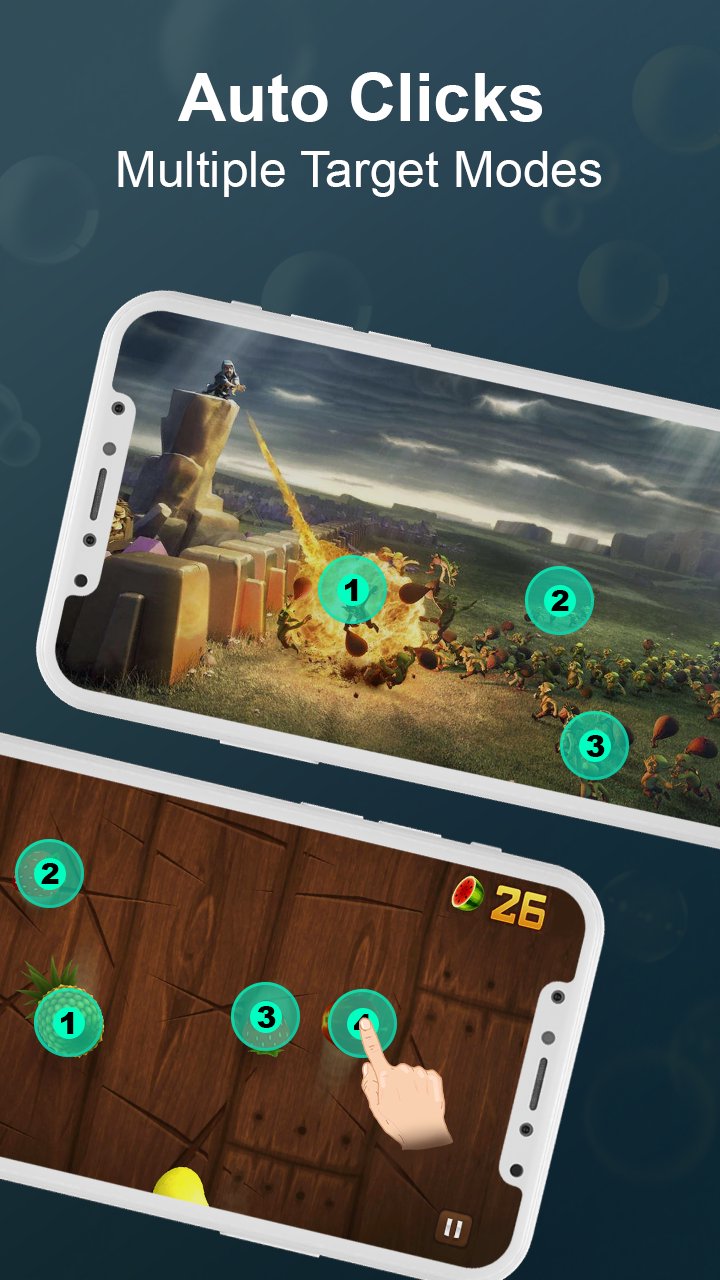
Automatic Clicker Tap helps you do repeated clicks - at any place or corner on your mobile screen, at any interval you specify. Smart Auto Clicker did not requires root access. There is no any click or tap limit for the click interval you select - perfectly go as low as 1ms (1000 clicks, taps/sec). No subject how fast you set click speed, the tapping/clicking can always be stopped by hitting the on-screen Stop button.
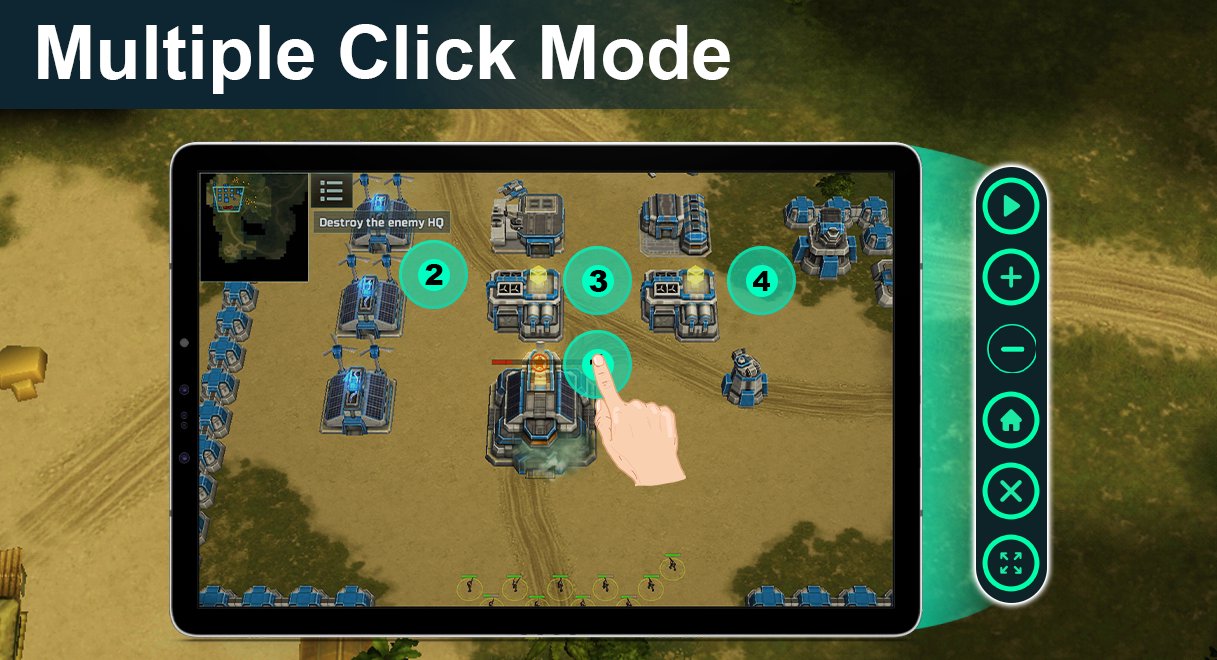
Game Master Auto Clicker is speedy than other smart auto clicker game mate apps. The Touch Auto Clicker app is smart, allowing you to save space on your mobile. But smart click touch assistant has many awesome features, such as Smart Auto Clicker, support single click, multiple click, and multiple swipes with auto tapping assistant.
Smart Auto Clicker Touch Game Mate helps you to complete your pending tasks which require repeated clicks or multiple taps. This automatic clicker assistant tapping is specially for the gamers who want to use an auto-tapping tool to play mobile game and get real taste or auto clicker.
For quite automation clicking of more complex sequences of taps, swipes, & clicks. Automatic Smart Clicker also lets help you to live capture a sequence of taps, clicks & swipes. Select Scroll location & place multiple click taps on the mobile display, then record a pattern of clicks, taps that you do on your selected clicks & taps location. Multiple recorded pattern can be saved for each app or game, along with your selected tapping or clicker settings.
Auto Clicker Touch assistant have a floating action control panel to start/stop the auto click & tap.
Smart Auto Clicker & Game Master Auto Tapping Have Exclusive Features
Totally User Friendly Interface of Auto Clicker For Games
Easy to use with help assistant in Smart clicker & Auto Tap
Smart Clicker support multiple clicks, taps, and swipes along with scrolling option
Choose any location or point on screen for tapping with smart clicker
Boost your gaming experience with auto clicker game tasker
Get real taste of games & specific apps that require multiple clicks, or taps
Have a global timer to run for a certain amount of clicks & taps
A button wizard tapping without scripting
Smart Clicker with global timer, auto swipe & gestures recorder.
Auto Clicker Touch Assistant help you to complete tasks that require multiple clicks or taps
Launch your click recordings with quick way from home screen
You can set click and tap duration time with Smart Auto Clicker
Permissions
The Smart Auto Clicker uses Accessibility Service to achieve Auto Clicking & Multiple Taps so it requires authorization.
Only supports Android7.0 and above android systems
Note
Smart Auto Clicker heavily care about users data safety. Please must read Auto Clicker Touch Assistant Privacy Policy & Terms And Conditions. We cannot share any of user personal information or data with third party.
預覽
標籤
工具訊息
開發商
Pak cottage
最新版本
1.0.8
更新時間
2022-12-13
類別
工具
同時可用
Google Play
更多
如何在電腦上用 GameLoop 玩 Auto Clicker: Game Quick Touch
1. 從官網下載GameLoop,然後運行exe文件安裝GameLoop
2. 打開GameLoop,搜索“Auto Clicker: Game Quick Touch”,在搜索結果中找到Auto Clicker: Game Quick Touch,點擊“安裝”
3. 享受在 GameLoop 上玩 Auto Clicker: Game Quick Touch 的樂趣
Minimum requirements
OS
Windows 8.1 64-bit or Windows 10 64-bit
GPU
GTX 1050
CPU
i3-8300
Memory
8GB RAM
Storage
1GB available space
Recommended requirements
OS
Windows 8.1 64-bit or Windows 10 64-bit
GPU
GTX 1050
CPU
i3-9320
Memory
16GB RAM
Storage
1GB available space