Photo Recovery, App Recovery 電腦版
appNextG
用GameLoop模拟器在電腦上玩Photo Recovery, App Recovery
Photo Recovery, App Recovery 電腦版
來自發行商 appNextG 的 Photo Recovery, App Recovery 能夠在安卓系統上運行。
現在,您可以在電腦上使用 GameLoop 模擬器流暢地玩 Photo Recovery, App Recovery。
在 GameLoop 遊戲庫或搜索結果中下載。 不需要再暢玩遊戲時盯著電池電量或被令人懊惱的來電打斷。
只需在電腦大屏幕上免費下載暢玩Photo Recovery, App Recovery 電腦版!
Photo Recovery, App Recovery 簡介
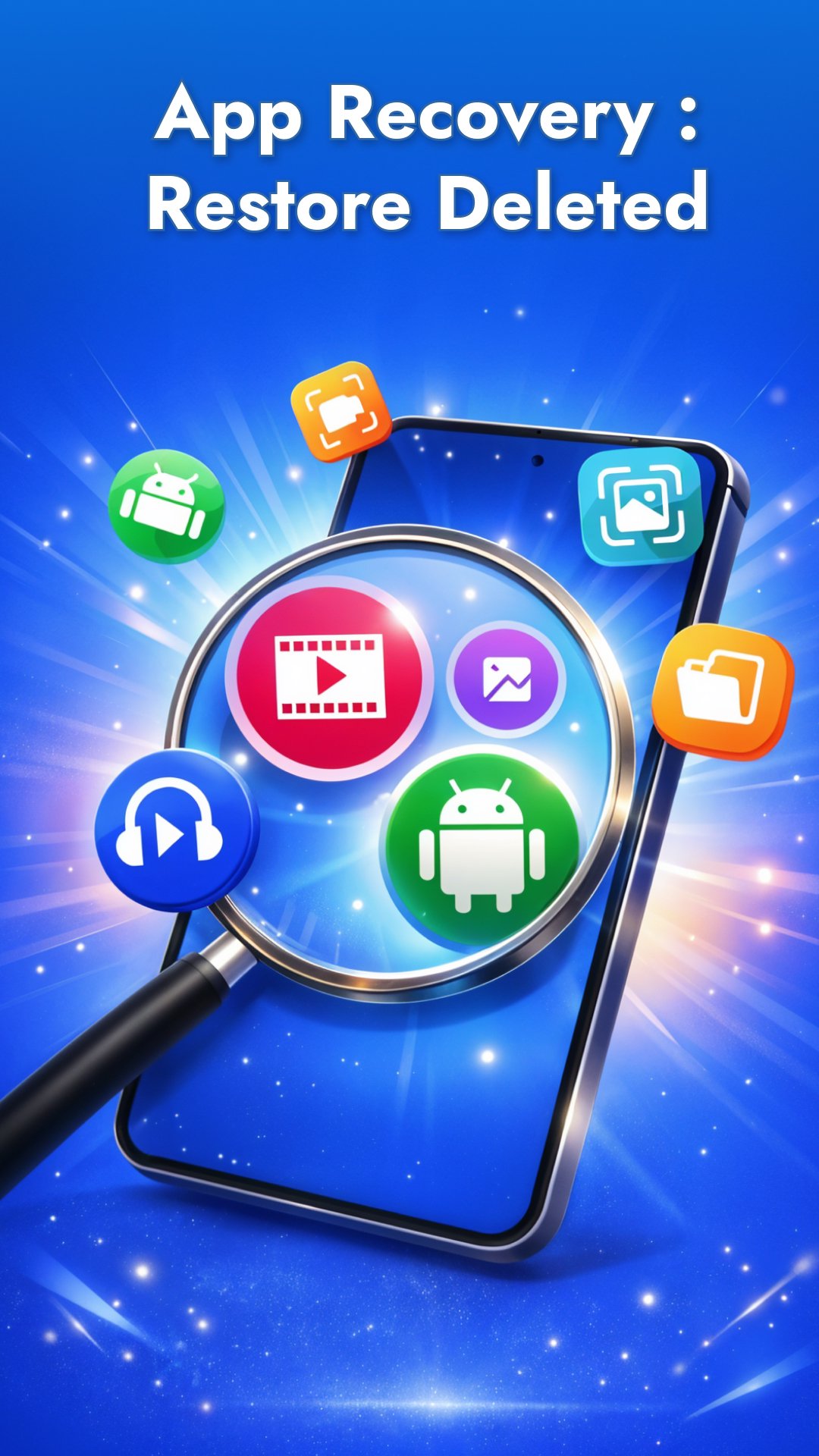
Accidentally deleted precious photos, videos or even an app? Don’t panic – Photo Recovery, App Recovery (your all-in-one data recovery tool) has got you covered! This powerful app helps you recover deleted photos and videos in seconds from the Recycle Bin of Android, and even restore apps you uninstalled by mistake. Plus, it doubles as a software update app, ensuring all your apps are up-to-date. It’s like having a recycle bin of android, a data recovery lab, and an app updater all in one data recovery convenient tool on your phone. 👍
Why Choose Photo Recovery, App Recovery?
All-in-One Data Recovery: Whether it’s a photo from last night, a video clip, or an app you removed, you can bring them back. Photo Recovery, App Recovery app combines photo recovery, video recovery, and app recovery in a single app. No need for multiple tools – find everything here.
Easy Photo & Video Restore: Never lose your memories again! The app deep scans your internal storage and SD card to recover deleted photos and videos in original quality from the Recycle Bin of Android.
Restore Uninstalled Apps: App Recovery keeps a record of android apps you’ve recently uninstalled. It shows a handy list of your deleted apps, so you can reinstall any app directly from the Play Store with 1 tap. Forgot the name of an app you removed? No problem – it’s logged and ready to restore from the Recycle Bin of Android
Caller ID & Call Log: Track recent calls and see caller details after each call – an extra feature inbuilt for your assistance.
1 Tap Backup & Undo recently deleted: The restore app acts like a safety net or recycle bin. Delete something by mistake? Recover deleted from the android recycle bin of android and have your back-up ready. It undeletes, recover deleted data and apps instantly, sparing you the frustration of searching through device folders or Google backups.
Software Update Checker: Stay secure with the latest versions of your apps. Update everything in one place – no more hunting in the Play Store. Get notified when updates are available, so you’ll never miss an important update for your favorite games or tools.
Manage Your Apps in One Place: Use App Recovery as an app manager as well. Check app versions and permissions, launch your apps, or uninstall apps easily. It’s a full control panel for your apps’ health.
How it Works:
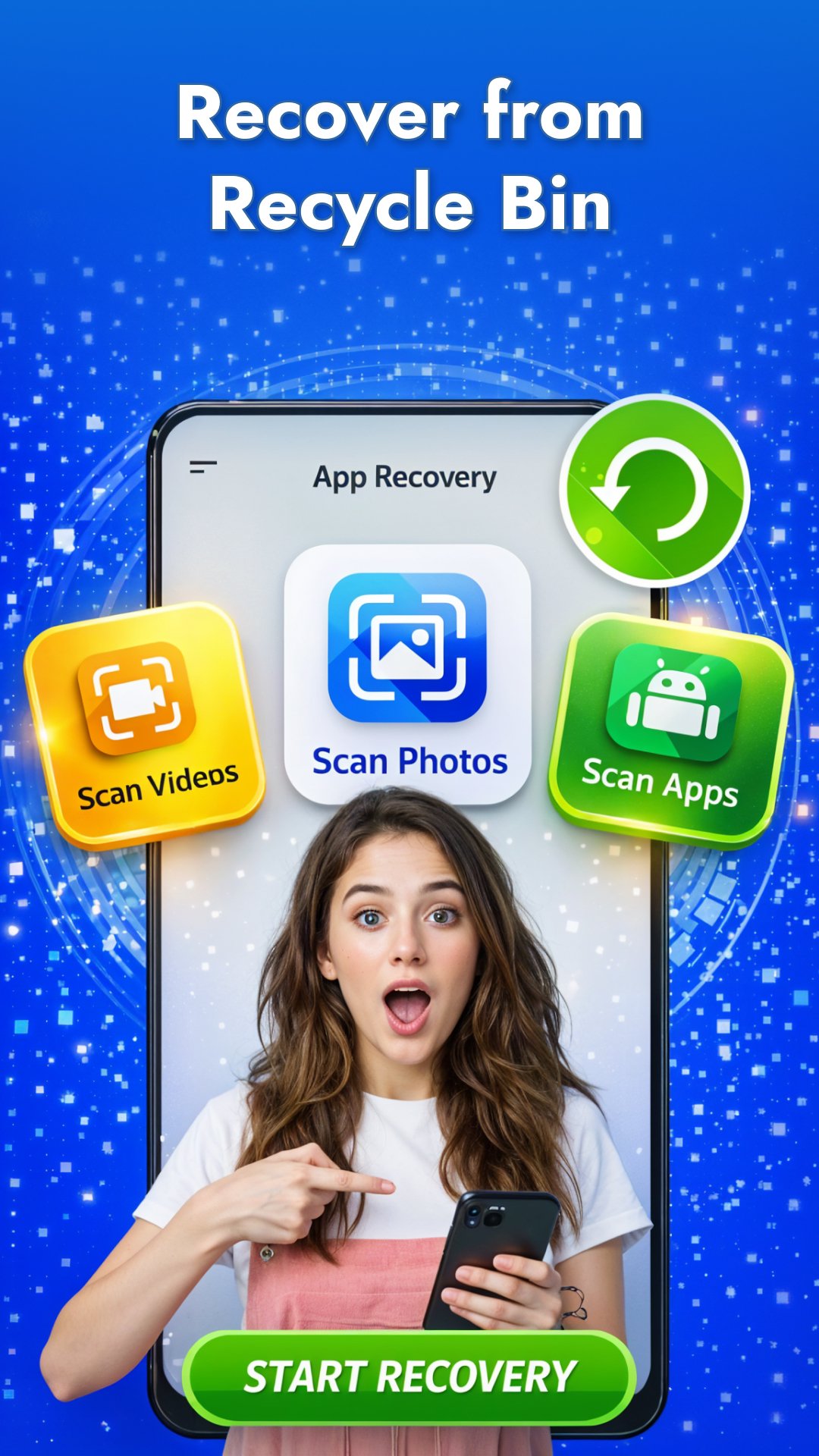
Deep Scan – Launch the app and tap the scan button. Recover deleted data will deeply scan your storage for any deleted photos, videos, audio and even traces of uninstalled apps.
Preview & Select – Found your lost data or app in the list? Great! You can preview images or videos before recovery.
Recover & Restore deleted – With one tap, recover deleted the data back to your gallery or restore the app from Play Store. It’s instant – like the deletion never happened.
Update & Manage – Switch to the “Updates” tab to see pending app updates. Software Update individual apps with app updater, all at once.
No matter if you deleted a photo by accident, wiped a video, or uninstalled an app and forgot its name – Photo Recovery, App Recovery gives you a second chance. ✅ Lost data aren’t lost forever; accidentally uninstalled apps are easily found. The app’s advanced recovery engine and smart backup list ensure you can restore everything important quickly and without hassle.
Download Photo Recovery, App Recovery now and keep your memories and apps safe, bring it back from the recycle bin of android!
Privacy policy: https://appnextg.com/web/apprecovery/privacy-policy
Terms of use: https://appnextg.com/web/apprecovery/tandc
EULA: https://appnextg.com/web/apprecovery/eula
預覽
標籤
工具訊息
開發商
appNextG
最新版本
19.0
更新時間
2026-02-12
類別
工具
同時可用
Google Play
更多
如何在電腦上用 GameLoop 玩 Photo Recovery, App Recovery
1. 從官網下載GameLoop,然後運行exe文件安裝GameLoop
2. 打開GameLoop,搜索“Photo Recovery, App Recovery”,在搜索結果中找到Photo Recovery, App Recovery,點擊“安裝”
3. 享受在 GameLoop 上玩 Photo Recovery, App Recovery 的樂趣
Minimum requirements
OS
Windows 8.1 64-bit or Windows 10 64-bit
GPU
GTX 1050
CPU
i3-8300
Memory
8GB RAM
Storage
1GB available space
Recommended requirements
OS
Windows 8.1 64-bit or Windows 10 64-bit
GPU
GTX 1050
CPU
i3-9320
Memory
16GB RAM
Storage
1GB available space