
Apk Getter - Extractor 電腦版
SuriDevs
用GameLoop模拟器在電腦上玩Apk Getter - Extractor
Apk Getter - Extractor 電腦版
來自發行商 SuriDevs 的 Apk Getter - Extractor 能夠在安卓系統上運行。
現在,您可以在電腦上使用 GameLoop 模擬器流暢地玩 Apk Getter - Extractor。
在 GameLoop 遊戲庫或搜索結果中下載。 不需要再暢玩遊戲時盯著電池電量或被令人懊惱的來電打斷。
只需在電腦大屏幕上免費下載暢玩Apk Getter - Extractor 電腦版!
Apk Getter - Extractor 簡介
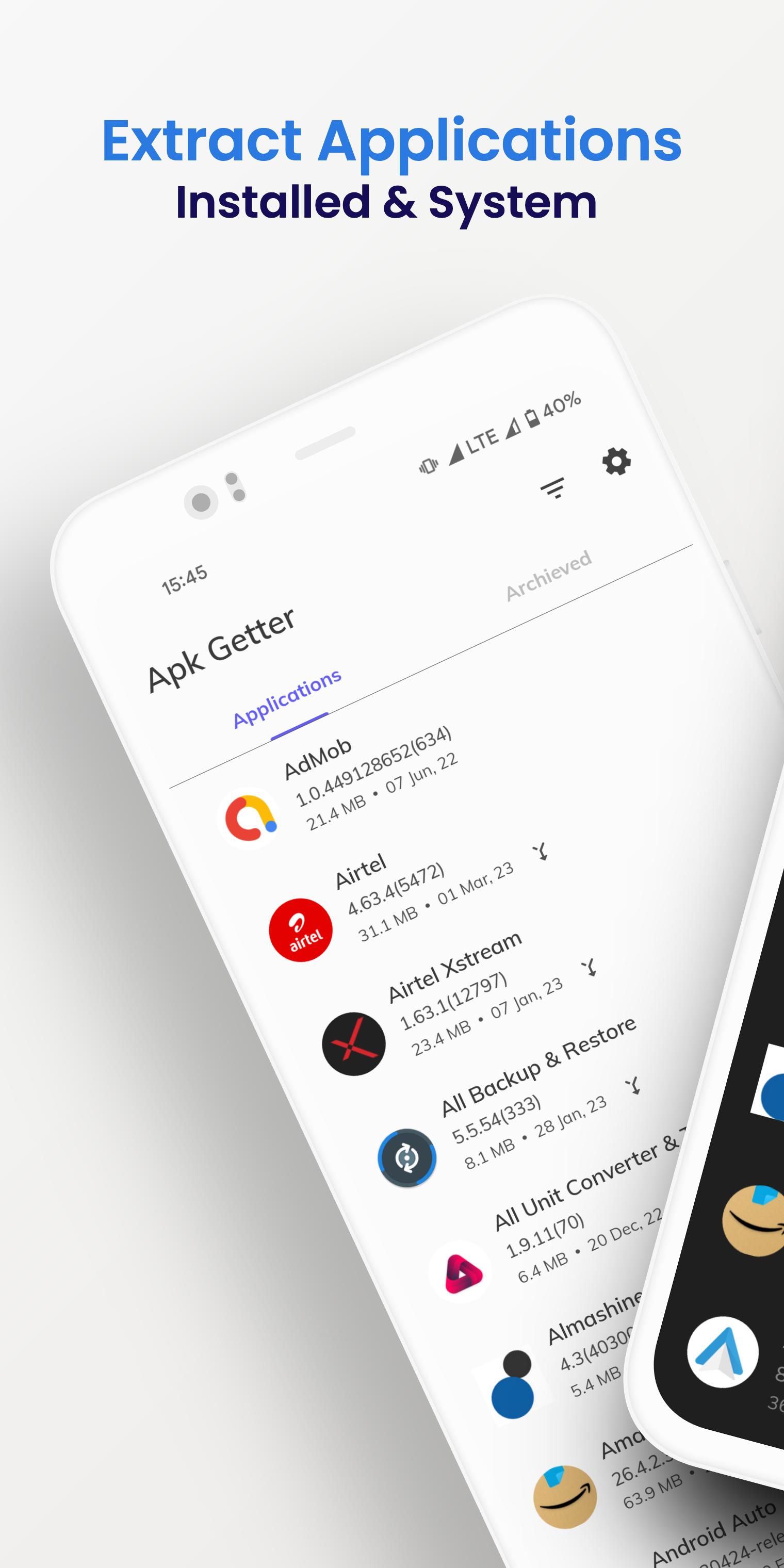
Apk Getter - Extractor is fast and easy to extract apk file and archived into device or sd card.
Note: We are not archive the data of any application. We are only archiving apk file of applications.
Features
👉 Apk Getter - Extractor #1 application in category.
👉 Apk Getter - Extractor is simple, fast, and easy to use.
👉 Extract most of the applications, including system applications.
👉 You can launch, extract, install & uninstall on tap of
application.
👉 You can also extract multiple applications at once.
👉 Change extract path easily to device or sd card.
👉 Check your archived applications with options.
👉 Apk Getter - Extractor does not require root access.
👉 Share archived applications with your friends.
👉 You can sort by name, sort by installed date, sort by updated date
of application.
👉 You can filter by installed applications, filter by in-built application
and both applications.
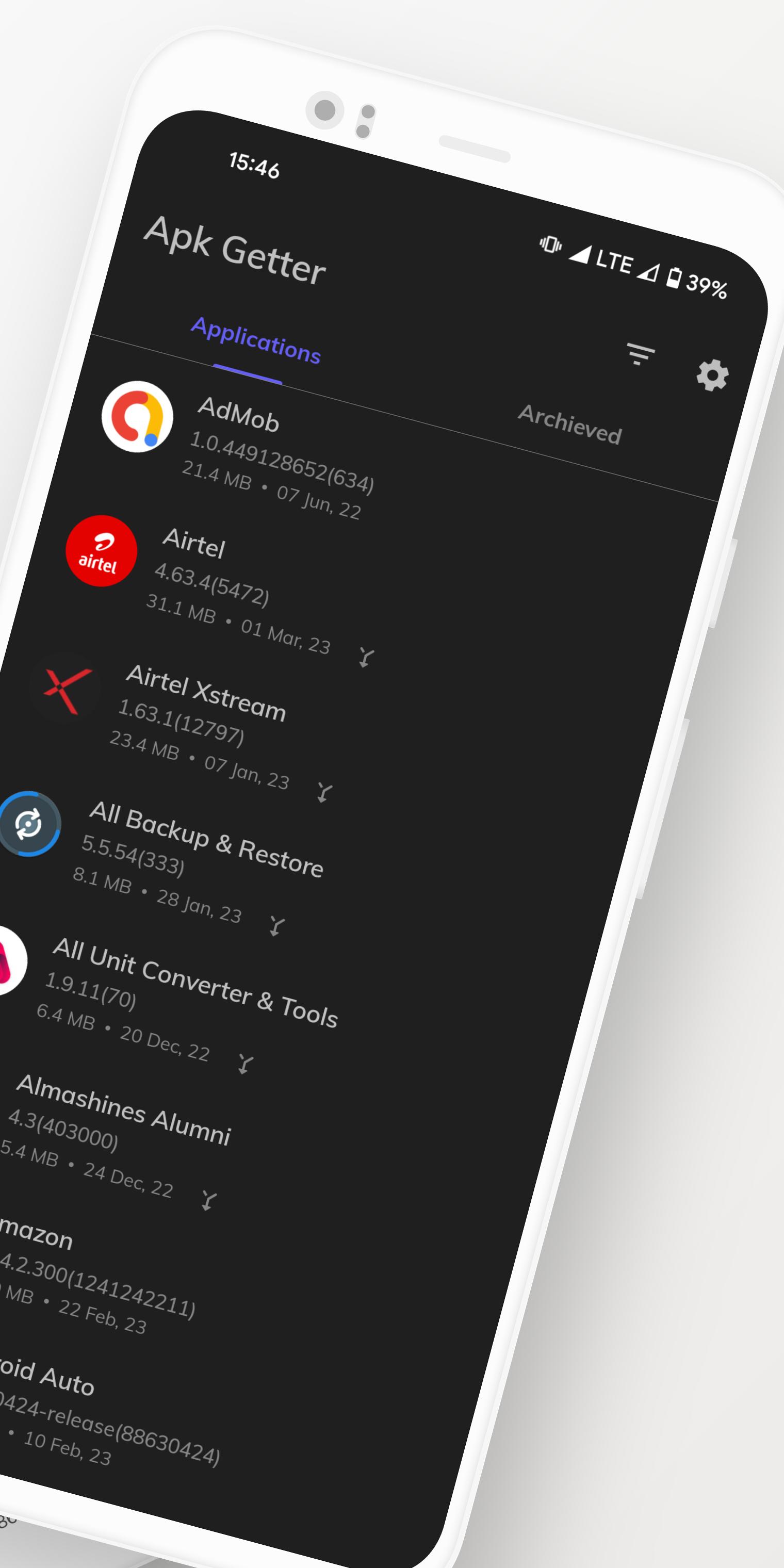
👉 Dark mode give available for a better user experience.
👉 Archived apk(application) format will be 'AppName_version.apk.
👉 By default, the file will be saved in "ApkGetter" folder in the internal storage of the device.
👉 Compatible with the latest version of Android 11.0.
Permissions
Storage: These permission are used to store your application files in internal or external storage.
預覽
標籤
工具訊息
開發商
SuriDevs
最新版本
2.11.4
更新時間
2023-10-24
類別
工具
同時可用
Google Play
更多
如何在電腦上用 GameLoop 玩 Apk Getter - Extractor
1. 從官網下載GameLoop,然後運行exe文件安裝GameLoop
2. 打開GameLoop,搜索“Apk Getter - Extractor”,在搜索結果中找到Apk Getter - Extractor,點擊“安裝”
3. 享受在 GameLoop 上玩 Apk Getter - Extractor 的樂趣
Minimum requirements
OS
Windows 8.1 64-bit or Windows 10 64-bit
GPU
GTX 1050
CPU
i3-8300
Memory
8GB RAM
Storage
1GB available space
Recommended requirements
OS
Windows 8.1 64-bit or Windows 10 64-bit
GPU
GTX 1050
CPU
i3-9320
Memory
16GB RAM
Storage
1GB available space