Amoled Clock On Display - AOD 電腦版
Bhatrani Apps
用GameLoop模拟器在電腦上玩Amoled Clock On Display - AOD
Amoled Clock On Display - AOD 電腦版
來自發行商 Bhatrani Apps 的 Amoled Clock On Display - AOD 能夠在安卓系統上運行。
現在,您可以在電腦上使用 GameLoop 模擬器流暢地玩 Amoled Clock On Display - AOD。
在 GameLoop 遊戲庫或搜索結果中下載。 不需要再暢玩遊戲時盯著電池電量或被令人懊惱的來電打斷。
只需在電腦大屏幕上免費下載暢玩Amoled Clock On Display - AOD 電腦版!
Amoled Clock On Display - AOD 簡介
To show digital clock always on display we use AMOLED feature of smart phone. This super amoled feature is called ambient display or active display. Always on display (AOD) keep a limited portion of the screen on during sleep mode.
Super amoled lock screen clock widget does not drain battery because, always on display clock on screen just turns on those pixels LED required to show text, image or graphics while other pixels turned off.
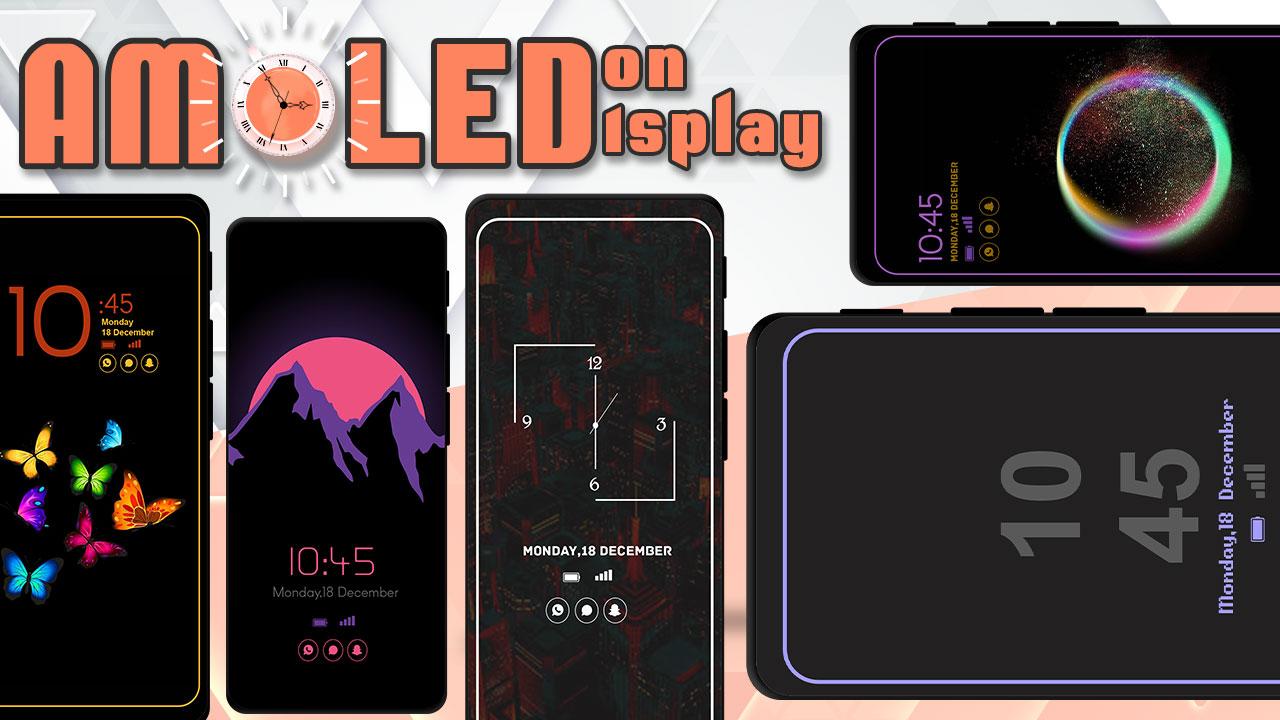
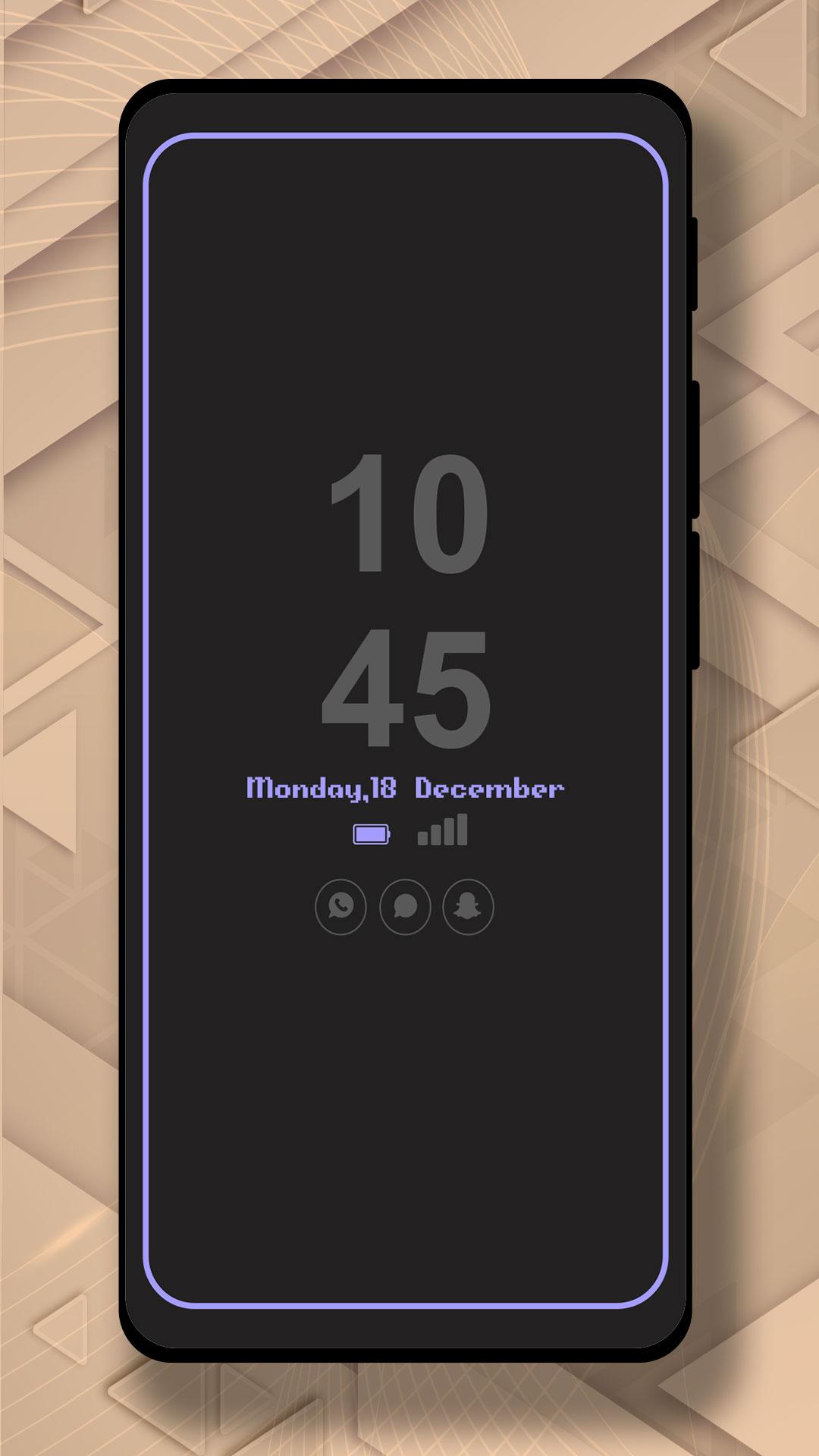
It will display the Amoled Clock on your mobile screens with the Digital clock AMOLED Display, Analog clock AMOLED Display, Calendar clock, Emoji clock, Picture Display clock, Funny clock, with notifications, and Time at your screen without having to touch the phone.
Now, screen time or digital clock is right in front of your eyes. The app provides you information about the date, time, notifications, and more. You won't even have to touch your phone screen to get all of the information as mentioned above. The Always on Display app is developed to show basic information on the black screen.
Settings:-
* Collection of Awesome digital clock and analog clocks
* Amazing UI/UX design and very easy to use
* Show battery level and less battery consumption
* Highly in-demand of these days Always On Display Screen
* Enable/Disable showing notifications
* Stunning Black Backgrounds
* Change clock style there a vast variety of styles of clocks like Analog and Digital Formates
* Social Media Notifications
* Always on Display - AOD
* Variety of AMOLED Clock styles always on display
* Can be used as a night clock
預覽
標籤
工具訊息
開發商
Bhatrani Apps
最新版本
5.0.0
更新時間
2022-08-20
類別
工具
同時可用
Google Play
更多
如何在電腦上用 GameLoop 玩 Amoled Clock On Display - AOD
1. 從官網下載GameLoop,然後運行exe文件安裝GameLoop
2. 打開GameLoop,搜索“Amoled Clock On Display - AOD”,在搜索結果中找到Amoled Clock On Display - AOD,點擊“安裝”
3. 享受在 GameLoop 上玩 Amoled Clock On Display - AOD 的樂趣
Minimum requirements
OS
Windows 8.1 64-bit or Windows 10 64-bit
GPU
GTX 1050
CPU
i3-8300
Memory
8GB RAM
Storage
1GB available space
Recommended requirements
OS
Windows 8.1 64-bit or Windows 10 64-bit
GPU
GTX 1050
CPU
i3-9320
Memory
16GB RAM
Storage
1GB available space