
Always visible Volume Booster 電腦版
OK soft
用GameLoop模拟器在電腦上玩Always visible Volume Booster
Always visible Volume Booster 電腦版
來自發行商 OK soft 的 Always visible Volume Booster 能夠在安卓系統上運行。
現在,您可以在電腦上使用 GameLoop 模擬器流暢地玩 Always visible Volume Booster。
在 GameLoop 遊戲庫或搜索結果中下載。 不需要再暢玩遊戲時盯著電池電量或被令人懊惱的來電打斷。
只需在電腦大屏幕上免費下載暢玩Always visible Volume Booster 電腦版!
Always visible Volume Booster 簡介
Volume Booster - Sound Equalizer & Volume Control
Take full control of your device's audio with Volume Booster, the ultimate sound enhancement app for Android. Whether you want louder music, clearer calls, or perfectly balanced audio, this powerful volume booster and equalizer gives you precise control over every aspect of your sound.
Key Features:
🔊 Smart Volume Booster
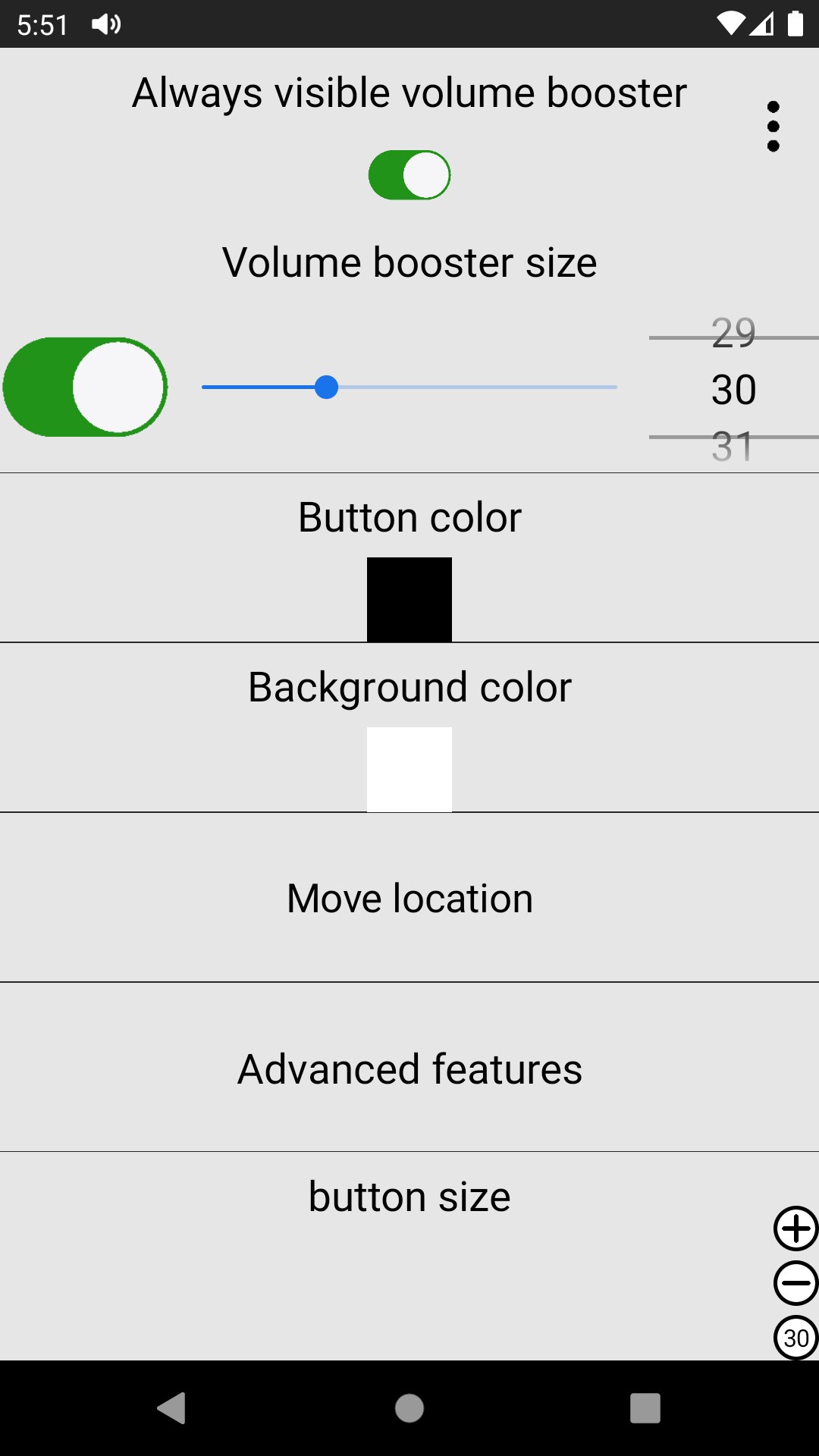
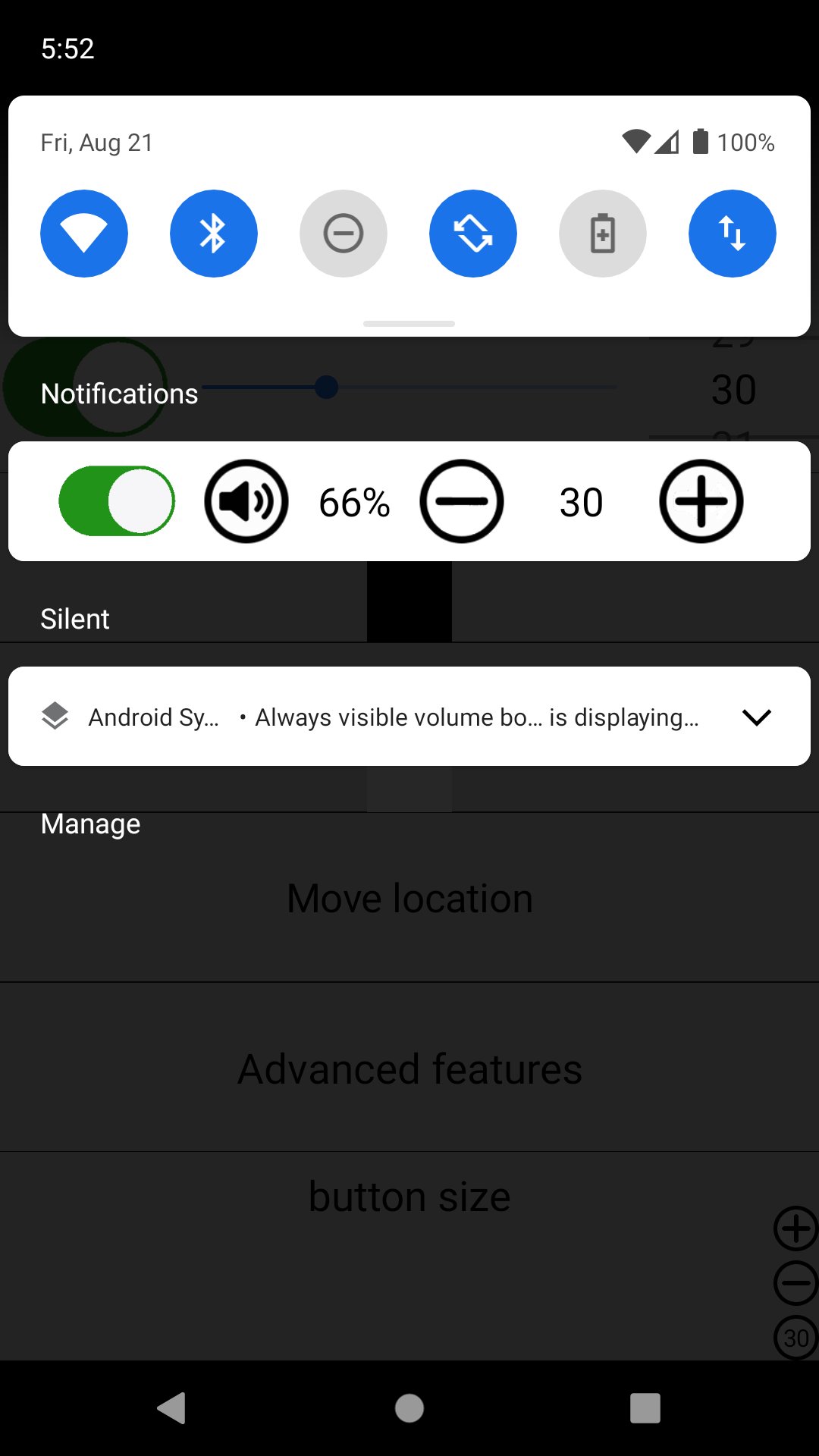
Large, easy-to-use Volume Booster button displayed directly on your screen
Adjust booster level instantly with + (Plus) and - (Minus) buttons
Refresh Button at the top: Tap to show the system volume bar and reload the booster when it stops working
🎛️ Professional 5-Band Equalizer
Advanced equalizer with 5 frequency bands:
60Hz (Bass)
230Hz
910Hz
3kHz
14kHz (Treble)
Fine-tune your audio to get the perfect sound signature for music, movies, or calls
📱 Multi-Profile Volume Control
Separate volume controls for:
Media
Calls
Ringtone
Alarm
Current Status
Manual Save Mode: Save your custom volume settings for different situations
When Manual Save is enabled, a convenient floating button appears above the refresh button to quickly select volume types
🔇 Smart Mute Options
Single tap or double tap the volume icon to mute sound instantly
Choose your preferred mute gesture for quick access
📏 Edge Bar & Volume Step Settings
Edge Bar Option: Long-press the volume button to hide/show volume controls using the edge bar
Volume Step Control: Customize how much the volume changes with each tap of the + and - buttons
Why Choose Volume Booster?
Clean and simple floating interface that doesn't interfere with your apps
Quick access to system volume with one tap
Reliable booster reload function for maximum stability
Highly customizable settings for advanced users
Works with music players, videos, games, calls, and more
Whether you're at a party, watching movies, or just want clearer phone calls, Volume Booster helps you get the most out of your Android device's audio.
Note: This app enhances your device's volume output. Please use it responsibly and avoid setting volumes too high for long periods to protect your hearing.
Download now and experience powerful, crystal-clear sound like never before!
預覽
標籤
工具訊息
開發商
OK soft
最新版本
3.36
更新時間
2026-06-02
類別
工具
同時可用
Google Play
更多
如何在電腦上用 GameLoop 玩 Always visible Volume Booster
1. 從官網下載GameLoop,然後運行exe文件安裝GameLoop
2. 打開GameLoop,搜索“Always visible Volume Booster”,在搜索結果中找到Always visible Volume Booster,點擊“安裝”
3. 享受在 GameLoop 上玩 Always visible Volume Booster 的樂趣
Minimum requirements
OS
Windows 8.1 64-bit or Windows 10 64-bit
GPU
GTX 1050
CPU
i3-8300
Memory
8GB RAM
Storage
1GB available space
Recommended requirements
OS
Windows 8.1 64-bit or Windows 10 64-bit
GPU
GTX 1050
CPU
i3-9320
Memory
16GB RAM
Storage
1GB available space