Always On Display - Always On 電腦版
Unitech App Developers
用GameLoop模拟器在電腦上玩Always On Display - Always On
Always On Display - Always On 電腦版
來自發行商 Unitech App Developers 的 Always On Display - Always On 能夠在安卓系統上運行。
現在,您可以在電腦上使用 GameLoop 模擬器流暢地玩 Always On Display - Always On 。
在 GameLoop 遊戲庫或搜索結果中下載。 不需要再暢玩遊戲時盯著電池電量或被令人懊惱的來電打斷。
只需在電腦大屏幕上免費下載暢玩Always On Display - Always On 電腦版!
Always On Display - Always On 簡介
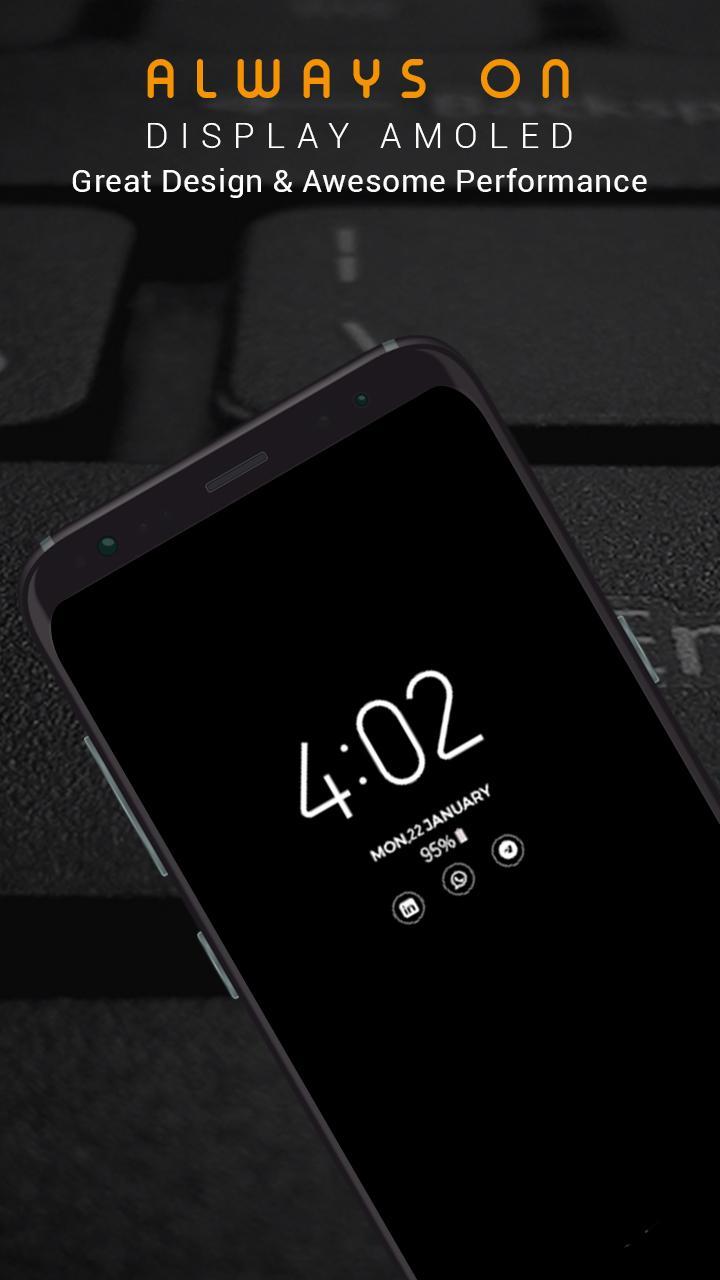
Super-amoled keep your mobile screen on all the time so that it can display digital clock , analog clock, picture clock, emoji clock notification, date and more without having touch the phone screen.
An always on display for every device! and Always on display photo clock is a super-amoled application that show all information like time, date and notification in a black screen wallpapers without having to touch the phone.
Always On Display keep your screen on all the time to show you time in a digital and analog clock
All you have to do is look on the mobile screen and leave the rest to AMOLED displays.
This app shows Time , Date and notification and also music controls on Always on display screen .
Using this Always clock on display- super amoled your phone will permanently show time,
date battery percentage , calendar edge clock , sticker Clock ,Custom picture clock.
With Always clock on display- super amoled say goodbye to smart watches . Always on display super amoled have calendar clock , Picture Clock , Emoji clock ,
Edge clock , Digital clock and Analog Clock with various styles. This is a real time clock with Always clock on display .
How to use this App (Always on Screen):
1. Open Always on Display-AMOLED, start service
3. To weak up your phone, double tap on screen
4. To turn off screen just press power button
5. The user can on or off service.
Features:
► Night clock on display
► Display Calendar clock , Picture Clock , Emoji clock ,
Edge clock , Digital clock and Analog Clock on Amoled display .
► Change Amoled clock colors and Styles .
► Automatically handles Display on new incoming call
► You can adjust amoled screen wallpaper brightness
► Multiple Digital clocks to choose from .
► You can click on Notifications shown on Always on display screen .
► Unlock with double tap and also with Finger print -- Finger print supported .
► Use very little resources . its very light weighted .
► Sensor based lock : turn off display of device when you leave it in your pocket to save battery.
► Show notification information with clock.
► Always on Amoled has Edge Clock .
► Always on Display photo clock is very easy to use .
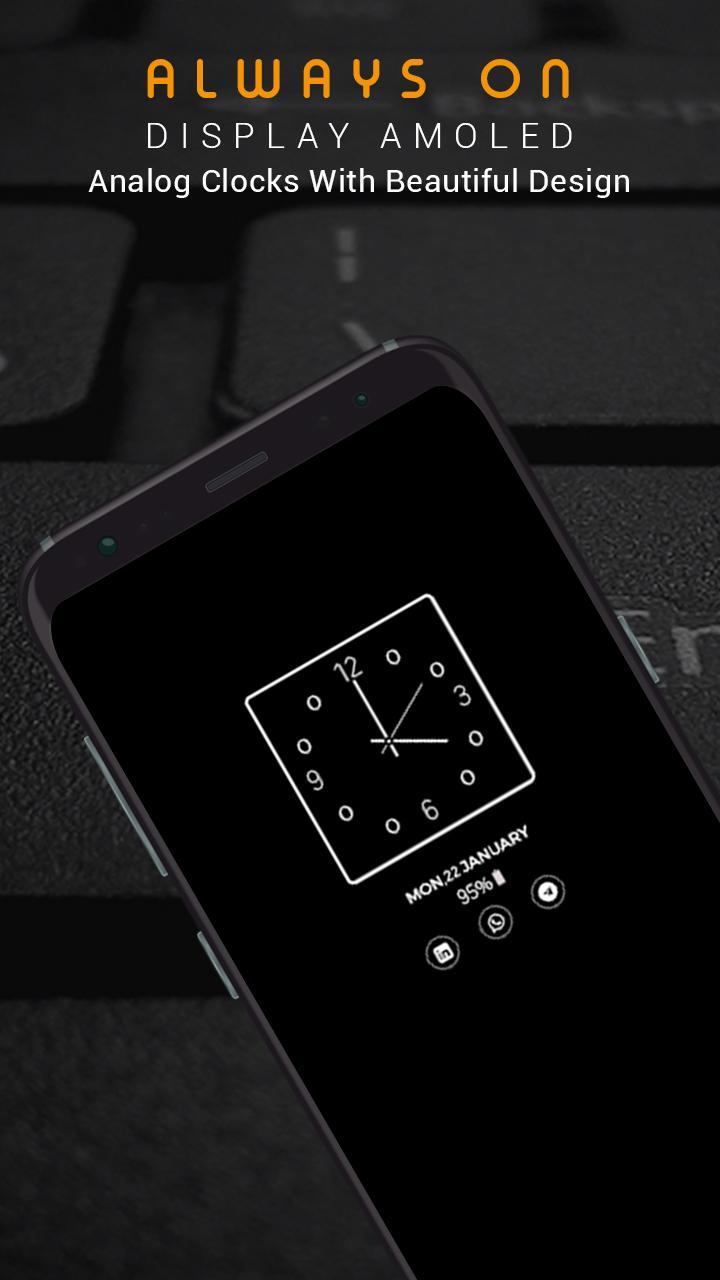
► Multiple Analog clocks to choose from
► Digital night clock
► Analog night clock
► AOD is specially designed to use low batter power.
► Double Tap on screen to unlock device or use Finger Print.
Contact us:
We always work for quality apps and provide quality apps to our users. We respect our users and always listen for your feedback, suggestions, recommendations & features updates. Thank you!
Email:
unitechdeveloeprs@gmail.com
預覽
標籤
工具訊息
開發商
Unitech App Developers
最新版本
1.2
更新時間
2020-10-26
類別
工具
同時可用
Google Play
更多
如何在電腦上用 GameLoop 玩 Always On Display - Always On
1. 從官網下載GameLoop,然後運行exe文件安裝GameLoop
2. 打開GameLoop,搜索“Always On Display - Always On ”,在搜索結果中找到Always On Display - Always On ,點擊“安裝”
3. 享受在 GameLoop 上玩 Always On Display - Always On 的樂趣
Minimum requirements
OS
Windows 8.1 64-bit or Windows 10 64-bit
GPU
GTX 1050
CPU
i3-8300
Memory
8GB RAM
Storage
1GB available space
Recommended requirements
OS
Windows 8.1 64-bit or Windows 10 64-bit
GPU
GTX 1050
CPU
i3-9320
Memory
16GB RAM
Storage
1GB available space