
Aerial Dream 電腦版
Daniel Cachapa
用GameLoop模拟器在電腦上玩Aerial Dream
Aerial Dream 電腦版
來自發行商 Daniel Cachapa 的 Aerial Dream 能夠在安卓系統上運行。
現在,您可以在電腦上使用 GameLoop 模擬器流暢地玩 Aerial Dream。
在 GameLoop 遊戲庫或搜索結果中下載。 不需要再暢玩遊戲時盯著電池電量或被令人懊惱的來電打斷。
只需在電腦大屏幕上免費下載暢玩Aerial Dream 電腦版!
Aerial Dream 簡介
*Please note*: Aerial Dream streams videos constantly and will consume large amounts of bandwidth. Do not install on devices with limited network connectivity.
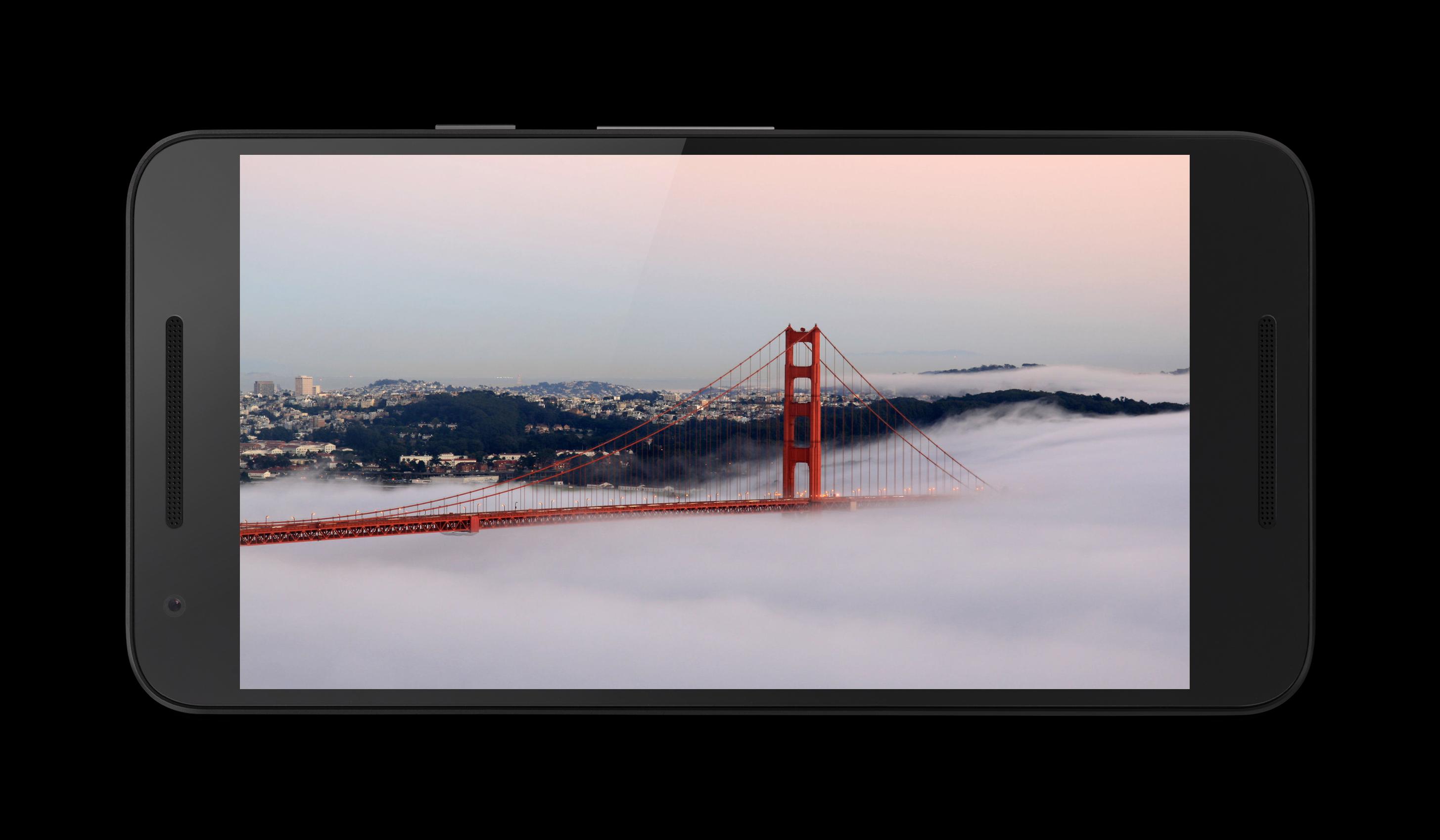
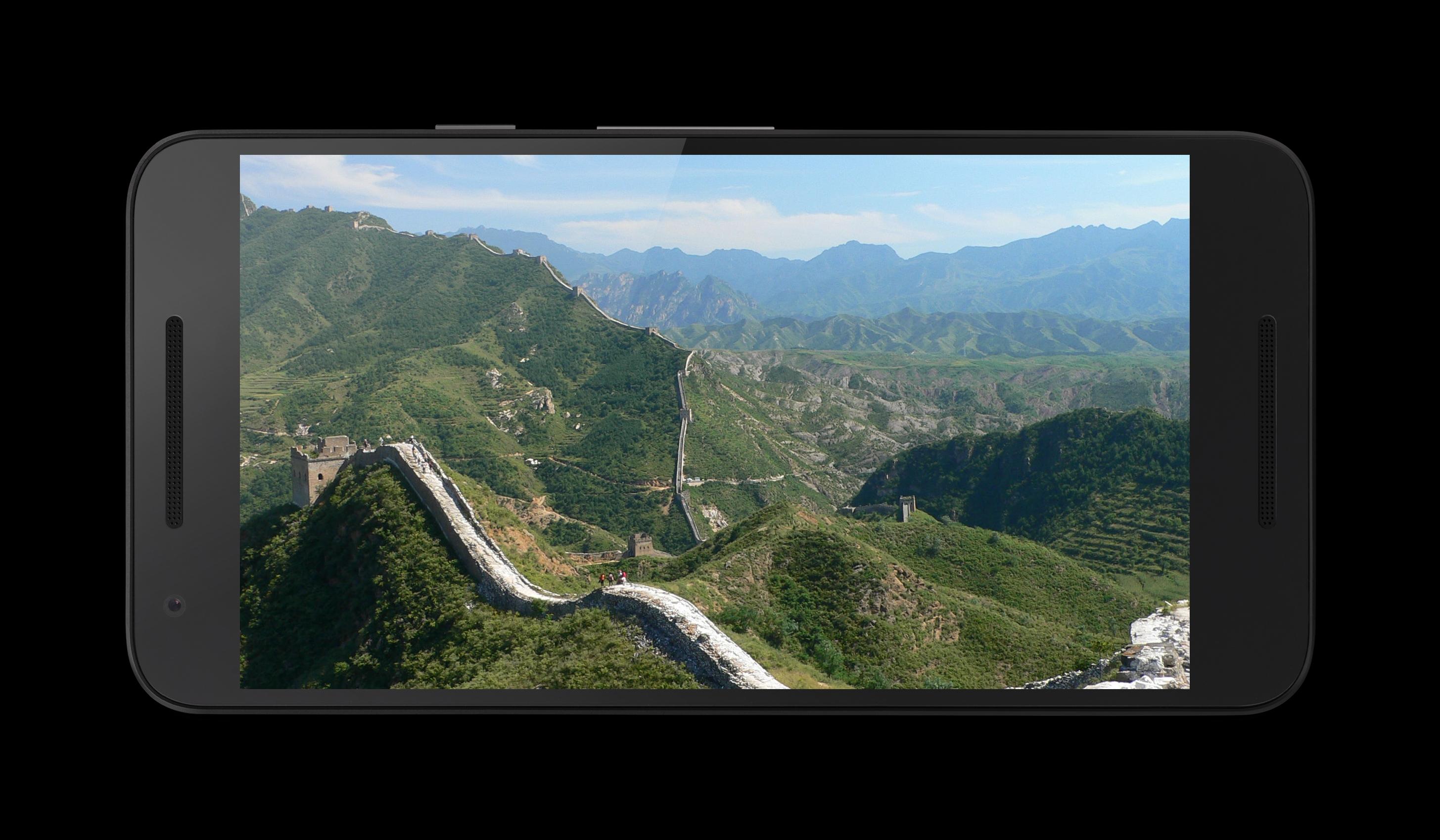
A screensaver for Android devices inspired on Apple TV's video screensaver.
Currently the displayed videos are the exact same used by Apple TV.
Though the videos are relatively small (below 200MB), it's still recommended that you have an appropriate internet plan so that you do not incur in extra costs. Most home or WiFi connections should be ok, while mobile data could be a problem.
The videos are hosted by Apple Inc. openly and without any sort of encryption or other form of protection, therefore this use is assumed to be legitimate.
If you have reason to believe otherwise please let me know.
In short: if you work for Apple please contact me before releasing the Kraken.
How to set Aerial Dream as your screensaver:
- Go into the System Preferences
- Select Display
- Select Daydream
- Select Aerial Dream
預覽
標籤
工具訊息
開發商
Daniel Cachapa
最新版本
1.11.0
更新時間
2022-02-01
類別
工具
同時可用
Google Play
更多
如何在電腦上用 GameLoop 玩 Aerial Dream
1. 從官網下載GameLoop,然後運行exe文件安裝GameLoop
2. 打開GameLoop,搜索“Aerial Dream”,在搜索結果中找到Aerial Dream,點擊“安裝”
3. 享受在 GameLoop 上玩 Aerial Dream 的樂趣
Minimum requirements
OS
Windows 8.1 64-bit or Windows 10 64-bit
GPU
GTX 1050
CPU
i3-8300
Memory
8GB RAM
Storage
1GB available space
Recommended requirements
OS
Windows 8.1 64-bit or Windows 10 64-bit
GPU
GTX 1050
CPU
i3-9320
Memory
16GB RAM
Storage
1GB available space