
Adb Clipboard 電腦版
AppDevs
用GameLoop模拟器在電腦上玩Adb Clipboard
Adb Clipboard 電腦版
來自發行商 AppDevs 的 Adb Clipboard 能夠在安卓系統上運行。
現在,您可以在電腦上使用 GameLoop 模擬器流暢地玩 Adb Clipboard。
在 GameLoop 遊戲庫或搜索結果中下載。 不需要再暢玩遊戲時盯著電池電量或被令人懊惱的來電打斷。
只需在電腦大屏幕上免費下載暢玩Adb Clipboard 電腦版!
Adb Clipboard 簡介
**📱 Secure Clipboard Sync for Developers**
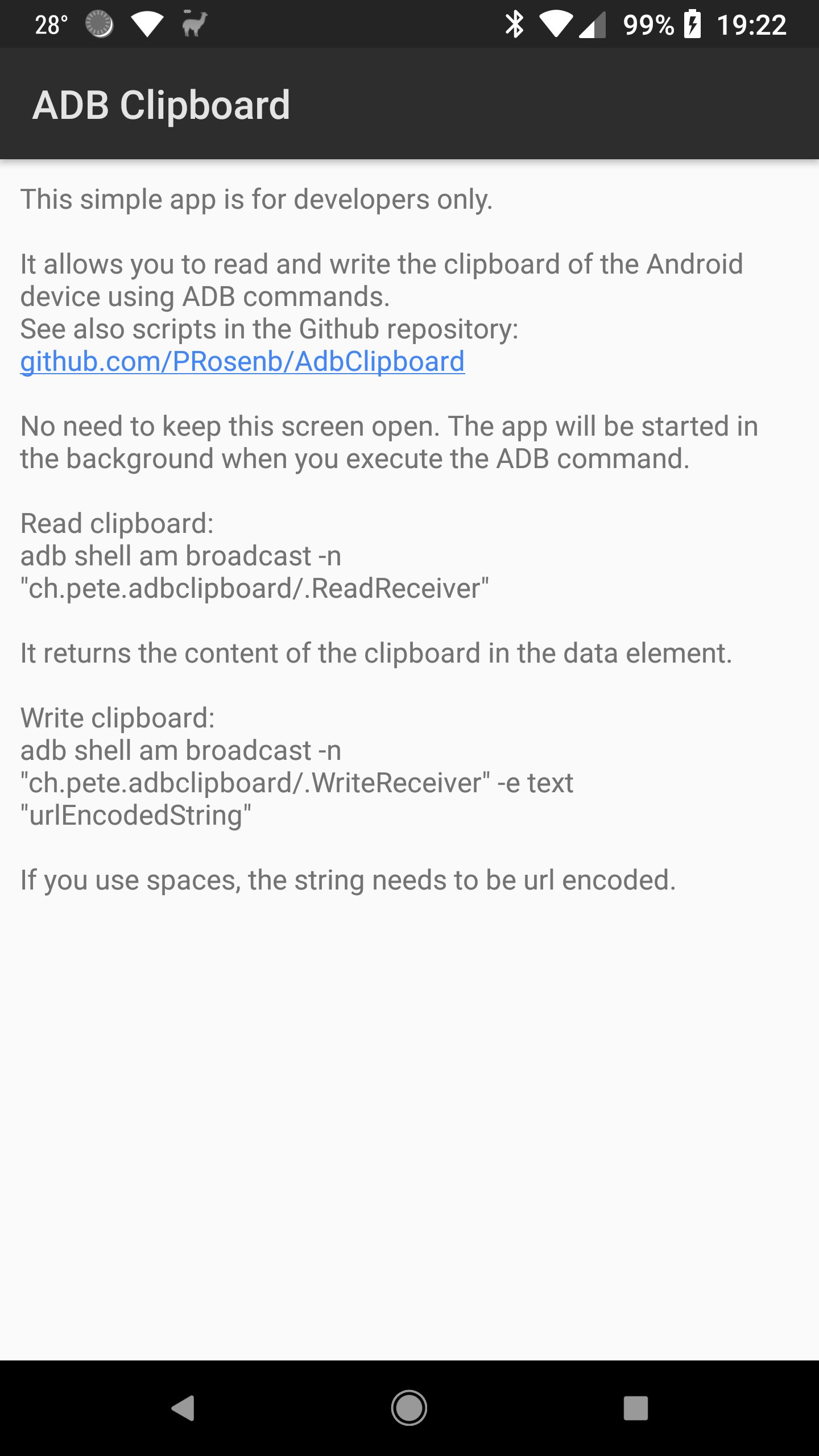
AdbClipboard enables seamless clipboard synchronization between your Android device and development PC through ADB - no external servers, no internet required, no data leaving your network.
**🔒 Perfect for Restricted Environments**
While many clipboard sharing solutions rely on external servers, AdbClipboard works entirely through your local ADB connection. Ideal for developers in banks, government agencies, and enterprise environments where external clipboard services are blocked for security reasons.
**✨ Key Features:**
• **Automatic PC → Android sync** - Copy on PC, paste instantly on Android
• **Manual Android → PC sync** - Tap floating window to transfer clipboard content
• **Zero internet dependency** - Works completely offline through ADB
• **Ultra lightweight** - Minimal app footprint and resource usage
• **USB & WiFi support** - Connect via cable or wireless ADB
• **Security focused** - No internet permission, all data stays local
**🛠️ How It Works:**
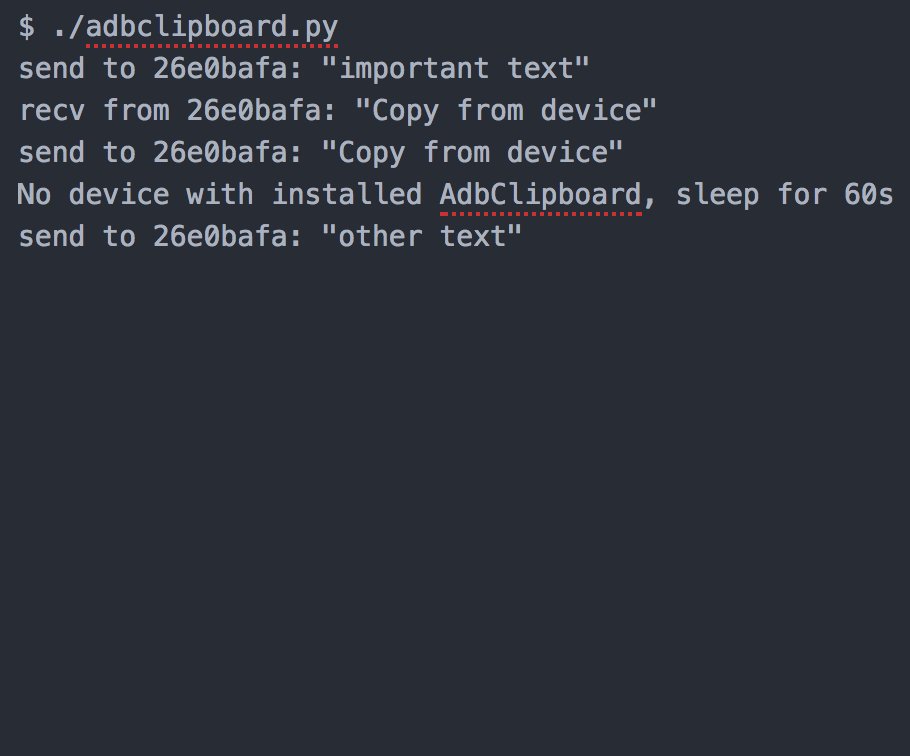
The app uses a floating window overlay to access Android's clipboard (due to Android security restrictions). When you copy text on your PC, it automatically appears on your Android clipboard. To copy from Android to PC, simply tap the AdbClipboard floating window.
**📋 Requirements:**
• ADB debugging enabled on your device
• Python script running on your PC (included with download)
• "Display over other apps" permission for floating window
**🔐 Privacy & Security:**
• No internet permission requested
• No external servers or cloud services
• All clipboard data remains within your local network
• Perfect for security-conscious development environments
**👨💻 For Developers Only**
This tool is specifically designed for Android developers who need reliable clipboard sync during development and testing workflows.
Download the companion Python script from: github.com/PRosenb/AdbClipboard
*Streamline your development workflow with secure, local clipboard synchronization.*
預覽
標籤
工具訊息
開發商
AppDevs
最新版本
3.2
更新時間
2025-10-04
類別
工具
同時可用
Google Play
更多
如何在電腦上用 GameLoop 玩 Adb Clipboard
1. 從官網下載GameLoop,然後運行exe文件安裝GameLoop
2. 打開GameLoop,搜索“Adb Clipboard”,在搜索結果中找到Adb Clipboard,點擊“安裝”
3. 享受在 GameLoop 上玩 Adb Clipboard 的樂趣
Minimum requirements
OS
Windows 8.1 64-bit or Windows 10 64-bit
GPU
GTX 1050
CPU
i3-8300
Memory
8GB RAM
Storage
1GB available space
Recommended requirements
OS
Windows 8.1 64-bit or Windows 10 64-bit
GPU
GTX 1050
CPU
i3-9320
Memory
16GB RAM
Storage
1GB available space