
常時安全セキュリティ24 電腦版
NIFTY Corporation
用GameLoop模拟器在電腦上玩常時安全セキュリティ24
常時安全セキュリティ24 電腦版
來自發行商 NIFTY Corporation 的 常時安全セキュリティ24 能夠在安卓系統上運行。
現在,您可以在電腦上使用 GameLoop 模擬器流暢地玩 常時安全セキュリティ24。
在 GameLoop 遊戲庫或搜索結果中下載。 不需要再暢玩遊戲時盯著電池電量或被令人懊惱的來電打斷。
只需在電腦大屏幕上免費下載暢玩常時安全セキュリティ24 電腦版!
常時安全セキュリティ24 簡介
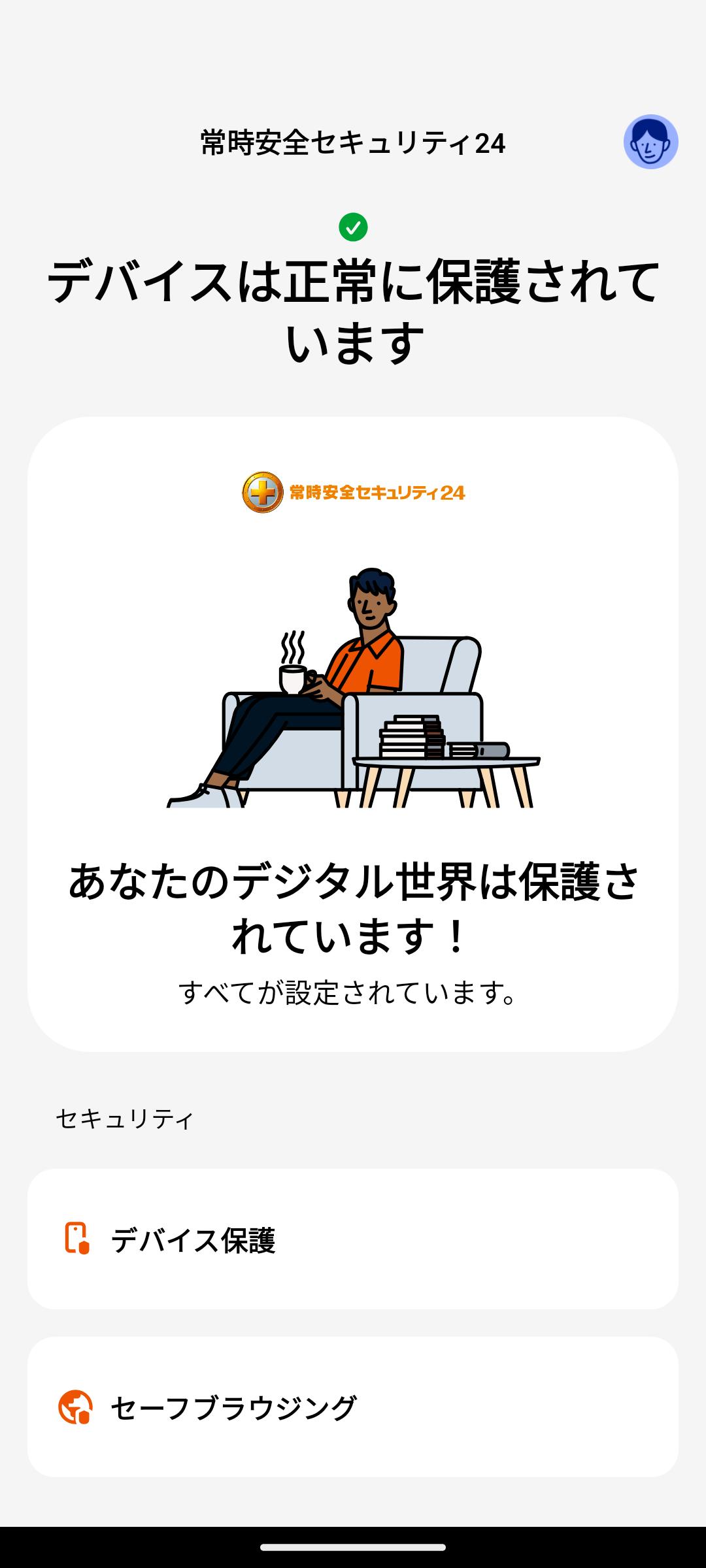
"Always Safe Security 24" is a security service that protects PCs, smartphones, tablets, etc. from Internet threats such as viruses and phishing sites.
■Features
・Protects your device from various virus threats. Prevents computer viruses, Trojan horses, ransomware, and other malicious programs from infecting and infiltrating your device in an attempt to harm your device or steal your personal information.
・Families who are worried or don't like online banking can feel at ease! Browser protection and banking protection help you safely use online banking and online payments.
・A separate "Safe Browser" icon will be provided in the launcher. The "Safe Browsing" feature only works when you are browsing the Internet with a Safe Browser. It is provided as an additional icon in the launcher to make it easier to set Safe Browser as your default browser.
・By using a VPN, you can safely connect to any Wi-Fi spot and keep your web browsing private. A VPN protects your IP address and blocks tracking. A VPN allows you to encrypt your traffic for completely private web browsing. (*)
・Prevent personal information leaks with 24/7 dark web monitoring and data breach alerts. Alert users in case of information leakage. (*)
■Main functions
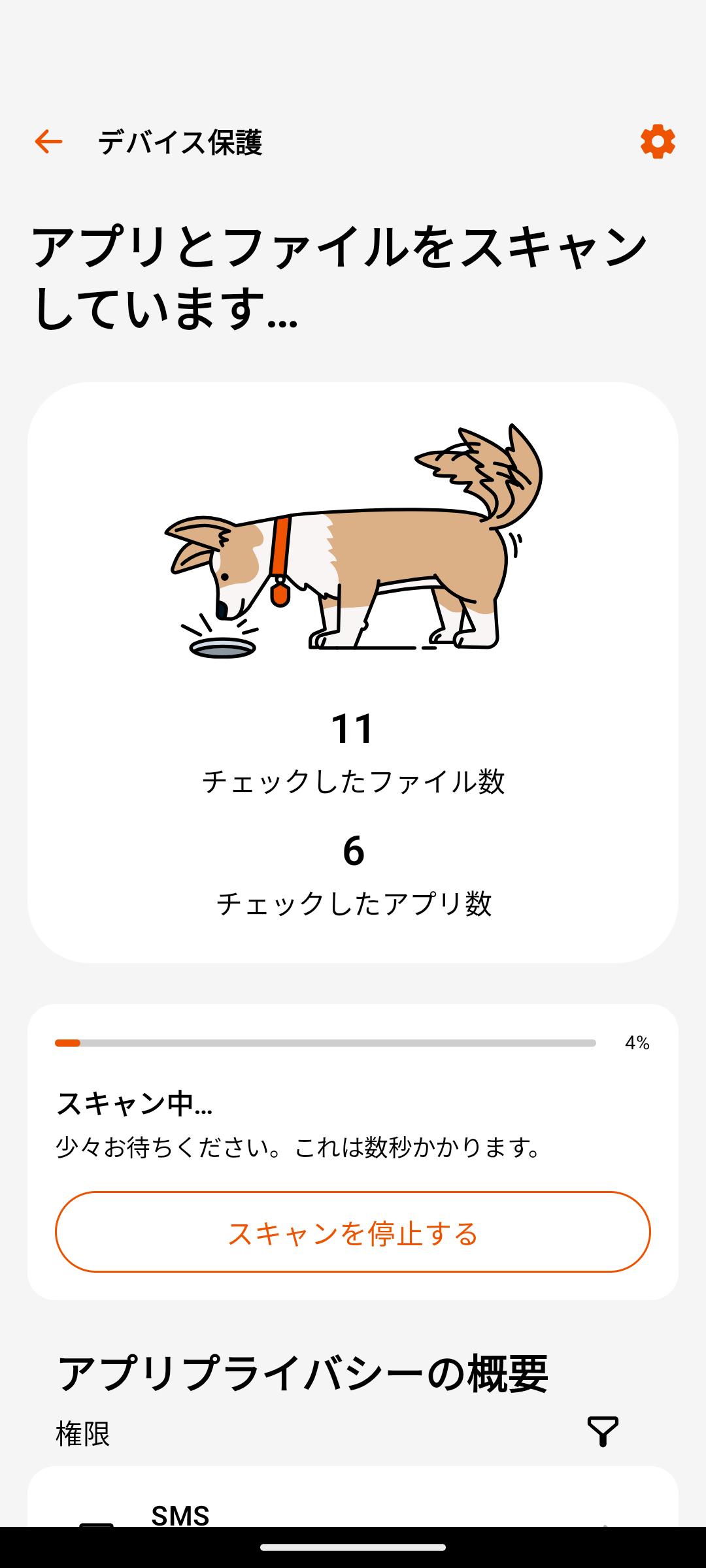
・Virus scan and deletion
・Browser/Banking Protection
・Parental control
・VPN for privacy protection (*)
・Password management function (*)
・Personal information leak monitoring function (*)
*This feature is only available to some customers.
■Frequently asked questions
https://security.nifty.com/sec24/faq/
■Support for this service
https://support.nifty.com/support/madoguchi/mail/
*To use this app, you need to apply for Always Safety Security 24.
■Compliance with data privacy
Nifty always takes steps to protect the confidentiality and integrity of personal data.
We have strict security measures in place. Click here for the full privacy policy.
https://security.nifty.com/sec24/entry/policy.htm
This app uses administrator privileges on your device
Always Safe Security 24 uses applicable permissions in accordance with Google Play policies and end user consent.
Device administrator privileges are used to enable parental control features.
• Prevent children from deleting apps without parental consent
• Browser protection
This app uses accessibility services
Always Safe Security 24 uses each privilege with the consent of the end user.
Accessibility permissions are used for Family Rules features.
• Allows parents to protect their children from inappropriate web content.
• Enable parents to enforce device and application usage limits for their children. You can monitor and restrict application usage through the Accessibility Services application.
預覽
標籤
工具訊息
開發商
NIFTY Corporation
最新版本
24.8.8830468
更新時間
2024-10-09
類別
工具
同時可用
Google Play
更多
如何在電腦上用 GameLoop 玩 常時安全セキュリティ24
1. 從官網下載GameLoop,然後運行exe文件安裝GameLoop
2. 打開GameLoop,搜索“常時安全セキュリティ24”,在搜索結果中找到常時安全セキュリティ24,點擊“安裝”
3. 享受在 GameLoop 上玩 常時安全セキュリティ24 的樂趣
Minimum requirements
OS
Windows 8.1 64-bit or Windows 10 64-bit
GPU
GTX 1050
CPU
i3-8300
Memory
8GB RAM
Storage
1GB available space
Recommended requirements
OS
Windows 8.1 64-bit or Windows 10 64-bit
GPU
GTX 1050
CPU
i3-9320
Memory
16GB RAM
Storage
1GB available space