
Basketball Dunk Shots Game 電腦版
X Gamerz
用GameLoop模拟器在電腦上玩Basketball Dunk Shots Game
Basketball Dunk Shots Game 電腦版
來自發行商 X Gamerz 的 Basketball Dunk Shots Game 能夠在安卓系統上運行。
現在,您可以在電腦上使用 GameLoop 模擬器流暢地玩 Basketball Dunk Shots Game。
在 GameLoop 遊戲庫或搜索結果中下載。 不需要再暢玩遊戲時盯著電池電量或被令人懊惱的來電打斷。
只需在電腦大屏幕上免費下載暢玩Basketball Dunk Shots Game 電腦版!
Basketball Dunk Shots Game 簡介
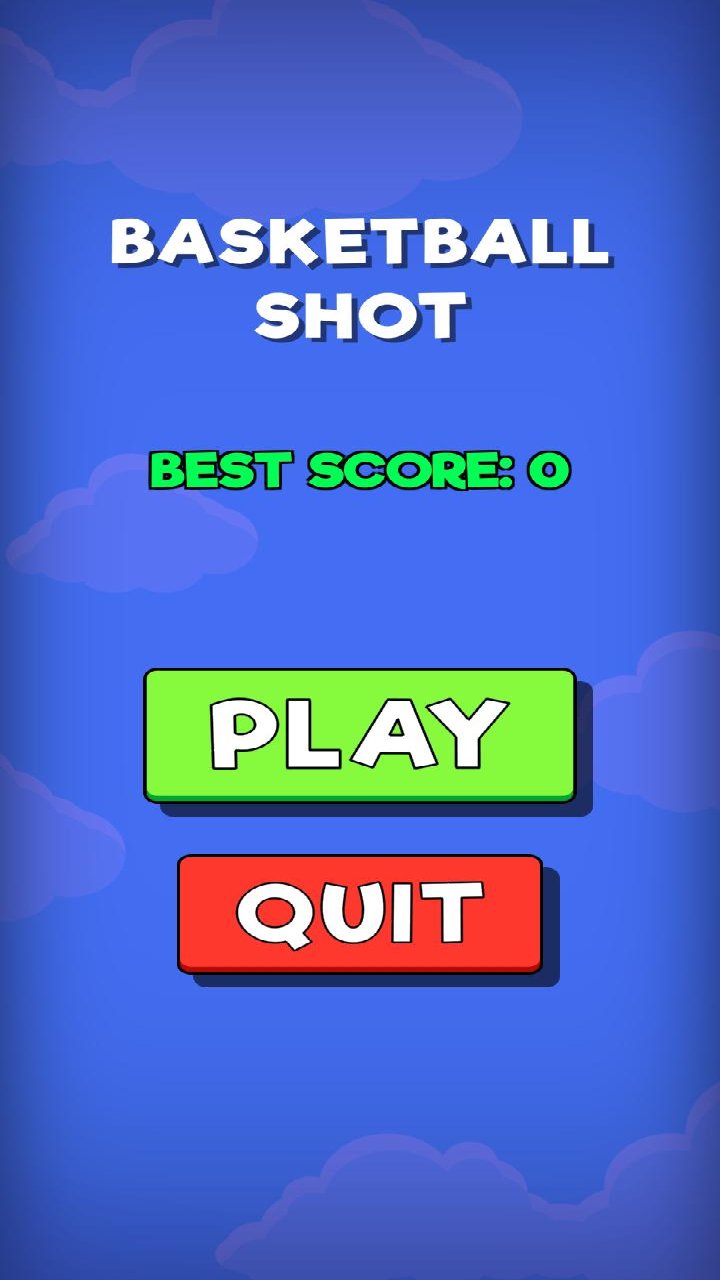
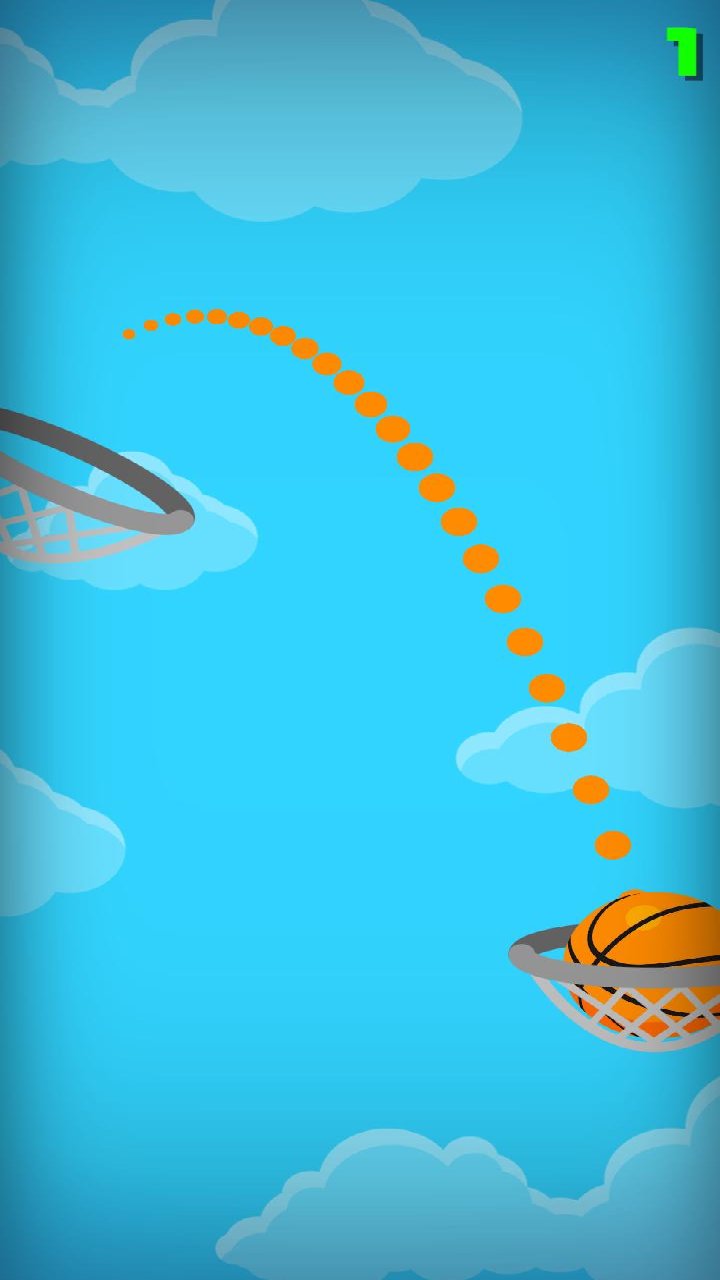
The goal of the entertaining arcade game Basketball slam Shots Game is to shoot and slam a basketball through the hoop. To score points, carefully aim each shot, modify the direction, and discharge at the appropriate time. Control the ball and direct it toward the hoop to complete various shots. To make good dunks and keep the ball moving through difficult conditions, time your movements. As you play, increase your accuracy and strive to make more consecutive successful shots. Your basic objectives for each round are to control the basketball, find the ideal angle, and make clean shots. Enjoy fast-paced basketball gameplay with simple controls and difficult shooting opportunities as you progress through levels and hone your timing.
預覽
標籤
模擬載具汽車休閒單人遊戲程式化單機遊戲Car-Sim訊息
開發商
X Gamerz
最新版本
9.8.9
更新時間
2026-09-22
類別
策略
同時可用
Google Play
更多
如何在電腦上用 GameLoop 玩 Basketball Dunk Shots Game
1. 從官網下載GameLoop,然後運行exe文件安裝GameLoop
2. 打開GameLoop,搜索“Basketball Dunk Shots Game”,在搜索結果中找到Basketball Dunk Shots Game,點擊“安裝”
3. 享受在 GameLoop 上玩 Basketball Dunk Shots Game 的樂趣
Minimum requirements
OS
Windows 8.1 64-bit or Windows 10 64-bit
GPU
GTX 1050
CPU
i3-8300
Memory
8GB RAM
Storage
1GB available space
Recommended requirements
OS
Windows 8.1 64-bit or Windows 10 64-bit
GPU
GTX 1050
CPU
i3-9320
Memory
16GB RAM
Storage
1GB available space