
TkMixiViewer - mixi専用ブラウザ 電腦版
Panecraft, Inc.
用GameLoop模拟器在電腦上玩TkMixiViewer - mixi専用ブラウザ
TkMixiViewer - mixi専用ブラウザ 電腦版
來自發行商 Panecraft, Inc. 的 TkMixiViewer - mixi専用ブラウザ 能夠在安卓系統上運行。
現在,您可以在電腦上使用 GameLoop 模擬器流暢地玩 TkMixiViewer - mixi専用ブラウザ。
在 GameLoop 遊戲庫或搜索結果中下載。 不需要再暢玩遊戲時盯著電池電量或被令人懊惱的來電打斷。
只需在電腦大屏幕上免費下載暢玩TkMixiViewer - mixi専用ブラウザ 電腦版!
TkMixiViewer - mixi専用ブラウザ 簡介
★Over 900,000 downloads!
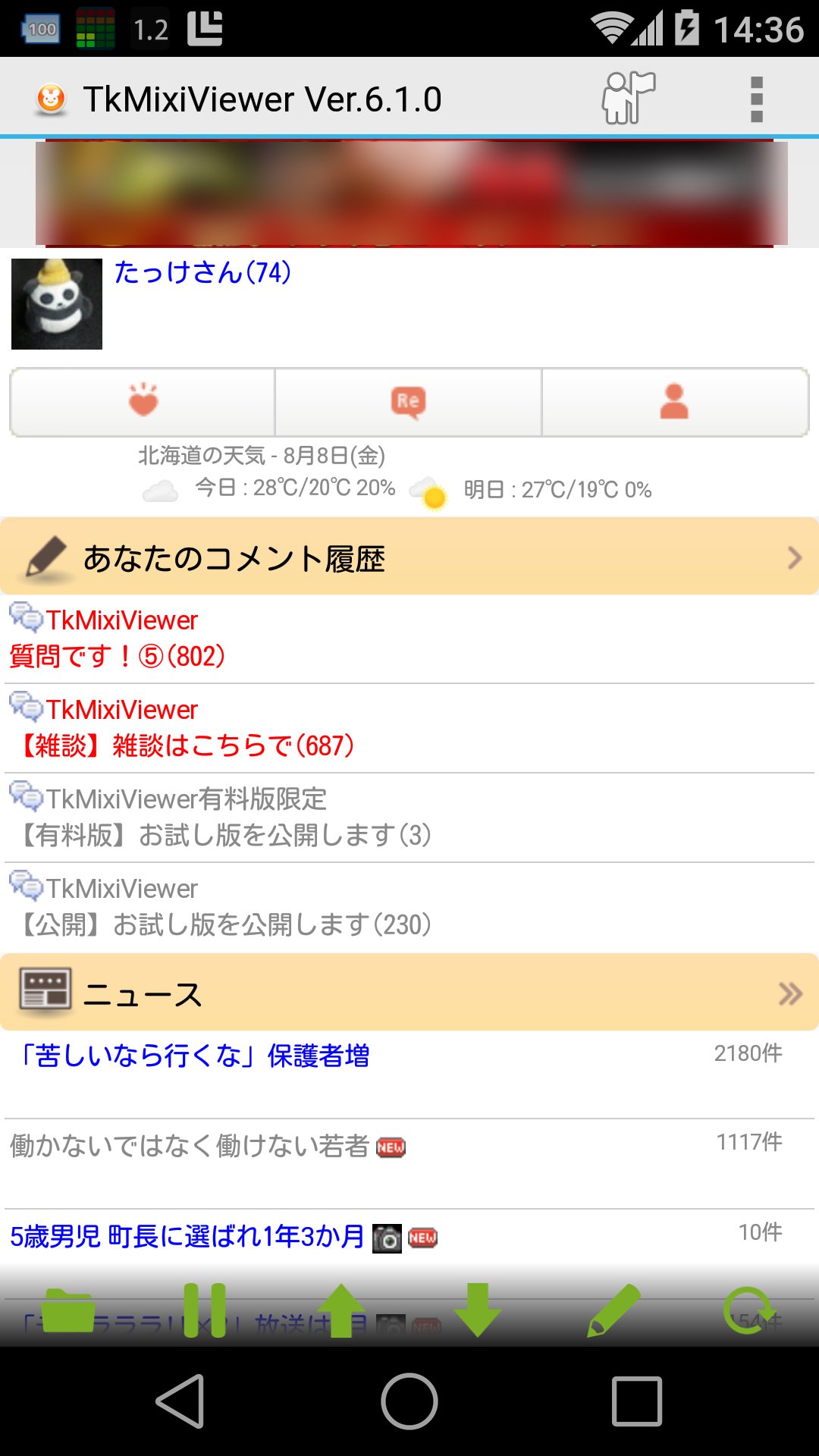
This app displays mixi news, diaries, tweets, communities, and more in an easy-to-read format.
Recommended for those looking for the ease of use of "Mobile Mixi" on feature phones.
Unlike the official mixi app, this app has a simple screen layout for smooth, comfortable browsing!
In particular, the app keeps track of how far you've read the "Community" section, and topics with new posts are displayed in red, making this app recommended for frequent community users!
*Please report any issues in the official community question topic. Please note that we cannot investigate or respond to comments posted in the Google Play Store.
*As of April 18, 2023, integration and simultaneous posting to X (formerly Twitter) will no longer be available. This is due to changes in X's API terms of use. Thank you for your understanding.
*This app is not provided by mixi, Inc.
■Main Features
・View and post tweets
・Notify of likes, comments, and visitors
・View your own and your friends' and friends' journals and comment history
・Post journal entries and write comments
・Create albums
・Upload photos
・View the latest community topics and comment history
・View the community list and favorite communities
・Write community comments
・View news
・View last week's visitors and your own visitors
・Read and reply to messages
・View your friends list
・Press and hold each item to "hide" or "reposition" them
・Display and post characters such as ① and heart marks (♡), which are garbled in Android browsers
・Check-in
■Usage Tips
・When viewing a community topic, tap "Comment" to quote the comment and reply.
・Tap "Comment" in a journal to reply.
・Press and hold a category on the home screen to hide or reorder it.
- Press and hold a button on the toolbar (at the bottom of the screen) to change (customize) it to a different function.
- Set your favorite image as the screen background. To do so, go to Menu Settings ⇒ Theme and Font Size.
* If the same button appears multiple times on the toolbar (at the bottom of the screen), it may have accidentally changed to a different function. Press and hold the button to change it to a different function.
* Some links, such as usernames, are not supported and are displayed in the built-in browser.
* To speed up the display of the top page, the PC version of mixi is downloaded in "Standard Mode." Therefore, when viewing mixi on a PC, it will automatically change to "Standard Mode." If you want to remain in "Timeline Mode," uncheck "Advanced Settings" ⇒ "Standard Settings" in the Settings.
* Due to device malfunction, the app may occasionally fail to launch after an update. Uninstalling and reinstalling the app or restarting your device may fix the issue.
* We use Google Analytics to collect anonymous statistical information about app usage to improve and analyze service quality.
●Official Community (TkMixiViewer)
https://mixi.jp/view_community.pl?id=5003071
●Author X
https://x.com/takke
預覽

標籤
社交訊息
開發商
Panecraft, Inc.
最新版本
12.0.2
更新時間
2026-08-07
類別
社交
同時可用
Google Play
更多
如何在電腦上用 GameLoop 玩 TkMixiViewer - mixi専用ブラウザ
1. 從官網下載GameLoop,然後運行exe文件安裝GameLoop
2. 打開GameLoop,搜索“TkMixiViewer - mixi専用ブラウザ”,在搜索結果中找到TkMixiViewer - mixi専用ブラウザ,點擊“安裝”
3. 享受在 GameLoop 上玩 TkMixiViewer - mixi専用ブラウザ 的樂趣
Minimum requirements
OS
Windows 8.1 64-bit or Windows 10 64-bit
GPU
GTX 1050
CPU
i3-8300
Memory
8GB RAM
Storage
1GB available space
Recommended requirements
OS
Windows 8.1 64-bit or Windows 10 64-bit
GPU
GTX 1050
CPU
i3-9320
Memory
16GB RAM
Storage
1GB available space