
Click to Chat 電腦版
Fun Bowl Apps
用GameLoop模拟器在電腦上玩Click to Chat
Click to Chat 電腦版
來自發行商 Fun Bowl Apps 的 Click to Chat 能夠在安卓系統上運行。
現在,您可以在電腦上使用 GameLoop 模擬器流暢地玩 Click to Chat。
在 GameLoop 遊戲庫或搜索結果中下載。 不需要再暢玩遊戲時盯著電池電量或被令人懊惱的來電打斷。
只需在電腦大屏幕上免費下載暢玩Click to Chat 電腦版!
Click to Chat 簡介
Ever been in a situation where someone called you and you wanted to contact them via WhatsApp? Or You want to send a message to someone but don’t want to save their number to your phonebook? Then Click to Chat is for you.
Click to Chat app uses WhatsApp's public api (https://faq.whatsapp.com/en/android/26000030/) to open a chat with a number without saving it your phonebook (it is NOT possible to spy other conversations).
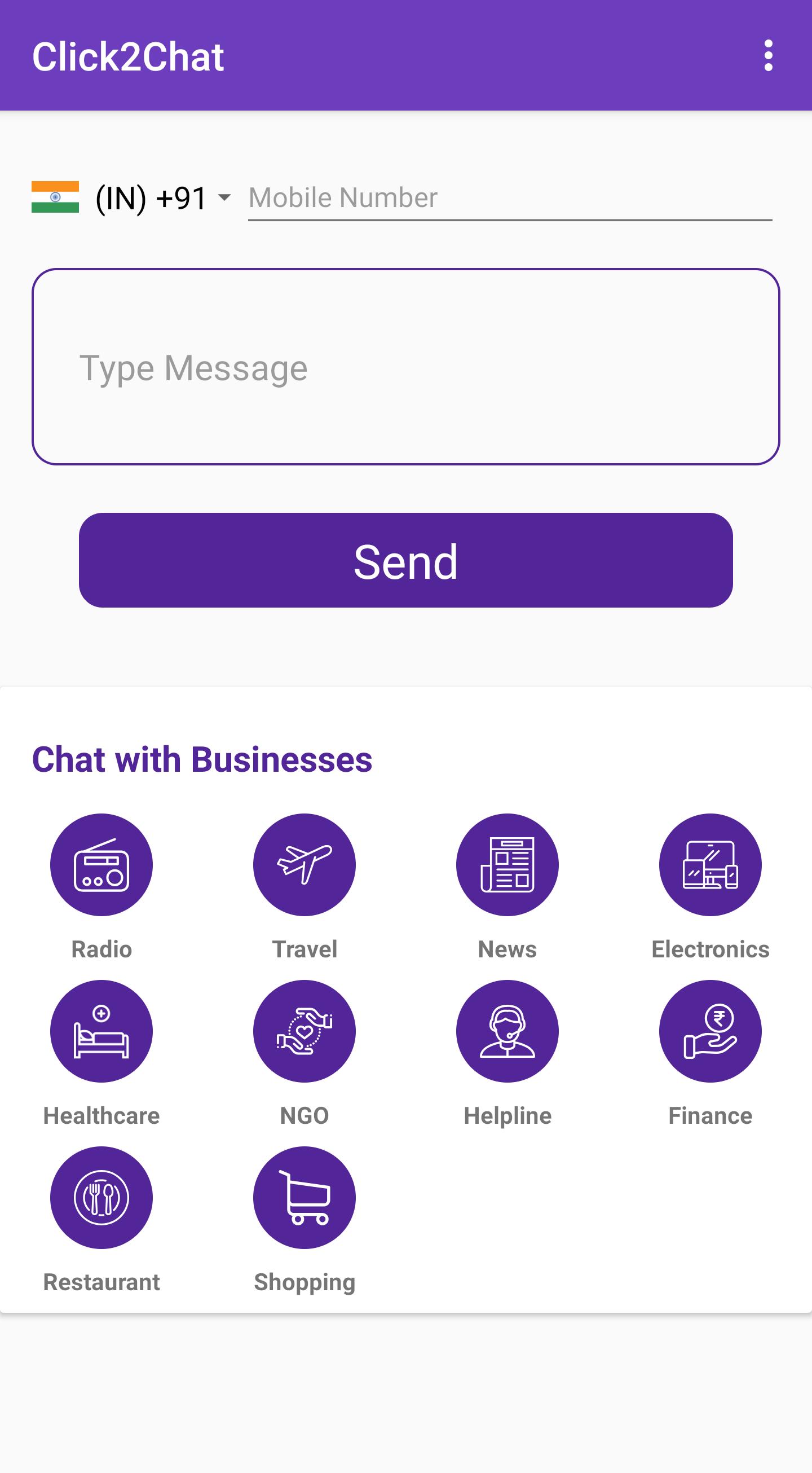
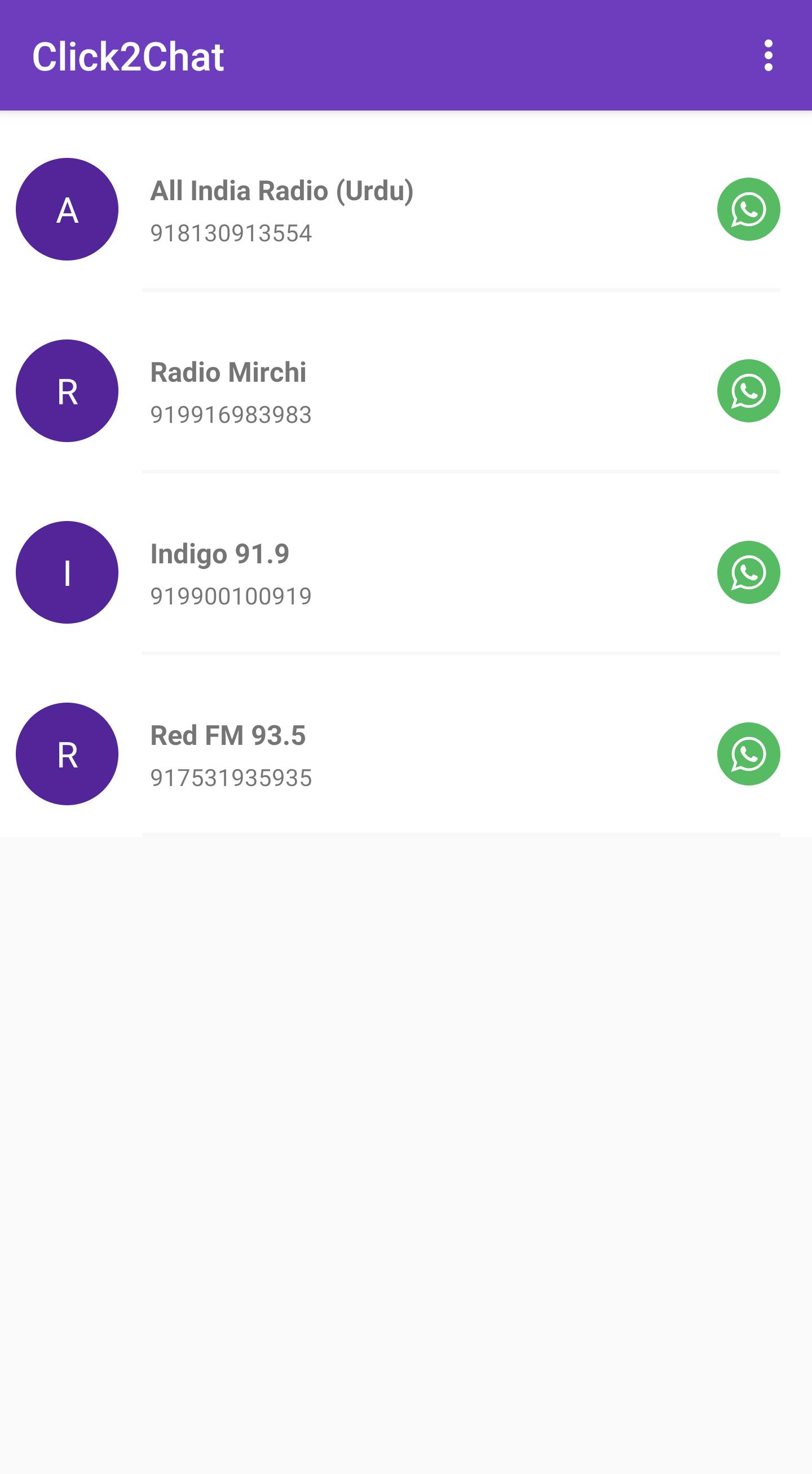
Click to Chat has a local directory of businesses which are on WhatsApp and helps the user to connect to the businesses with a single tap. The local directory includes categories such as:
Radio
Travel
News
Consumer Electronics
Healthcare
NGO
Helpline
Finance
Restaurant
Shopping
Features:
Enter a phone number without saving to Phonebook and chat directly
Type an optional message to be sent directly to the phone number
Option to change country code
A directory of local businesses on WhatsApp
Suggest Businesses on WhatsApp
Chat with yourself (A nifty WhatsApp solution to save all your notes ;)
Write to us at funbowlapps+whatsappsuggestion@gmail.com to list your business with us.
預覽
標籤
社交訊息
開發商
Fun Bowl Apps
最新版本
1.0.8
更新時間
2022-01-21
類別
社交
同時可用
Google Play
更多
如何在電腦上用 GameLoop 玩 Click to Chat
1. 從官網下載GameLoop,然後運行exe文件安裝GameLoop
2. 打開GameLoop,搜索“Click to Chat”,在搜索結果中找到Click to Chat,點擊“安裝”
3. 享受在 GameLoop 上玩 Click to Chat 的樂趣
Minimum requirements
OS
Windows 8.1 64-bit or Windows 10 64-bit
GPU
GTX 1050
CPU
i3-8300
Memory
8GB RAM
Storage
1GB available space
Recommended requirements
OS
Windows 8.1 64-bit or Windows 10 64-bit
GPU
GTX 1050
CPU
i3-9320
Memory
16GB RAM
Storage
1GB available space