
Hugin Messenger 電腦版
Harry Eriksson
用GameLoop模拟器在電腦上玩Hugin Messenger
Hugin Messenger 電腦版
來自發行商 Harry Eriksson 的 Hugin Messenger 能夠在安卓系統上運行。
現在,您可以在電腦上使用 GameLoop 模擬器流暢地玩 Hugin Messenger。
在 GameLoop 遊戲庫或搜索結果中下載。 不需要再暢玩遊戲時盯著電池電量或被令人懊惱的來電打斷。
只需在電腦大屏幕上免費下載暢玩Hugin Messenger 電腦版!
Hugin Messenger 簡介
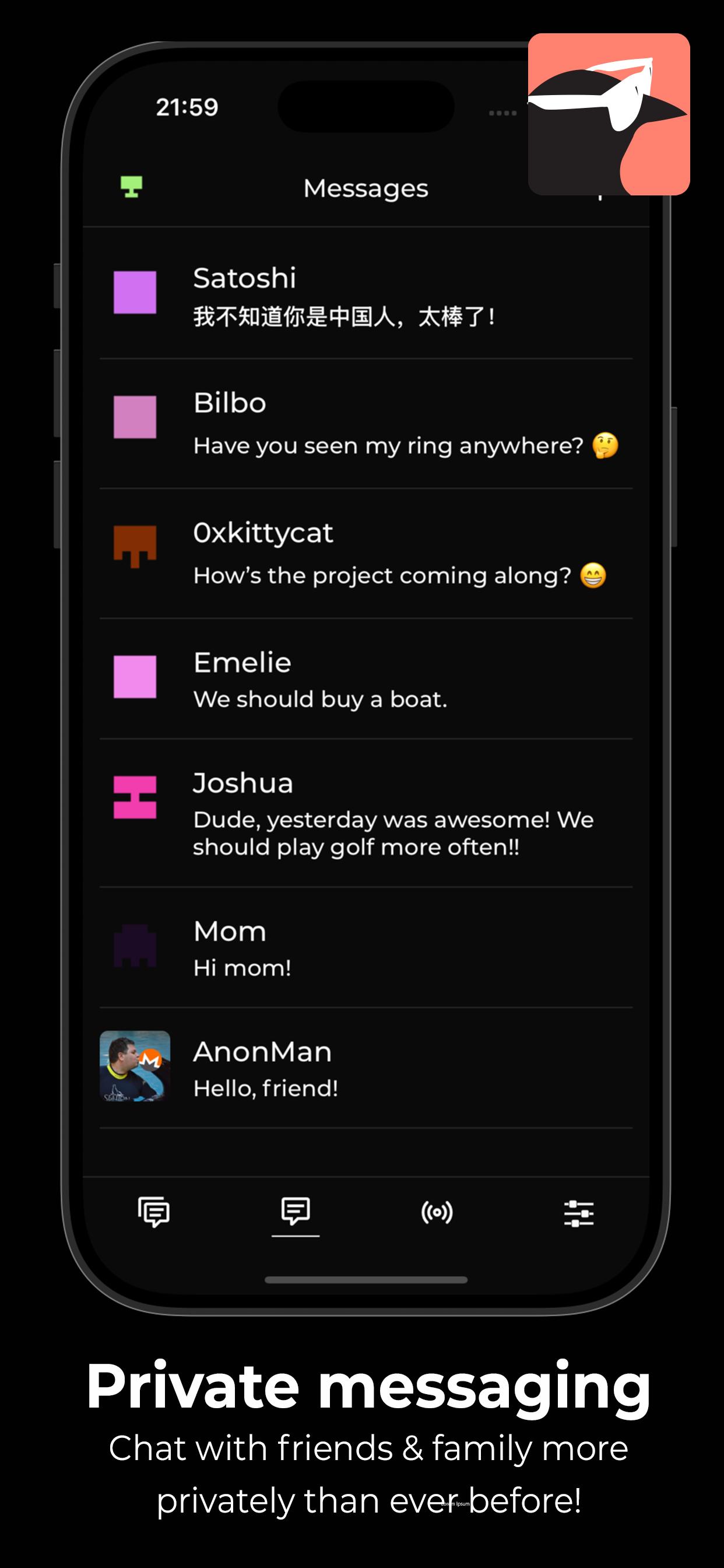
Hugin Messenger is a privacy-focused, peer-to-peer chat service built for secure, decentralized communication with crypto payments.
Connect with your friends and communities in group chats and direct messages — all without relying on central servers.
*** Why Hugin? ***
True Peer-to-Peer Communication
- No servers. No middlemen. Your data never touches a third party.
End-to-End Encryption by Default
- Messages and calls are secured using modern encryption technologies.
Easily Make Payments
- Together with a XKR wallet, you can send crypto payments to your friends, and tip strangers for good content!
Crystal Clear Voice & Video Calls
- Enjoy high-quality, low-latency calls with no compromise on privacy.
Decentralized Social Feed
- Discover new discussions and connect with others using the Hugin Feed — no algorithms, no tracking.
Zero Sign-Up, Zero Tracking
- No phone number. No email. No identity required. We don’t collect or store any personal data.
Powered by a Global P2P Network
- Built on top of a resilient, decentralized infrastructure — your messages flow directly between devices.
Take back control of your conversations.
- Download Hugin Messenger and experience private communication without compromise.
預覽

標籤
社交訊息
開發商
Harry Eriksson
最新版本
1.0.8
更新時間
2025-06-14
類別
社交
同時可用
Google Play
更多
如何在電腦上用 GameLoop 玩 Hugin Messenger
1. 從官網下載GameLoop,然後運行exe文件安裝GameLoop
2. 打開GameLoop,搜索“Hugin Messenger”,在搜索結果中找到Hugin Messenger,點擊“安裝”
3. 享受在 GameLoop 上玩 Hugin Messenger 的樂趣
Minimum requirements
OS
Windows 8.1 64-bit or Windows 10 64-bit
GPU
GTX 1050
CPU
i3-8300
Memory
8GB RAM
Storage
1GB available space
Recommended requirements
OS
Windows 8.1 64-bit or Windows 10 64-bit
GPU
GTX 1050
CPU
i3-9320
Memory
16GB RAM
Storage
1GB available space