
스토리채널 電腦版
Kakao Corporation
用GameLoop模拟器在電腦上玩스토리채널
스토리채널 電腦版
來自發行商 Kakao Corporation 的 스토리채널 能夠在安卓系統上運行。
現在,您可以在電腦上使用 GameLoop 模擬器流暢地玩 스토리채널。
在 GameLoop 遊戲庫或搜索結果中下載。 不需要再暢玩遊戲時盯著電池電量或被令人懊惱的來電打斷。
只需在電腦大屏幕上免費下載暢玩스토리채널 電腦版!
스토리채널 簡介
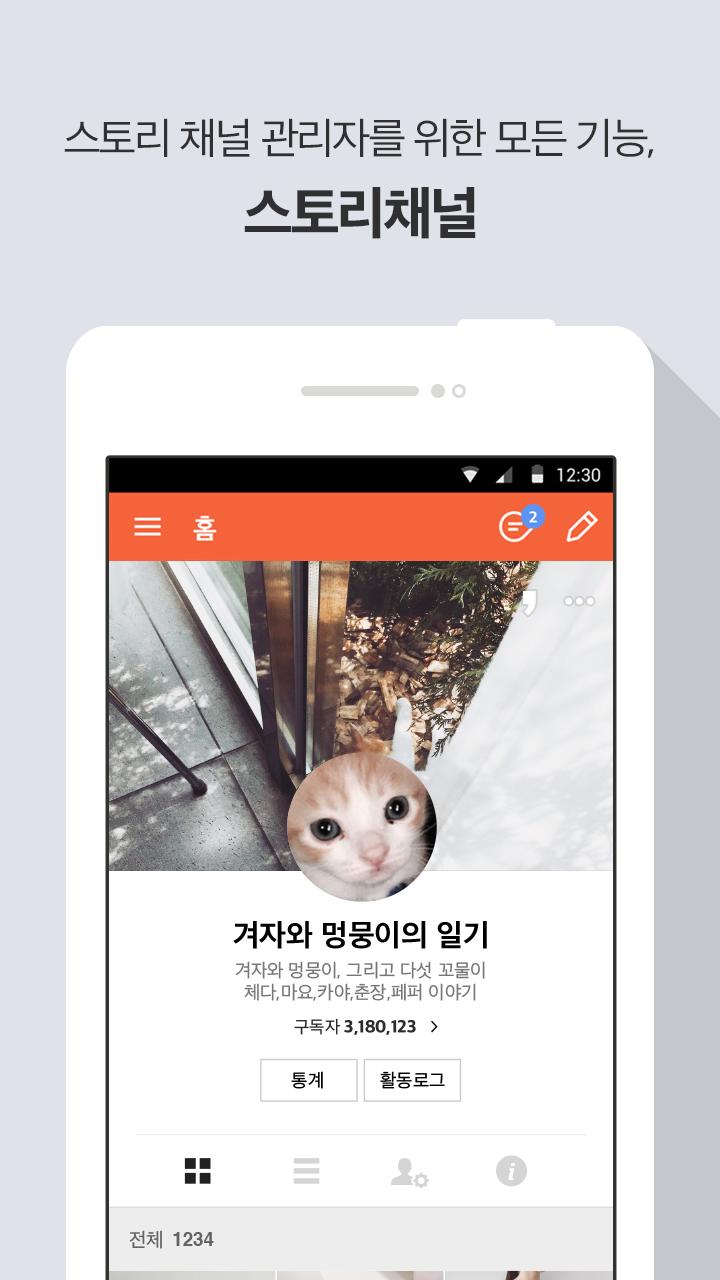
Story channels are subscription-based cacao stories that anyone can easily create and operate.
Try talking about topics of interest, brands, and business.
- Stories written in the story channel are shown in the cacao story.
- When a cacao story user "posts", my story will be delivered to the subscriber's posts tab.
- You can write photos including photos, videos, and links.
- You can invite managers to work together.
- It's easier to manage subscribers by providing a list of recent subscribers and sanctioned subscribers.
- All activity information for channel operators can be found in the activity log.
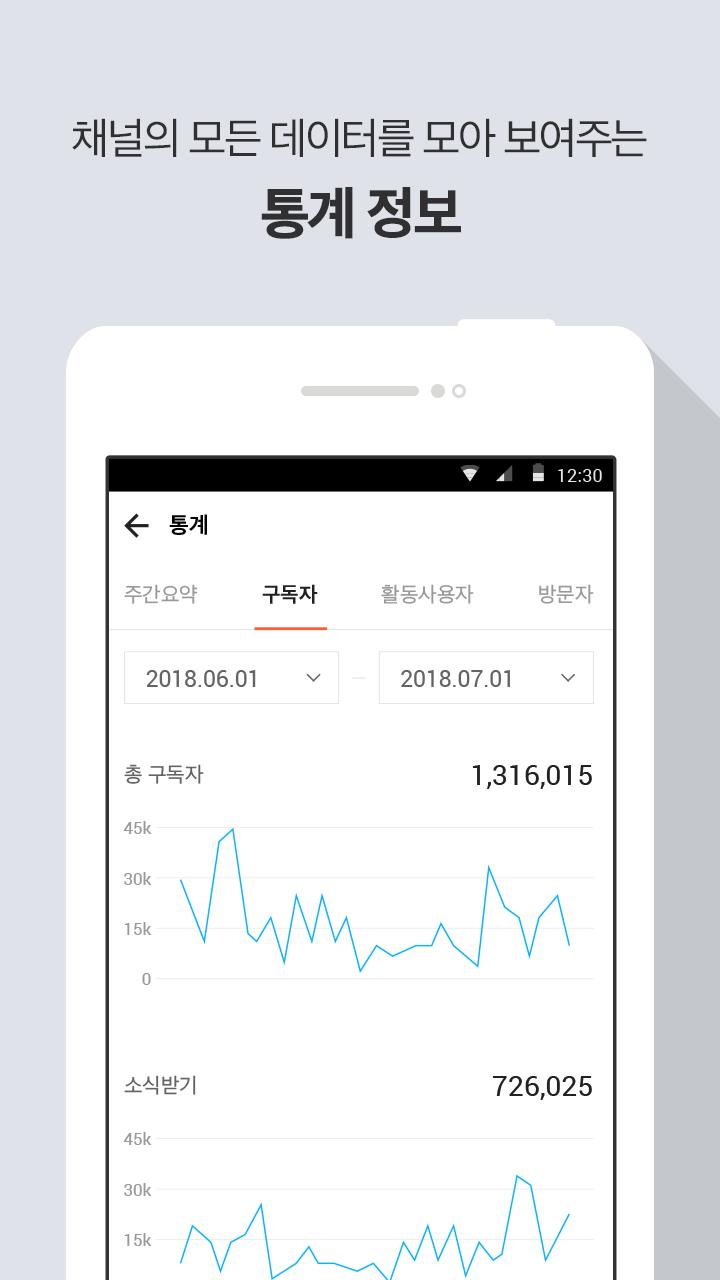
- Provides statistical information useful for channel operations such as subscribers, visitors, and detailed indicators.
_______
* You can allow the following permissions to make your Story Channel app easier to use. Each privilege is divided into the required privileges that must be allowed and the optional privileges that are optionally allowed, depending on its attributes.
[Allow required permissions]
- Phone: Permissions needed to maintain login and authentication status
- Storage: Permission to transfer photo and video files to the story channel
[Allow One Option]
- Camera: Permission to take pictures and videos, profile / cover pictures
- Mike: Permission for video recording
* The service is available even if you do not allow selective access privileges.
※ Story channel app's access right corresponds to Android OS version 6.0 or later, and is divided into mandatory and optional permissions. If you are using a version of OS below 6.0, you may not be able to selectively grant privileges as needed, so make sure that the manufacturer of your device provides the operating system upgrade feature, and if possible, update your OS to 6.0 or higher We will.
預覽
標籤
社交訊息
開發商
Kakao Corporation
最新版本
2.9.20
更新時間
2023-01-08
類別
社交
同時可用
Google Play
更多
如何在電腦上用 GameLoop 玩 스토리채널
1. 從官網下載GameLoop,然後運行exe文件安裝GameLoop
2. 打開GameLoop,搜索“스토리채널”,在搜索結果中找到스토리채널,點擊“安裝”
3. 享受在 GameLoop 上玩 스토리채널 的樂趣
Minimum requirements
OS
Windows 8.1 64-bit or Windows 10 64-bit
GPU
GTX 1050
CPU
i3-8300
Memory
8GB RAM
Storage
1GB available space
Recommended requirements
OS
Windows 8.1 64-bit or Windows 10 64-bit
GPU
GTX 1050
CPU
i3-9320
Memory
16GB RAM
Storage
1GB available space