Plane Flight Sim 電腦版
i6 Games
用GameLoop模拟器在電腦上玩Plane Flight Sim
Plane Flight Sim 電腦版
來自發行商 i6 Games 的 Plane Flight Sim 能夠在安卓系統上運行。
現在,您可以在電腦上使用 GameLoop 模擬器流暢地玩 Plane Flight Sim。
在 GameLoop 遊戲庫或搜索結果中下載。 不需要再暢玩遊戲時盯著電池電量或被令人懊惱的來電打斷。
只需在電腦大屏幕上免費下載暢玩Plane Flight Sim 電腦版!
Plane Flight Sim 簡介
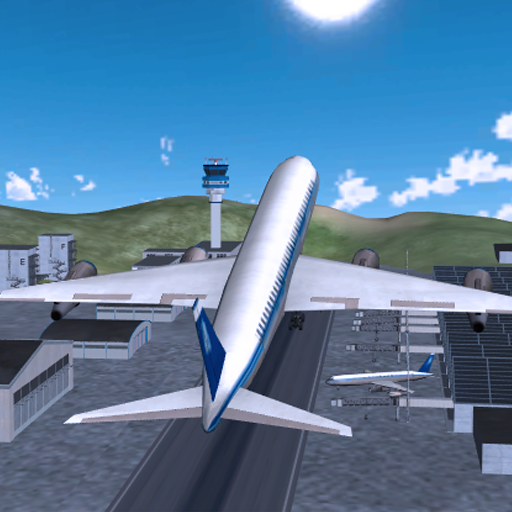
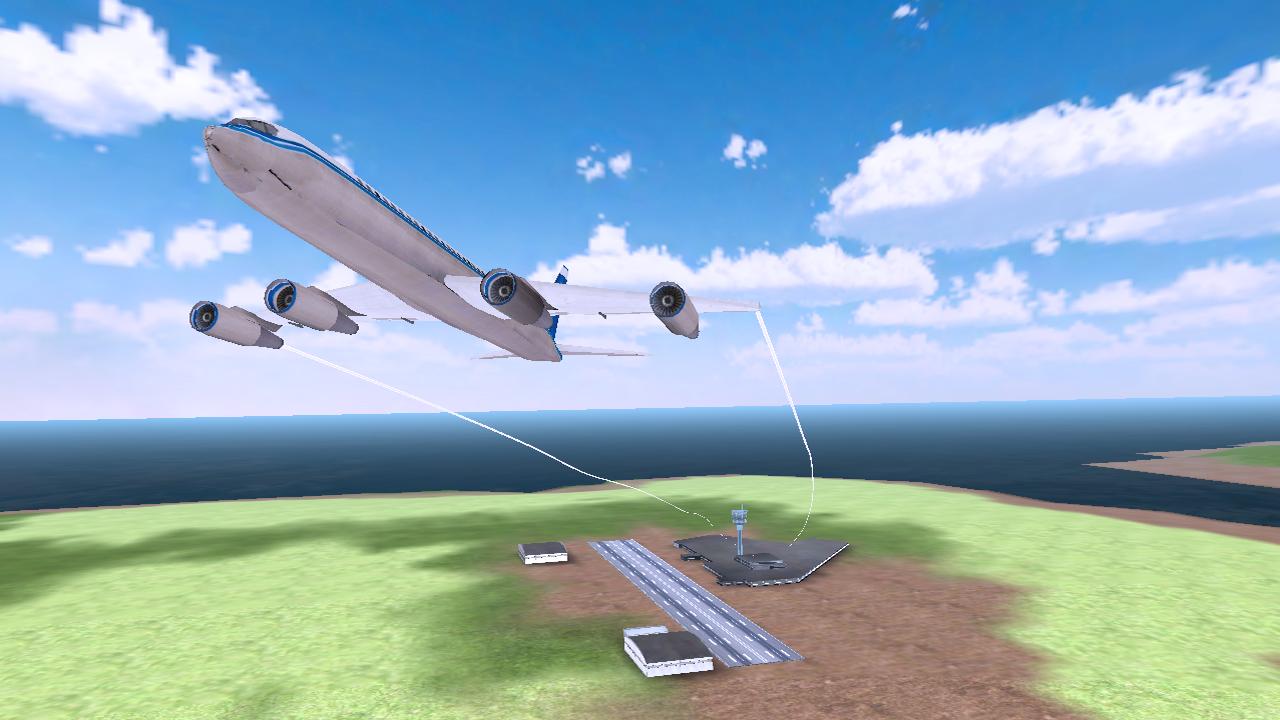
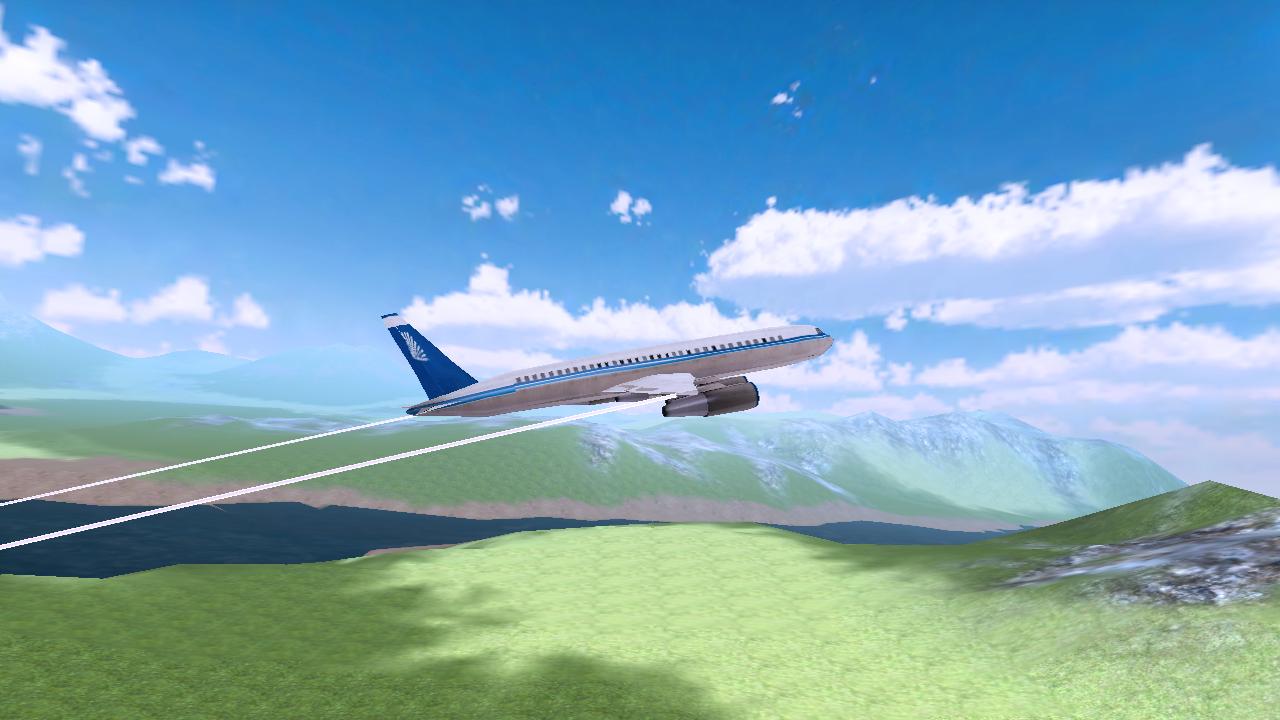
Plane Flight Simulation is a brand new realistic 3D Airplane Simulator game. Take flight and become the airplane pilot and fly commercial jet planes to the destinations around the world.
Glide and steer the plane through each waypoint to ensure you head to the correct airport. Make sure to fly through all waypoints in the level and land at your destination airport before the timer to earn yourself 3 star rating for each level. The more stars you earn, the better the planes you can fly!
When coming up to your destination airport, be sure to bring the throttle down and prepare for landing the plane; be careful not to crash! Guide your aircraft towards the runway and park in marked zone to complete the level.
GAME FEATURES:
- 20 Exclusive, entertaining levels for this game (More levels soon to come!)
- Massive, detailed open world environment
- High quality buildings and airports
- Accelerometers for easy play tilt controls
- Unique reward system for game play
- Dynamic lighting and sounds
- Amazing on-board cameras to capture every angle of the plane
- Plane crashes and smokes effects.
預覽
訊息
開發商
i6 Games
最新版本
1.0
更新時間
2016-02-24
類別
模擬
同時可用
Google Play
更多
如何在電腦上用 GameLoop 玩 Plane Flight Sim
1. 從官網下載GameLoop,然後運行exe文件安裝GameLoop
2. 打開GameLoop,搜索“Plane Flight Sim”,在搜索結果中找到Plane Flight Sim,點擊“安裝”
3. 享受在 GameLoop 上玩 Plane Flight Sim 的樂趣
Minimum requirements
OS
Windows 8.1 64-bit or Windows 10 64-bit
GPU
GTX 1050
CPU
i3-8300
Memory
8GB RAM
Storage
1GB available space
Recommended requirements
OS
Windows 8.1 64-bit or Windows 10 64-bit
GPU
GTX 1050
CPU
i3-9320
Memory
16GB RAM
Storage
1GB available space