
Luluca Fake Video Call 電腦版
Devkidsstudio
用GameLoop模拟器在電腦上玩Luluca Fake Video Call
Luluca Fake Video Call 電腦版
來自發行商 Devkidsstudio 的 Luluca Fake Video Call 能夠在安卓系統上運行。
現在,您可以在電腦上使用 GameLoop 模擬器流暢地玩 Luluca Fake Video Call。
在 GameLoop 遊戲庫或搜索結果中下載。 不需要再暢玩遊戲時盯著電池電量或被令人懊惱的來電打斷。
只需在電腦大屏幕上免費下載暢玩Luluca Fake Video Call 電腦版!
Luluca Fake Video Call 簡介
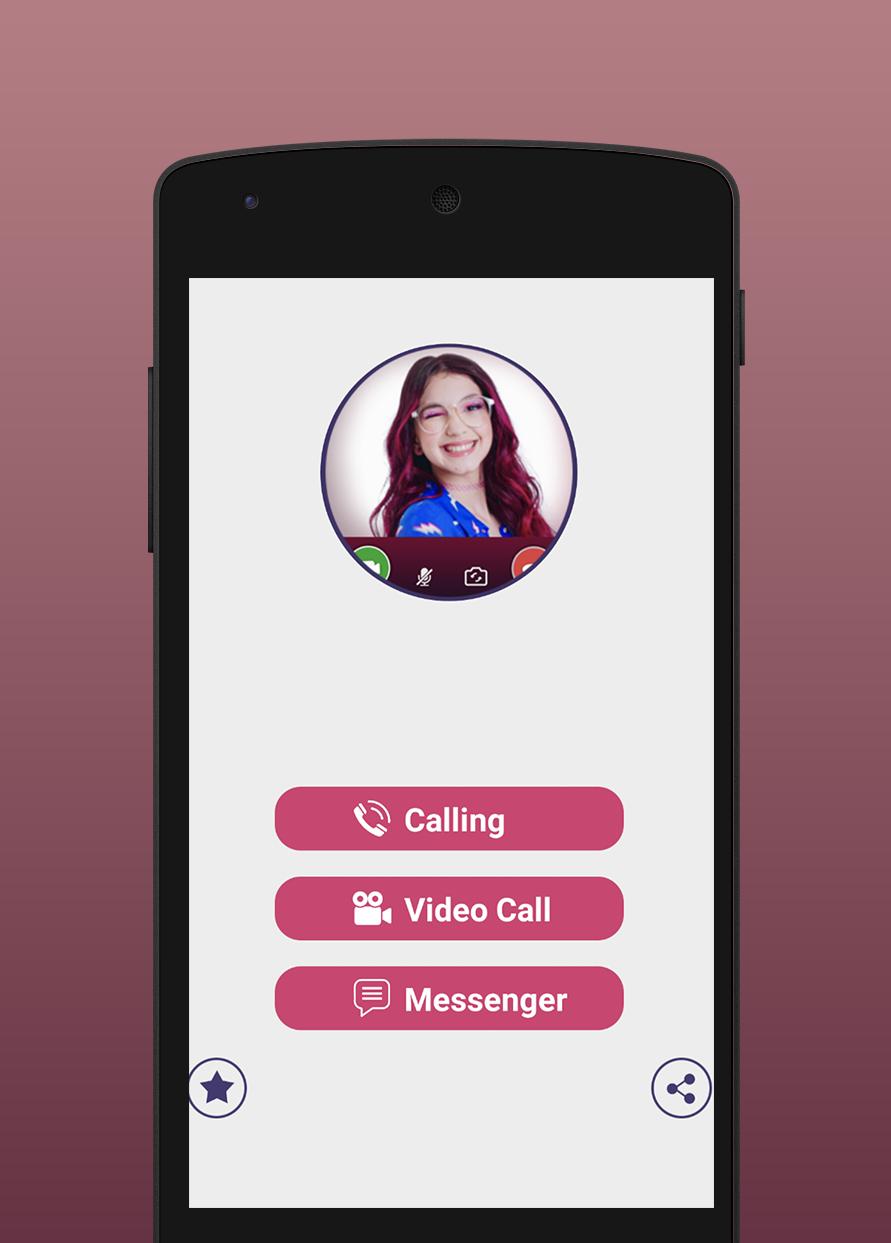
Luluca Prank Video Call is a simple app and easy one to use , you can make some fake calls and prank your friends and the fans of Luluca , with this Fake Call From Luluca and Prank Chat they will think that it’s real if you make a call infront of them , you’ll enjoy this app with those different options like a video call and voice call and chat and texting and set the wallpaper of Luluca .
Download Luluca Video Calling Prank and choose between many options like the video call from Luluca and the voice call and the chat , so enjoy the fake calls .
A Full Guide and Tips to Fake Call From Luluca :
_ Open the Fake Call From Luluca and choose the character .
_ Choose the Luluca wallpaper and the background .
_ Choose the Video Call or Voice Call or Chat .
_ Select time and duration of Luluca Video Call .
_ Click “ Call “ and enjoy .
Disclaimer :
This appis not official , this is a prank call and it’s not real , and it’s not related to the original character mentioned throughout the app .
預覽

標籤
模擬訊息
開發商
Devkidsstudio
最新版本
1.2
更新時間
2021-12-15
類別
模擬
同時可用
Google Play
更多
如何在電腦上用 GameLoop 玩 Luluca Fake Video Call
1. 從官網下載GameLoop,然後運行exe文件安裝GameLoop
2. 打開GameLoop,搜索“Luluca Fake Video Call”,在搜索結果中找到Luluca Fake Video Call,點擊“安裝”
3. 享受在 GameLoop 上玩 Luluca Fake Video Call 的樂趣
Minimum requirements
OS
Windows 8.1 64-bit or Windows 10 64-bit
GPU
GTX 1050
CPU
i3-8300
Memory
8GB RAM
Storage
1GB available space
Recommended requirements
OS
Windows 8.1 64-bit or Windows 10 64-bit
GPU
GTX 1050
CPU
i3-9320
Memory
16GB RAM
Storage
1GB available space