
Galimulator 電腦版
Snoddasmannen
用GameLoop模拟器在電腦上玩Galimulator
Galimulator 電腦版
來自發行商 Snoddasmannen 的 Galimulator 能夠在安卓系統上運行。
現在,您可以在電腦上使用 GameLoop 模擬器流暢地玩 Galimulator。
在 GameLoop 遊戲庫或搜索結果中下載。 不需要再暢玩遊戲時盯著電池電量或被令人懊惱的來電打斷。
只需在電腦大屏幕上免費下載暢玩Galimulator 電腦版!
Galimulator 簡介
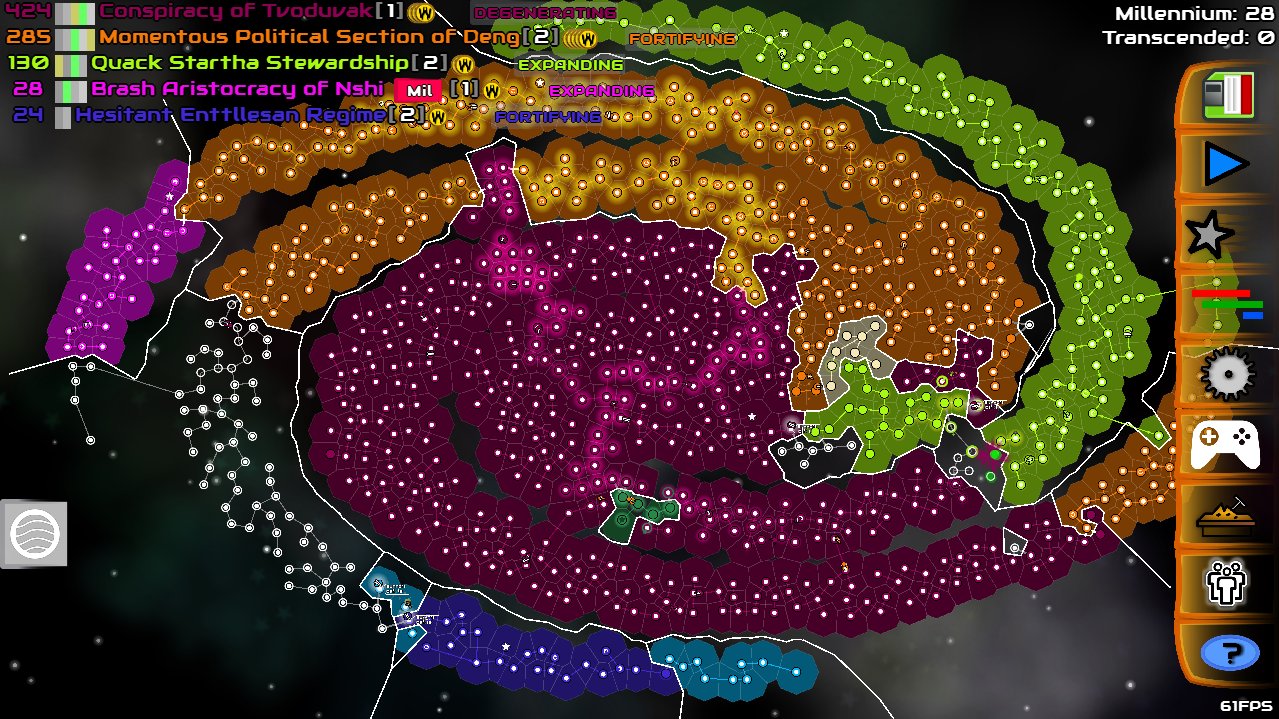
Galimulator simulates the wars, revolutions, politics, research and various other bizarre events in a randomly generated galaxy. Watch as space empires endure epic struggles for power. You decide if you want to:
• Watch in Observer mode
• Play around freely in Sandbox mode
• Take control in Emperor mode
Empires will:
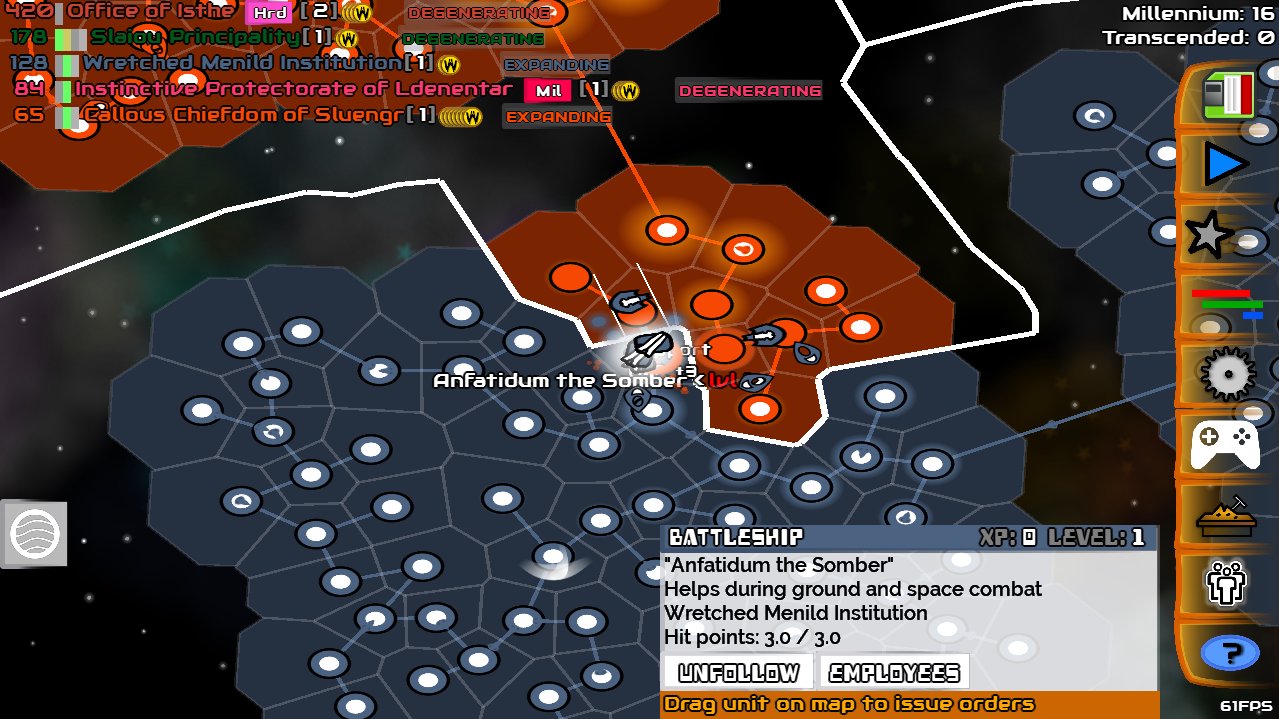
• Wage war to conquer more stars
• Build ships to fight and do other strange things
• Encounter strange space monsters
• Venture out on intergalactic quests
• Research new technology
• Switch politics between expansion, fortification and more
• Build powerful (or useless) artifacts in space
• Transcend to unimaginable hyperbliss
Ultimately they will go away, crushed by a stronger race, victims of internal strife, eaten by space monsters, or some other fate. But new ones will take their place. It's the hypercircle of interstellar life in space.
In Emperor mode, you can control your own empire by using your Flagship to boost expansion and defense, build and control your ships, and manage your Spy network.
In Sandbox mode, you have full freedom to do pretty much what you want. Make empires degenerate, throw meteors at them, etc.
Or you can just observe, like an aquarium, except with interstellar space empires instead of fish.
Windows and Linux versions are also available now at:
https://snoddasmannen.itch.io/galimulator
Visit the Discord to chat with other users:
https://discord.gg/XVumtY7
預覽
標籤
模擬訊息
開發商
Snoddasmannen
最新版本
4.10
更新時間
2023-03-26
類別
模擬
同時可用
Google Play
更多
如何在電腦上用 GameLoop 玩 Galimulator
1. 從官網下載GameLoop,然後運行exe文件安裝GameLoop
2. 打開GameLoop,搜索“Galimulator”,在搜索結果中找到Galimulator,點擊“安裝”
3. 享受在 GameLoop 上玩 Galimulator 的樂趣
Minimum requirements
OS
Windows 8.1 64-bit or Windows 10 64-bit
GPU
GTX 1050
CPU
i3-8300
Memory
8GB RAM
Storage
1GB available space
Recommended requirements
OS
Windows 8.1 64-bit or Windows 10 64-bit
GPU
GTX 1050
CPU
i3-9320
Memory
16GB RAM
Storage
1GB available space