
Shoppy Mall 電腦版
Dotsquares
用GameLoop模拟器在電腦上玩Shoppy Mall
Shoppy Mall 電腦版
來自發行商 Dotsquares 的 Shoppy Mall 能夠在安卓系統上運行。
現在,您可以在電腦上使用 GameLoop 模擬器流暢地玩 Shoppy Mall。
在 GameLoop 遊戲庫或搜索結果中下載。 不需要再暢玩遊戲時盯著電池電量或被令人懊惱的來電打斷。
只需在電腦大屏幕上免費下載暢玩Shoppy Mall 電腦版!
Shoppy Mall 簡介
Welcome to the all new Shoppy Mall e-commerce Android-based app!
What is Shoppy Mall?
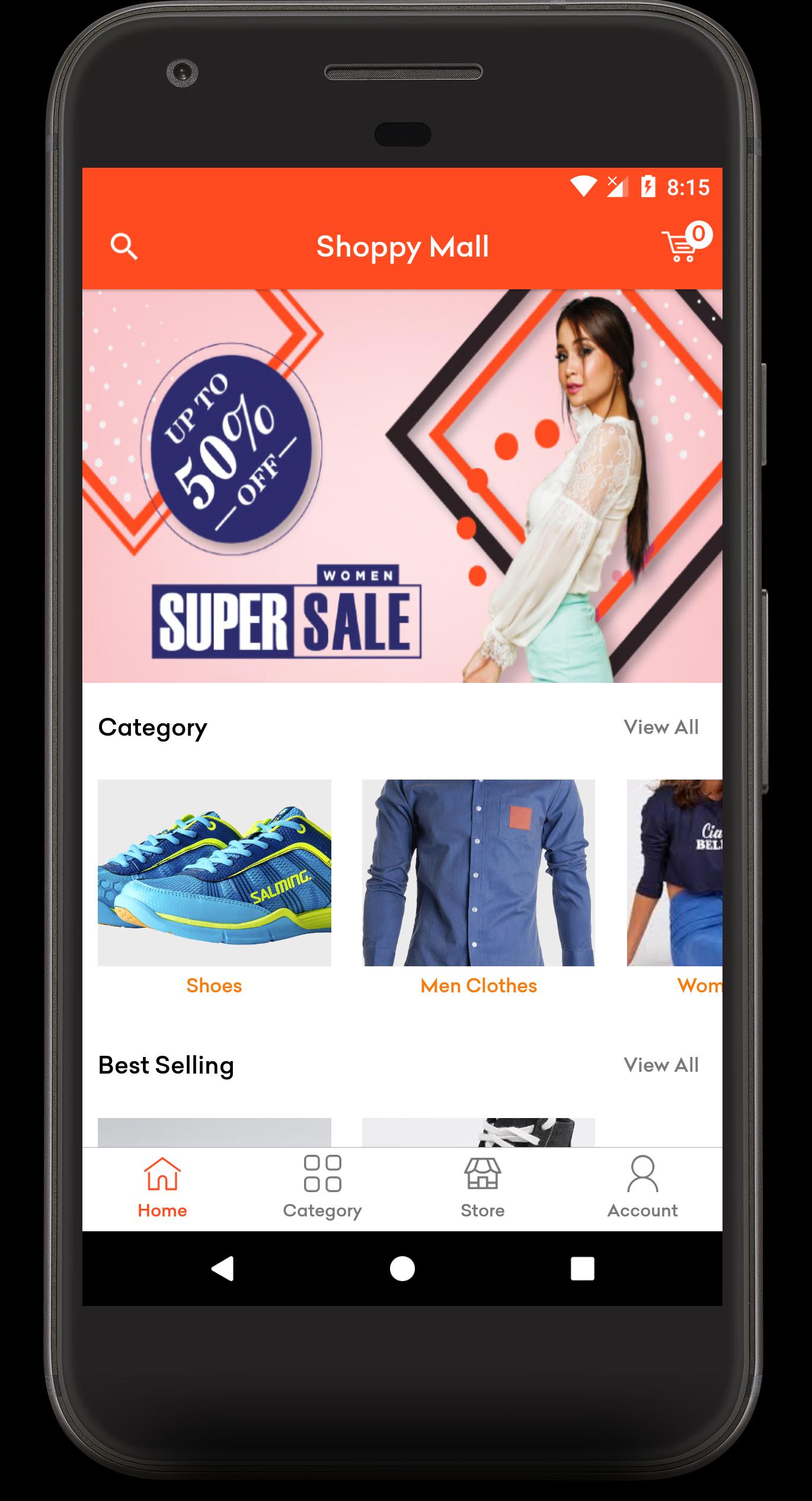
The Shoppy Mall app lets you access and manages your Shopify store on your Android device. It provides categories view, product listing and product details view. Customers can have a clear view of the products (sort by name, recent, and popularity), they can add products to the cart they wish to buy. The order history can be easily seen, this app offers easy and fast payment options. With the “My Account” feature, account details can be edited anytime.
How does the app work?
• Access your online store with a domain name and access key.
• View product categories through one tap.
• A clear view of the products listings and product details.
• Order history can be seen.
• Customers can log in or sign up.
• Place orders anytime, anywhere.
• Add to cart option is available.
• Account details can be easily edited through “My Account”.
• And then you can log out.
Features
• Convenient and fast payment options available (Credit card).
• Account details can be edited anytime.
• Clear products listing and product details view.
• Order history can be seen.
• All transactions are secured.
If you want to run your shopify store through our app than please follow the steps: (to get Domain name and Store front API key)
1. Login to Shopify Partner
https://partners.shopify.com/820122/development_stores
2. Select development stores tab and click on create store.
3. Create new store and login into Newly created store Or If you have existing store than login to that store.
4. Select Apps from tab and scroll down to click on Managed Private Apps.
5. To get Store Front Access token click on Below link.
https://help.shopify.com/en/api/custom-storefronts/storefront-api/getting-started
6. To Show the store Domain name click below link.
https://dotsjhalana.myshopify.com/admin/settings/domains
7. Add access token and domain name to our apps store login screen.
For further clarifications about this Shoppy Mall app, kindly reach us here https://stores.dotsquares.com/contact
預覽
標籤
購物訊息
開發商
Dotsquares
最新版本
3.0
更新時間
2020-07-21
類別
購物
同時可用
Google Play
更多
如何在電腦上用 GameLoop 玩 Shoppy Mall
1. 從官網下載GameLoop,然後運行exe文件安裝GameLoop
2. 打開GameLoop,搜索“Shoppy Mall”,在搜索結果中找到Shoppy Mall,點擊“安裝”
3. 享受在 GameLoop 上玩 Shoppy Mall 的樂趣
Minimum requirements
OS
Windows 8.1 64-bit or Windows 10 64-bit
GPU
GTX 1050
CPU
i3-8300
Memory
8GB RAM
Storage
1GB available space
Recommended requirements
OS
Windows 8.1 64-bit or Windows 10 64-bit
GPU
GTX 1050
CPU
i3-9320
Memory
16GB RAM
Storage
1GB available space