
Sudoku Quest - Classic Puzzle 電腦版
HashCube
用GameLoop模拟器在電腦上玩Sudoku Quest - Classic Puzzle
Sudoku Quest - Classic Puzzle 電腦版
來自發行商 HashCube 的 Sudoku Quest - Classic Puzzle 能夠在安卓系統上運行。
現在,您可以在電腦上使用 GameLoop 模擬器流暢地玩 Sudoku Quest - Classic Puzzle。
在 GameLoop 遊戲庫或搜索結果中下載。 不需要再暢玩遊戲時盯著電池電量或被令人懊惱的來電打斷。
只需在電腦大屏幕上免費下載暢玩Sudoku Quest - Classic Puzzle 電腦版!
Sudoku Quest - Classic Puzzle 簡介
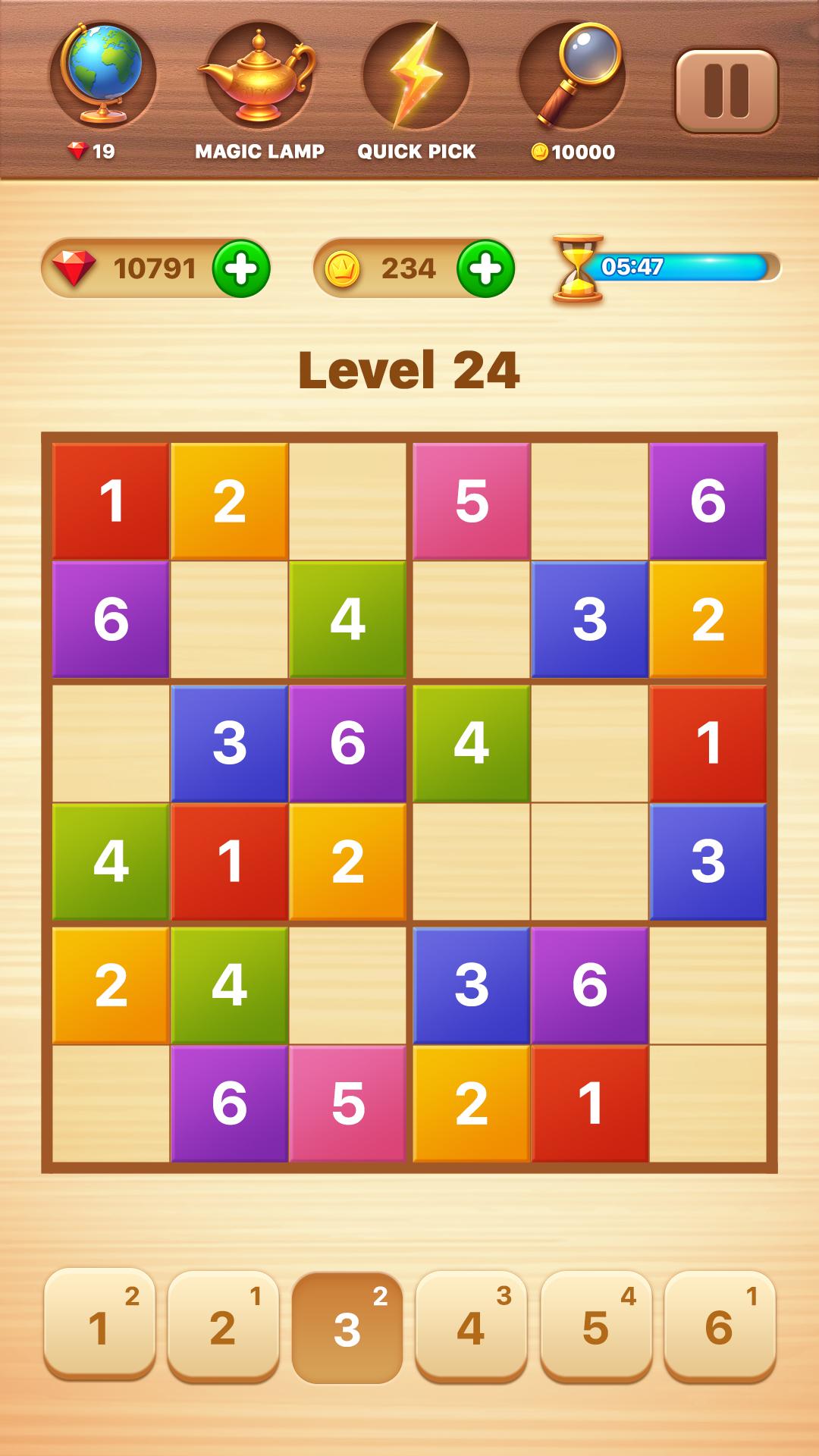
Are you a fan of solving Sudoku? Then Sudoku Quest has the brain-teasing puzzles just for you! With over 2000 challenging levels waiting for you, regardless of whether you are a beginner or an expert, you will fall in love with it. Featuring 11 mind-bending variations, Sudoku Quest is the epic classic Sudoku game that will keep your mind sharp and improve your logical skills.
Key Features of Our Sudoku Puzzle Game:
Over 10,000 unique Sudoku number puzzles, offering a fresh challenge every time.
The only Sudoku app with beautiful themes, colors, and brain-busting puzzles!
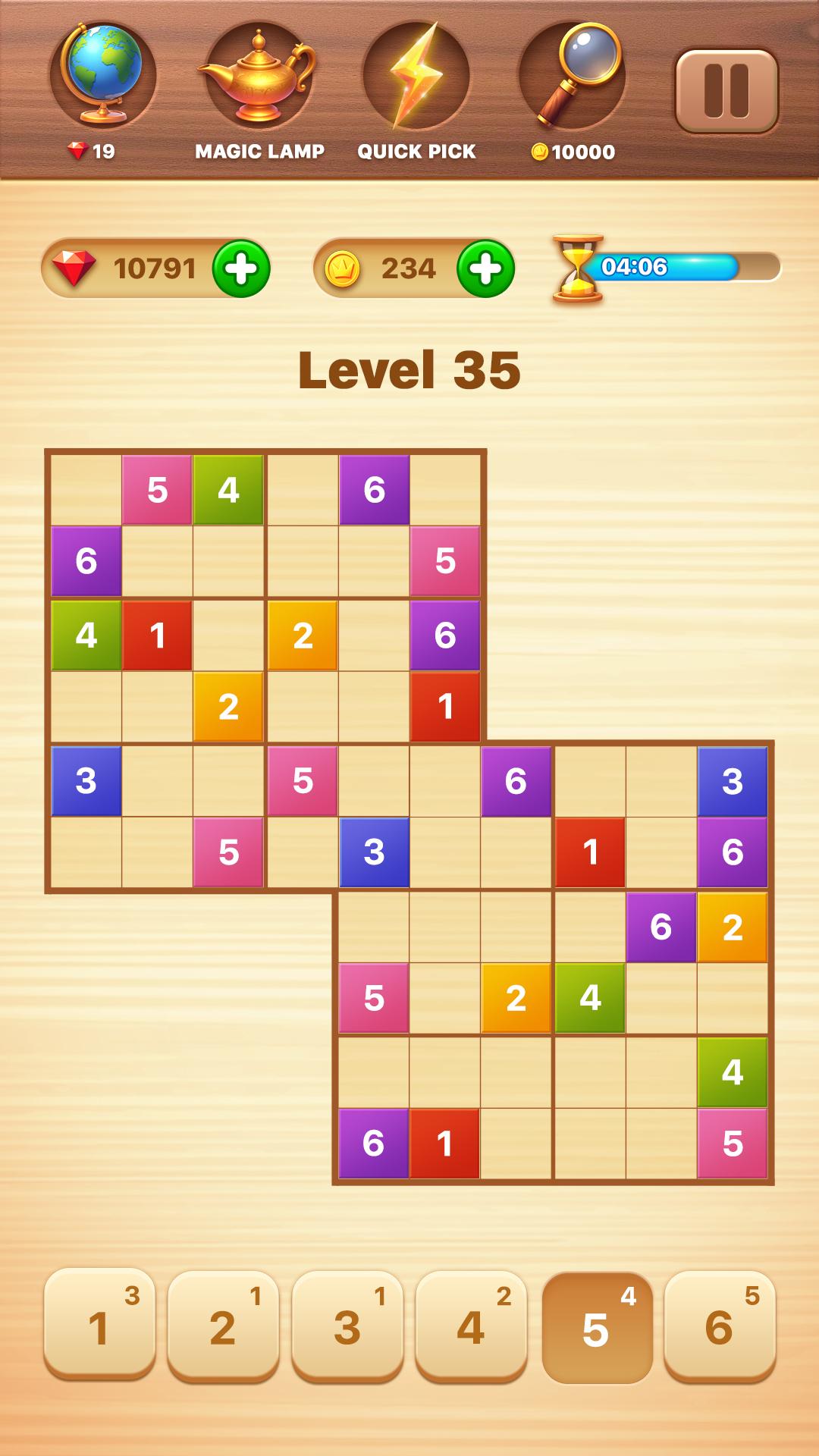
Cool Sudoku variations: Classic Sudoku? We have it. Plus, try new variations like 4x4, 6x6, 8x8, 10x10, 12x12, Evil Sudoku, Killer Sudoku, Overlapping Sudoku (Samurai), and more.
Advanced Sudoku app that's optimized for easy play on both mobile devices and tablets.
Colorful characters in puzzles and soothing music for a relaxing experience.
Multi-sync: Seamlessly sync across devices so you never lose your progress.
Daily Sudoku Challenge: A new daily brainy puzzle without a timer and with varying difficulty levels.
Win daily rewards with the Lucky Spin.
Perfect for both Sudoku beginners and advanced players!
Connect with friends on Facebook, play, and exchange gifts with peers.
Choose your puzzle difficulty: hard, medium, or easy Sudoku puzzles to challenge yourself.
Other Cool Features of Our Sudoku Puzzle Game:
Lite Version: A lightweight Sudoku app that won't freeze your phone.
Unique and challenging Sudoku puzzles designed smartly just for you.
Clean and simple interface with intuitive, easy controls.
Unlimited undo and delete options to help when you make mistakes.
Auto Save: Accidentally closed the game? No worries, Sudoku Quest has a smart auto-save feature to ensure you don't lose your progress.
Turn sound on/off for better concentration while solving puzzles.
Duplicate number indicator to help you avoid mistakes.
Helpful tips and strategies to make you a Sudoku expert.
The Sudoku Quest game suits both beginners and advanced players.
Progress tracking feature to improve your gameplay experience.
Over 2000 levels set across breathtaking islands and adventurous kingdoms.
Easier fun Sudoku puzzles for kids with smaller grids like 4x4 & 6x6.
Offline Sudoku game you can play anywhere, anytime.
Smart note-taking feature to make your play paperless. We care about the environment!
Eye-Catching Power-Ups in Our Sudoku Game:
Amazing power-ups to help you become the ultimate Sudoku master.
Hint: Struggling with a puzzle? Use a hint to solve a random empty cell.
Quick Pick: Unsure which cell is easier? Use Quick Pick to highlight it.
Magic Eye: Too many numbers distracting you? Enable Magic Eye to focus on one number.
Magic Lamp: Simplifies your puzzle by filling one cell in all blocks.
Cell Check: Filled in wrong numbers? Cell Check highlights all incorrect entries in the puzzle.
We're here for you with dedicated customer support.
So why wait? Uniquely designed challenges await you. Leave your worries behind, join Sudoku Quest, and relax. Become the Sudoku master!
預覽
標籤
邏輯休閒單人遊戲抽象的單機遊戲Sudoku訊息
開發商
HashCube
最新版本
3.2.23
更新時間
2025-08-08
類別
解謎
同時可用
Google Play
更多
如何在電腦上用 GameLoop 玩 Sudoku Quest - Classic Puzzle
1. 從官網下載GameLoop,然後運行exe文件安裝GameLoop
2. 打開GameLoop,搜索“Sudoku Quest - Classic Puzzle”,在搜索結果中找到Sudoku Quest - Classic Puzzle,點擊“安裝”
3. 享受在 GameLoop 上玩 Sudoku Quest - Classic Puzzle 的樂趣
Minimum requirements
OS
Windows 8.1 64-bit or Windows 10 64-bit
GPU
GTX 1050
CPU
i3-8300
Memory
8GB RAM
Storage
1GB available space
Recommended requirements
OS
Windows 8.1 64-bit or Windows 10 64-bit
GPU
GTX 1050
CPU
i3-9320
Memory
16GB RAM
Storage
1GB available space