Onet Connect Classic 電腦版
Games Of Day
用GameLoop模拟器在電腦上玩Onet Connect Classic
Onet Connect Classic 電腦版
來自發行商 Games Of Day 的 Onet Connect Classic 能夠在安卓系統上運行。
現在,您可以在電腦上使用 GameLoop 模擬器流暢地玩 Onet Connect Classic。
在 GameLoop 遊戲庫或搜索結果中下載。 不需要再暢玩遊戲時盯著電池電量或被令人懊惱的來電打斷。
只需在電腦大屏幕上免費下載暢玩Onet Connect Classic 電腦版!
Onet Connect Classic 簡介
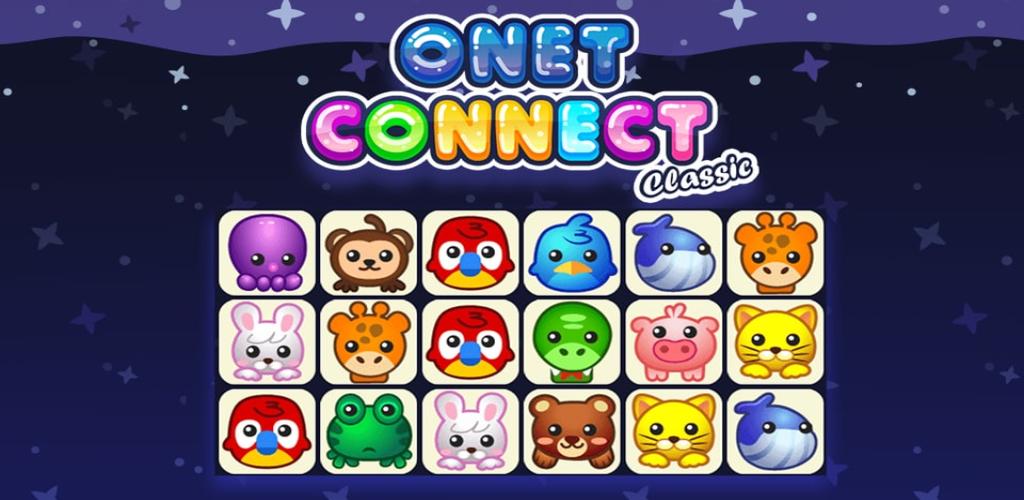
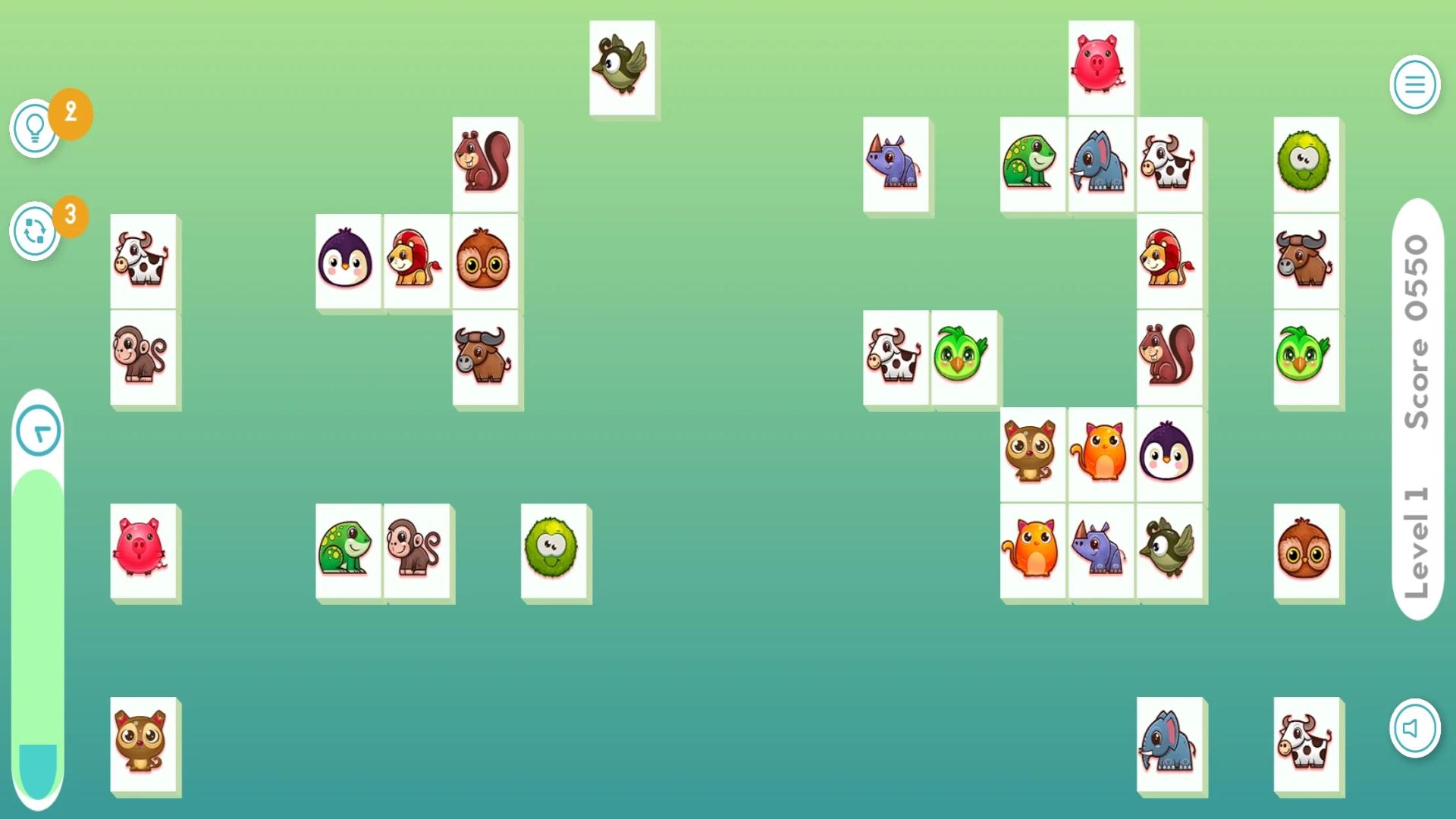
Onet Connect Classic game Similar to Match 3 games the main goal is to connect two identical animals or fruits. In Onet you draw a line between them. However there are two very important rules you need to follow Onet Connect Classic:
There can’t be any obstacles in the way between two similar tiles.
The line that connects two tiles can change direction only twice. (Or less, of course).
Onet Connect Classic, and there is a time limit. You have five minutes to clear each level. This makes this animal and fruit connect game stand out from the crowd of countless other Match 3 or Connect 4 games.
Onet Connect Classic Similar to those games your main goal is to clear the whole playing field from all tiles. As cute as it looks, there may be quite some strategic thinking and coordination skills involved to solve the game.
But fear not onet connect classic unblocked, because if you get stuck there is help. On the upper right side of the screen you find two icons. A magnifying glass and a shuffle button.
The onet connect classic unblocked magnifier helps you identify the next possible connecting option. But the real joker of this Onet Connect Classic game is the shuffle function. What it does? Well, it does exactly what it says. It shuffles the tiles on the field so that new Onet Connect Classic connection options will be presented.
預覽
標籤
解謎訊息
開發商
Games Of Day
最新版本
1.0
更新時間
2023-03-08
類別
解謎
同時可用
Google Play
更多
如何在電腦上用 GameLoop 玩 Onet Connect Classic
1. 從官網下載GameLoop,然後運行exe文件安裝GameLoop
2. 打開GameLoop,搜索“Onet Connect Classic”,在搜索結果中找到Onet Connect Classic,點擊“安裝”
3. 享受在 GameLoop 上玩 Onet Connect Classic 的樂趣
Minimum requirements
OS
Windows 8.1 64-bit or Windows 10 64-bit
GPU
GTX 1050
CPU
i3-8300
Memory
8GB RAM
Storage
1GB available space
Recommended requirements
OS
Windows 8.1 64-bit or Windows 10 64-bit
GPU
GTX 1050
CPU
i3-9320
Memory
16GB RAM
Storage
1GB available space