
Timesheet - Time Tracker 電腦版
Timesheet - Mobile Time Tracking OG
用GameLoop模拟器在電腦上玩Timesheet - Time Tracker
Timesheet - Time Tracker 電腦版
來自發行商 Timesheet - Mobile Time Tracking OG 的 Timesheet - Time Tracker 能夠在安卓系統上運行。
現在,您可以在電腦上使用 GameLoop 模擬器流暢地玩 Timesheet - Time Tracker。
在 GameLoop 遊戲庫或搜索結果中下載。 不需要再暢玩遊戲時盯著電池電量或被令人懊惱的來電打斷。
只需在電腦大屏幕上免費下載暢玩Timesheet - Time Tracker 電腦版!
Timesheet - Time Tracker 簡介
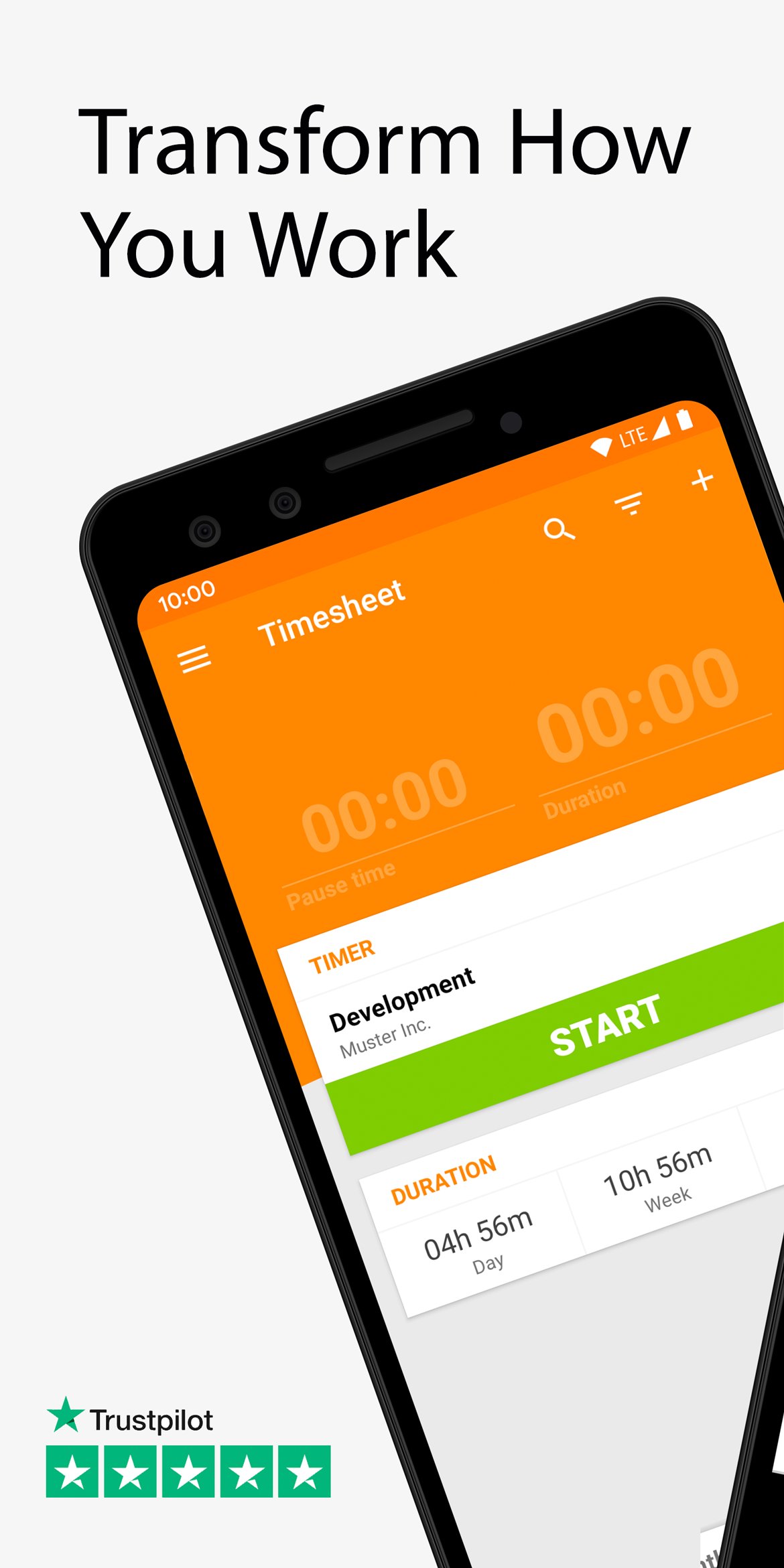
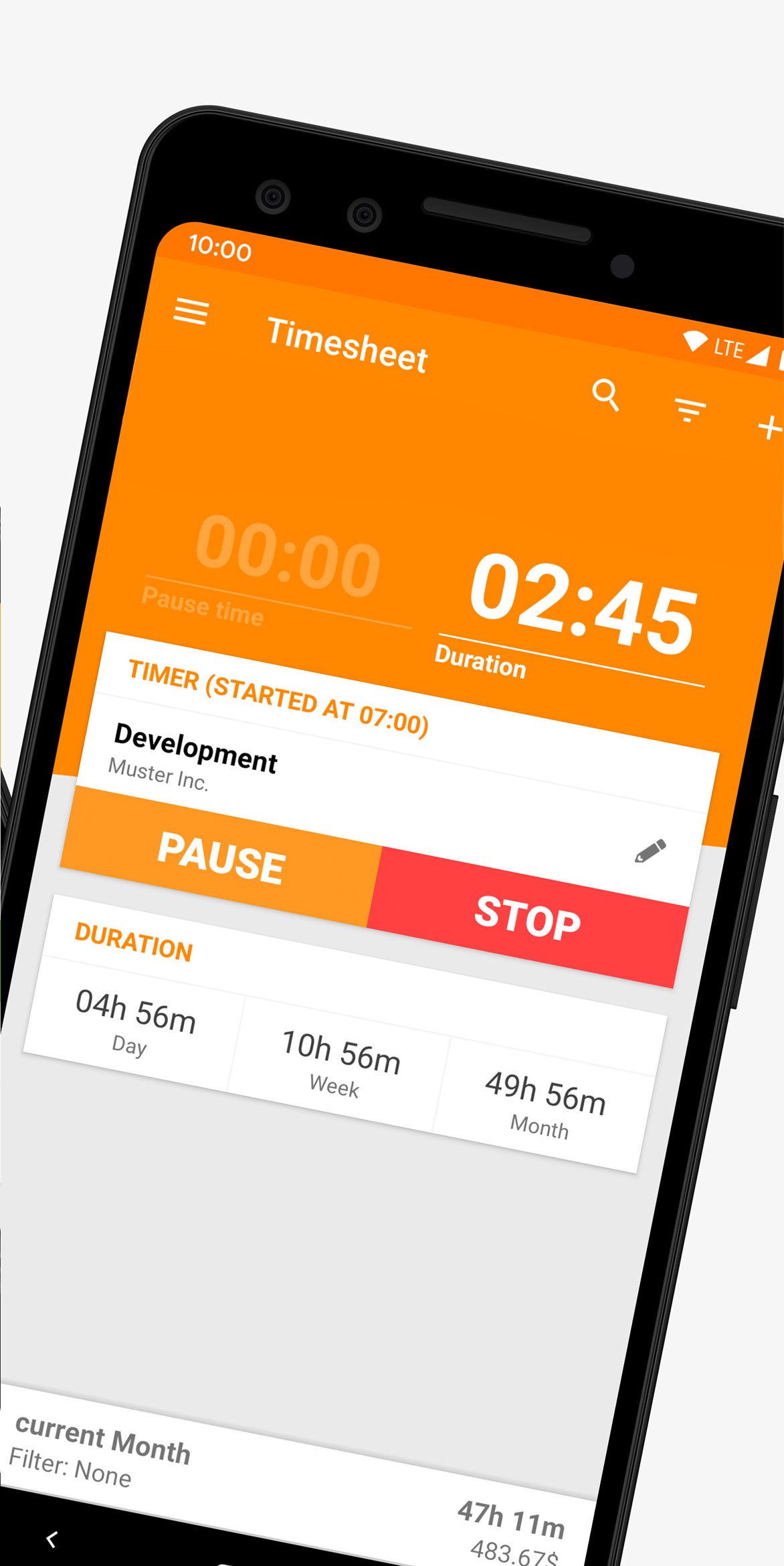
Timesheet allows you the recording of your working hours with a simple push of a button. You can easily add breaks, expenses and notes. Manage your projects and export your data to Microsoft Excel (XLSX, CSV). Clear overviews and statistics will give you the best working experience. Easy Backup / Restore to SD-Card or Dropbox/Drive!
Cloud Synchronization
Enable real-time synchronization to use Timesheet on multiple devices and on your desktop!
Track your working hours even better with the web-application on my.timesheet.io
Features
Time Tracking
- One-tap timer starts and stops work sessions instantly, even while offline
- Manual edits with rounding rules keep historical entries precise
Project Management
- Organize time by client, project, and task with custom rates and tags
- Filter, search, and archive projects to keep active work front and center
Track Expenses, Notes and Coffee Breaks
- Attach reimbursable expenses with receipts per entry
- Add rich notes to capture meeting outcomes or next steps
- Log paid breaks separately to keep billing accurate
Excel Export (XLSX, CSV)
- Generate spreadsheet-ready reports for invoicing or payroll in seconds
- Choose predefined or custom date ranges before export
- Share exports securely via email, Drive, or other business tools
Location-Based Tracking
- Optional Geofence automations start or stop the timer on-site
NFC Automation
- Tap NFC tags at job sites to trigger the right project timer
- Only activated when you enable the specific integration in Automations
Dropbox/Drive Backup
- Scheduled backups keep timesheets safe across Google Drive and Dropbox
- Restore full history on a new device in a few steps
Homescreen Timer Widget
- Start, pause, or stop your current timer without opening the app
Companion App Timer – including a tile – for Wear OS
- Control the timer from your wrist with start/stop tile
- Syncs instantly with the Android app and web dashboard
Feedback
Feel free to contact us, or write us your question on Facebook or X:
Facebook: https://www.facebook.com/timesheetIO
X: https://x.com/timesheetIO
Instagram: https://www.instagram.com/timesheet.io
預覽
標籤
效率提升訊息
開發商
Timesheet - Mobile Time Tracking OG
最新版本
v25.11.18
更新時間
2025-11-17
類別
效率提升
同時可用
Google Play
更多
如何在電腦上用 GameLoop 玩 Timesheet - Time Tracker
1. 從官網下載GameLoop,然後運行exe文件安裝GameLoop
2. 打開GameLoop,搜索“Timesheet - Time Tracker”,在搜索結果中找到Timesheet - Time Tracker,點擊“安裝”
3. 享受在 GameLoop 上玩 Timesheet - Time Tracker 的樂趣
Minimum requirements
OS
Windows 8.1 64-bit or Windows 10 64-bit
GPU
GTX 1050
CPU
i3-8300
Memory
8GB RAM
Storage
1GB available space
Recommended requirements
OS
Windows 8.1 64-bit or Windows 10 64-bit
GPU
GTX 1050
CPU
i3-9320
Memory
16GB RAM
Storage
1GB available space