Simple Sticky Notes 電腦版
Sourav Rana - Notes
用GameLoop模拟器在電腦上玩Simple Sticky Notes
Simple Sticky Notes 電腦版
來自發行商 Sourav Rana - Notes 的 Simple Sticky Notes 能夠在安卓系統上運行。
現在,您可以在電腦上使用 GameLoop 模擬器流暢地玩 Simple Sticky Notes。
在 GameLoop 遊戲庫或搜索結果中下載。 不需要再暢玩遊戲時盯著電池電量或被令人懊惱的來電打斷。
只需在電腦大屏幕上免費下載暢玩Simple Sticky Notes 電腦版!
Simple Sticky Notes 簡介
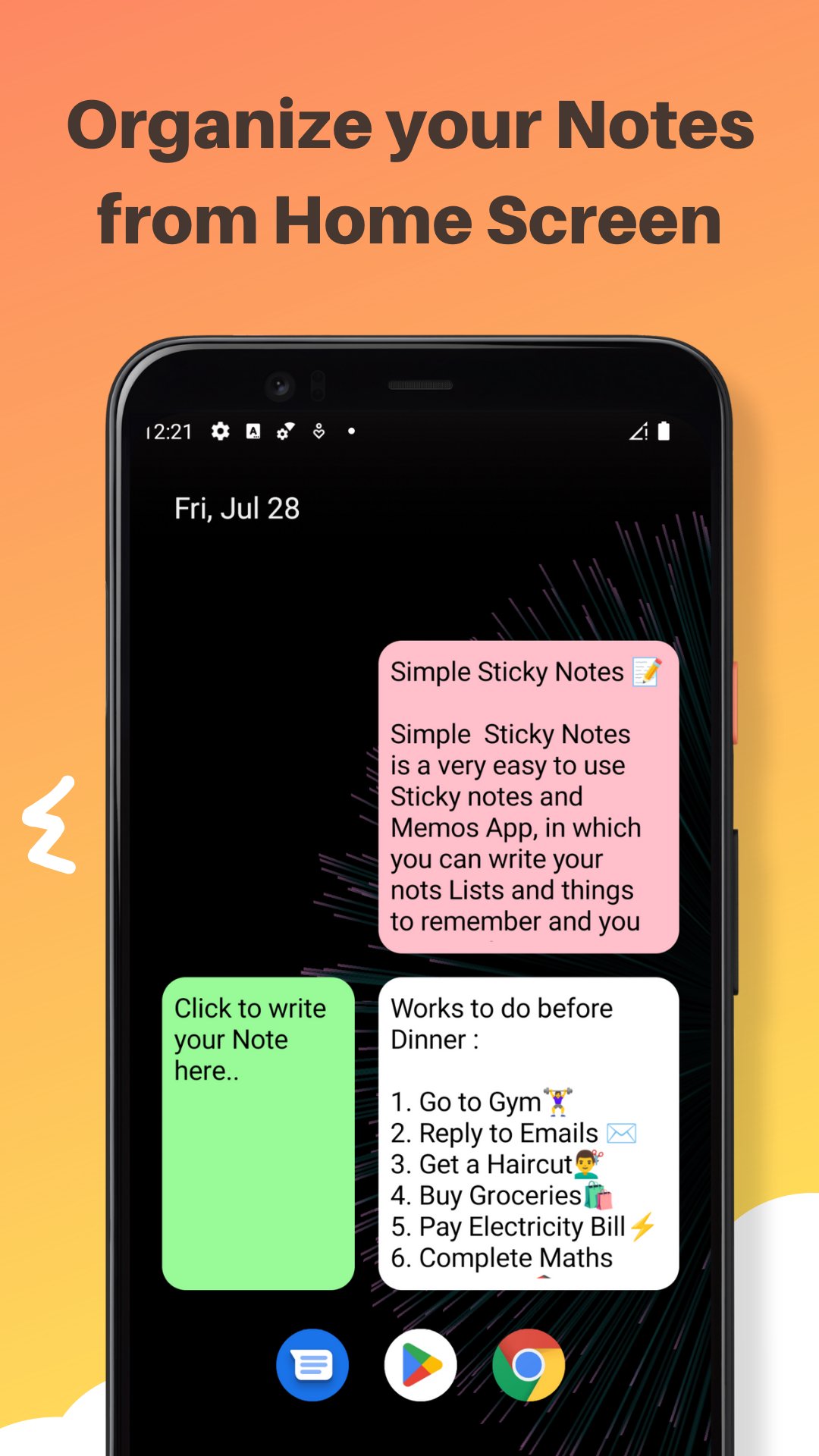
Simple Sticky Notes - Color Notes and Memos is a very simple to use Sticky Notes and memos App in which you can write your Notes, Lists, Tasks, To Do Lists, Things To Remember, Memos etc. and you can manage them from the home screen of your Android Device. You can quickly write down your Tasks and Notes by Clicking on the Widget on your Home Screen.
You can change the background color of your simple sticky notes widget from the given 4 colors in the App. you can also change the size of text in the editor to small, Large or default Medium. It is a very lightweight, and easy to use sticky notes widget. Both colors and text size can be changed while creation as well as while Editing. The Simple Sticky Notes Widget is Resizable and can be placed anywhere. you can create as much as Widgets as you want with different Colors, Text Sizes, and widget sizes.
**Features**
- Resizable widgets
- Rich Text Editor : make your Text Bold, Itealic, Underlined, change the font color and many more
- Scrollable text in widget Editor
- Light weight
- Customize with 4 different background colors
- Change text size in Widget Editor
- Easy to use
- Use multiple widgets on Screen
*Note*
If you are not able to put simple sticky notes widget on your home screen you can add it manually why doing following:-
- if you click on the "User Guide Button" on the Main Screen of your App. You will be redirected to a YouTube tutorial explaining How to add Simple Sticky Notes Widget to Home Screen Manually and use them. for your convenience steps are also given below -:
1) On a Home screen, touch and hold an
empty space and Tap Widgets or Shortcuts Tab.
2) Touch and hold Simple Sticky notes widget from widget list. Slide it to home Screen where you want it. Lift your finger.
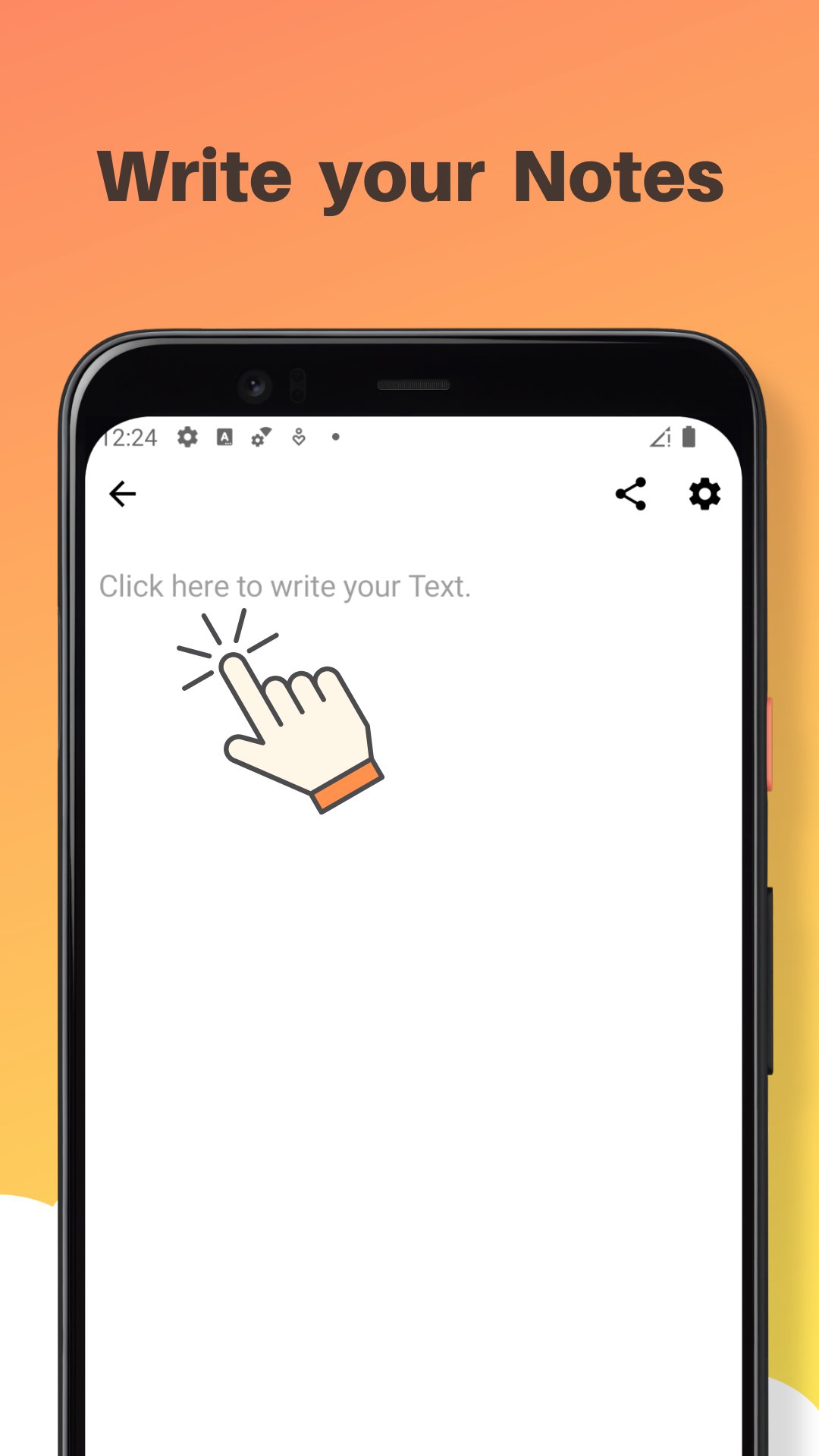
3) Write your Text on Widget Editor and change widget background color or text size from "Color and Text" button, then press "save" button to save it.
4) Resize your widget according to your
need and press back
button.
5) Click on Your widget if you want to edit it again.
That's it If you still have any questions, find any bugs or want me to add any other feature in the next update of the Simple Sticky Notes App, Please let me know in the Reviews section or write me on ranasourav3817@gmail.com.
Thank you.
Sourav
預覽
標籤
效率提升訊息
開發商
Sourav Rana - Notes
最新版本
1.4.6
更新時間
2025-12-01
類別
效率提升
同時可用
Google Play
更多
如何在電腦上用 GameLoop 玩 Simple Sticky Notes
1. 從官網下載GameLoop,然後運行exe文件安裝GameLoop
2. 打開GameLoop,搜索“Simple Sticky Notes”,在搜索結果中找到Simple Sticky Notes,點擊“安裝”
3. 享受在 GameLoop 上玩 Simple Sticky Notes 的樂趣
Minimum requirements
OS
Windows 8.1 64-bit or Windows 10 64-bit
GPU
GTX 1050
CPU
i3-8300
Memory
8GB RAM
Storage
1GB available space
Recommended requirements
OS
Windows 8.1 64-bit or Windows 10 64-bit
GPU
GTX 1050
CPU
i3-9320
Memory
16GB RAM
Storage
1GB available space