Raloco Notes 電腦版
Kenzap Pte Ltd
用GameLoop模拟器在電腦上玩Raloco Notes
Raloco Notes 電腦版
來自發行商 Kenzap Pte Ltd 的 Raloco Notes 能夠在安卓系統上運行。
現在,您可以在電腦上使用 GameLoop 模擬器流暢地玩 Raloco Notes。
在 GameLoop 遊戲庫或搜索結果中下載。 不需要再暢玩遊戲時盯著電池電量或被令人懊惱的來電打斷。
只需在電腦大屏幕上免費下載暢玩Raloco Notes 電腦版!
Raloco Notes 簡介
• Not overloaded nice looking interface
• Notes organization by color
• Beautiful fonts
• Simple intuitive functionality
• No advertisement
• Reminders
• Sync with multiple devices
• Password protection
• Widgets
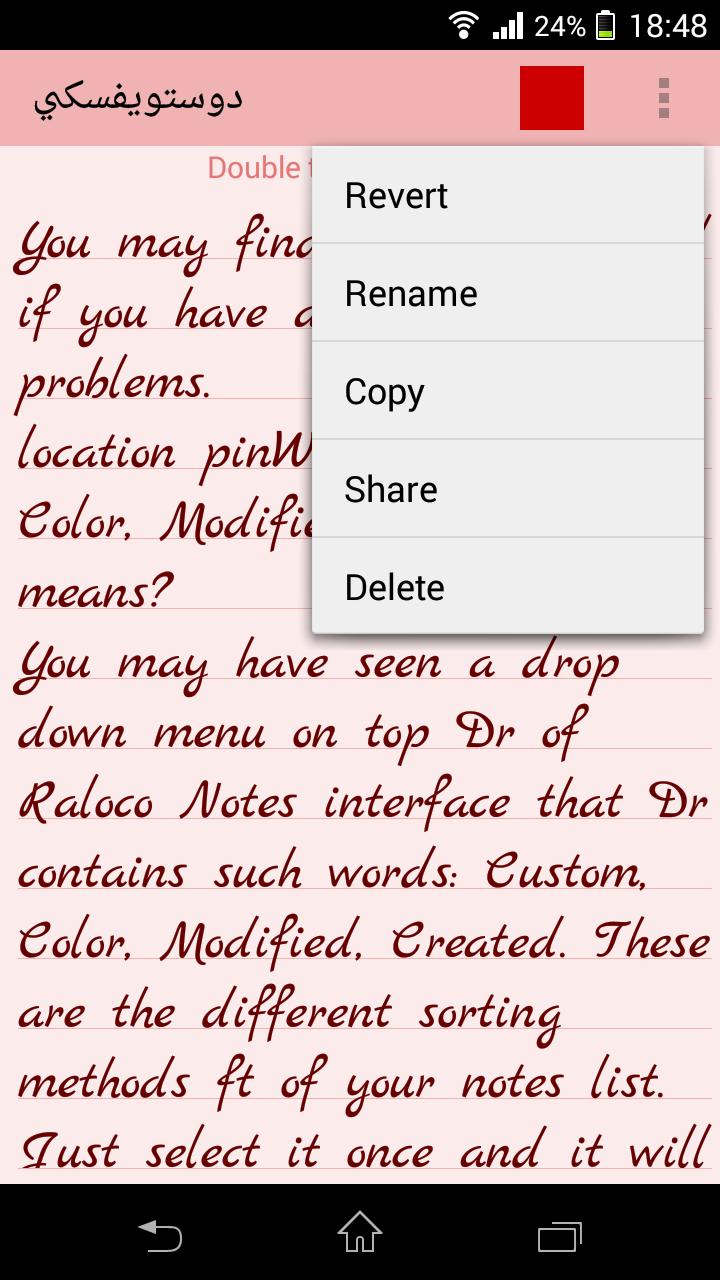
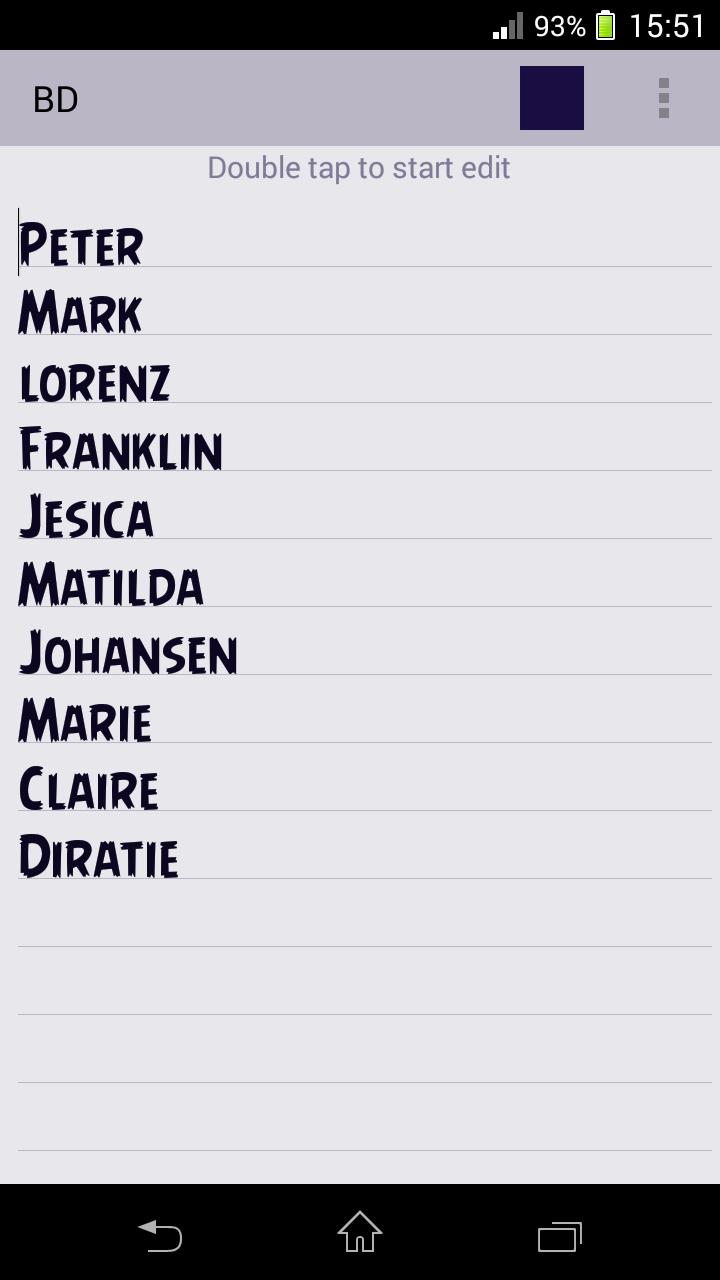
Use this extremely user friendly app to easily capture what’s on your mind. This app does not support photo of a poster, receipt or document it is intended to be a simple and beautiful text only editor. Its really easier than any other notepad and memo apps. Various colors and sorting methods together with custom font selection is one the most beloved features from our clients.
FAQ:
Q: How do I sync/transfer all notes to other device?
A: From apps main screen go to settings/backup/transfer. Send exported file by email and open it on other device. All notes will be imported.
Q: How do I rename note, change color or font?
A: Open desired note. Under the top right corner of your screen find three vertical dots menu. Click on menu and find appropriate option from the list. Depending on your android version menu list may show up by pressing options button down on your screen or phone panel.
Q: How do I password protect my notes?
A: Open main app window where list of all notes is located. Long press on desired note and wait till new options menu show up. Select password protect. You can reset passwords from apps master settings.
Q: How do I enter master notes settings?
A: Open main app window where list of all notes is located. Under the top right corner of your screen find three vertical dots menu. Depending on your android version menu list may show up by pressing options button down on your screen or phone panel.
Q: How do I put a note widget on the home screen (sticker)?
A: Under the home screen hold down your finger on an empty space once the new window arise choose widget. Find Raloco Color Notes from the list and position it on your home screen.
Q: How do I find backed up notes?
A: With latest version of Notes you can get your backups by synchronizing app with the backend. Go to settings > synchronization. Note that this feature also works to sync data across multiple android devices.
預覽
標籤
效率提升訊息
開發商
Kenzap Pte Ltd
最新版本
4.9
更新時間
2023-10-01
類別
效率提升
同時可用
Google Play
更多
如何在電腦上用 GameLoop 玩 Raloco Notes
1. 從官網下載GameLoop,然後運行exe文件安裝GameLoop
2. 打開GameLoop,搜索“Raloco Notes”,在搜索結果中找到Raloco Notes,點擊“安裝”
3. 享受在 GameLoop 上玩 Raloco Notes 的樂趣
Minimum requirements
OS
Windows 8.1 64-bit or Windows 10 64-bit
GPU
GTX 1050
CPU
i3-8300
Memory
8GB RAM
Storage
1GB available space
Recommended requirements
OS
Windows 8.1 64-bit or Windows 10 64-bit
GPU
GTX 1050
CPU
i3-9320
Memory
16GB RAM
Storage
1GB available space