Scan QR Code & Document 電腦版
Pro App Company
用GameLoop模拟器在電腦上玩Scan QR Code & Document
Scan QR Code & Document 電腦版
來自發行商 Pro App Company 的 Scan QR Code & Document 能夠在安卓系統上運行。
現在,您可以在電腦上使用 GameLoop 模擬器流暢地玩 Scan QR Code & Document。
在 GameLoop 遊戲庫或搜索結果中下載。 不需要再暢玩遊戲時盯著電池電量或被令人懊惱的來電打斷。
只需在電腦大屏幕上免費下載暢玩Scan QR Code & Document 電腦版!
Scan QR Code & Document 簡介
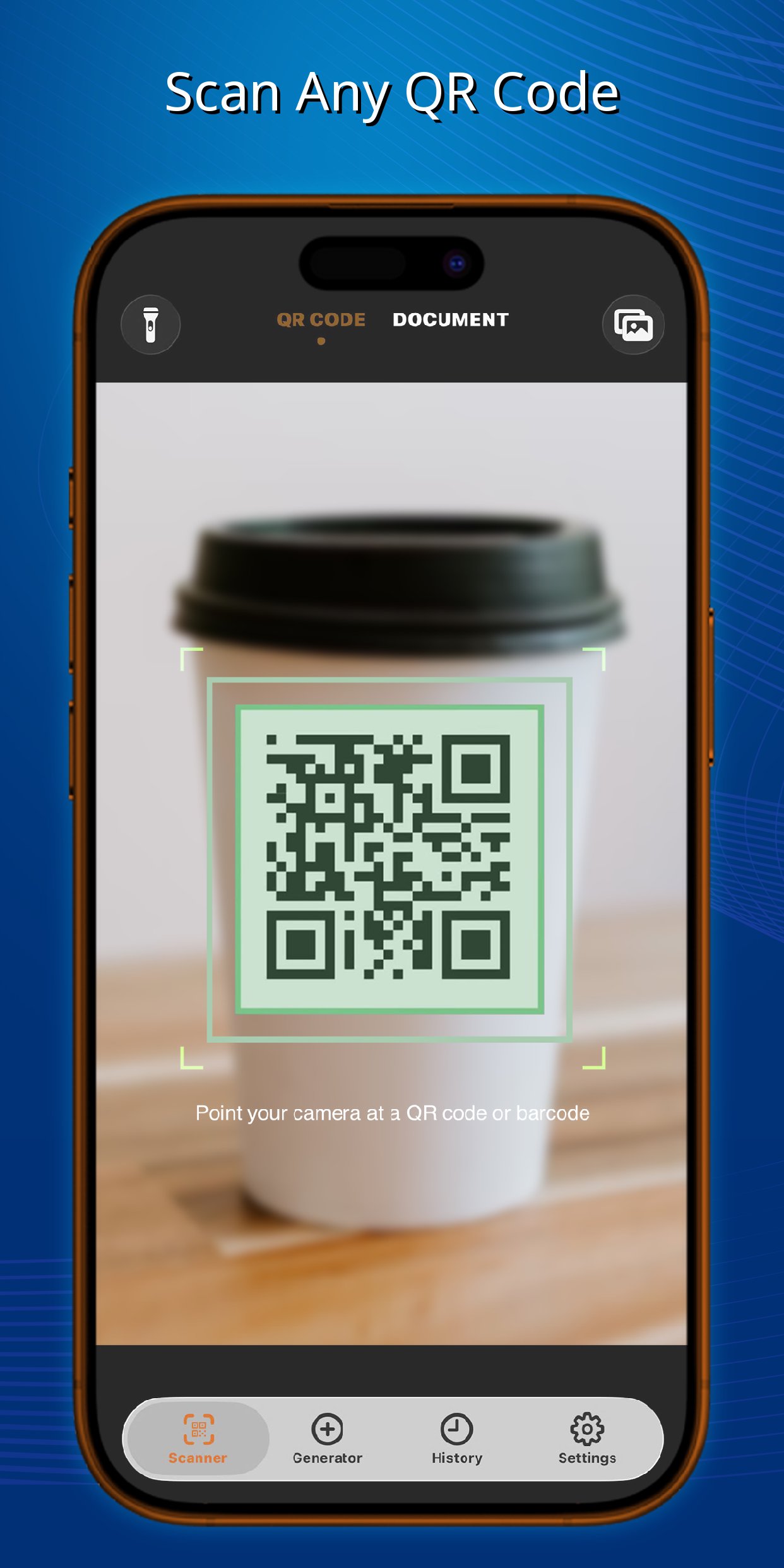
Unlock the full potential of your device with QR Code & Document Scanner, the fastest and most versatile QR reader and barcode scanning app available. Whether you need to read a QR code, check a product barcode, or digitize a paper document, this all-in-one scanner handles it instantly and accurately.
LIGHTNING-FAST & SMART SCANNING
* Ultra-Fast Recognition: Instantly detect and decode any QR code or barcode in milliseconds.
* Multi-Code Selection: Scanning a busy area? The camera highlights all visible codes in the viewfinder, allowing you to easily tap and choose the exact one you want to process.
* Visual Previews: Get clear, intuitive visual illustrations of the scanned data so you know exactly what is inside before taking action.
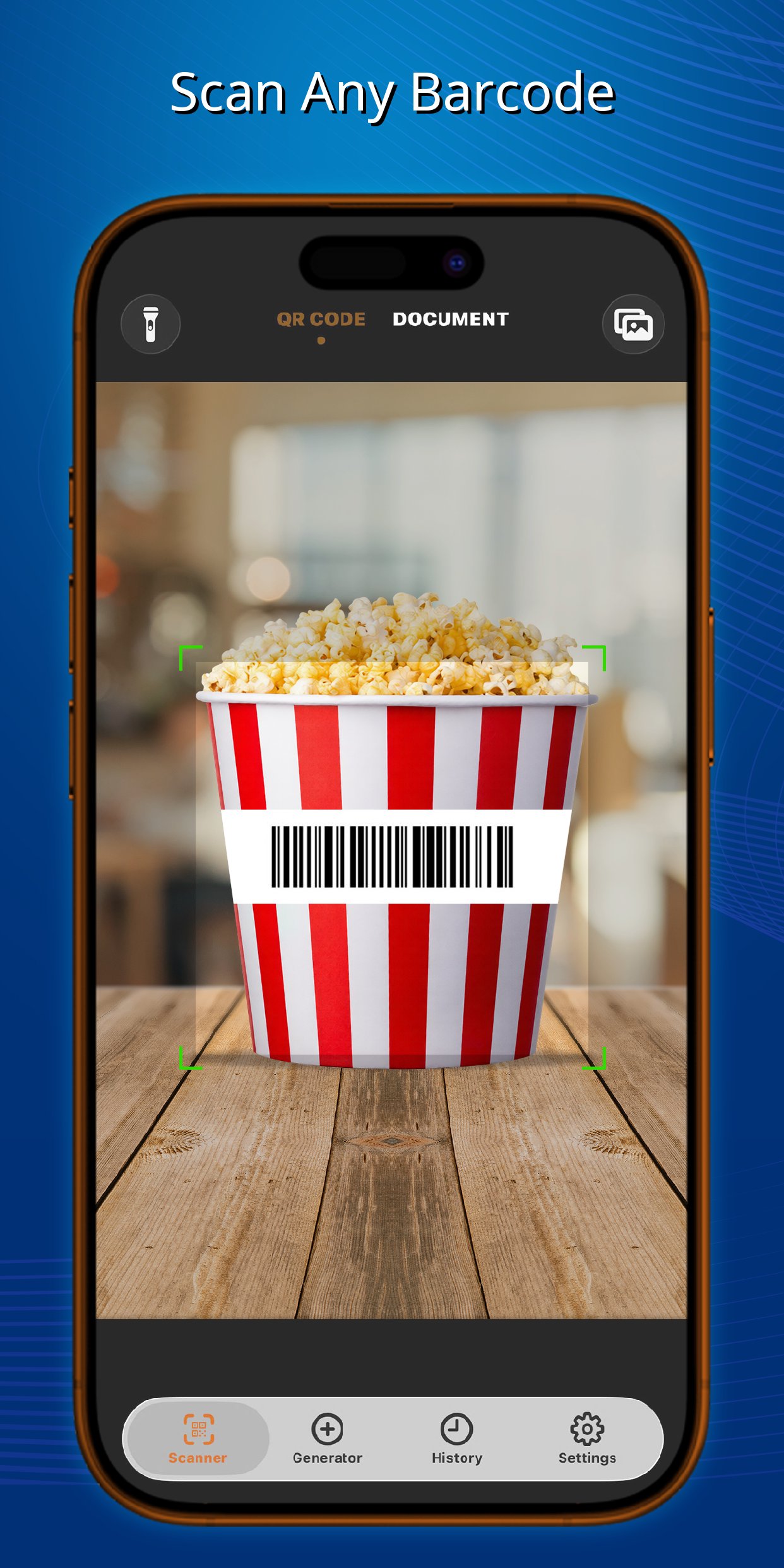
* Universal Support: Seamlessly scan all standard 1D and 2D formats, including QR, Data Matrix, Aztec, UPC, EAN, Code 39, and many more.
BATCH SCANNING MODE
* Continuous Scanning: Save time by scanning multiple QR codes and barcodes rapidly in a row without returning to the home screen.
* Bulk Processing: Perfect for inventory management, retail, or event check-ins. Scan in bulk and manage your records effortlessly.
DOCUMENT SCANNER & OCR
* PDF Creator: Ditch the bulky desktop scanner. Scan receipts, notes, ID cards, or multi-page documents and instantly save them as crisp, high-quality PDF files.
* Text Extraction (OCR): Intelligently recognize and extract text directly from your scanned documents or images, making it easy to copy, edit, and share.
CREATE & CUSTOMIZE
* Powerful Generator: Easily create your own QR codes and barcodes for URLs, Wi-Fi networks, contacts, text messages, emails, and digital business cards.
* Advanced Customization: Make your codes stand out! Freely adjust the stroke and background colors to match your personal style or brand.
* Insert Custom Logos: Upload an image or logo directly from your device's gallery and embed it right into the center of your generated QR code.
SMART HISTORY & EDITING
* Auto-Save & Export: Never lose a scan. Every item is automatically saved in your secure history log for easy retrieval and exporting.
* Edit & Re-create: Need to make a tweak? Open any previously scanned code from your history, edit its content, and instantly save it as a brand-new custom QR code.
Experience the only scanner app you will ever need. Download QR Code & Document Scanner today to boost your productivity!
預覽
標籤
效率提升訊息
開發商
Pro App Company
最新版本
1.2.4
更新時間
2026-03-23
類別
效率提升
同時可用
Google Play
更多
如何在電腦上用 GameLoop 玩 Scan QR Code & Document
1. 從官網下載GameLoop,然後運行exe文件安裝GameLoop
2. 打開GameLoop,搜索“Scan QR Code & Document”,在搜索結果中找到Scan QR Code & Document,點擊“安裝”
3. 享受在 GameLoop 上玩 Scan QR Code & Document 的樂趣
Minimum requirements
OS
Windows 8.1 64-bit or Windows 10 64-bit
GPU
GTX 1050
CPU
i3-8300
Memory
8GB RAM
Storage
1GB available space
Recommended requirements
OS
Windows 8.1 64-bit or Windows 10 64-bit
GPU
GTX 1050
CPU
i3-9320
Memory
16GB RAM
Storage
1GB available space