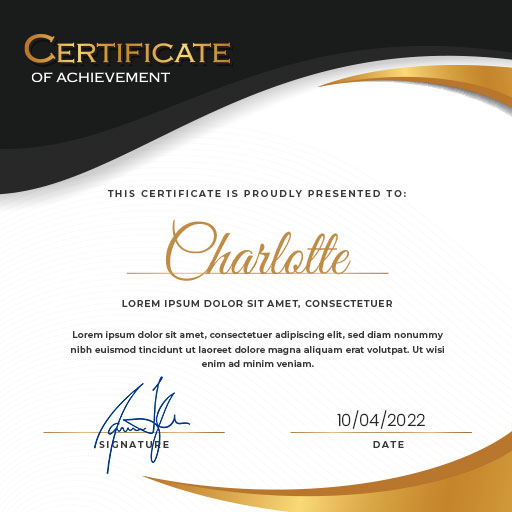
Professional Certificate Maker 電腦版
AST Apps
用GameLoop模拟器在電腦上玩Professional Certificate Maker
Professional Certificate Maker 電腦版
來自發行商 AST Apps 的 Professional Certificate Maker 能夠在安卓系統上運行。
現在,您可以在電腦上使用 GameLoop 模擬器流暢地玩 Professional Certificate Maker。
在 GameLoop 遊戲庫或搜索結果中下載。 不需要再暢玩遊戲時盯著電池電量或被令人懊惱的來電打斷。
只需在電腦大屏幕上免費下載暢玩Professional Certificate Maker 電腦版!
Professional Certificate Maker 簡介
Are you looking for a certificate maker app to design custom certificates effortlessly?
Certificate Maker & Editor is a powerful tool that helps you create professional certificate designs tailored to your needs. Whether you need a digital certificate for online use or a printable award for events or achievements, this certificate creator app provides customizable certificate templates for every purpose.
Features:
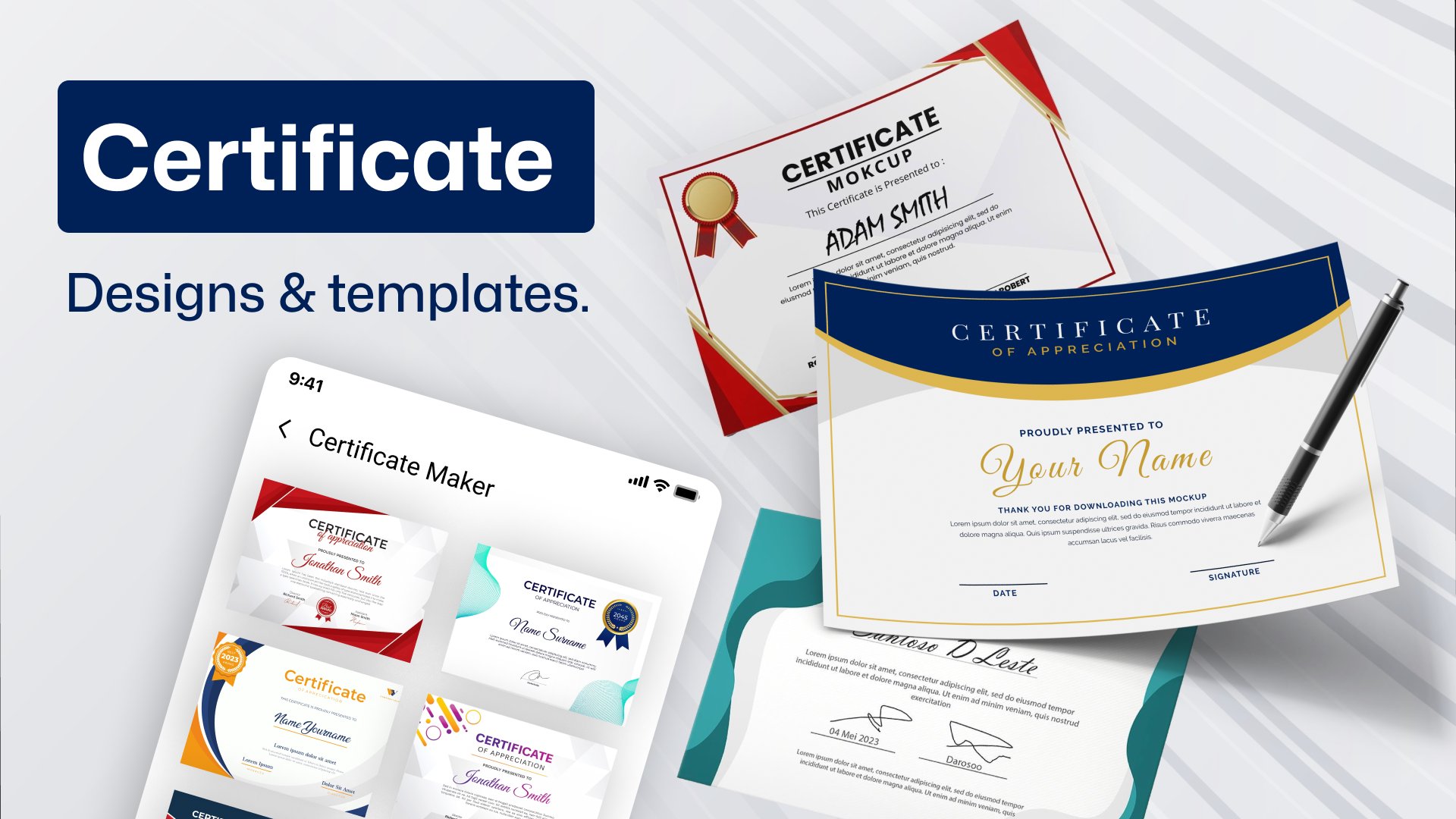
- Explore a wide range of certificate designs and templates.
- Effortlessly add your signature.
- Customize with professional stickers.
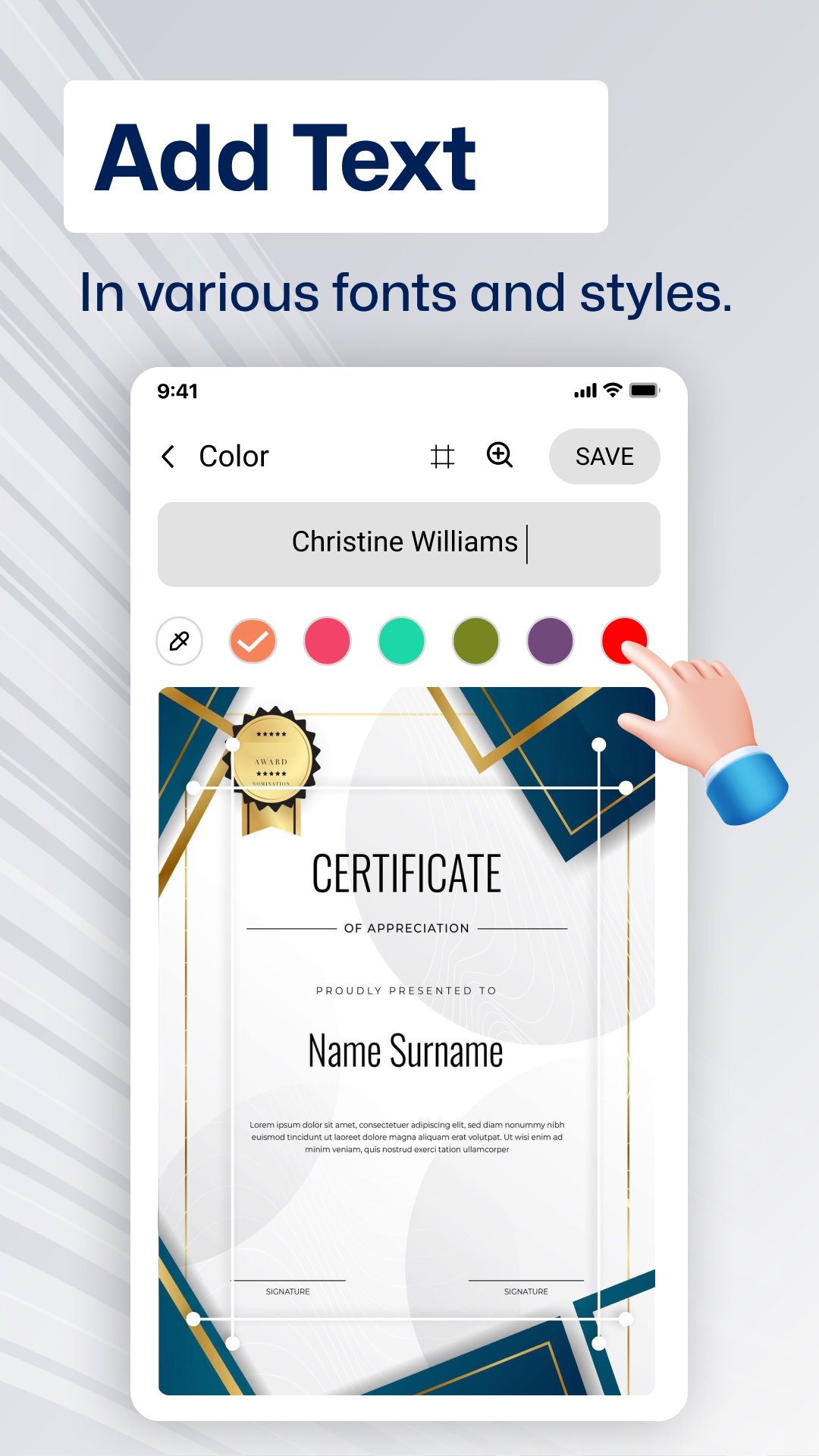
- Add text in various fonts and styles.
- Insert photos, logos, or company branding.
- Undo or redo changes with ease.
- Enjoy high-level customization options.
- Save certificates directly to your phone gallery.
- Instantly share on social media.
- User-friendly and easy to navigate.
Why Use Professional Certificate Maker & Editor App?
This certificate maker app lets you design high-quality, print-ready certificates or digital certificates for online sharing. It’s perfect for teachers, professionals, event organizers, and anyone who needs a fast, easy way to create custom certificates using fully editable templates.
🔹 Add your photo and logo to personalize your certificate.
🔹 Create professional certificates for easy sharing online.
🔹 Design certificates with no design skills required.
🔹 Customize certificates with logos, colors, fonts, and more.
🔹 DIY certificate design—edit and customize templates with ease using the certificate maker app with photo.
📲 How to Use the Certificate Maker App?
1️⃣ Choose a certificate template from the collection in the Certificate Creator & Editor.
2️⃣ Customize your certificate design with your images, logos, text, and stickers.
3️⃣ Share your certificate easily on social media or via email.
4️⃣ Save your custom certificate in JPG, PNG, or PDF format and share online.
Certificate Editor - Easy Design for All Purposes
▸ Sports Appreciation Certificates designer
▸ Diploma & Award Achievement Designer
▸ Attendance Certificate Creator
▸ Employee of the Year Certificates
▸ Sports and Employee of the Month Certificates
▸ Recognition Certificate Templates for Special Achievements
Start designing with Certificate Maker: Design today and create unique certificates in minutes!🚀
預覽
標籤
效率提升訊息
開發商
AST Apps
最新版本
2.0
更新時間
2025-12-15
類別
效率提升
同時可用
Google Play
更多
如何在電腦上用 GameLoop 玩 Professional Certificate Maker
1. 從官網下載GameLoop,然後運行exe文件安裝GameLoop
2. 打開GameLoop,搜索“Professional Certificate Maker”,在搜索結果中找到Professional Certificate Maker,點擊“安裝”
3. 享受在 GameLoop 上玩 Professional Certificate Maker 的樂趣
Minimum requirements
OS
Windows 8.1 64-bit or Windows 10 64-bit
GPU
GTX 1050
CPU
i3-8300
Memory
8GB RAM
Storage
1GB available space
Recommended requirements
OS
Windows 8.1 64-bit or Windows 10 64-bit
GPU
GTX 1050
CPU
i3-9320
Memory
16GB RAM
Storage
1GB available space