PDF Scanner - Scan Documents 電腦版
Fifty Shades of Apps
用GameLoop模拟器在電腦上玩PDF Scanner - Scan Documents
PDF Scanner - Scan Documents 電腦版
來自發行商 Fifty Shades of Apps 的 PDF Scanner - Scan Documents 能夠在安卓系統上運行。
現在,您可以在電腦上使用 GameLoop 模擬器流暢地玩 PDF Scanner - Scan Documents。
在 GameLoop 遊戲庫或搜索結果中下載。 不需要再暢玩遊戲時盯著電池電量或被令人懊惱的來電打斷。
只需在電腦大屏幕上免費下載暢玩PDF Scanner - Scan Documents 電腦版!
PDF Scanner - Scan Documents 簡介
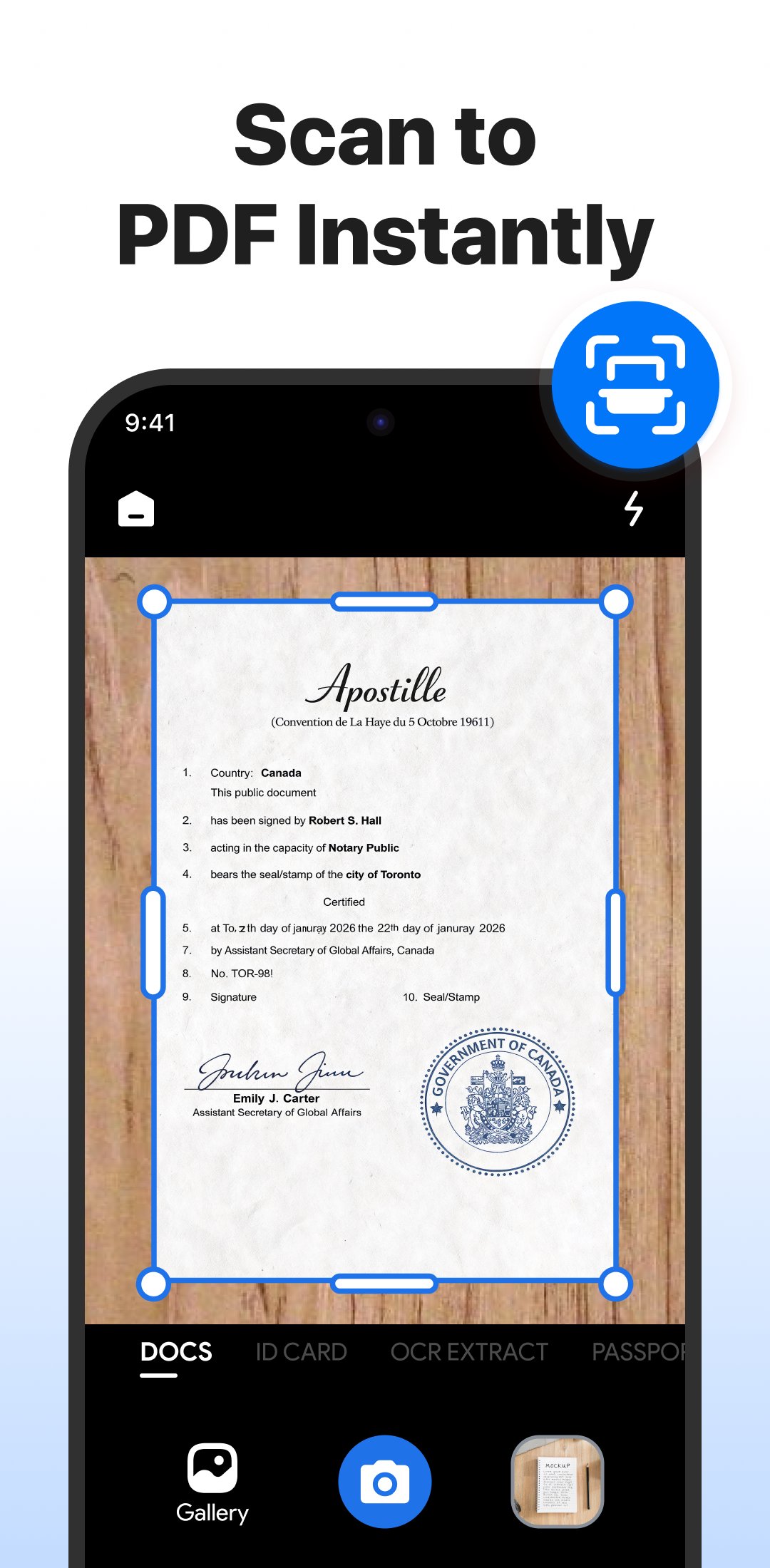
Imagine carrying a portable scanner in your pocket. With this PDF scanner app, you can scan documents anytime, anywhere — no bulky hardware, no waiting, just quick, clear, professional scans right from your Android phone.
🌟 Highlights
✔ Professional PDF scanner with high-resolution scans
✔ Smart document scanner with auto-cropping
✔ Camera scanner to convert images into PDFs
✔ OCR text recognition in 90+ languages
✔ Secure PDFs with password lock
✔ Merge & split PDF files instantly
✔ Built-in file organizer & manager
✔ 100% offline scanning
✔ Quick sharing across apps & platforms
✨ Scan Anything
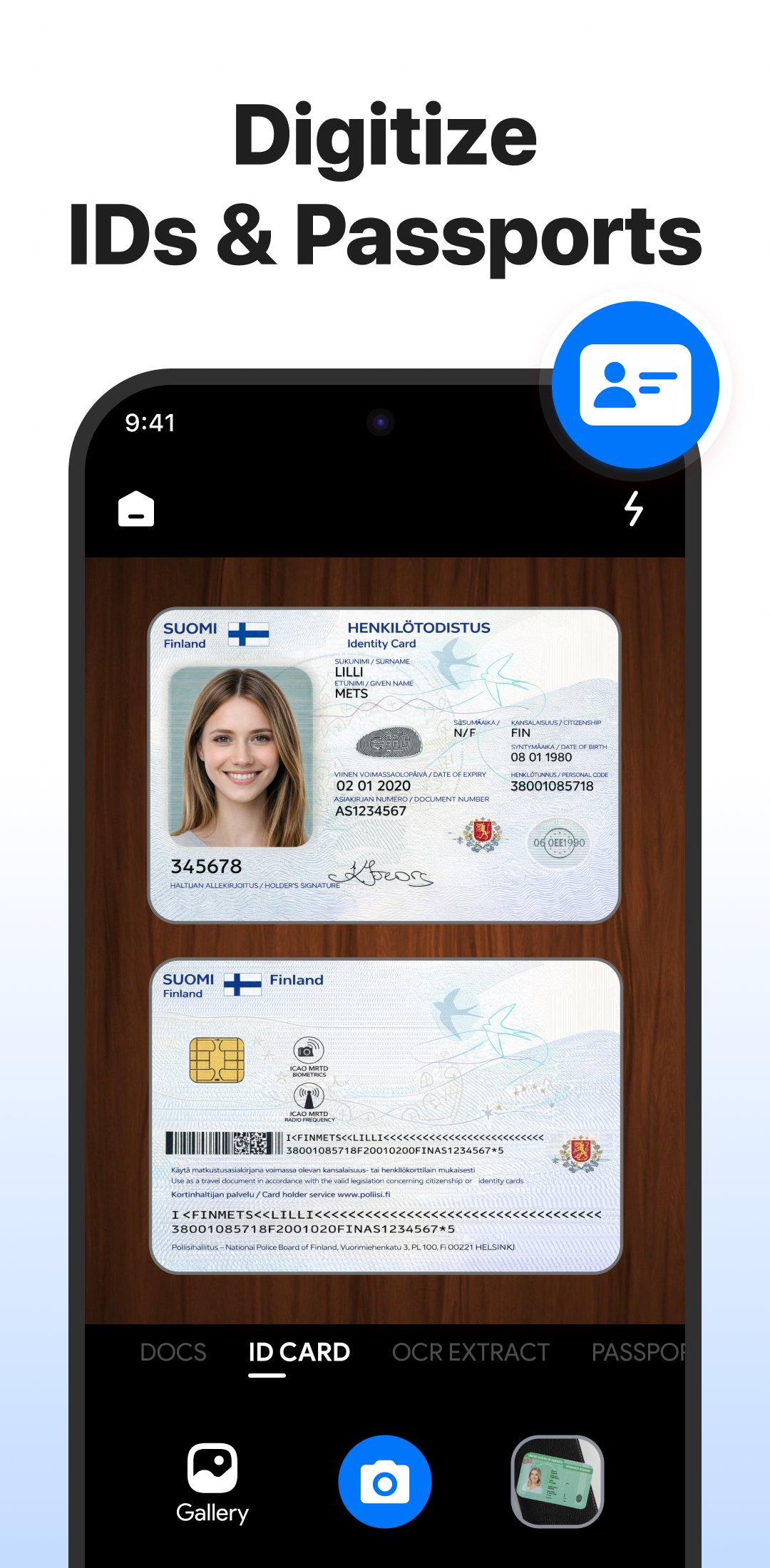
From office contracts, receipts, and invoices to handwritten notes, homework, ID cards, books, and photos — this scanner captures it all with high resolution and smart edge detection.
📷 Camera Scanner — Photos to PDF
Turn your camera into a PDF maker. Scan documents or photos and save them as PDF or image files — perfect for digitizing papers, tickets, and study materials.
🔍 OCR Text Scanner
Extract text from images and scanned PDFs in 90+ languages. Copy, edit, translate, and share text with ease.
🔐 Secure Your Files
Keep private documents protected with password lock and unlock, right inside the app.
📚 Manage, Merge & Split
Combine multiple scans into one PDF, split large files, rename, reorder, or delete pages — all in a few taps.
⚡ Works Offline
No Wi-Fi? No problem. Scan, save, and organize files anywhere, no connection required.
📤 Share Instantly
Send scanned PDFs via WhatsApp, email, Drive, or any app in one tap.
Replace bulky scanners with a smart scanning tool that fits in your pocket — great for business, school, or personal use.
👉 Download now and start scanning smarter. For questions or support, contact us at fiftyshadesofapps@gmail.com.
預覽
標籤
效率提升訊息
開發商
Fifty Shades of Apps
最新版本
5.0.8
更新時間
2026-09-04
類別
效率提升
同時可用
Google Play
更多
如何在電腦上用 GameLoop 玩 PDF Scanner - Scan Documents
1. 從官網下載GameLoop,然後運行exe文件安裝GameLoop
2. 打開GameLoop,搜索“PDF Scanner - Scan Documents”,在搜索結果中找到PDF Scanner - Scan Documents,點擊“安裝”
3. 享受在 GameLoop 上玩 PDF Scanner - Scan Documents 的樂趣
Minimum requirements
OS
Windows 8.1 64-bit or Windows 10 64-bit
GPU
GTX 1050
CPU
i3-8300
Memory
8GB RAM
Storage
1GB available space
Recommended requirements
OS
Windows 8.1 64-bit or Windows 10 64-bit
GPU
GTX 1050
CPU
i3-9320
Memory
16GB RAM
Storage
1GB available space