PDF Scanner - Scanit Scanner 電腦版
Apps10X
用GameLoop模拟器在電腦上玩PDF Scanner - Scanit Scanner
PDF Scanner - Scanit Scanner 電腦版
來自發行商 Apps10X 的 PDF Scanner - Scanit Scanner 能夠在安卓系統上運行。
現在,您可以在電腦上使用 GameLoop 模擬器流暢地玩 PDF Scanner - Scanit Scanner。
在 GameLoop 遊戲庫或搜索結果中下載。 不需要再暢玩遊戲時盯著電池電量或被令人懊惱的來電打斷。
只需在電腦大屏幕上免費下載暢玩PDF Scanner - Scanit Scanner 電腦版!
PDF Scanner - Scanit Scanner 簡介
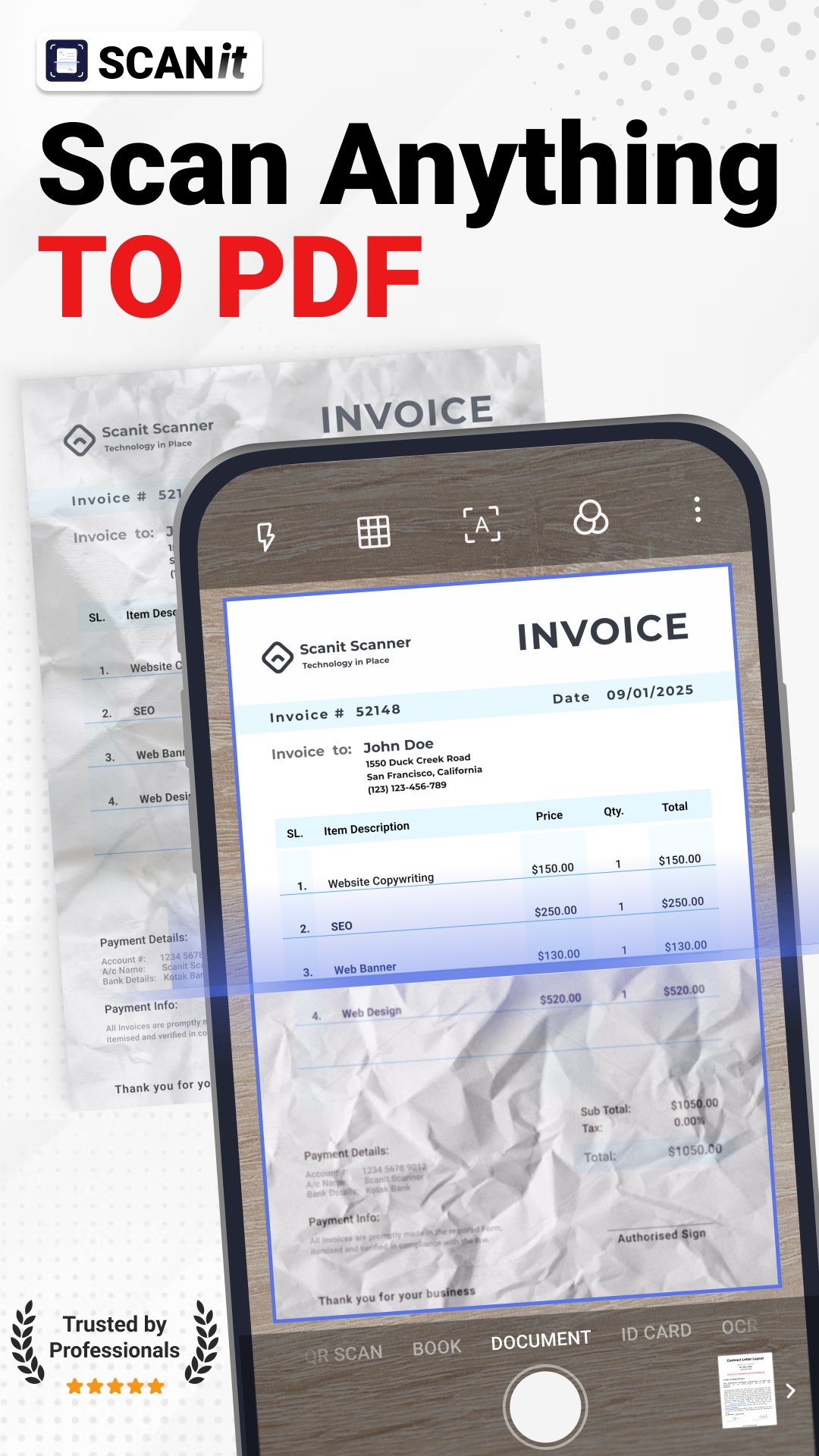
Need a cleaner way to scan documents? Scanit is a PDF scanner and editor for papers, IDs, receipts, photos and work files, with OCR, image to PDF, JPG to PDF and quick sharing from your phone. Capture, edit, convert and keep important files ready wherever you need them!
Scanit helps you turn everyday paperwork into clean digital files. Use it as a PDF scanner app or document scanner to scan to PDF, save bills, notes, invoices, books, forms, IDs and photos, and avoid paper clutter.
⚡ How it works
✔️ Scan documents, receipts, notes, IDs or photos with your phone camera.
✔️ Use smart border detection, crop tools and AI filters for a cleaner result.
✔️ Save files as PDF, JPG or long image.
✔️ Edit files, convert images to PDF, sign documents, merge pages or share them.
📄 PDF Scanner for Daily Documents
Turn your phone into a simple scanner app for office files, school notes and personal papers. Scanit helps you capture documents in HD quality, crop edges automatically and keep digital copies ready whenever you need them.
Create multi-page files from papers, photos or saved images. Reorder pages, organize documents and build one clean file from multiple pages, so everything is easier to store and send.
🧰 PDF Editor and PDF Tools
Scanit is more than a camera scanner. With PDF editor tools, you can edit files, reorder pages, merge PDF files, split documents, extract pages, add a watermark, sign documents and manage everything from your Android device.
You can also lock files with password protection. These tools help you prepare documents before sending them to clients, school, office or personal storage.
🖼️ Image to PDF, JPG to PDF and PDF Converter
Have photos, screenshots or saved images that should become a document? Use the image to PDF converter to convert images to PDF in a few taps. Scanit can also help with JPG to PDF, scan photo to PDF and PDF converter tasks when you need a cleaner file format.
Save files as PDF or JPG, convert PDF to image, create long image files and use ZIP tools when you need to organize or send documents.
🔎 OCR Scanner, Image to Text and Photo to Text
Got a receipt, label, note or printed page you do not want to type out manually? Open the OCR scanner, capture the image or document, and use image to text to extract useful details from photos, forms, pages and saved files in a few simple steps.
Photo to text is useful for copying, searching and saving important information from content you have captured. When you need a text scanner inside the same app, Scanit gives you OCR tools without switching apps.
💳 ID Scanner and Important Papers
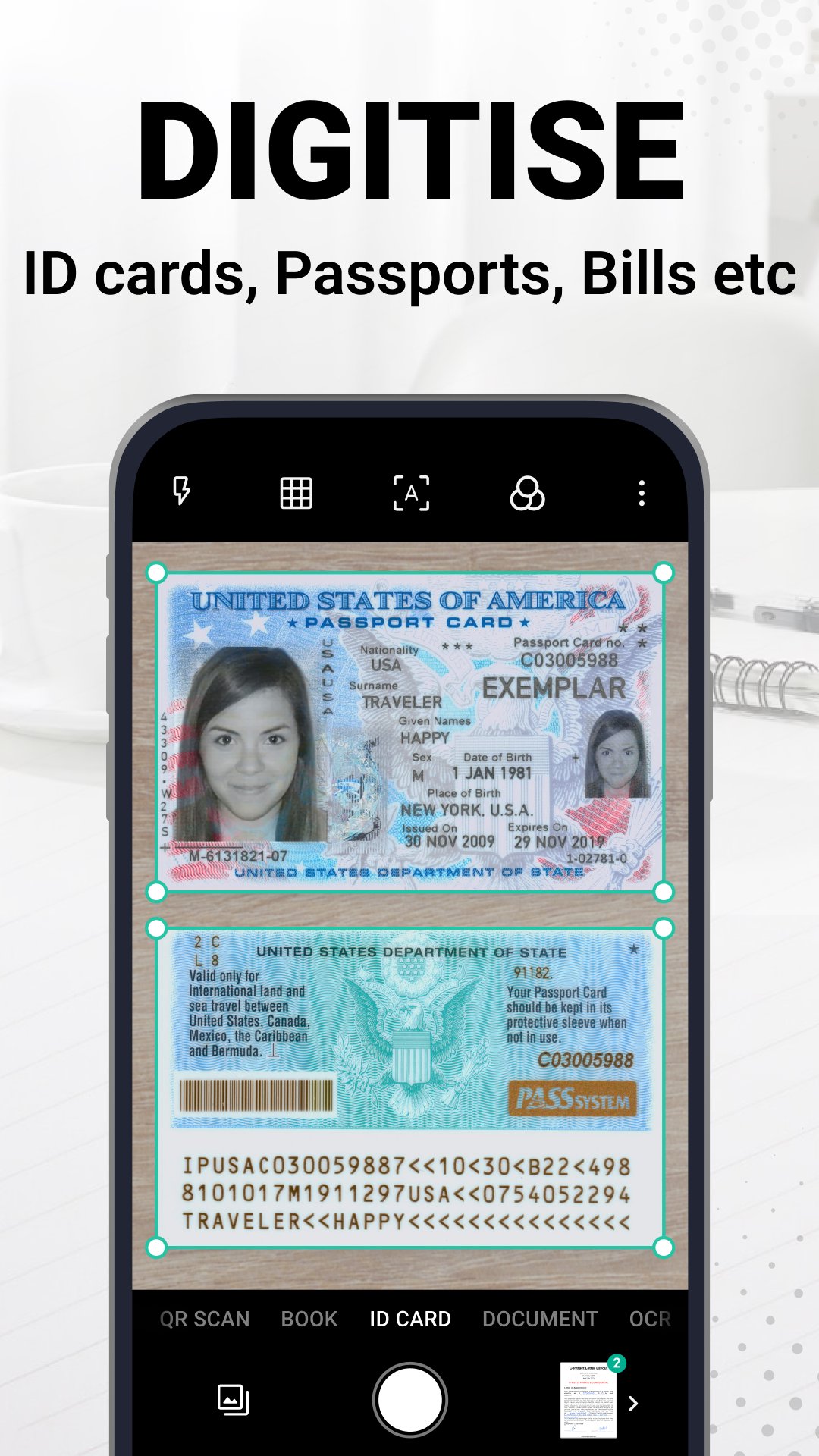
Use the ID scanner for ID cards, passports, driver’s licenses, visas, work permits and other identity documents. You can also use Scanit as a receipt scanner for bills, invoices and expense papers, or as a photo scanner for pictures you want to save digitally.
🔐 Sign, Share and Protect Files
For work, school or personal files, Scanit gives you simple tools before you share. Add a signature, watermark pages, password protect important documents and send files as PDF, JPG or long image from your phone.
📌 Extra Scanner Tools
Scanit also includes QR code scanner, QR generator, barcode scanner, document collage, PDF viewer, PDF maker and file ZIP tools. Create or read QR codes for text, links and contacts from one place.
Why choose Scanit?
✔️ PDF scanner, document scanner and PDF editor in one app
✔️ Scan to PDF, image to PDF, JPG to PDF and converter tools
✔️ OCR scanner with image to text and photo to text support
✔️ Merge PDF, split PDF, sign documents, watermark and lock files
Download our app and turn your phone into a practical PDF scanner and editor for everyday documents. Capture papers, convert images to PDF, extract text with OCR, sign files, merge pages and share clean documents from one place. Start scanning smarter and keep important files ready wherever you go!
預覽
標籤
效率提升商業訊息
開發商
Apps10X
最新版本
v1.4.3
更新時間
2026-08-07
類別
效率提升
同時可用
Google Play
更多
如何在電腦上用 GameLoop 玩 PDF Scanner - Scanit Scanner
1. 從官網下載GameLoop,然後運行exe文件安裝GameLoop
2. 打開GameLoop,搜索“PDF Scanner - Scanit Scanner”,在搜索結果中找到PDF Scanner - Scanit Scanner,點擊“安裝”
3. 享受在 GameLoop 上玩 PDF Scanner - Scanit Scanner 的樂趣
Minimum requirements
OS
Windows 8.1 64-bit or Windows 10 64-bit
GPU
GTX 1050
CPU
i3-8300
Memory
8GB RAM
Storage
1GB available space
Recommended requirements
OS
Windows 8.1 64-bit or Windows 10 64-bit
GPU
GTX 1050
CPU
i3-9320
Memory
16GB RAM
Storage
1GB available space