
PDF Maker - Image to PDF 電腦版
Simple Tool Apps
用GameLoop模拟器在電腦上玩PDF Maker - Image to PDF
PDF Maker - Image to PDF 電腦版
來自發行商 Simple Tool Apps 的 PDF Maker - Image to PDF 能夠在安卓系統上運行。
現在,您可以在電腦上使用 GameLoop 模擬器流暢地玩 PDF Maker - Image to PDF。
在 GameLoop 遊戲庫或搜索結果中下載。 不需要再暢玩遊戲時盯著電池電量或被令人懊惱的來電打斷。
只需在電腦大屏幕上免費下載暢玩PDF Maker - Image to PDF 電腦版!
PDF Maker - Image to PDF 簡介
PDF Maker - Image to PDF: Your Ultimate JPG to PDF Converter App!
Are you tired of dealing with cumbersome converters that make the simplest tasks a chore? Say goodbye to those frustrations with Photo To PDF Converter & Editor, the ultimate solution for effortlessly converting your photos into documents.
📷 Image to PDF Converter App Key Features: 📄
🖼️ Powerful JPG to PDF Converter App;
📝 Easy-to-Use Photo to PDF Converter & Editor;
📑 Convert Photo to PDF Document Effortlessly;
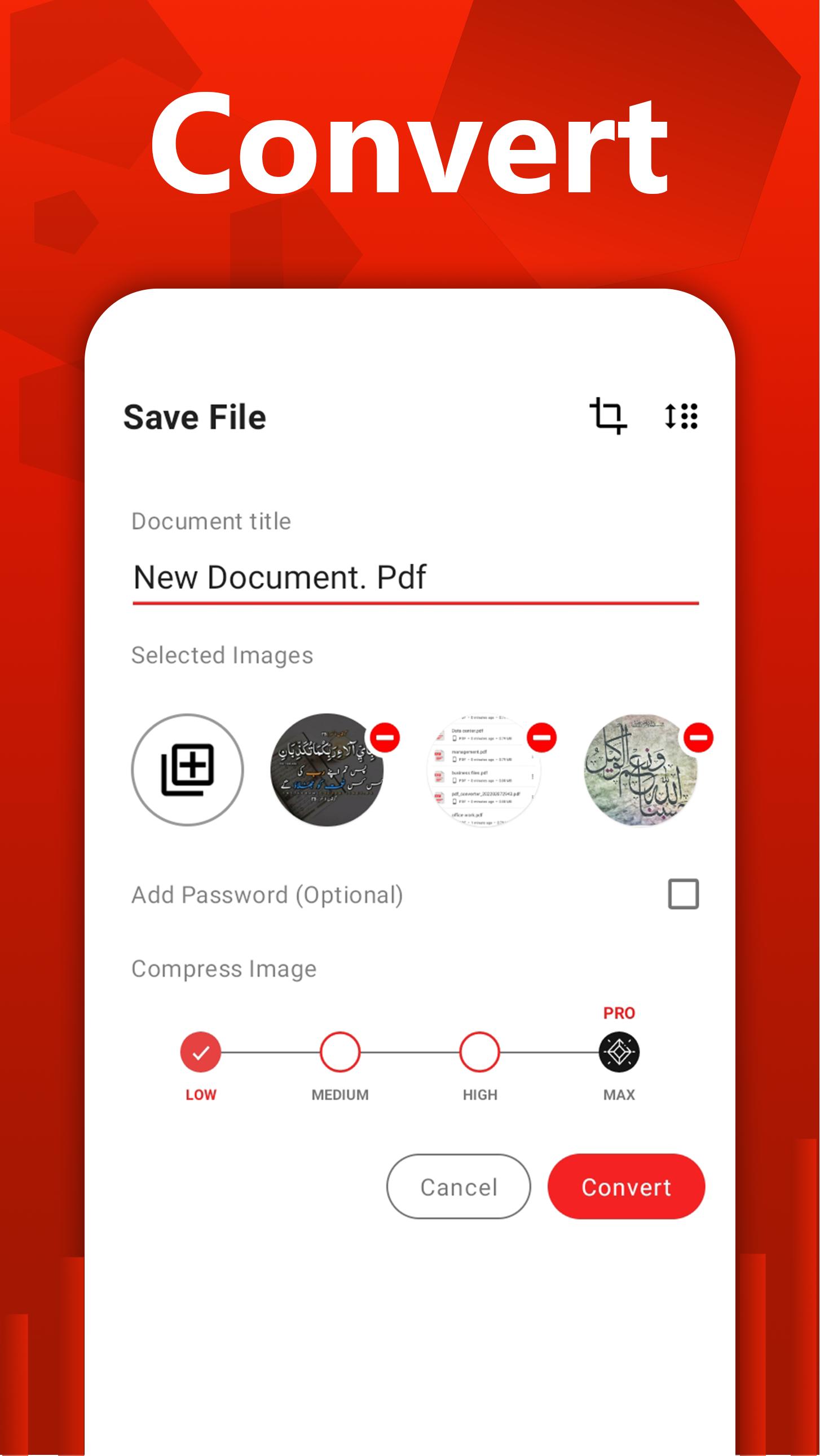
🔒 Protect with Passwords;
🖋️ E-Sign Documents for Added Security;
📤 Share with Friends and Family;
🖼️ Image To PDF Converter App:
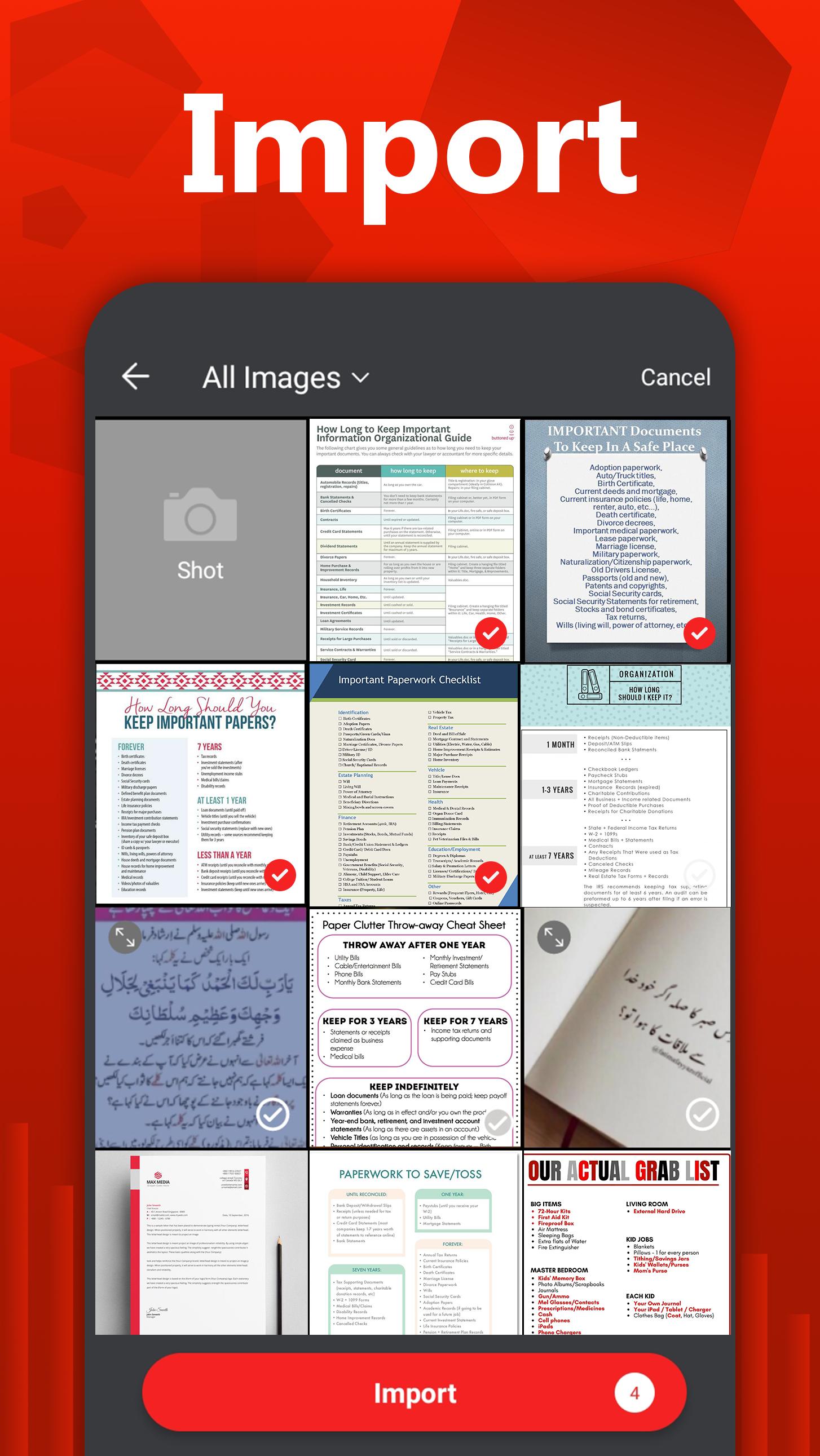
JPG To PDF Converter App - Photo To PDF Converter & Editor allows you to convert your pictures into professional-quality files with just a few taps. Whether selecting images from your gallery or capturing them directly from your camera, this app ensures a smooth conversion process. Choose your photos and let PDF Photos Editor do the rest, transforming them into polished documents ready for sharing or archiving.
🌟 Convert Photo To PDF Documents Instantly!
Whether you need to convert notes, receipts, invoices, forms, business cards, certificates, whiteboards, or any other document, this app has you covered. With its user-friendly interface and powerful features, Jpg To PDF Converter App simplifies the conversion process and offers a seamless experience for all your needs.
🔐 Protect with Passwords:
Secure your sensitive documents with PDF Photos Editor's built-in password protection feature. Set custom passwords to restrict access to your files and ensure only authorized individuals can view or edit them. With this added layer of security, you can have peace of mind knowing that your confidential information remains safe from prying eyes.
🖋️ E-Sign Documents with Ease:
Need to sign a document on the go? Convert To PDF Maker - Image To PDF Converter and Editor has you covered. With its intuitive e-signature tool, you can electronically sign files directly within the app, eliminating the need for printing, scanning, or faxing. Add your signature using your device's touchscreen, and finalize your documents confidently and conveniently.
📤 Share Documents Seamlessly:
Whether collaborating on a project or sharing essential documents with friends and family, PDF Photos Editor makes it easy to distribute files with just a few taps. Share your converted docs via email, messaging apps, or cloud storage platforms, and ensure everyone can access the information they need whenever needed.
✅ Image To PDF Converter app!
With its robust features and intuitive interface, Convert To PDF Maker - Photo To PDF Converter & Editor redefines the conversion experience. Say goodbye to cumbersome converters and hello to effortless creation with PDF Photos Editor. Download the Convert Photo To PDF Document app today and discover a world of possibilities for your digital documents! 📷🔒📄
Offline PDF Converter📚
You can effortlessly convert your images to PDF without requiring cloud-based services, ensuring a secure offline conversion process.
Share PDF Files📁
Efficiently share converted pdf documents with others with one click. Share converted PDF files with your friends family and via social media, Bluetooth, Email, quick share.
Free PDF Editor📑
Convert JPG to PDF, photo to PDF, and Edit all your pdf files with the pdf Editor app. Try it now!
PDF Scanner APP🔎
Now, you can scan, capture, import, and share right inside this portable scanner app to convert into PDF. Access everything you’ve previously scanned with the free PDF scanner app.
✅ AI Powered OCR for Enhanced Text Recognition!
PDF Scanner & Optical Character Recognition (OCR) powered by AI, our app recognizes and extracts text from scanned PDFs or image-based files. This enables you to convert image-rich documents into editable and searchable formats.預覽
標籤
效率提升訊息
開發商
Simple Tool Apps
最新版本
7.1.1.1
更新時間
2025-08-31
類別
效率提升
同時可用
Google Play
更多
如何在電腦上用 GameLoop 玩 PDF Maker - Image to PDF
1. 從官網下載GameLoop,然後運行exe文件安裝GameLoop
2. 打開GameLoop,搜索“PDF Maker - Image to PDF”,在搜索結果中找到PDF Maker - Image to PDF,點擊“安裝”
3. 享受在 GameLoop 上玩 PDF Maker - Image to PDF 的樂趣
Minimum requirements
OS
Windows 8.1 64-bit or Windows 10 64-bit
GPU
GTX 1050
CPU
i3-8300
Memory
8GB RAM
Storage
1GB available space
Recommended requirements
OS
Windows 8.1 64-bit or Windows 10 64-bit
GPU
GTX 1050
CPU
i3-9320
Memory
16GB RAM
Storage
1GB available space