
Open as App 電腦版
Open as App GmbH
用GameLoop模拟器在電腦上玩Open as App
Open as App 電腦版
來自發行商 Open as App GmbH 的 Open as App 能夠在安卓系統上運行。
現在,您可以在電腦上使用 GameLoop 模擬器流暢地玩 Open as App。
在 GameLoop 遊戲庫或搜索結果中下載。 不需要再暢玩遊戲時盯著電池電量或被令人懊惱的來電打斷。
只需在電腦大屏幕上免費下載暢玩Open as App 電腦版!
Open as App 簡介
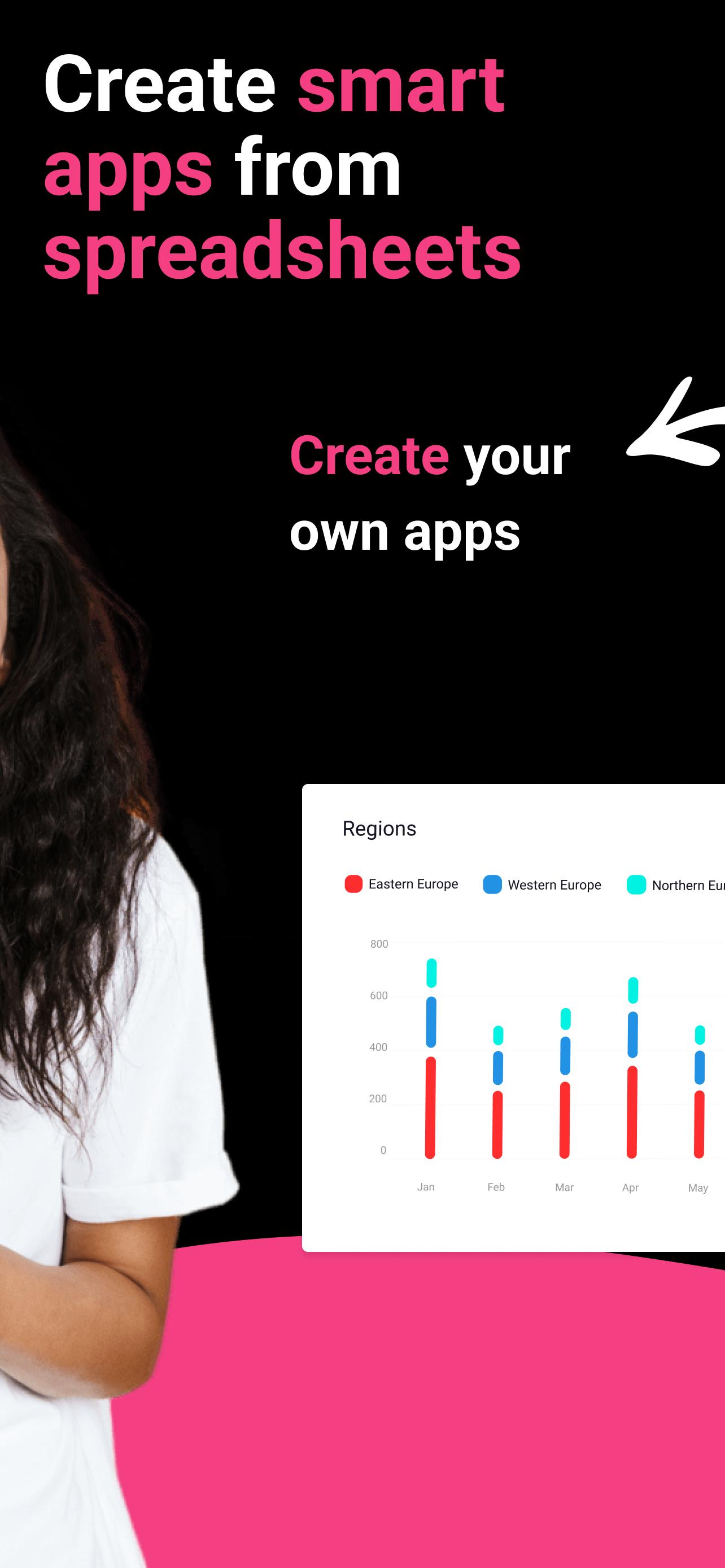
Open as App enables teams to turn spreadsheets into powerful, customizable apps they can use on the go, even offline.
Depending on your business needs, you can now digitize processes, work much faster, avoid human errors, and much more without investing in development. Through our no-code solution, you built your app yourself.
It's easy. All you need is Excel, Google Sheets, or other databases that serve as your app's base. Upload your file or use a template. Open as App will recognize the logic and creates your app automatically. Once you are finished, you publish your app, share it, and work with it in real time on any platform.
Whether you work in Finance, Manufacturing, Health, Education, Insurance, Management, or other, you can create service quotes through your apps and have them signed on the spot, invoices on-site, pricing plans, product catalogs, dashboards, budget reports, finance reports, company performance, contact lists, inventory lists, project lists, time-tracking, recording of billable hours, customer surveys and more.
Start building incredible mobile and web calculators, dashboards, lists, and surveys now!
預覽

標籤
效率提升訊息
開發商
Open as App GmbH
最新版本
1.113
更新時間
2024-01-28
類別
效率提升
同時可用
Google Play
更多
如何在電腦上用 GameLoop 玩 Open as App
1. 從官網下載GameLoop,然後運行exe文件安裝GameLoop
2. 打開GameLoop,搜索“Open as App”,在搜索結果中找到Open as App,點擊“安裝”
3. 享受在 GameLoop 上玩 Open as App 的樂趣
Minimum requirements
OS
Windows 8.1 64-bit or Windows 10 64-bit
GPU
GTX 1050
CPU
i3-8300
Memory
8GB RAM
Storage
1GB available space
Recommended requirements
OS
Windows 8.1 64-bit or Windows 10 64-bit
GPU
GTX 1050
CPU
i3-9320
Memory
16GB RAM
Storage
1GB available space