ONYX 電腦版
HELLA Sonnen- und Wetterschutztechnik GmbH
用GameLoop模拟器在電腦上玩ONYX
ONYX 電腦版
來自發行商 HELLA Sonnen- und Wetterschutztechnik GmbH 的 ONYX 能夠在安卓系統上運行。
現在,您可以在電腦上使用 GameLoop 模擬器流暢地玩 ONYX。
在 GameLoop 遊戲庫或搜索結果中下載。 不需要再暢玩遊戲時盯著電池電量或被令人懊惱的來電打斷。
只需在電腦大屏幕上免費下載暢玩ONYX 電腦版!
ONYX 簡介
With ONYX from HELLA, you control your sun protection intelligently, conveniently, and energy-efficiently. The app combines modern smart home design with automated shading control – for greater living comfort and a more conscious approach to energy.
Easy setup:
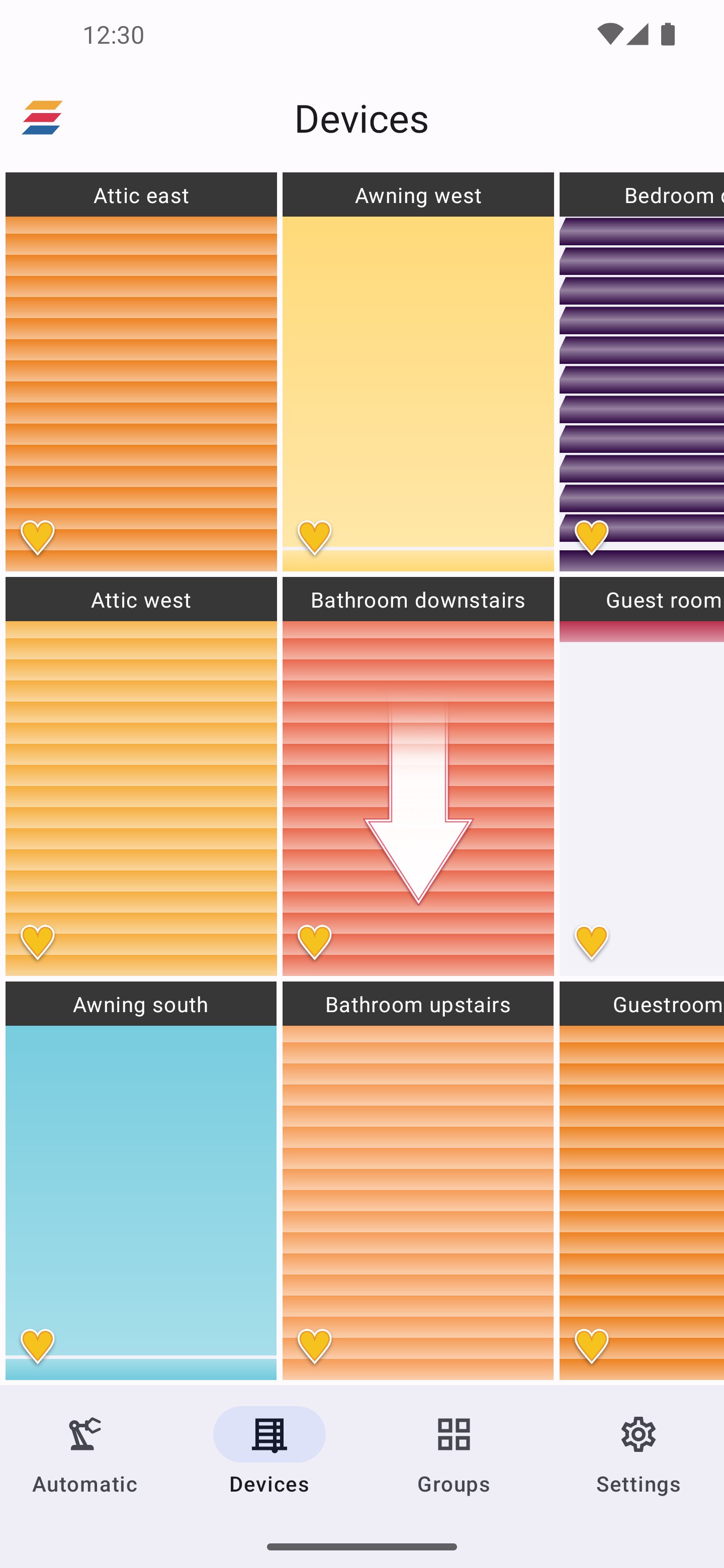
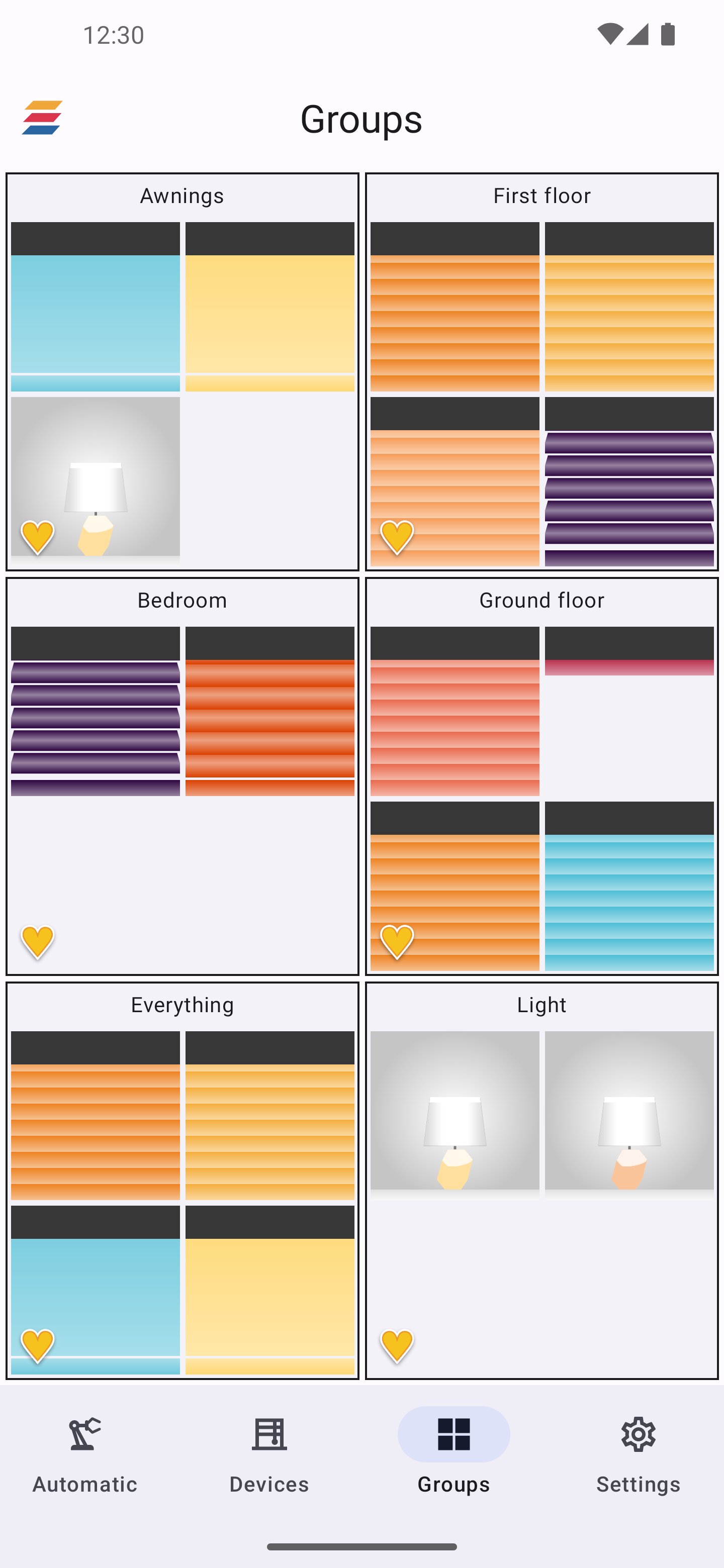
Add new devices in just a few steps: scan the QR code, assign a name and color, done. Group your shading elements, keep track of everything at all times, and flexibly adapt everything to your living situation.
Convenient control:
Control individual elements or entire groups with intuitive gesture control – at home or on the go. With scenarios and automations, your sun protection adapts to your daily routine.
Intelligent & energy-efficient:
ONYX uses daylight, sun position, and weather information to automatically control your shading. This keeps your home pleasantly cool in summer and warmer longer in winter – reducing the need for heating and air conditioning and helping to save energy.
Connected in the smart home:
ONYX can be integrated into modern smart home environments and offers a future-proof platform for connected shading solutions from HELLA.
Requirements:
To control your home with the ONYX app, you need compatible ONYX control devices for your sun protection products. The full range of functions – especially remote access, automatic and scene functions – is available with an ONYX.CENTER. For more information, contact your HELLA partner.
預覽
標籤
效率提升訊息
開發商
HELLA Sonnen- und Wetterschutztechnik GmbH
最新版本
2.4
更新時間
2026-01-12
類別
效率提升
同時可用
Google Play
更多
如何在電腦上用 GameLoop 玩 ONYX
1. 從官網下載GameLoop,然後運行exe文件安裝GameLoop
2. 打開GameLoop,搜索“ONYX”,在搜索結果中找到ONYX,點擊“安裝”
3. 享受在 GameLoop 上玩 ONYX 的樂趣
Minimum requirements
OS
Windows 8.1 64-bit or Windows 10 64-bit
GPU
GTX 1050
CPU
i3-8300
Memory
8GB RAM
Storage
1GB available space
Recommended requirements
OS
Windows 8.1 64-bit or Windows 10 64-bit
GPU
GTX 1050
CPU
i3-9320
Memory
16GB RAM
Storage
1GB available space