
MobiDrive Cloud Storage & Sync 電腦版
MobiSystems
用GameLoop模拟器在電腦上玩MobiDrive Cloud Storage & Sync
MobiDrive Cloud Storage & Sync 電腦版
來自發行商 MobiSystems 的 MobiDrive Cloud Storage & Sync 能夠在安卓系統上運行。
現在,您可以在電腦上使用 GameLoop 模擬器流暢地玩 MobiDrive Cloud Storage & Sync。
在 GameLoop 遊戲庫或搜索結果中下載。 不需要再暢玩遊戲時盯著電池電量或被令人懊惱的來電打斷。
只需在電腦大屏幕上免費下載暢玩MobiDrive Cloud Storage & Sync 電腦版!
MobiDrive Cloud Storage & Sync 簡介
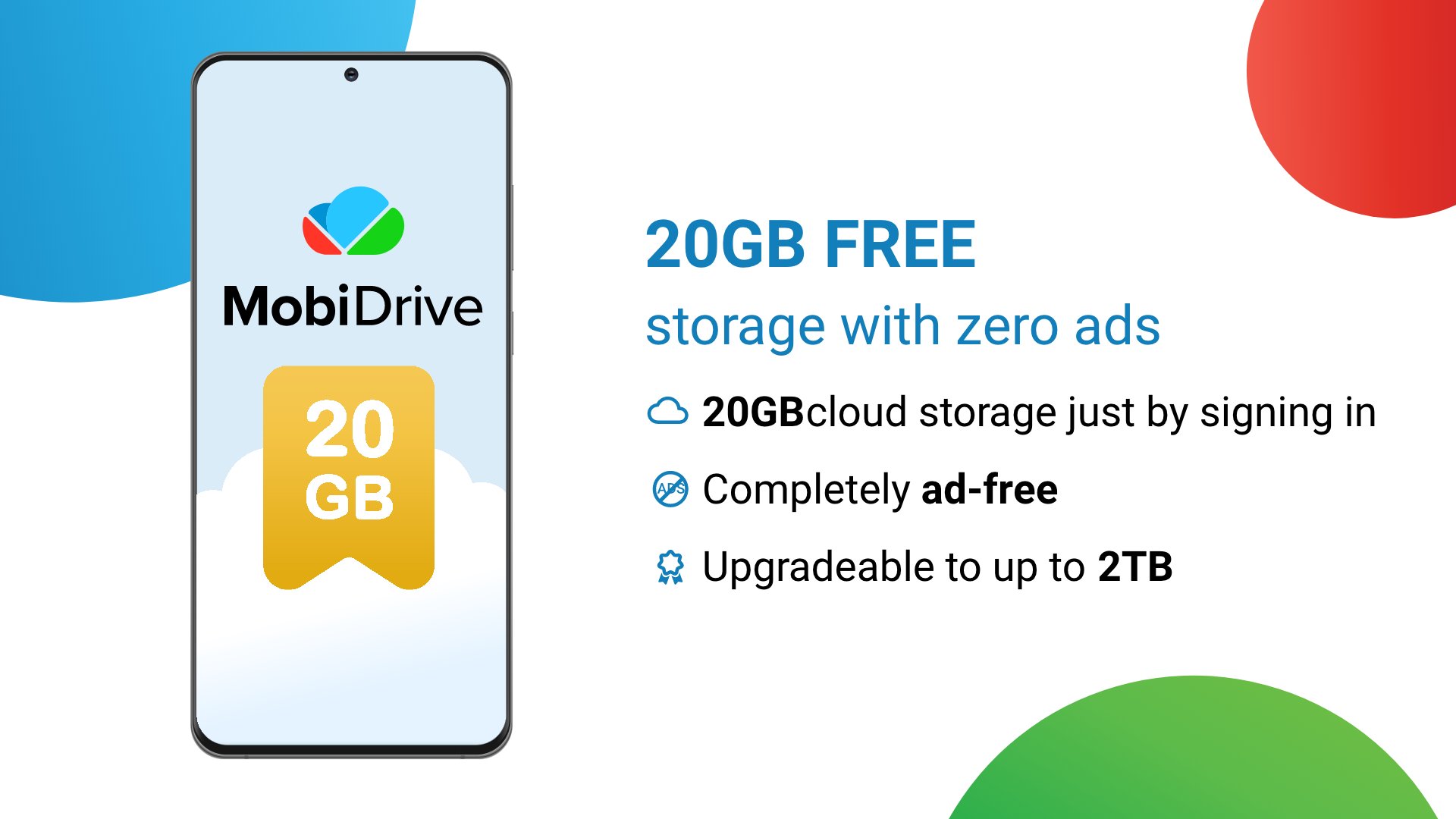
MobiDrive is a streamlined, secure and ad-free cloud storage with handy features to backup, sync and access all your files. From its free 20GB storage available on sign in, to its rich cross-platform capabilities, MobiDrive ensures secure content transfer regardless of file format, device, platform, or location.
SECURE DRIVE WITH AMPLE STORAGE
• Want 20GB free cloud storage, zero ads and no strings attached? Just create an account, claim your free storage, and sync or backup any file.
• Need a practical video storage or photo storage but the free 20 GB aren’t enough? Upgrade your drive to up to 2TB and enjoy sufficient storage to sync and backup.
INSTANT ACCESS TO YOUR FILES
• MobiDrive’s content transfer is straightforward and fast. Secure and sync files and folders to your drive in seconds.
• Ensure your photo storage and video storage are always up-to-date with the auto backup of photos and videos to the drive.
• With MobiDrive’s seamless cross-platform capabilities you can sync your drive and create a backup on any mobile device, Windows PC or browser.
POWERFUL FILE MANAGEMENT TO KEEP YOUR DRIVE TIDY
• MobiDrive supports all major photo, video and office file formats, making it an ideal solution for photo storage, video storage, or a secure space for your work files.
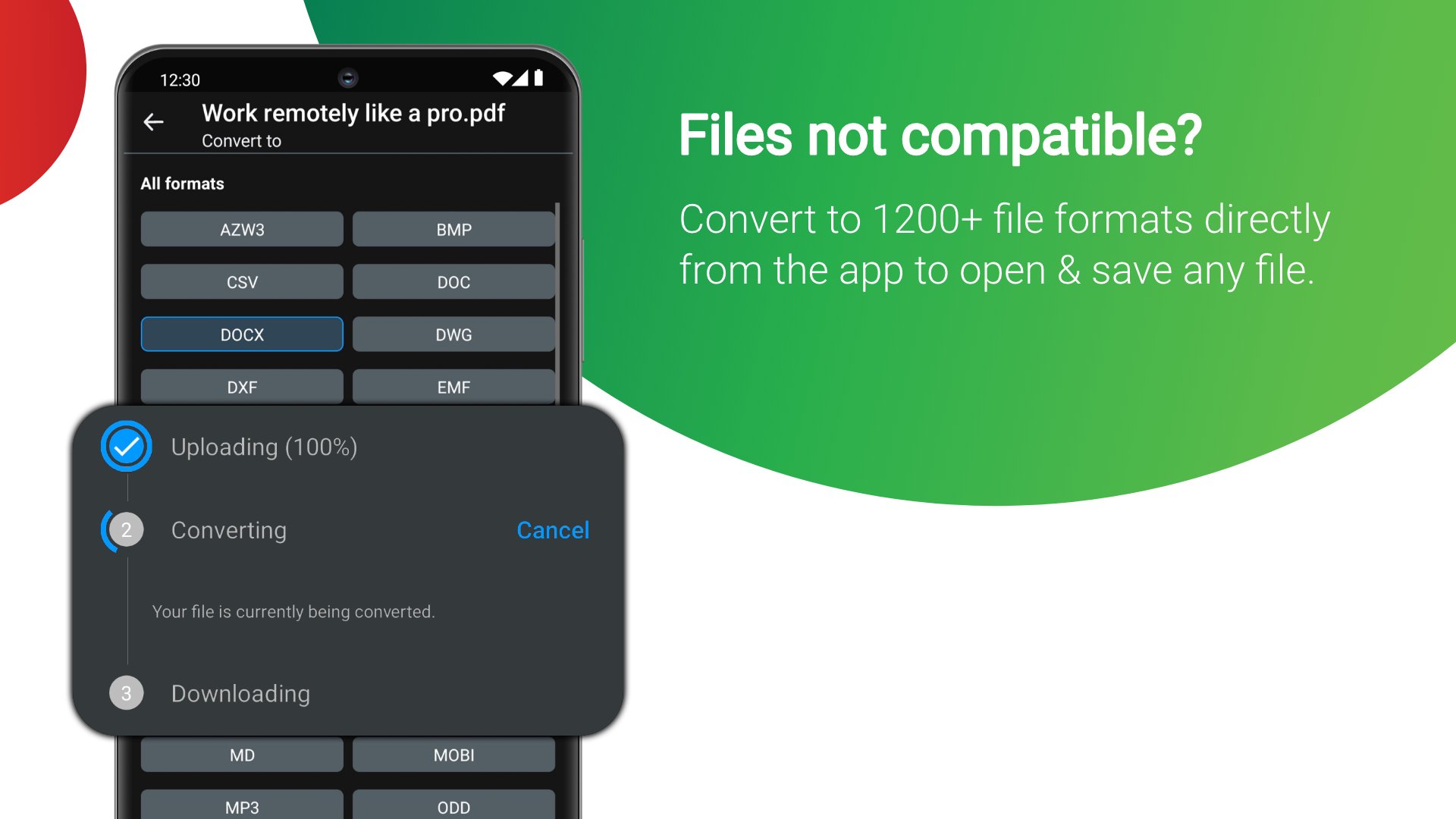
• Convert files to 1200+ file formats and guarantee that your drive files are always compatible. (Premium feature)
• Organizing your drive after every backup or content transfer is a hassle. Just use the practical Collections, automatically curating your files based on their file type.
• Access previously used files quickly with the Recent Files section.
ENSURE YOUR FILES ARE ALWAYS SECURE
• Accidentally delete a file? Restore it from the Bin section, housing files you’ve deleted from your drive.
• Access previous versions of any file stored on your cloud drive and relax knowing you always have a secure backup.
• Any file you sync or backup in a content transfer to your drive is protected for 30 days, meaning that even if it was deleted or changed, you can always bring it back.
EFFORTLESS SHARING & CONTENT TRANSFER
• Need to urgently share a file but your device isn’t nearby? Just sync your drive files on any mobile device, Windows PC, or browser to make fast and secure content transfers on-the-go.
• Content transfer has never been easier, just create a download link. Share precious memories from your photo storage or video storage with friends and family in seconds.
• Enjoy dedicated ‘Shared with me’ and ‘Shared by me’ sections to keep an eye on any content transfer involving files on your drive.
• Mark a drive file as available ‘Offline’ for use without the need to sync or have internet.
• You can also share files from your drive as an attachment.
DO MORE WITH PREMIUM
Supersize your drive and unlock powerful new features for your files.
• Up to 2TB Cloud Storage - Ensure you have cloud storage for even the largest content transfer by upgrading your drive to up to 2TB.
• 180 Days of File Protection - Restore deleted files from the Bin and access version histories for an extended period of up to 180 days.
• Convert Files in 1200+ Formats - Enjoy a handy backup if a file on your drive is incompatible. Convert to all major photo, video, and office file formats.
• Premium MobiOffice Pack - Upgrade to a 2TB MobiDrive license and get a game-changer for your office files. MobiOffice shares advanced cross-platform integration with MobiDrive, allowing you to seamlessly sync and backup your office files anywhere.
預覽
標籤
效率提升訊息
開發商
MobiSystems
最新版本
5.6.14296
更新時間
2026-09-08
類別
效率提升
同時可用
Google Play
更多
如何在電腦上用 GameLoop 玩 MobiDrive Cloud Storage & Sync
1. 從官網下載GameLoop,然後運行exe文件安裝GameLoop
2. 打開GameLoop,搜索“MobiDrive Cloud Storage & Sync”,在搜索結果中找到MobiDrive Cloud Storage & Sync,點擊“安裝”
3. 享受在 GameLoop 上玩 MobiDrive Cloud Storage & Sync 的樂趣
Minimum requirements
OS
Windows 8.1 64-bit or Windows 10 64-bit
GPU
GTX 1050
CPU
i3-8300
Memory
8GB RAM
Storage
1GB available space
Recommended requirements
OS
Windows 8.1 64-bit or Windows 10 64-bit
GPU
GTX 1050
CPU
i3-9320
Memory
16GB RAM
Storage
1GB available space