
simple photo Measure Dimension 電腦版
Bruno Alexandre (design-it-now)
用GameLoop模拟器在電腦上玩simple photo Measure Dimension
simple photo Measure Dimension 電腦版
來自發行商 Bruno Alexandre (design-it-now) 的 simple photo Measure Dimension 能夠在安卓系統上運行。
現在,您可以在電腦上使用 GameLoop 模擬器流暢地玩 simple photo Measure Dimension。
在 GameLoop 遊戲庫或搜索結果中下載。 不需要再暢玩遊戲時盯著電池電量或被令人懊惱的來電打斷。
只需在電腦大屏幕上免費下載暢玩simple photo Measure Dimension 電腦版!
simple photo Measure Dimension 簡介
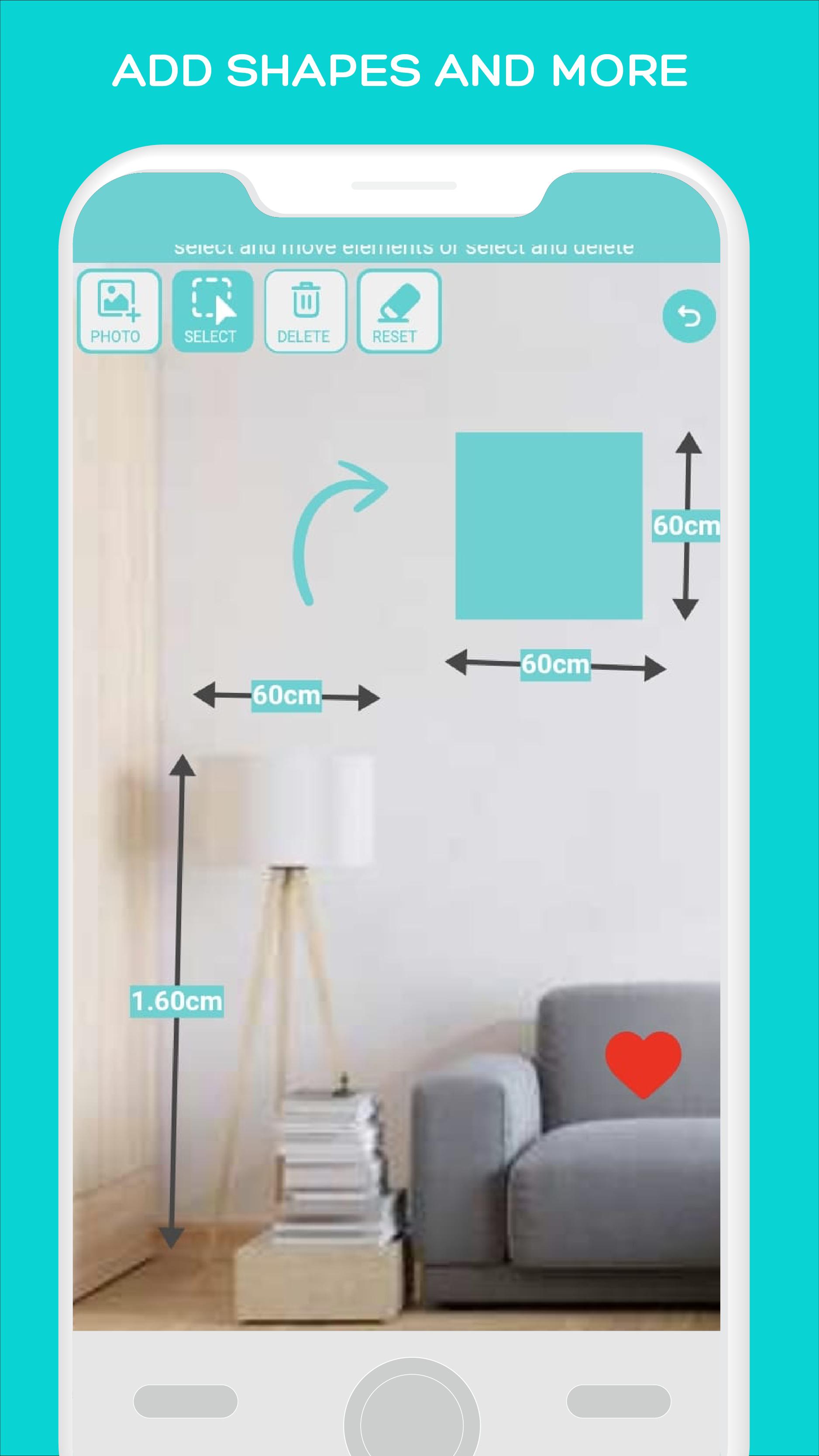
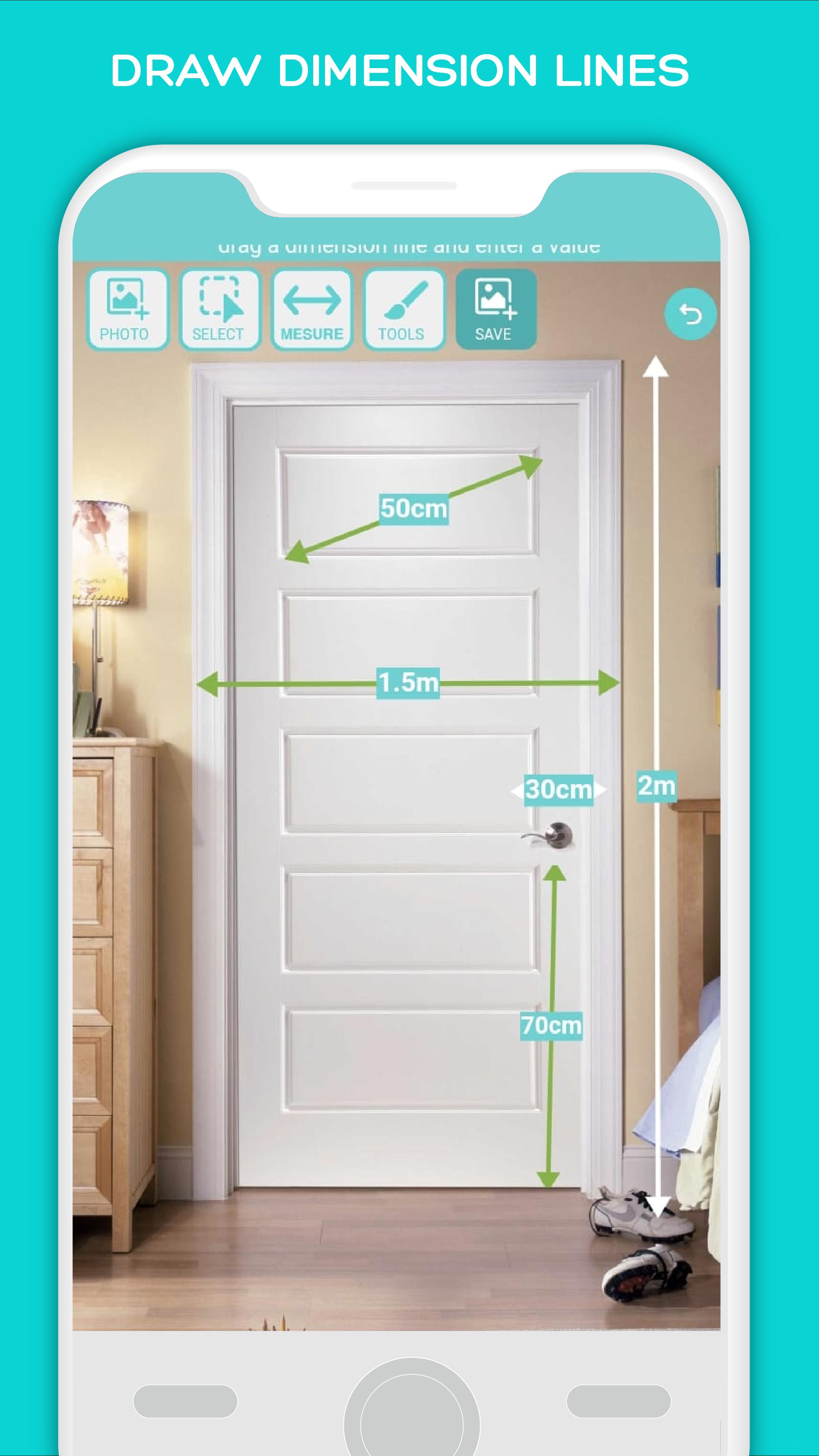
Simple photo Measure enables you to annotate your photos quickly and easily, making it a great tool for architects and designers. With dimension lines, you can measure rooms, objects, and other elements with ease. You can also add shapes and indications to your pictures, making it simple to communicate your ideas visually.
Attention: Manually annotate photos with precise measurements, avoiding the inaccuracies of automatic tools. Ideal for exacting tasks where precision is key
It is not for automaticly measuring although it is for recording measurements on top of a photo
New Features:
Folders for better organization: Now you can easily organize your annotated photos with the new folder feature. This makes it easy to find the photos you need when you need them.
Magnify lens for precision: The new magnify lens feature makes it even easier to measure small objects accurately. You can now zoom in on objects and get precise measurements with ease.
Export to phone gallery: You can now export your annotated photos to your phone gallery with just a few clicks. This makes it easy to share your work with others or use it in other apps.
Other Features:
Measure objects and rooms with dimension lines
Add shapes and indications to your photos
Easy to use interface for quick annotation
Ideal for architects and designers who need to get precise measurements quickly and accurately
預覽
標籤
效率提升訊息
開發商
Bruno Alexandre (design-it-now)
最新版本
1.7.0
更新時間
2024-10-19
類別
效率提升
同時可用
Google Play
更多
如何在電腦上用 GameLoop 玩 simple photo Measure Dimension
1. 從官網下載GameLoop,然後運行exe文件安裝GameLoop
2. 打開GameLoop,搜索“simple photo Measure Dimension”,在搜索結果中找到simple photo Measure Dimension,點擊“安裝”
3. 享受在 GameLoop 上玩 simple photo Measure Dimension 的樂趣
Minimum requirements
OS
Windows 8.1 64-bit or Windows 10 64-bit
GPU
GTX 1050
CPU
i3-8300
Memory
8GB RAM
Storage
1GB available space
Recommended requirements
OS
Windows 8.1 64-bit or Windows 10 64-bit
GPU
GTX 1050
CPU
i3-9320
Memory
16GB RAM
Storage
1GB available space