Merge PDF - Photo to PDF 電腦版
Inspire Zone
用GameLoop模拟器在電腦上玩Merge PDF - Photo to PDF
Merge PDF - Photo to PDF 電腦版
來自發行商 Inspire Zone 的 Merge PDF - Photo to PDF 能夠在安卓系統上運行。
現在,您可以在電腦上使用 GameLoop 模擬器流暢地玩 Merge PDF - Photo to PDF。
在 GameLoop 遊戲庫或搜索結果中下載。 不需要再暢玩遊戲時盯著電池電量或被令人懊惱的來電打斷。
只需在電腦大屏幕上免費下載暢玩Merge PDF - Photo to PDF 電腦版!
Merge PDF - Photo to PDF 簡介
Merge PDF - Photo to PDF | Image to PDF, Combine & Convert
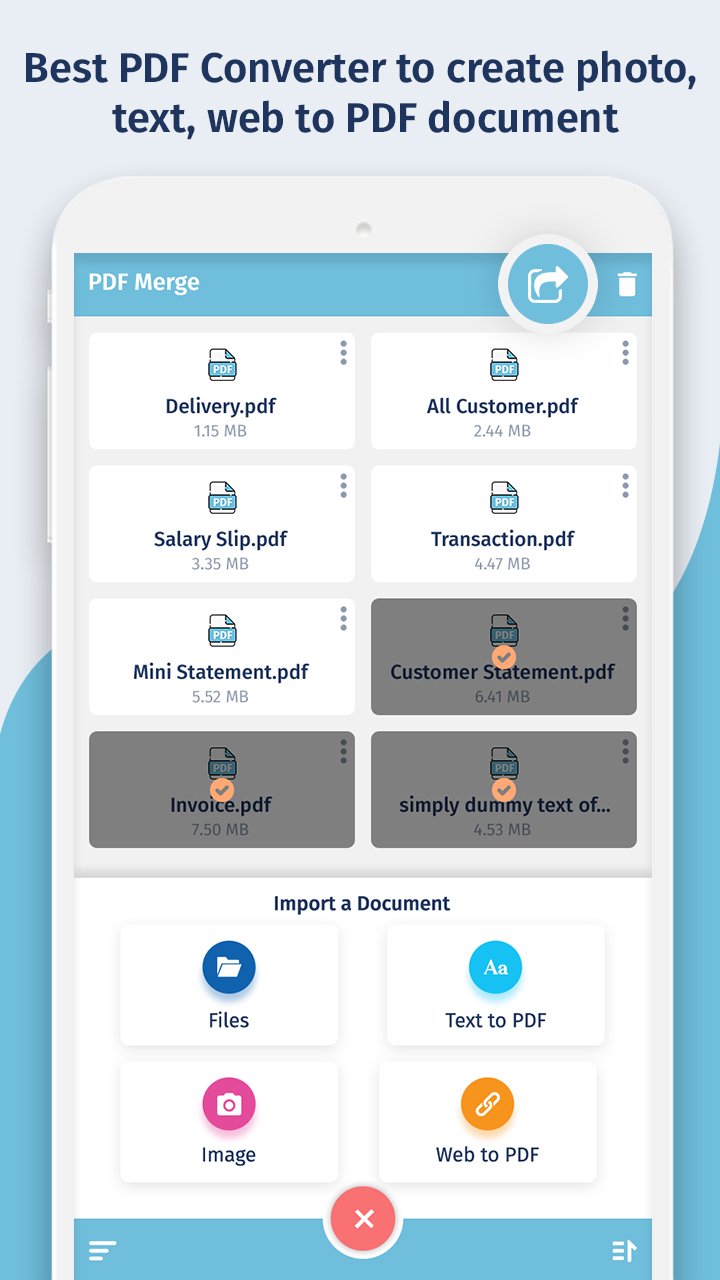
Looking for a powerful and easy-to-use PDF converter app? Merge PDF - Photo to PDF is the ultimate tool to convert images to PDF, merge PDF files, and create professional PDFs in seconds. Whether you need to combine documents, convert JPG to PDF, or save a webpage as a PDF, this app has everything you need.
🧩 Top Features:
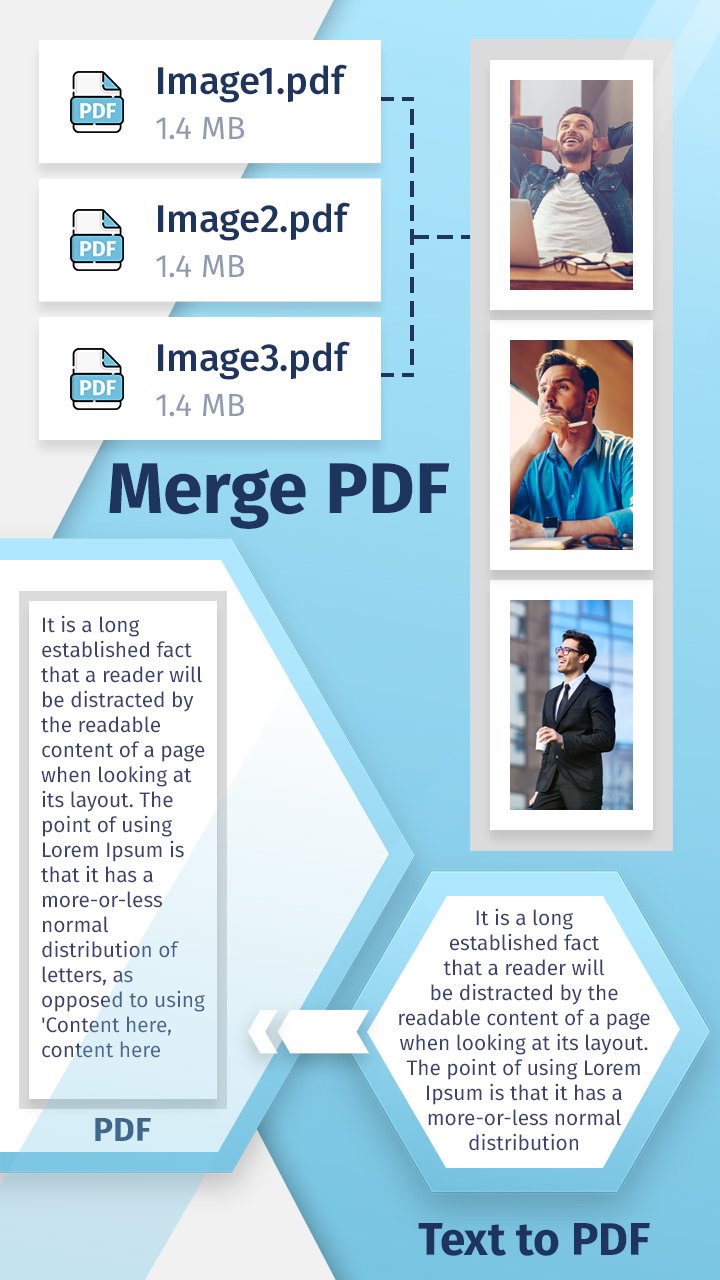
📎 Merge PDF – Combine Multiple PDF Files
Join two or more PDF files into one seamlessly
Arrange files in custom order before merging
No watermark, no page limits – merge unlimited PDFs
Fast, reliable, and secure PDF combiner
📷 Image to PDF – Convert Photo to PDF
Turn any image into a high-quality PDF file
Supports JPG, JPEG, PNG, and more
Combine multiple photos into one single PDF document
Great for receipts, documents, certificates, or scanned notes
🌐 Web to PDF Converter
Instantly convert any web page to PDF
Just enter the URL and save the content for offline use
Perfect for saving articles, reports, and online forms
📝 Text to PDF – Convert Notes & Documents
Write or import text and export as a PDF
Customize font, layout, and formatting
Convert .TXT and other text files to PDF format easily
📥 Why Choose Merge PDF - Photo to PDF?
✔ All-in-one PDF creation and management tool
✔ Combine PDFs, images, text, and websites into one file
✔ Easy to use, drag and drop support
✔ Lightweight, fast, and works offline
✔ Share PDFs directly via email or cloud services
🚀 Best Use Cases:
Create scanned PDFs using your mobile camera
Merge bills, bank statements, invoices into a single PDF
Convert class notes, assignments, or eBooks into PDFs
Save travel itineraries, tickets, or web pages offline
🔒 Privacy & Security
Your files are processed locally. Nothing is uploaded to any server. 100% safe and secure.
📲 Download Merge PDF - Photo to PDF now to organize, convert, and manage your documents on the go. Perfect for students, professionals, freelancers, and anyone needing a reliable PDF tool.
預覽
標籤
效率提升訊息
開發商
Inspire Zone
最新版本
1.4
更新時間
2025-10-27
類別
效率提升
同時可用
Google Play
更多
如何在電腦上用 GameLoop 玩 Merge PDF - Photo to PDF
1. 從官網下載GameLoop,然後運行exe文件安裝GameLoop
2. 打開GameLoop,搜索“Merge PDF - Photo to PDF”,在搜索結果中找到Merge PDF - Photo to PDF,點擊“安裝”
3. 享受在 GameLoop 上玩 Merge PDF - Photo to PDF 的樂趣
Minimum requirements
OS
Windows 8.1 64-bit or Windows 10 64-bit
GPU
GTX 1050
CPU
i3-8300
Memory
8GB RAM
Storage
1GB available space
Recommended requirements
OS
Windows 8.1 64-bit or Windows 10 64-bit
GPU
GTX 1050
CPU
i3-9320
Memory
16GB RAM
Storage
1GB available space