
Kramer VIA 電腦版
Kramer Electronics LTD.
用GameLoop模拟器在電腦上玩Kramer VIA
Kramer VIA 電腦版
來自發行商 Kramer Electronics LTD. 的 Kramer VIA 能夠在安卓系統上運行。
現在,您可以在電腦上使用 GameLoop 模擬器流暢地玩 Kramer VIA。
在 GameLoop 遊戲庫或搜索結果中下載。 不需要再暢玩遊戲時盯著電池電量或被令人懊惱的來電打斷。
只需在電腦大屏幕上免費下載暢玩Kramer VIA 電腦版!
Kramer VIA 簡介
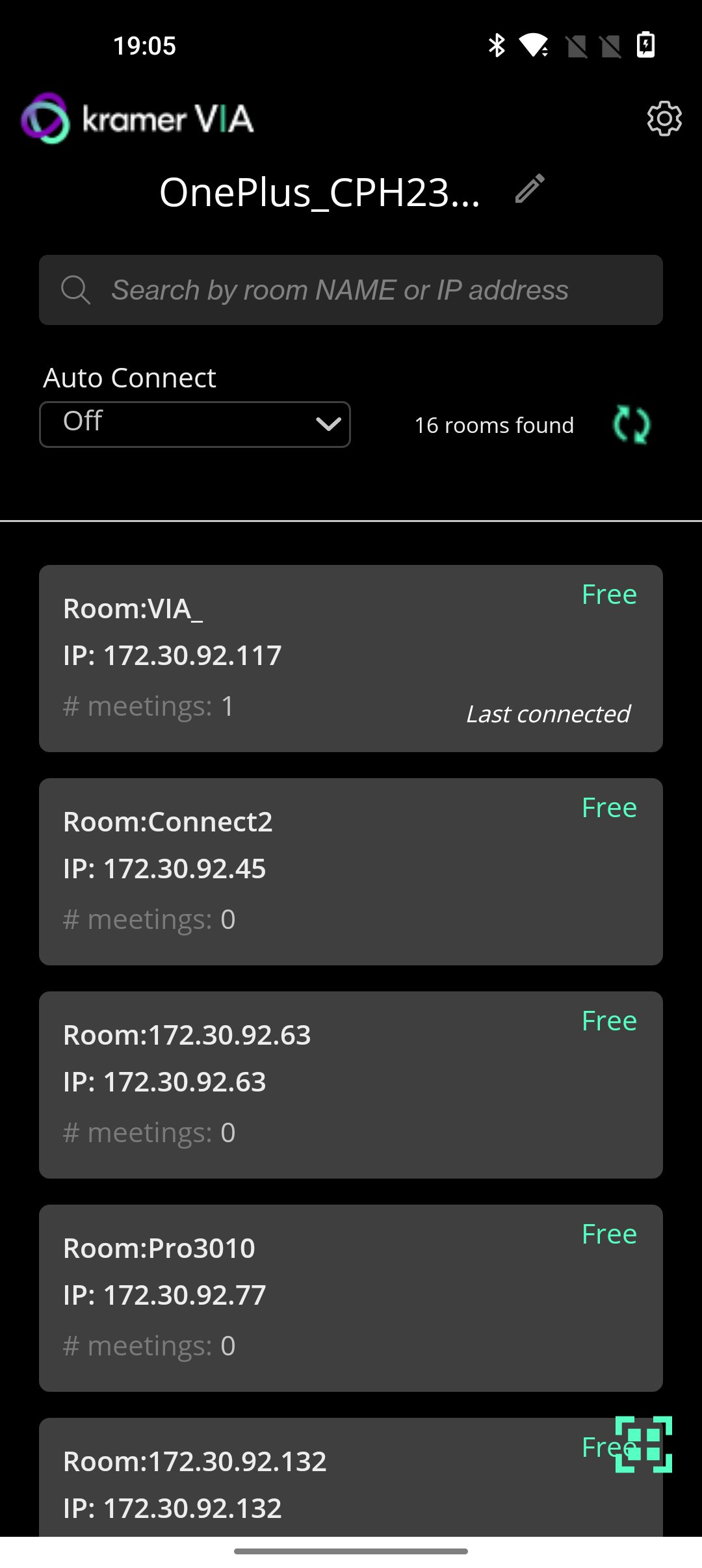
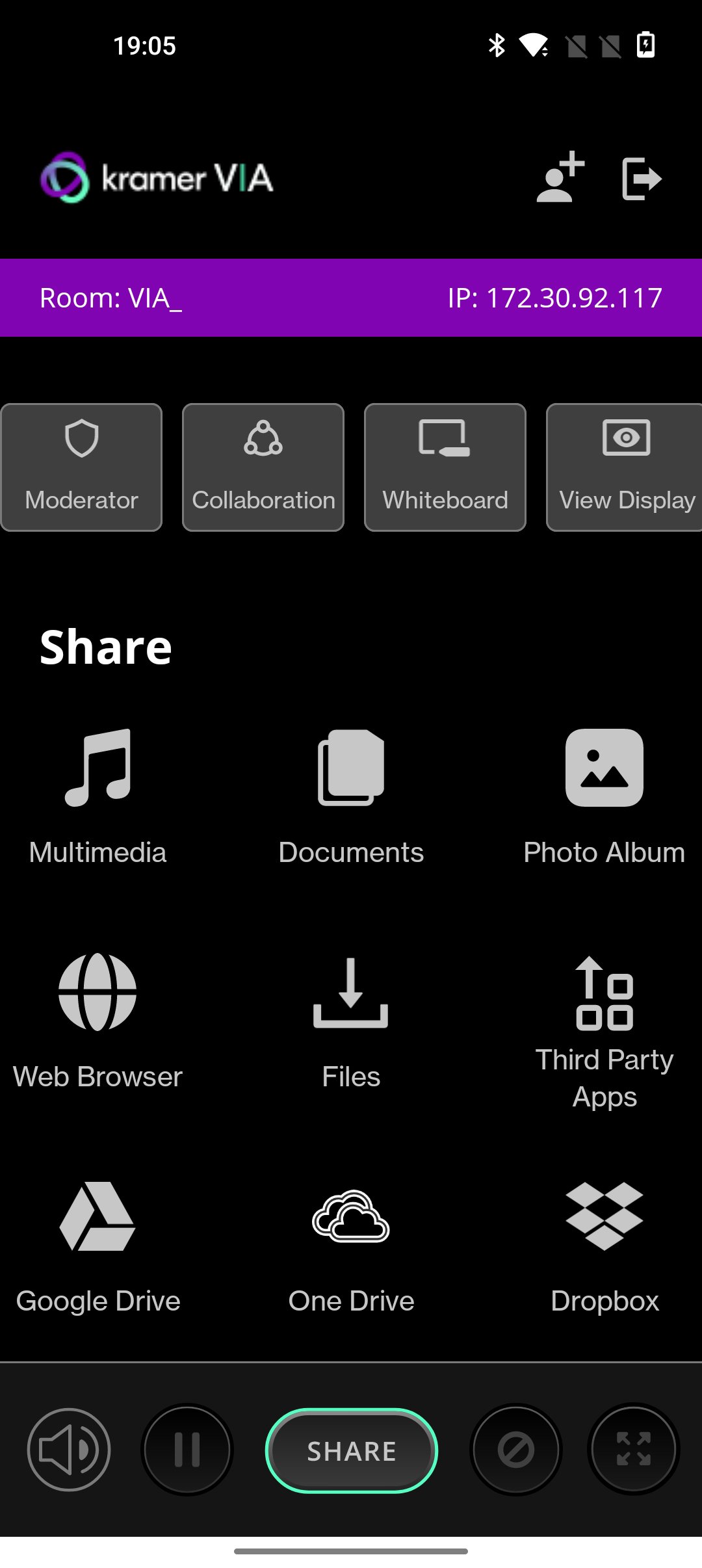
VIA turns any screen into a potential meeting point for ideas to stream freely without conventional restrictions that consume or constrict a meeting’s resources. Independent of wires and cables for total connectivity, VIA is an audio- visual integrator. The box connects to and works off an existing wireless network and links every device in a meeting space with the primary presentation screen.
KEY FEATURES
1. BYOD Wireless Collaboration
2. HD Video Streaming
3. Multi-Display Presentation
4. HDMI Input
5. Dynamic Display Layout
6. Collaboration Notes
7. Team Collaboration
8. Interactive Touch Collaboration
9. Interactive Whiteboard
WHAT's new
• New improved 4.0 UI
• Screen can be resized during presentation. Mobile presenter will acquire 30% of the screen size by default.
• Security enhancements
• Performance and Stability fixes
• Added auto connect feature based on most used OR last connected gateway.
• Invite to meeting, feature added.
• Document feature has separated from multimedia.
預覽
標籤
效率提升訊息
開發商
Kramer Electronics LTD.
最新版本
V-4.2.730
更新時間
2026-03-20
類別
效率提升
同時可用
Google Play
更多
如何在電腦上用 GameLoop 玩 Kramer VIA
1. 從官網下載GameLoop,然後運行exe文件安裝GameLoop
2. 打開GameLoop,搜索“Kramer VIA”,在搜索結果中找到Kramer VIA,點擊“安裝”
3. 享受在 GameLoop 上玩 Kramer VIA 的樂趣
Minimum requirements
OS
Windows 8.1 64-bit or Windows 10 64-bit
GPU
GTX 1050
CPU
i3-8300
Memory
8GB RAM
Storage
1GB available space
Recommended requirements
OS
Windows 8.1 64-bit or Windows 10 64-bit
GPU
GTX 1050
CPU
i3-9320
Memory
16GB RAM
Storage
1GB available space