
Pomodoro Timer for Study, Work 電腦版
nosuke
用GameLoop模拟器在電腦上玩Pomodoro Timer for Study, Work
Pomodoro Timer for Study, Work 電腦版
來自發行商 nosuke 的 Pomodoro Timer for Study, Work 能夠在安卓系統上運行。
現在,您可以在電腦上使用 GameLoop 模擬器流暢地玩 Pomodoro Timer for Study, Work。
在 GameLoop 遊戲庫或搜索結果中下載。 不需要再暢玩遊戲時盯著電池電量或被令人懊惱的來電打斷。
只需在電腦大屏幕上免費下載暢玩Pomodoro Timer for Study, Work 電腦版!
Pomodoro Timer for Study, Work 簡介
Maximize Your Focus with a Simple Pomodoro Timer - Boost Your Study, Work, and Task Efficiency for ADHD minds.
This Pomodoro timer app is a simple and minimalist tool designed to maximize your focus during work or study. It offers an easy-to-use timer with no unnecessary features or complicated settings. Use it as a timer for tasks, work, or study. Utilize the Pomodoro technique to manage your time efficiently and increase productivity.
Main Features of the Pomodoro Timer
* Simple and Easy to Use This app features an intuitive interface with no complex operations. Simply set the timer to start a countdown that helps enhance your concentration. It eliminates unnecessary functions and solely supports focused time.
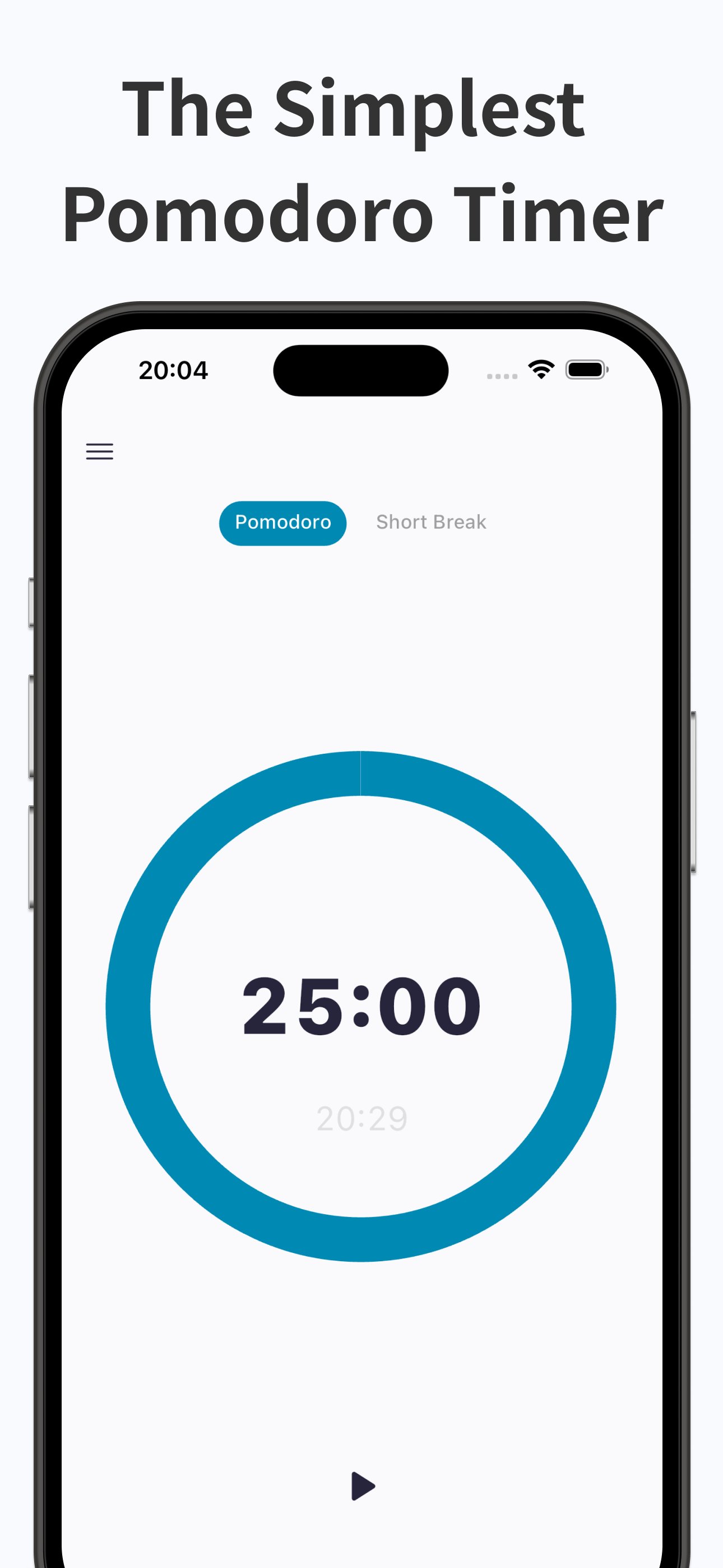
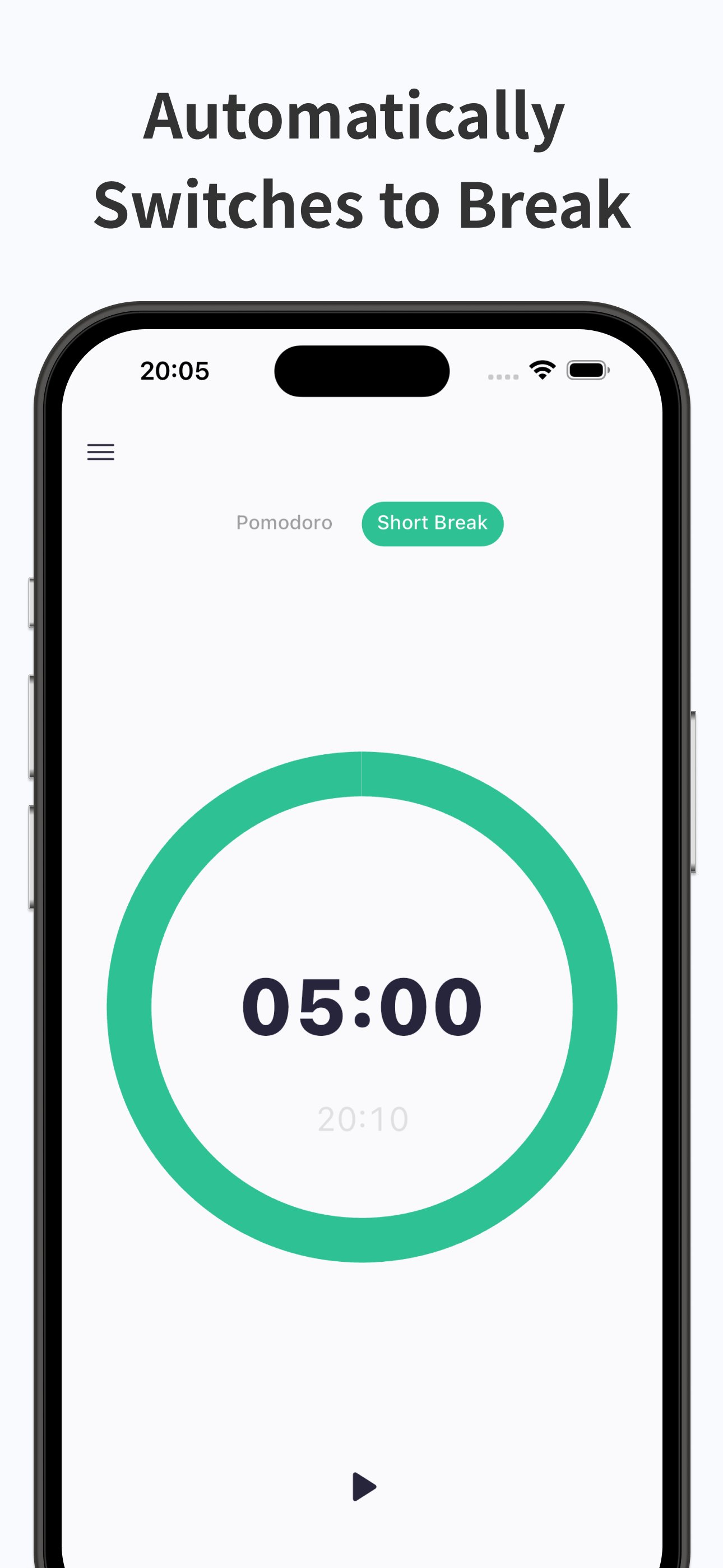
* One-Tap Start Just open the app and press the start button. With no hassle, the Pomodoro timer starts immediately, providing a 25-minute focus session. Afterward, enjoy a 5-minute short break to refresh your mind. Repeating this cycle allows for effective time management.
* Customizable Timer Settings The 25-minute work period and 5-minute break can be customized to suit your needs. Whether you require longer focus times or shorter breaks, adjust the settings to match your style.
* Reliable Push Notifications Even if the app runs in the background, the timer continues without stopping and notifies you with a push notification when time is up. This ensures smooth transitions between breaks and tasks, even when you are deeply engaged in work.
* Display of End Time for Better Planning Knowing the exact end time of the timer in advance makes it convenient to plan your next task or schedule. This allows you to use your time more efficiently.
* Minimalist Design that Doesn’t Distract The app features a simple, visually pleasing design with minimal distractions. It minimizes visual noise, allowing you to focus fully on your tasks or studies.
* Customizable Sound and Vibration You can freely change the sound at the end of the timer based on your working environment. A silent mode is also available, ensuring a quiet environment. Additionally, the vibration feature confirms the end of the timer even in situations where sound is not feasible.
* Eye-Friendly Dark Mode The app supports dark mode, making it ideal for nighttime or dark environments. It automatically adjusts to the device settings, providing a comfortable visual environment at all times.
Benefits of the Pomodoro Timer
* Enhance Focus and Work More Efficiently Using a timer based on the Pomodoro technique promotes short-term focus and includes breaks, allowing you to work efficiently over long periods. This enables you to complete more tasks in less time.
* Reduce Stress and Prevent Mental Fatigue By incorporating breaks systematically, the app helps prevent mental fatigue and reduces stress, allowing you to maintain a healthier work style and sustain high performance over extended periods.
* Improve Time Management Skills Using the Pomodoro timer helps naturally develop your time management skills. Making it a daily habit enables you to use your time more effectively.
Who is the Pomodoro Timer Best Suited For?
* For Those Who Want to Focus on Work or Study Ideal for those who want to enhance concentration with a simple timer without unnecessary features.
* For Those Who Want to Practice the Pomodoro Technique Perfect for those who want to easily adopt the Pomodoro technique, an effective time management method.
* For Those Who Want to Customize Their Time Set the timer duration to match your pace and create an optimal work rhythm.
* For Those Looking for an Eye-Friendly App If you want a design that’s easy on the eyes and doesn’t tire you even after prolonged use, this app is for you.
* For Those Who Need a Silent Timer Ideal for those who need a silent mode timer to use in libraries or quiet places.
* For Those Looking to Improve Time Management Skills Recommended for anyone who wants to hone their time management skills using the Pomodoro timer.
預覽
標籤
效率提升訊息
開發商
nosuke
最新版本
4.0.4
更新時間
2026-02-15
類別
效率提升
同時可用
Google Play
更多
如何在電腦上用 GameLoop 玩 Pomodoro Timer for Study, Work
1. 從官網下載GameLoop,然後運行exe文件安裝GameLoop
2. 打開GameLoop,搜索“Pomodoro Timer for Study, Work”,在搜索結果中找到Pomodoro Timer for Study, Work,點擊“安裝”
3. 享受在 GameLoop 上玩 Pomodoro Timer for Study, Work 的樂趣
Minimum requirements
OS
Windows 8.1 64-bit or Windows 10 64-bit
GPU
GTX 1050
CPU
i3-8300
Memory
8GB RAM
Storage
1GB available space
Recommended requirements
OS
Windows 8.1 64-bit or Windows 10 64-bit
GPU
GTX 1050
CPU
i3-9320
Memory
16GB RAM
Storage
1GB available space